
For developers, the choice of monitor isn’t just about screen size or brand—it’s a direct factor in daily efficiency, eye strain, and workflow fluidity. As resolutions like 4K (3840×2160) and 1440p (2560×1440) become standard options, many programmers face a practical dilemma: does doubling the pixel count over 1080p truly improve coding performance, or is it overkill with hidden trade-offs?
The answer isn't binary. It depends on screen size, software scaling, development environment, and individual preferences. While 4K offers more screen real estate and sharper text, 1440p strikes a balance between clarity, performance, and compatibility—especially on smaller displays. This article breaks down the tangible benefits and drawbacks of each resolution specifically for programming, helping you make an informed decision based on actual use cases rather than marketing claims.
Understanding Resolution and Pixel Density in Coding Contexts
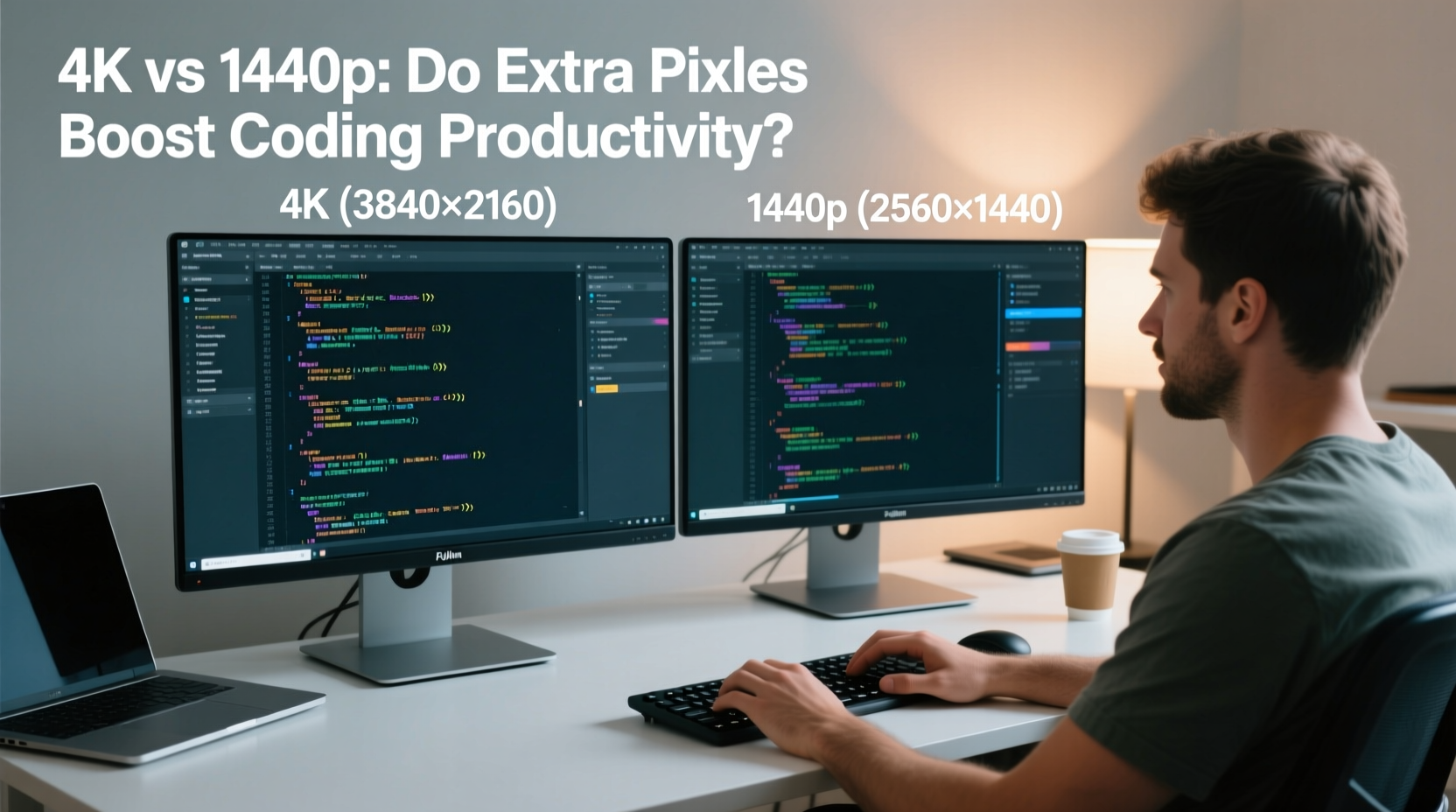
At its core, resolution determines how many pixels are packed into your display. A 4K monitor has four times as many pixels as a 1080p screen and roughly 2.7 times more than a 1440p display. But raw numbers don’t tell the full story—pixel density (measured in PPI, or pixels per inch) is what affects readability and UI sharpness.
Consider two 27-inch monitors: one at 1440p, the other at 4K. The 1440p model has a PPI of about 109, while the 4K version reaches approximately 163 PPI. That difference translates into visibly crisper text, finer details in diagrams, and smoother rendering of fonts in IDEs like Visual Studio Code or JetBrains products.
However, higher PPI introduces challenges. Without proper operating system and application scaling, UI elements can become too small to read comfortably. On Windows, macOS, or Linux, scaling settings (e.g., 125%, 150%, or 200%) compensate for this—but not all applications handle scaling gracefully. Some tools may appear blurry, misaligned, or inconsistently sized when scaled above 100%.
Screen Real Estate: How Extra Pixels Impact Multitasking
One of the most compelling arguments for 4K in programming is screen real estate. With nearly 8.3 million pixels compared to 1440p’s 3.7 million, a 4K monitor allows you to run multiple windows side by side without clutter.
Imagine having your code editor open on the left, terminal and logs on the right, documentation in a browser tab below, and a video call window tucked into a corner—all simultaneously visible. This kind of layout reduces context switching, minimizes window toggling, and keeps your train of thought intact.
Developers working with complex stacks—frontend frameworks, backend services, databases, and testing tools—benefit significantly from this spatial freedom. Data scientists and machine learning engineers often rely on Jupyter notebooks, data visualizations, and model outputs that benefit from high-resolution canvases.
That said, 1440p still provides ample room for dual-pane editing and basic multitasking. On a 27-inch panel, it delivers around 30% more horizontal and vertical space than 1080p, which many find sufficient for day-to-day coding. For developers who primarily work in a single IDE or use virtual desktops effectively, the jump to 4K may offer diminishing returns.
“High-resolution displays reduce cognitive load by minimizing the need to constantly resize, minimize, or recall off-screen information.” — Dr. Sarah Lin, Human-Computer Interaction Researcher, MIT Media Lab
Text Clarity and Developer Eye Strain
Code is read far more often than it’s written. Clear, legible text isn’t a luxury—it’s essential for maintaining focus and reducing fatigue during long coding sessions.
On a well-calibrated 4K monitor, text appears exceptionally sharp, especially with modern font rendering technologies like subpixel anti-aliasing and DirectWrite (Windows) or Quartz (macOS). This clarity makes it easier to distinguish similar characters like l, 1, I, and { vs [, which can prevent subtle bugs caused by misreading syntax.
In contrast, 1440p also delivers excellent text quality, particularly when paired with good font settings and dark themes. However, on screens larger than 27 inches, pixel density drops enough that some users report slight fuzziness or jagged edges, especially with monospaced fonts at lower zoom levels.
Eye strain is another critical consideration. While higher resolution doesn’t directly cause strain, improper brightness, contrast, or blue light exposure can. Both 4K and 1440p monitors today come with flicker-free backlights and low-blue-light modes, so the advantage here lies more in panel technology (IPS vs VA) than resolution itself.
Still, the ability to increase font size via OS scaling without losing sharpness gives 4K an edge. You can scale up UI elements to comfortable sizes while retaining fine detail—a feature particularly valuable for developers over 40 or those with mild vision impairments.
Performance and Compatibility Trade-offs
While 4K excels in visual fidelity, it comes with technical caveats. Rendering millions of extra pixels demands more from your GPU, even in non-gaming scenarios. Integrated graphics on laptops or older desktops may struggle with smooth cursor movement, window animations, or video playback in background tabs when driving a 4K display at native resolution.
Remote desktop usage, common among backend and DevOps engineers, can suffer on 4K due to bandwidth limitations. Even with compression, transmitting 4K streams requires robust network infrastructure. Many remote tools default to lower resolutions to maintain responsiveness, negating the benefit of a high-res local screen.
Additionally, not all development tools scale perfectly at high DPI. Older Java-based applications, legacy IDEs, or niche debugging tools may render blurry icons or misaligned UI components. Docker Desktop, certain database clients, and cross-platform Electron apps have historically had scaling issues on Windows 4K setups.
1440p avoids most of these pitfalls. It’s fully supported by integrated GPUs, works seamlessly with remote desktop protocols, and maintains compatibility across a broader range of software. For developers using mid-tier hardware or relying on cloud environments accessed through RDP/VNC, 1440p often provides a smoother, more consistent experience.
| Factor | 4K (3840×2160) | 1440p (2560×1440) |
|---|---|---|
| Pixel Count | ~8.3 million | ~3.7 million |
| PPI (27\") | 163 | 109 |
| Scaling Recommendation | 150–200% | 100–125% |
| Multitasking Capacity | Excellent (4+ windows) | Good (2–3 windows) |
| GPU Demand | Moderate to High | Low to Moderate |
| Software Scaling Support | Variable (some apps blurry) | Widely supported |
| Best For | Large screens (32\"), multi-app workflows, future-proofing | Balanced performance, 24–27\" screens, mixed software use |
Real-World Example: Two Developers, Two Choices
Take Alex, a frontend engineer working with React, Figma, Chrome DevTools, and VS Code. Using a 32-inch 4K monitor at 175% scaling, Alex keeps the design mockup on the left, code on the right, and DevTools below—all visible at once. This setup reduces the time spent flipping between tabs and improves precision when matching layouts to designs.
Meanwhile, Jordan, a backend API developer, uses a 27-inch 1440p monitor. Most of their work happens in Vim, terminal panes, Postman, and database GUIs. They’ve optimized their tmux and Neovim layouts to maximize visibility within a single screen. Since they rarely need more than two primary tools open, the extra pixels of 4K wouldn’t add value—and they appreciate the snappier performance on their older laptop’s integrated graphics.
This contrast illustrates that resolution preference often aligns with workflow patterns. If your day involves constant context switching across rich UIs, 4K pays dividends. If you thrive in minimalist, keyboard-driven environments, 1440p may be more than adequate.
Actionable Checklist: Choosing the Right Monitor for Your Coding Workflow
- Evaluate your screen size: 4K shines on 30+ inch displays; on 24–27\", the benefits diminish unless you scale properly.
- Assess your multitasking needs: Do you regularly use three or more apps simultaneously? If yes, 4K’s real estate helps.
- Check your hardware: Ensure your GPU supports high-resolution output without lag, especially if using integrated graphics.
- Test software compatibility: Verify that your primary IDEs, terminals, and tools render correctly at high DPI.
- Consider remote work: If you frequently use RDP, VNC, or cloud desktops, ensure your network can support 4K streaming.
- Set realistic expectations: 4K isn’t inherently “better”—it’s better suited for specific workflows.
Frequently Asked Questions
Does 4K reduce eye strain for programmers?
Indirectly, yes. Sharper text and better font rendering can make reading code easier over long periods. However, factors like ambient lighting, screen brightness, and viewing distance play a larger role. A well-set-up 1440p monitor with proper ergonomics can be just as comfortable.
Can I run two 4K monitors on a laptop?
It depends on your laptop’s GPU and port capabilities. Modern laptops with dedicated GPUs (e.g., NVIDIA RTX or AMD Radeon) and Thunderbolt 4/USB4 ports can often drive dual 4K displays at 60Hz. Older or ultraportable models may struggle with bandwidth or thermal throttling under sustained load.
Is 1440p future-proof for programming?
Absolutely. 1440p remains the sweet spot for many professionals. Software development doesn’t require the extreme resolution of video editing or 3D modeling. As long as your monitor has good color accuracy, refresh rate, and build quality, 1440p will serve you well for years.
Final Recommendation: Match Resolution to Workflow, Not Hype
The debate between 4K and 1440p for programming ultimately comes down to personal workflow, hardware constraints, and practical usability. While 4K offers undeniable advantages in screen real estate and text clarity, it’s not a universal upgrade. For developers using large monitors (30+ inches), working with complex UIs, or managing multiple applications, 4K enhances productivity meaningfully.
Conversely, 1440p delivers a balanced experience—excellent clarity, broad software compatibility, and minimal performance overhead. It’s ideal for developers on standard 27-inch screens, those using older hardware, or anyone prioritizing reliability over cutting-edge specs.
Instead of chasing pixel counts, focus on holistic workspace design: ergonomic positioning, proper lighting, effective window management, and tool customization. A well-optimized 1440p setup can outperform a poorly configured 4K station any day.




 浙公网安备
33010002000092号
浙公网安备
33010002000092号 浙B2-20120091-4
Comments
No comments yet. Why don't you start the discussion?