
Facebook has quietly evolved into one of the most accessible gaming platforms in the world. With over 2 billion active users, it offers a vast ecosystem where casual players can jump into games without downloads, subscriptions, or high-end hardware. Whether you're looking to pass time during a commute, challenge coworkers, or reconnect with old friends through shared gameplay, Facebook's gaming suite delivers instant access to entertainment. The key lies not just in knowing where to look, but how to play smarter, safer, and more enjoyably.
How to Access Facebook Games: A Step-by-Step Journey
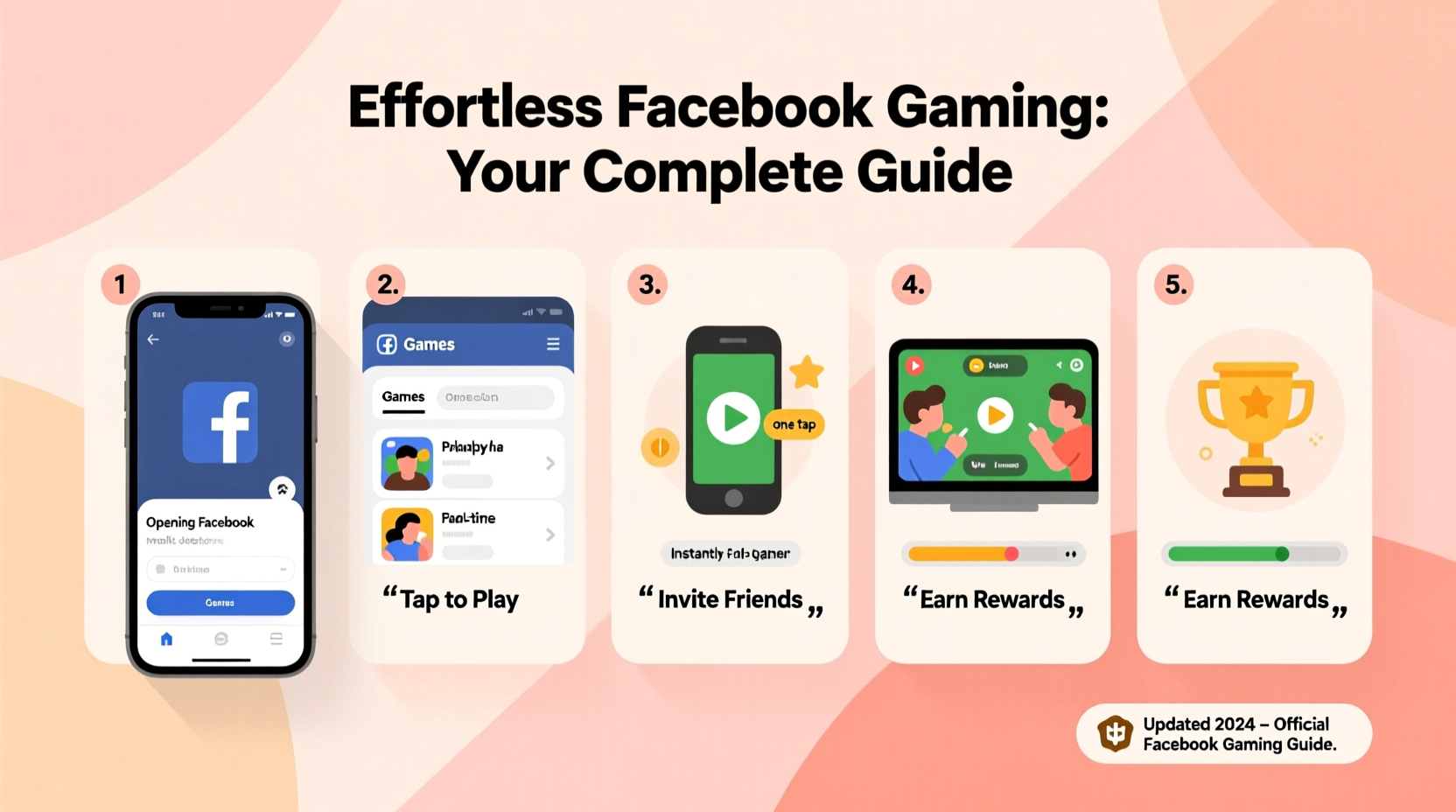
Navigating to Facebook’s game section is straightforward, whether you're using a desktop browser or the mobile app. Here’s how to begin:
- Log in to your Facebook account via facebook.com or the official app.
- Locate the “Games” shortcut. On desktop, this appears in the left-hand menu under “Explore” or as a standalone icon. On mobile, tap the menu button (three horizontal lines), scroll down, and select “Games.”
- Browse the homepage, which features trending titles, personalized recommendations, and categories like puzzle, strategy, or multiplayer.
- Select a game by clicking or tapping on its thumbnail. Most launch instantly in your browser or within the Facebook app.
- Grant basic permissions if prompted—typically limited to your public profile and friend list for social features.
Once launched, many games save progress automatically to your Facebook account, allowing seamless transitions between devices. No installation means no storage concerns, making this ideal for users with limited device space.
Top Categories and Hidden Gems Worth Trying
Facebook hosts thousands of games across diverse genres. While classics like *Candy Crush* and *Words With Friends* dominate visibility, lesser-known titles offer fresh experiences. Below is a breakdown of popular categories and standout examples:
| Category | Popular Titles | Why It Stands Out |
|---|---|---|
| Puzzle & Match-3 | Candy Crush Saga, Gardenscapes | Addictive mechanics with gradual difficulty progression; ideal for short sessions. |
| Word & Trivia | Words With Friends 2, QuizUp | Perfect for language lovers and competitive thinkers; integrates chat features. |
| Simulation & Time Management | Family Island, Township | Long-term engagement through base-building and resource planning. |
| Multiplayer Strategy | Empires & Puzzles, Mob Control | Alliance-based play and real-time battles foster community interaction. |
| Casual Arcade | Stack Jump, Piano Tiles | Quick reflex-based gameplay suited for breaks or idle moments. |
Many of these games are developed by studios such as Zynga, Peak Games, and Playrix, known for balancing monetization with fair play. Free-to-play doesn’t mean pay-to-win—most allow skilled players to advance without spending money.
Optimizing Your Gameplay Experience
Playing games on Facebook isn’t just about launching and clicking. To get the most out of each session, consider these best practices:
- Play during off-peak hours to reduce server lag in multiplayer environments.
- Enable notifications selectively—only for turns in turn-based games or alliance events.
- Use incognito mode if testing a new game to avoid affecting your main account’s data.
- Clear cache regularly if games load slowly or freeze—especially on mobile browsers.
- Link external accounts when available (e.g., Google Play or Apple ID) to safeguard progress.
“Social gaming thrives on connection. The most engaging Facebook games aren’t just fun—they create micro-communities.” — Lena Patel, UX Designer at GameLoop Studios
Real Example: Reconnecting Through Words With Friends
Sarah, a graphic designer from Portland, hadn’t spoken to her college roommate in nearly five years. After seeing a mutual friend’s post about “starting a WWF league,” she decided to send a casual challenge. What began as a single game turned into a daily ritual. They now play two rounds a day, often chatting between moves about work, family, and nostalgia. For Sarah, the game became less about winning and more about rekindling a meaningful relationship.
This scenario reflects a broader trend: Facebook games serve as digital bridges. Unlike console or PC titles that demand time and technical setup, these lightweight experiences lower the barrier to social interaction.
Security and Privacy: What You Should Know
While Facebook games are convenient, they require permissions that could pose privacy risks. In the past, some third-party developers collected excessive user data. Though Facebook tightened policies after 2018, caution remains essential.
📋 **Privacy Checklist Before Playing Any Game**- Review requested permissions—avoid apps asking for sensitive data like email content or location.
- Check the developer’s reputation—search online reviews or forums.
- Revoke access to unused games via Settings → Apps and Websites.
- Never enter payment details outside Facebook’s secure checkout system.
- Use strong passwords and two-factor authentication on your main account.
Remember, legitimate games don’t ask for your password or personal identification. If a pop-up prompts for login credentials mid-game, close it immediately—it may be phishing.
Frequently Asked Questions
Can I play Facebook games without an internet connection?
No, all Facebook games require an active internet connection since they run directly through the platform’s servers. However, some companion apps (like Candy Crush) offer offline modes once downloaded separately.
Are Facebook games free forever?
Most are free to start, but may include optional in-app purchases for boosts, lives, or cosmetics. These never block core gameplay, though progression can slow without them. Always check the app’s pricing model before diving deep.
Why did my game disappear from Facebook?
Developers occasionally retire older titles due to declining traffic or updated platform requirements. Facebook also removes apps that violate policies. If a game vanishes, check the developer’s website—they might have migrated to a standalone app.
Maximizing Fun While Minimizing Frustration
The best way to enjoy Facebook games is with intention. Set time limits to avoid mindless scrolling. Use gameplay as a reward after completing tasks, not a distraction from responsibilities. And remember: competition should enhance relationships, not strain them.
If a game feels overly aggressive in pushing purchases or spamming invites, it’s okay to walk away. Thousands of alternatives await discovery. Trust your instincts—if a game doesn’t feel fun within the first few minutes, it likely won’t improve.
Final Thoughts: Start Playing Today
Facebook gaming remains one of the most underrated digital pastimes. It combines accessibility, social connectivity, and instant gratification in a way few platforms match. From solving word puzzles with siblings across the country to building empires alongside coworkers, the experience transcends mere entertainment—it fosters connection.
You don’t need special equipment or hours of free time. Just open Facebook, explore the Games tab, and try something new. One click could lead to laughter, learning, or a long-lost friendship reignited.




 浙公网安备
33010002000092号
浙公网安备
33010002000092号 浙B2-20120091-4
Comments
No comments yet. Why don't you start the discussion?