
Visual information shapes how we understand the world. Whether you're researching design inspiration, identifying plant species, or reverse-engineering a product idea, Google Image Search offers a gateway to vast visual knowledge. Yet most users only scratch the surface of its capabilities. By mastering advanced features and strategic approaches, you can transform image search from a simple lookup tool into a precision instrument for discovery.
Leverage Advanced Search Operators for Precision
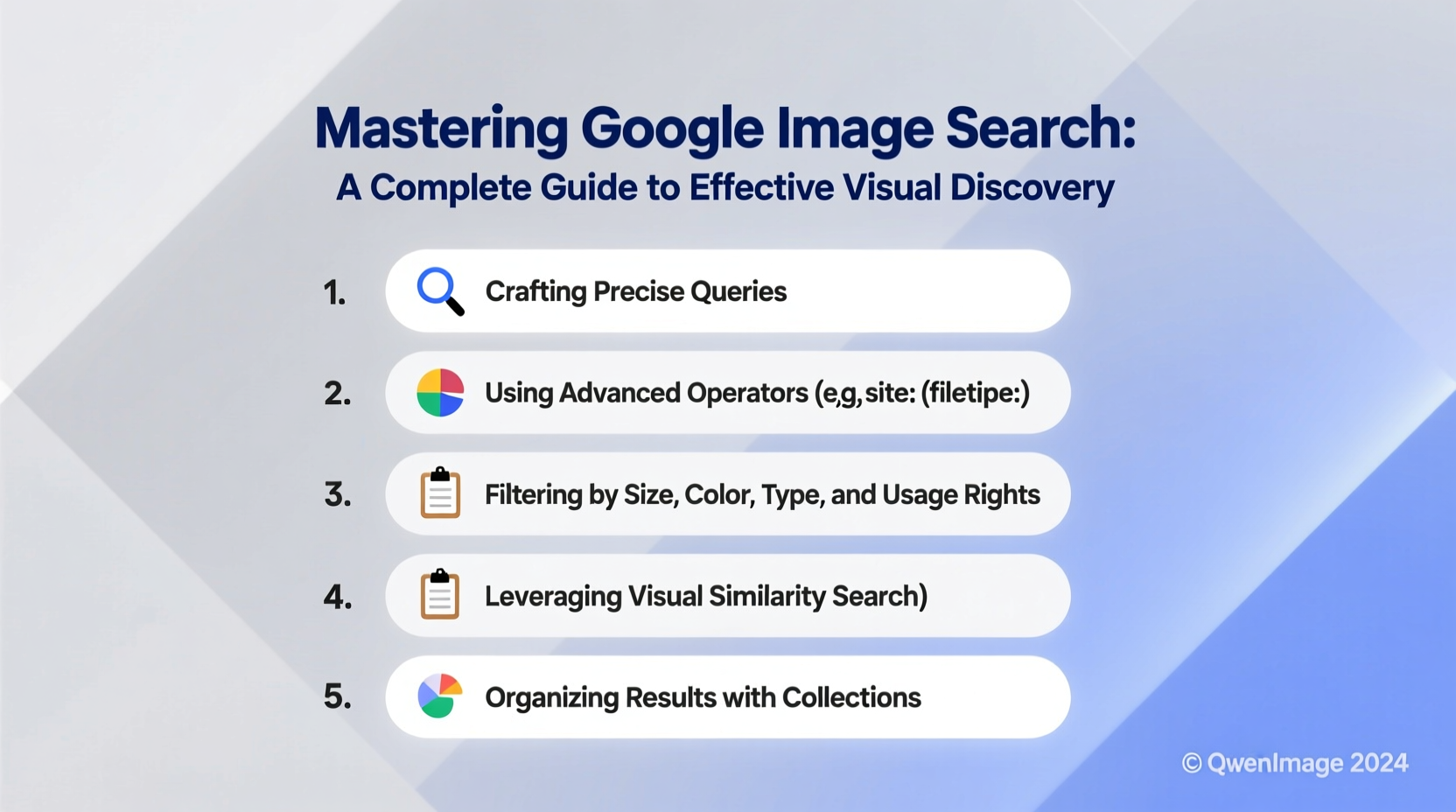
Google Image Search supports a range of operators that refine results with surgical accuracy. These text-based commands work within the search bar and are especially useful when you need specific types of images or want to exclude irrelevant content.
For example, enclosing a phrase in quotation marks ensures an exact match: \"vintage typewriter keys\" returns images specifically labeled with that full phrase. Use the minus sign (-) to filter out unwanted terms—searching oak tree -red removes results related to red oak, narrowing focus to other varieties.
\"minimalist desk setup\" -office -corporate site:pinterest.com finds clean workspace photos from Pinterest, excluding corporate environments.
You can also limit results by file type using filetype:. Looking for high-resolution PNG illustrations? Try infographic about climate change filetype:png. Similarly, site: restricts results to a single domain, ideal for sourcing visuals from trusted platforms like museums or academic institutions.
Use Reverse Image Search to Trace Origins and Find Variants
One of Google’s most powerful tools is reverse image search, allowing you to upload or paste an image URL to find where it appears online, discover higher-resolution versions, or locate similar visuals. This function is invaluable for verifying authenticity, tracking copyright usage, or exploring design variations.
To use it, go to Google Images and click the camera icon in the search bar. You can then paste an image link or upload a file from your device. Once processed, Google returns visually similar images, web pages where the image appears, and potential sources.
“Reverse image search has become essential in digital verification. It helps uncover manipulated media and trace creative origins.” — Dr. Lena Patel, Digital Forensics Researcher at Stanford University
This feature is particularly useful for designers seeking inspiration without copying. If you see a logo style you admire, reverse search it to explore alternatives and avoid unintentional duplication. Art historians use it to identify unknown paintings by matching details against museum archives.
Optimize Filter Usage for Targeted Results
Beyond keywords, Google Image Search provides dynamic filters that let you narrow results by size, color, type, and time. These are accessible beneath the main search bar after entering a query.
The “Size” filter helps when you need specific dimensions—choose “Large” or “Medium” to avoid pixelated thumbnails. For branding or UI projects, “Color” lets you find images matching a palette. Need black-and-white architectural sketches? Select grayscale. Want vibrant food photography? Filter by dominant hue.
Image type filters—such as “Photo,” “Clipart,” “Line Drawing,” or “Animated”—are underused but highly effective. A teacher creating handouts might prefer line drawings for easy printing, while a marketer may seek authentic lifestyle photos over generic clipart.
| Filter | Best Use Case | Pro Tip |
|---|---|---|
| Size: Large | High-resolution downloads | Reduces risk of blurry prints |
| Color: Transparent | Graphics with alpha channels | Ideal for logos or overlays |
| Type: Face | Finding portraits or expressions | Use for casting or character research |
| Time: Past month | Trending visuals | Stay current with seasonal designs |
Step-by-Step: How to Conduct a Deep Visual Investigation
Say you’re developing a sustainable fashion brand and need to analyze emerging trends in eco-friendly packaging. Here’s how to use Google Image Search strategically:
- Start broad: Search “eco packaging design” to get an overview of current styles.
- Apply filters: Set color to green and brown, type to photo, and size to large.
- Analyze patterns: Note common materials (kraft paper, bamboo), typography styles, and layout choices.
- Reverse search top examples: Upload standout designs to find original creators and related concepts.
- Narrow with operators: Refine with
\"compostable coffee bag\" site:behance.netto find professional portfolios. - Verify usage rights: Click “Tools” > “Usage Rights” to filter for labeled-for-reuse images if needed.
Real-World Example: Solving a Travel Mystery
Travel blogger Maya saw a stunning photo on social media—a cliffside village with blue domes and white buildings—but no location tag. Determined to visit, she saved the image and used Google’s reverse image search. Within seconds, results pointed to multiple travel blogs referencing “Santorini, Greece.” Further filtering by “travel guide” and “2023” helped her plan her trip with up-to-date visuals of trails, viewpoints, and ferry docks.
This scenario illustrates how visual discovery isn’t just about finding images—it’s about unlocking context, geography, and timing through smart search behavior.
Common Pitfalls and How to Avoid Them
Even experienced users fall into traps that reduce search effectiveness. One major mistake is relying solely on vague keywords like “nice building” or “cool car.” Specificity yields better results: “Brutalist library architecture” beats “interesting buildings.”
Another issue is ignoring metadata. Images hosted on authoritative sites (like national parks or university collections) often come with detailed captions, dates, and locations. Use site:.edu or site:.gov to tap into these rich repositories.
- Don’t assume the first result is the best—scroll past sponsored or low-quality entries.
- Avoid clicking every thumbnail; instead, hover to preview context and source URL.
- Never download images without checking ownership—reverse search can reveal if something is stock or copyrighted.
FAQ
Can I search using an image from my phone?
Yes. On Android or iOS, open the Google app, tap the camera icon in the search bar, and either take a new photo or upload one from your gallery. The process works the same as on desktop.
Why do some reverse image searches return no results?
If an image is unique, newly published, or heavily edited, Google may not find matches. Try cropping to a distinctive section (like a logo or face) or adjusting brightness before uploading.
Are filtered images labeled for reuse truly free to use?
Not always. “Labeled for reuse” means the uploader marked it as such, but Google doesn’t verify legal status. Always double-check the license on the source website—look for Creative Commons or public domain designations.
Maximize Your Visual Research Workflow
Effective visual discovery isn’t random—it’s systematic. Combine keyword precision, reverse search, filters, and domain-specific operators to build a repeatable process. Save successful searches or create browser bookmarks for recurring needs, like “hand-drawn botanical illustrations” or “mid-century modern furniture layouts.”
Over time, you’ll develop intuition for which combinations yield the richest results. Designers use this method to audit competitors, educators curate accurate visuals for lessons, and journalists verify user-submitted photos—all with the same free tool available to anyone.
“The future of search is multimodal. Those who master image-based inquiry today will lead in AI-augmented research tomorrow.” — Carlos Mendez, Head of Search Innovation at Mozilla Foundation




 浙公网安备
33010002000092号
浙公网安备
33010002000092号 浙B2-20120091-4
Comments
No comments yet. Why don't you start the discussion?