
Posting on Google isn’t just about publishing content—it’s about being seen. With billions of searches daily, Google offers unparalleled reach, but only if you know how to use its tools effectively. Whether you're promoting a business, sharing expertise, or building a personal brand, visibility depends on more than just showing up. It requires strategy, consistency, and optimization.
This guide breaks down the exact steps to post on Google in ways that maximize visibility—covering Google Business Profile, Google Posts, Google Discover, and SEO-aligned content strategies. No fluff, no guesswork—just actionable methods that work.
Understanding Where and How to Post on Google
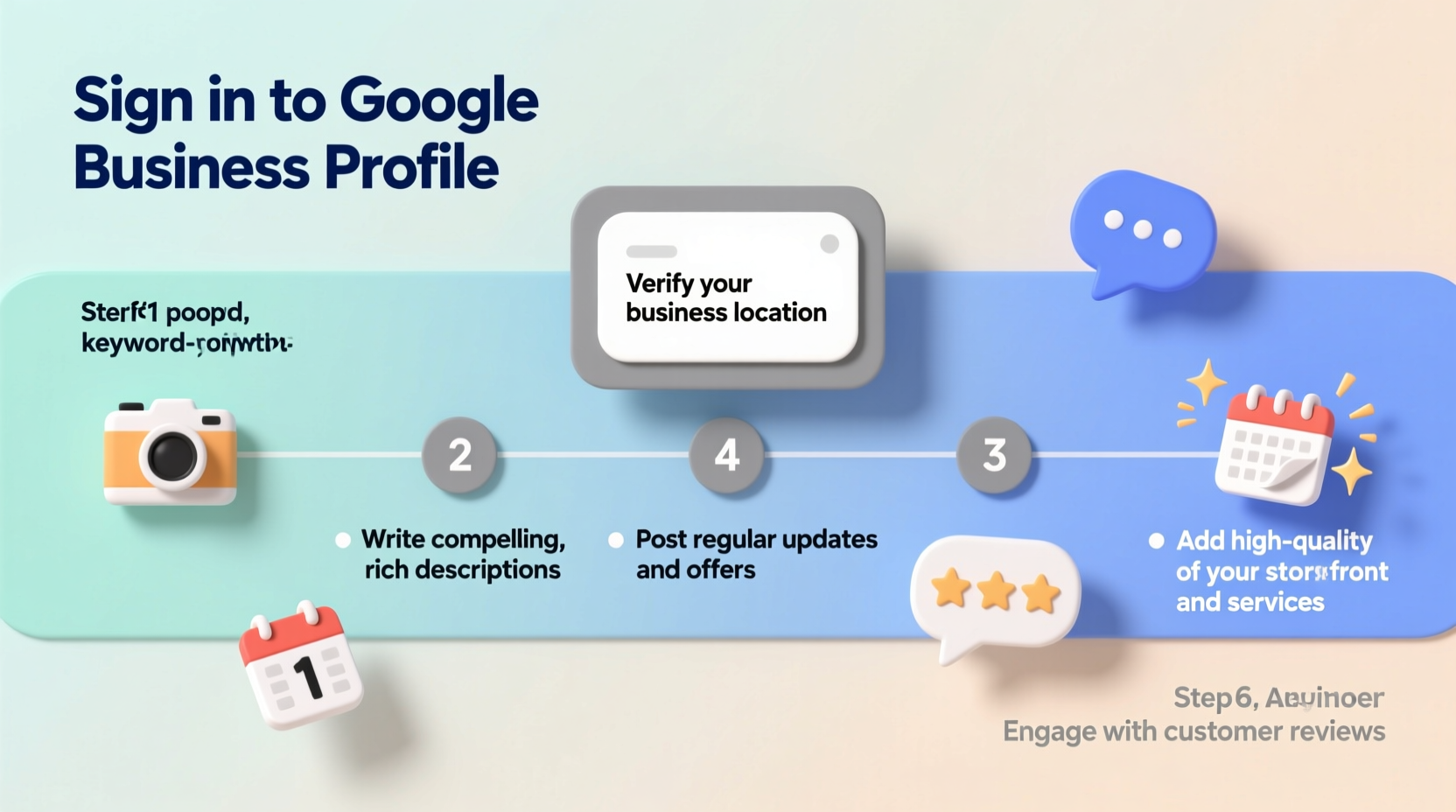
Many assume “posting on Google” means only writing blog articles or creating websites. In reality, Google offers multiple direct posting channels, each serving different purposes:
- Google Business Profile (GBP): Ideal for local businesses to post updates, offers, events, and news directly in Search and Maps.
- Google Posts: Short-form content (up to 300 characters) that appears under your GBP listing, driving clicks and engagement.
- Google Discover: A content feed where high-quality articles from indexed sites appear based on user interests.
- Google Sites & Blogger: Free platforms to create simple websites or blogs that integrate seamlessly with Google’s ecosystem.
Your visibility increases when you leverage these platforms strategically and align them with broader SEO practices.
Step-by-Step Guide to Posting on Google Business Profile
One of the most effective ways to post directly on Google is through Google Business Profile. Follow this sequence to ensure your posts gain traction:
- Claim and verify your business. Go to Google Business, sign in with your Google account, search for your business, and claim it. Verification typically comes via postcard, phone, or email.
- Complete your profile fully. Add accurate hours, photos, categories, services, and a compelling description. Profiles with complete information rank higher and allow more posting features.
- Navigate to the \"Posts\" tab. In your GBP dashboard, click “Posts” under the home menu. You’ll see options for updates, offers, events, and more.
- Create a post. Choose a type:
- What’s New: General announcements.
- Offer: Promotions with terms and redemption details.
- Event: Time-bound happenings with dates and descriptions.
- Product: Showcase specific items with pricing.
- Add engaging content. Include a clear headline (under 50 characters), detailed description (up to 300 chars), a call-to-action button (e.g., “Learn More,” “Sign Up”), and an image (1080x675 recommended).
- Publish or schedule. Posts expire after 7 days (offers can last longer). Schedule recurring posts weekly for consistent visibility.
“Businesses that post weekly on Google see up to 5x more profile views and 3x more website clicks.” — Google Small Business Insights, 2023
Optimizing Posts for Maximum Visibility
Publishing isn’t enough—optimization determines whether your post gets seen. Use these best practices to boost reach:
| Element | Best Practice | Avoid |
|---|---|---|
| Headline | Clear, action-oriented (e.g., “New Spring Menu Launched”) | Vague titles like “Check This Out” |
| Description | Include keywords naturally (e.g., “book your haircut today”) | Overstuffing keywords or using jargon |
| Image | High-resolution, branded, relevant to post topic | Low-quality, blurry, or stock photos |
| CTA Button | Match intent (e.g., “Order Now” for products) | Misleading links or broken URLs |
| Frequency | 1–3 posts per week for active presence | Daily spamming or long gaps between posts |
Extending Reach Beyond Google Posts
To truly dominate visibility, integrate your Google Posts with broader content efforts:
- Link to high-performing pages: Direct users to service pages, blogs, or booking systems—not just your homepage.
- Leverage Google Discover: While not directly postable, your blog content can appear here if it’s fast-loading, mobile-friendly, and covers trending topics. Use structured data and original visuals to increase eligibility.
- Sync with Google Analytics and Search Console: Track which posts generate clicks, calls, or direction requests. Refine future content based on performance data.
- Encourage reviews after engagement: A user who clicks your “Free Consultation” post is more likely to leave a review if prompted afterward.
Mini Case Study: Local Café Boosts Foot Traffic by 40%
A small coffee shop in Portland struggled with low foot traffic despite having a strong location. After setting up their Google Business Profile and committing to a regular posting schedule, they began sharing weekly posts:
- Tuesday: “New Cold Brew Flavor – Try It Today!”
- Thursday: “Live Music This Friday Night”
- Sunday: “Weekend Brunch Special – $5 Mimosas”
Each post included a vibrant photo, clear CTA, and link to their menu. Within six weeks, their profile visits increased by 68%, and owner-reported walk-ins rose by nearly 40%. The key? Consistency, relevance, and visual appeal—all aligned with customer habits.
Essential Checklist for High-Visibility Google Posts
Before hitting publish, run through this checklist to ensure quality and impact:
- ✅ Business profile is fully verified and updated
- ✅ Post includes a clear, keyword-rich headline
- ✅ Description is concise and action-driven (under 300 characters)
- ✅ High-quality image is attached (1080x675 pixels, JPG or PNG)
- ✅ Call-to-action button matches the goal (e.g., “Book,” “Call,” “Shop”)
- ✅ Link destination is working and relevant
- ✅ Post is scheduled during peak audience times (e.g., mornings for cafes, evenings for event venues)
- ✅ Content aligns with current promotions or seasonal themes
Frequently Asked Questions
How often should I post on Google Business Profile?
For optimal visibility, post 1–3 times per week. Too few posts reduce engagement; too many may appear spammy. Focus on quality and relevance over frequency.
Can I edit or delete a Google Post after publishing?
Yes. In your Google Business dashboard, go to the Posts section, find the published post, and select “Edit” or “Delete.” Note: Once deleted, a post cannot be recovered.
Why isn’t my Google Post showing up in search?
Posts may take a few hours to appear. If still missing, check: verification status, expiration date, geographic targeting, and content compliance. Also, Google may deprioritize low-quality or overly promotional content.
Conclusion: Take Action and Own Your Presence on Google
Visibility on Google doesn’t happen by accident. It’s built through deliberate, consistent posting and smart optimization. From claiming your profile to crafting compelling, timely updates, every step shapes how customers find and engage with you.
The tools are free, the audience is massive, and the impact is measurable. Start today: log into your Google Business Profile, create one meaningful post, and set a schedule for the next week. Small actions compound into real results—more clicks, more calls, more customers.




 浙公网安备
33010002000092号
浙公网安备
33010002000092号 浙B2-20120091-4
Comments
No comments yet. Why don't you start the discussion?