
For many, traditional in-ear or over-ear headphones come with trade-offs: discomfort during long sessions, ear fatigue, or compromised situational awareness. Non-in-ear Bluetooth headphones—such as open-ear, bone conduction, and on-ear designs—offer a compelling alternative. These models deliver audio without inserting anything into the ear canal, making them ideal for extended wear, outdoor activities, and environments where ambient awareness is crucial. But how do you choose the right model and use it effectively? This guide breaks down the essentials of selecting, optimizing, and enjoying non-in-ear Bluetooth headphones for both comfort and high-quality sound.
Understanding Non-In-Ear Headphone Types
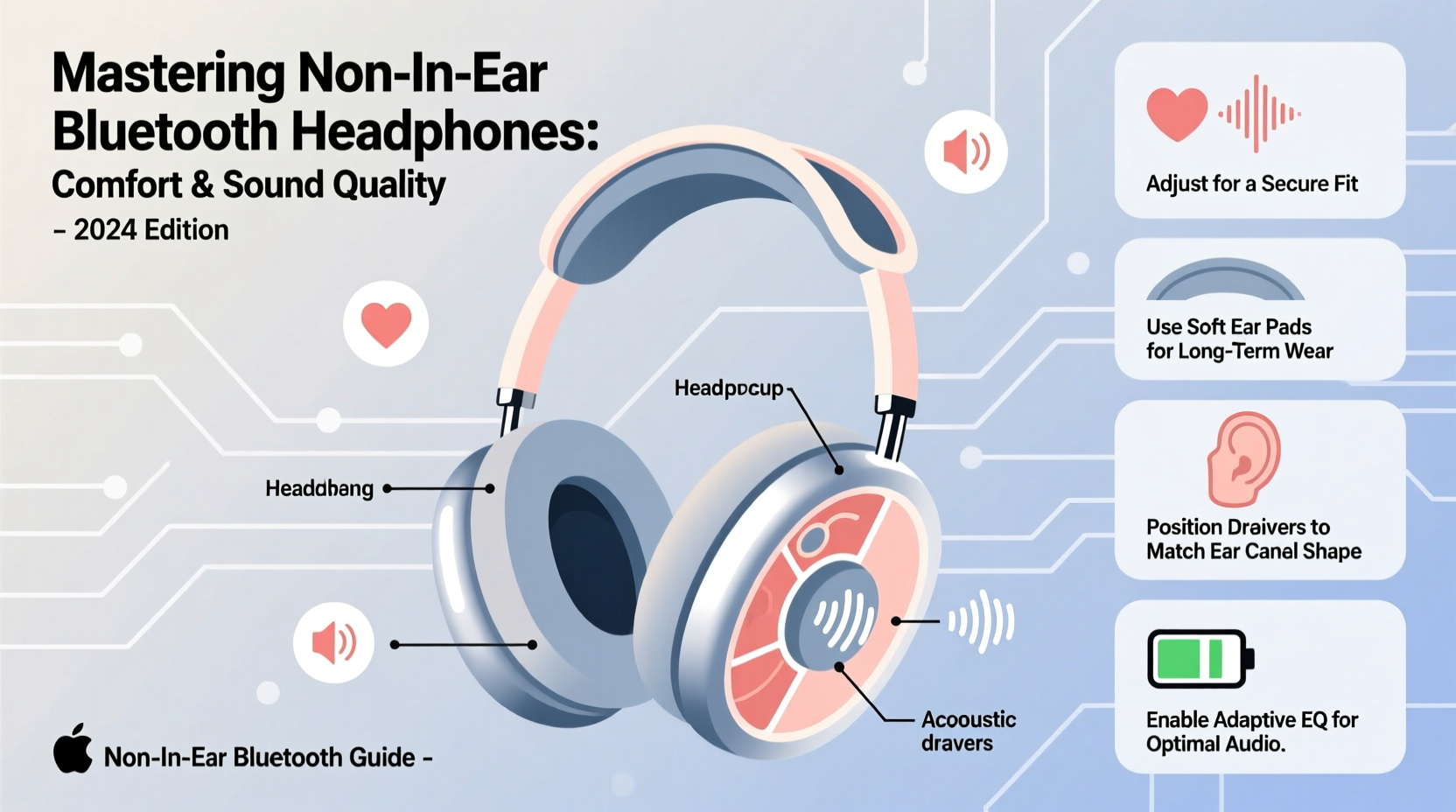
Not all non-in-ear headphones function the same way. Each type uses different technology and suits distinct use cases. Understanding the differences helps ensure you pick the best fit for your lifestyle.
- Bone Conduction: These transmit sound through the cheekbones, bypassing the eardrum entirely. Ideal for runners and cyclists who need to hear traffic and surroundings.
- Open-Ear (Air Conduction): Use tiny speakers near the ear but not inside it. They project sound directly into the ear canal while keeping it unobstructed.
- On-Ear (Supra-Aural): Rest on the ears rather than enclosing them. Lighter than over-ear models but may offer less bass response.
Each design prioritizes comfort and spatial awareness over total noise isolation, which can be a benefit—or a drawback—depending on your environment.
Maximizing Sound Quality Without In-Ear Fit
One common misconception is that non-in-ear headphones sacrifice too much audio fidelity. While they don’t provide passive noise isolation like in-ear buds, modern advancements have significantly improved their sound performance.
To get the most from your device’s audio capabilities:
- Adjust fit precisely: Bone conduction and open-ear models rely on correct positioning. Even a millimeter shift can affect bass response and clarity.
- Use EQ settings: Many companion apps allow custom equalizer adjustments. Boost mids and highs slightly to compensate for reduced low-end resonance.
- Minimize wind interference: Open designs are prone to wind noise outdoors. Consider using a wind cover or switching to a sheltered route when possible.
- Pair with high-bitrate sources: Stream from platforms supporting AAC or aptX codecs to maintain audio integrity over Bluetooth.
“With proper placement and tuning, today’s open-ear devices can deliver 80% of the listening experience of premium in-ears—without the ear strain.” — Dr. Lena Torres, Audio Ergonomics Researcher at MIT Media Lab
Comfort Optimization for All-Day Wear
The primary advantage of non-in-ear headphones is comfort during prolonged use. However, even light devices can cause discomfort if worn incorrectly or used beyond their intended limits.
| Type | Weight Range | Max Comfort Duration | Best For |
|---|---|---|---|
| Bone Conduction | 25–35g | 4–6 hours | Active use, outdoor sports |
| Open-Ear Wireless | 20–30g | 6+ hours | Office work, walking, commuting |
| On-Ear Bluetooth | 120–180g | 2–3 hours | Casual listening, short calls |
For maximum comfort, balance weight distribution and take short breaks every few hours. Models with memory foam padding or titanium frames tend to perform better in long-wear scenarios.
Step-by-Step Guide to Setting Up Your Non-In-Ear Headphones
Getting the most out of your device starts with proper setup. Follow this sequence to ensure optimal performance:
- Unbox and charge fully: Most models require 1–2 hours for a full charge. Never skip the initial charge.
- Download the companion app: Brands like Shokz, Bose, and Sony offer apps with firmware updates, EQ presets, and fit guides.
- Power on and pair: Hold the power button until the LED blinks. Enable Bluetooth on your device and select the headset from the list.
- Test fit and alignment: For bone conduction, ensure transducers sit just in front of your ears. For open-ear, adjust stems so speakers align with ear canals.
- Run a sound check: Play a track with vocal clarity and layered instruments. Adjust volume and EQ until voices are crisp and balanced.
- Verify call quality: Make a test call. Ask the other party if your voice sounds clear and free of echo or wind distortion.
- Save preferred settings: Lock in your EQ profile and enable auto-connect to trusted devices.
Real-World Example: A Commuter’s Experience
Mark, a city cyclist and remote worker, struggled with traditional earbuds during his 45-minute bike commute. He often missed auditory cues from traffic and experienced ear soreness by midday. After switching to a pair of open-ear wireless headphones, he noticed immediate improvements.
“I can hear my podcast clearly, but I also catch car horns, bike bells, and people calling out,” he said. “Plus, after back-to-back Zoom meetings, my ears don’t feel clogged or tender.”
By pairing his headphones with a noise-rejecting mic setting and using an EQ preset optimized for speech, Mark now enjoys safe, comfortable listening without sacrificing productivity.
Checklist: Choosing & Using Non-In-Ear Headphones Wisely
- ☐ Determine your primary use case (sports, office, travel)
- ☐ Prioritize lightweight, ergonomic designs under 35g
- ☐ Confirm Bluetooth version (5.0 or higher recommended)
- ☐ Check battery life (minimum 6 hours for daily use)
- ☐ Test fit stability during movement
- ☐ Use companion app for firmware and EQ customization
- ☐ Clean regularly with dry microfiber cloth
- ☐ Store in a ventilated case away from extreme temperatures
Frequently Asked Questions
Can non-in-ear headphones deliver good bass?
They typically produce less deep bass than sealed in-ear models due to lack of ear canal occlusion. However, newer models use enhanced vibration drivers and audio processing to simulate richer low-end response. Adjusting EQ settings can further improve perceived bass.
Are these headphones safe for hearing?
Yes. Because they don’t insert into the ear canal, they reduce the risk of earwax buildup and eardrum strain. Bone conduction, in particular, is often recommended for individuals with certain types of hearing loss. However, always keep volume below 80% of maximum to prevent long-term hearing damage.
Do open-ear headphones leak sound?
Slightly, especially in quiet environments. People nearby might hear faint audio if volume is high. Choose models with directional speakers and beamforming tech to minimize sound leakage.
Final Thoughts and Next Steps
Non-in-ear Bluetooth headphones represent a smart evolution in personal audio—one that values health, awareness, and comfort as much as sound quality. Whether you’re a daily commuter, fitness enthusiast, or someone who spends hours on calls, these devices offer a sustainable listening experience without compromising safety or enjoyment.
The key lies in choosing the right model for your needs and fine-tuning its use through fit, settings, and environment management. With thoughtful selection and consistent care, you can enjoy immersive audio while staying connected to the world around you.




 浙公网安备
33010002000092号
浙公网安备
33010002000092号 浙B2-20120091-4
Comments
No comments yet. Why don't you start the discussion?