
Understanding how to determine a subnet mask from an IP address is essential for network configuration, troubleshooting, and security planning. Whether you're managing a small office network or designing enterprise infrastructure, knowing how to derive the correct subnet mask ensures efficient use of IP space and accurate routing. This guide walks through the process methodically, combining theory with practical steps anyone can follow.
Understanding IP Addresses and Subnetting Basics
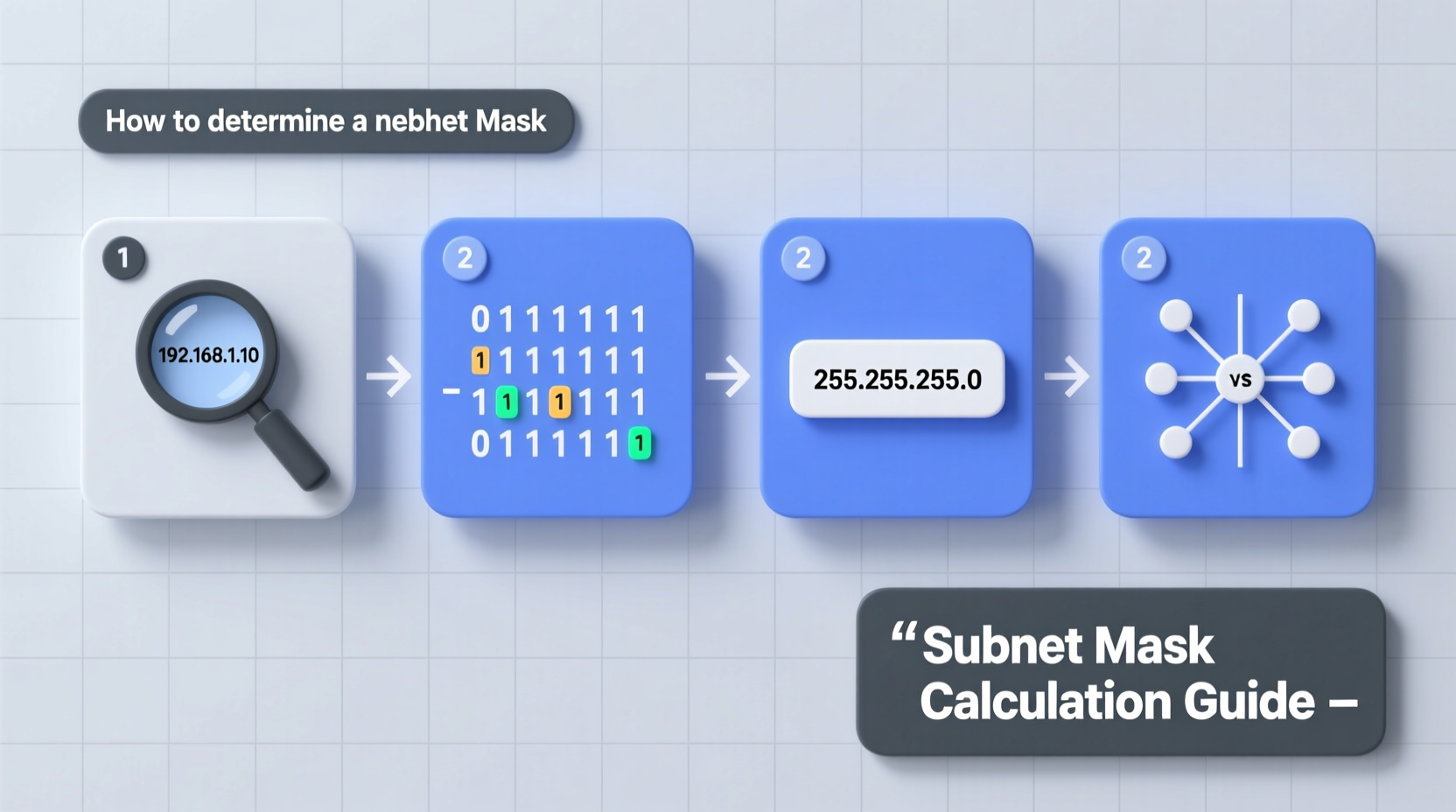
An IP address identifies a device on a network. IPv4 addresses consist of four octets (e.g., 192.168.1.10), each ranging from 0 to 255. These addresses are divided into two parts: the network portion and the host portion. The subnet mask defines where this division occurs.
The subnet mask is a 32-bit number that uses consecutive 1s followed by 0s. The 1s represent the network bits; the 0s represent the host bits. For example, a subnet mask of 255.255.255.0 means the first three octets are used for the network, and the last octet is available for hosts.
Subnet masks can be expressed in two common formats:
- Dotted decimal notation: e.g., 255.255.255.0
- CIDR notation: e.g., /24 (indicating 24 leading 1s)
“Accurate subnetting prevents IP conflicts and optimizes broadcast domains.” — Robert Nguyen, Senior Network Architect
Step-by-Step Process to Determine the Subnet Mask
Step 1: Identify the IP Address Class (if applicable)
Historically, IP addresses were grouped into classes based on their first octet:
| Class | First Octet Range | Default Subnet Mask |
|---|---|---|
| A | 1–126 | 255.0.0.0 (/8) |
| B | 128–191 | 255.255.0.0 (/16) |
| C | 192–223 | 255.255.255.0 (/24) |
This classification is less relevant today due to Classless Inter-Domain Routing (CIDR), but it helps identify default assumptions when no subnet information is given.
Step 2: Check for CIDR Notation
If the IP includes a slash followed by a number (e.g., 192.168.1.10/27), the number after the slash is the prefix length—the count of network bits. This directly gives you the subnet mask in binary: 27 ones followed by 5 zeros.
Convert this to dotted decimal:
- First 3 octets = 255 (each has 8 bits → 11111111)
- Last octet: 3 bits used for network → 11100000 = 224
- Result: 255.255.255.224
Step 3: Convert CIDR Prefix to Binary and Then Decimal
Let’s say you’re given 10.20.30.40/22. You need to find the subnet mask.
- Write out 22 ones:
11111111.11111111.11111100.00000000 - Break into octets:
- Octet 1: 11111111 = 255
- Octet 2: 11111111 = 255
- Octet 3: 11111100 = 128+64+32+16+8+4 = 252
- Octet 4: 00000000 = 0
- Final subnet mask: 255.255.252.0
Step 4: Derive Subnet Mask Without CIDR (from Contextual Clues)
Sometimes, you may only have an IP address without explicit subnet info. In such cases, look for contextual clues:
- Is it part of a known private range? (e.g., 192.168.x.x often uses /24)
- Are multiple devices listed in the same third octet? Suggests /24
- Do you know the required number of hosts? Use that to calculate needed host bits.
For example, if you need at least 50 hosts per subnet:
- Solve: 2^n - 2 ≥ 50 → n = 6 (since 2^6 = 64 – 2 = 62 usable hosts)
- Host bits = 6 → Network bits = 32 - 6 = 26
- Subnet mask = /26 = 255.255.255.192
Real Example: Office Network Configuration
A small company uses IP addresses in the range 172.16.10.0 to 172.16.10.63. You're asked to determine the subnet mask.
Analyze the range:
- Total addresses: 64 (from .0 to .63)
- Number of host bits: log₂(64) = 6 → 6 bits for hosts
- Network bits: 32 - 6 = 26
- Therefore, subnet mask is /26 → 255.255.255.192
Verification:
- Subnet increment = 2^(8-2) = 2^6 = 64 → Subnets go from .0, .64, .128, etc.
- Range .0 to .63 fits exactly in one /26 subnet.
This confirms the subnet mask is 255.255.255.192.
Common Pitfalls and Best Practices
Mistakes in subnet mask determination can lead to connectivity issues, inefficient addressing, or routing problems. Avoid these common errors:
| Do’s | Don’ts |
|---|---|
| Always validate your mask against the actual network size. | Assume the default class-based mask without confirmation. |
| Use binary conversion when unsure about partial octets. | Guess based on memory alone for uncommon prefixes like /23 or /27. |
| Test your calculation by checking subnet boundaries. | Forget to subtract 2 from total hosts (network + broadcast addresses). |
Frequently Asked Questions
Can one IP address have multiple valid subnet masks?
Yes—depending on network design. For instance, 192.168.1.1 could belong to a /24 (255.255.255.0) or a larger /23 (255.255.254.0) network. Context determines validity.
How do I find the subnet mask if only given an IP and number of subnets needed?
Calculate total bits required. For example, to create 8 subnets from a /24 network: log₂(8) = 3 → borrow 3 bits → new prefix = /27 → mask = 255.255.255.224.
Is it possible to determine the subnet mask just from a single IP with no other info?
Not definitively. A standalone IP like 10.1.1.5 doesn't reveal its subnet unless additional context (like CIDR, network size, or adjacent IPs) is provided.
Essential Checklist for Accurate Subnet Mask Determination
- Check if CIDR notation is provided (e.g., /24).
- If not, assess the IP class as a starting point.
- Determine required number of hosts or subnets.
- Calculate necessary network or host bits.
- Convert prefix length to binary, then to dotted decimal.
- Verify by calculating subnet range and broadcast address.
- Cross-check with neighboring IPs if available.
Conclusion: Master Subnetting for Reliable Networking
Determining the subnet mask from an IP address is more than a technical exercise—it's foundational to building reliable, scalable networks. By understanding binary representation, CIDR notation, and logical segmentation, you gain control over how devices communicate and resources are allocated. Whether you're setting up a home lab or managing corporate infrastructure, precision in subnetting avoids costly misconfigurations.




 浙公网安备
33010002000092号
浙公网安备
33010002000092号 浙B2-20120091-4
Comments
No comments yet. Why don't you start the discussion?