
For local businesses aiming to increase visibility in search results and attract nearby customers, maintaining an up-to-date Google My Business (GMB) profile is essential. A well-optimized profile enhances credibility, improves local SEO rankings, and directly impacts customer decisions. Yet, many businesses overlook the importance of regular updates or fail to follow best practices when making changes. This guide walks through every critical step to ensure your GMB profile remains accurate, engaging, and optimized for maximum reach.
Why Regular Updates Matter
Google prioritizes fresh, relevant information in its local search algorithm. Profiles that are frequently updated signal to Google that a business is active and reliable. In turn, this boosts visibility in both Google Search and Maps. Outdated hours, incorrect addresses, or stale photos can lead to frustrated customers and lost opportunities. According to a BrightLocal survey, 87% of consumers used Google to find a local business in 2023, and nearly half visited within 24 hours. Accuracy and timeliness aren’t just helpful—they’re competitive advantages.
“Businesses that update their Google profiles monthly see up to 35% more engagement than those who don’t.” — Sarah Lin, Local SEO Strategist at ReachLocal
Step-by-Step Process to Update Your Google My Business Profile
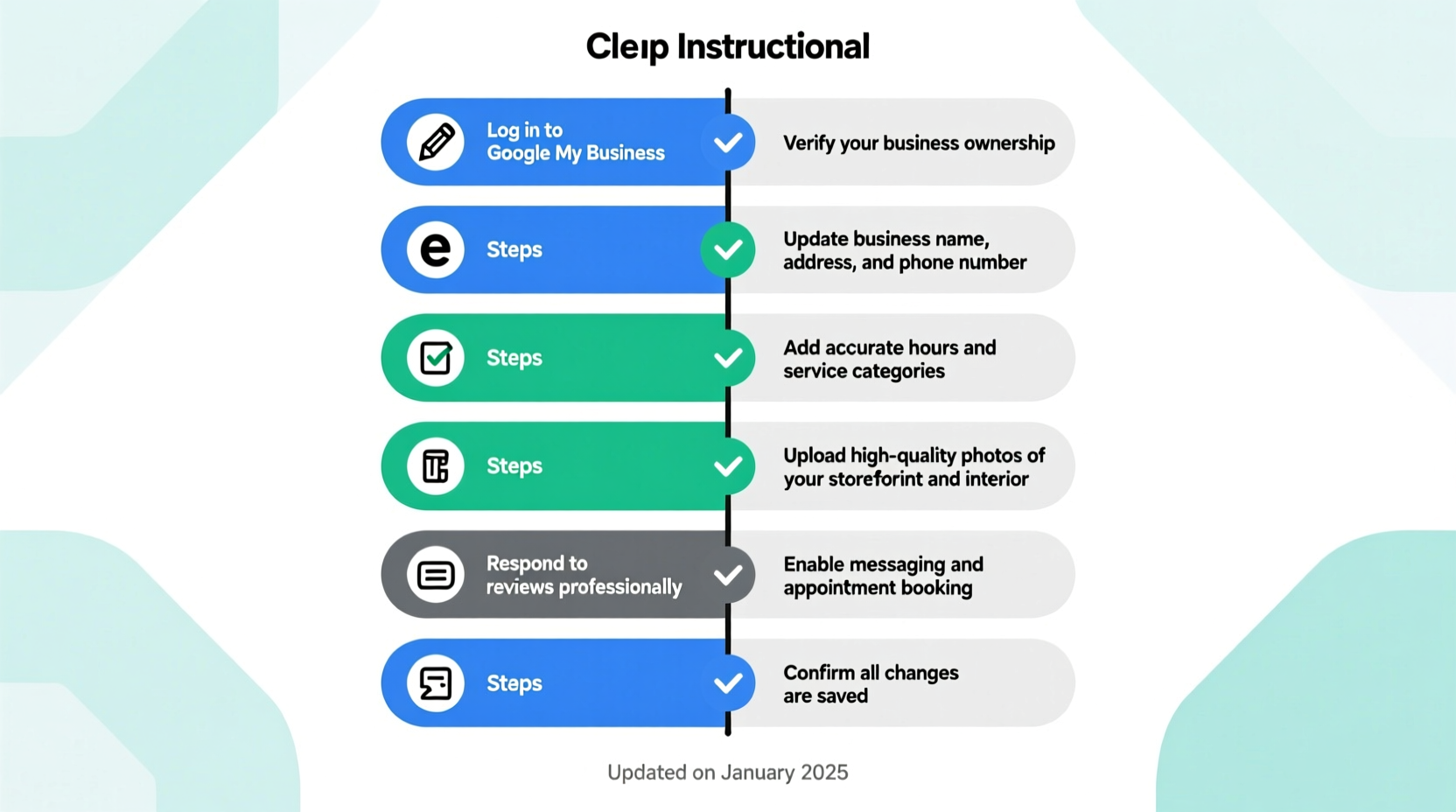
Follow this structured approach to ensure no detail is overlooked during your update process.
- Sign in to Google My Business: Go to business.google.com and log in with your business account. If you haven't claimed your listing yet, do so before proceeding.
- Select Your Location: If you manage multiple locations, choose the one you want to update from the dashboard.
- Review All Core Information: Click on each section—Info, Photos, Posts, Reviews, Messaging—to verify accuracy.
- Make Necessary Edits: Update any outdated details and add new content where appropriate.
- Verify Changes: Some edits (like address changes) may require re-verification via postcard or phone.
- Publish and Monitor: After saving, allow up to 24–48 hours for changes to reflect publicly. Use Insights to track performance post-update.
Key Sections to Update and Optimize
Each component of your GMB profile plays a role in how customers perceive and interact with your business. Here's how to optimize them:
1. Business Name, Address, and Phone Number (NAP)
Ensure your business name matches exactly what appears on legal documents and other directories. Avoid keyword stuffing (e.g., “Best Pizza Chicago”) unless it’s part of your registered name. The address must be accurate and formatted correctly. For service-area businesses, you can hide your address while specifying operational zones.
2. Business Category
Select the most specific primary category possible (e.g., “Italian Restaurant” instead of just “Restaurant”). You can add secondary categories, but only if they accurately reflect services offered. Mis-categorization can hurt visibility.
3. Hours of Operation
Update standard hours and mark exceptions for holidays or special events using the “Special Hours” feature. Missing holiday hours are one of the top reasons for negative customer experiences.
4. Attributes
Add relevant attributes such as “Women-led,” “Wheelchair accessible,” “Free Wi-Fi,” or “Outdoor seating.” These help customers filter results based on needs and improve relevance.
5. Description
Use the 750-character description to highlight what makes your business unique. Include keywords naturally, mention core offerings, and reinforce your brand voice. Avoid promotional language like “best” or “cheapest”—Google may reject these.
6. Photos and Videos
Upload high-quality images of your storefront, interior, team, products, and services. Google recommends at least one photo per category: exterior, interior, menu (for restaurants), license (for professionals), and team photos. Post new visuals monthly to show activity.
7. Products & Services
Use these sections to list key offerings with brief descriptions and prices if applicable. This helps users evaluate options without leaving the platform.
8. Posts
Create regular posts about promotions, events, new products, or seasonal offers. Each post lasts seven days, so aim for 1–2 per week to maintain visibility in the feed.
| Section | Do’s | Don’ts |
|---|---|---|
| Business Name | Use legal, consistent name | Add keywords not in official name |
| Photos | Post high-res, diverse images monthly | Use stock photos or blurry shots |
| Description | Highlight specialties and values | Use ALL CAPS or excessive emojis |
| Hours | Set special hours for holidays | Leave old temporary hours active |
Real Example: How a Café Increased Foot Traffic by 40%
A small coffee shop in Portland, Brew & Co., noticed declining walk-ins despite strong social media presence. Upon audit, they found their GMB profile had outdated holiday hours, no recent photos, and missing attributes like “Outdoor Seating” and “Serves Breakfast.”
The owner updated all information over a weekend: corrected operating hours, added spring-themed photos, enabled messaging, and posted weekly updates about latte specials. Within three weeks, profile views increased by 60%, and Google attributed a 40% rise in store visits directly to the updated listing. Customers also mentioned seeing the outdoor seating tag as a deciding factor.
Essential Checklist for Updating Your GMB Profile
- ✅ Verify login access to the correct Google account
- ✅ Confirm business name, address, and phone number (NAP) consistency
- ✅ Select accurate primary and secondary categories
- ✅ Set current regular and special hours
- ✅ Add or update business attributes
- ✅ Write or refine the business description with natural keywords
- ✅ Upload at least 5 new high-quality photos (exterior, interior, team, product)
- ✅ Publish a new post announcing a promotion or update
- ✅ Respond to recent reviews (positive and negative)
- ✅ Enable messaging if staff can respond promptly
- ✅ Submit changes and monitor verification status if required
- ✅ Track insights over the next 30 days for traffic and engagement trends
Frequently Asked Questions
How often should I update my Google My Business profile?
At minimum, review your profile quarterly. However, update immediately whenever there’s a change in hours, location, contact info, or services. Posting weekly keeps your profile active and visible.
Can I edit my business category after verification?
Yes, you can change your primary or secondary categories at any time. Choose carefully, as this affects how Google classifies your business in search. Make sure the new category aligns with your actual offerings.
Why aren’t my updates showing up right away?
Google typically takes 24–48 hours to review and publish updates. Major changes like address or ownership may require mail or phone verification and take longer. If changes don’t appear after five days, check for verification requests or contact Google Support.
Final Thoughts: Stay Active, Stay Visible
Your Google My Business profile is often the first impression potential customers have of your brand. An outdated or incomplete listing can cost you trust and traffic. By systematically updating your information, posting regularly, and engaging with customers through reviews and messages, you position your business as reliable and customer-focused.
Search behavior continues to shift toward immediacy and convenience. A café doesn’t win customers simply by existing—it wins them by appearing open, welcoming, and easy to reach when someone searches “coffee near me.” That perception starts with a meticulously maintained GMB profile.




 浙公网安备
33010002000092号
浙公网安备
33010002000092号 浙B2-20120091-4
Comments
No comments yet. Why don't you start the discussion?