
Uploading a video to YouTube is just the beginning. The real challenge—and opportunity—lies in making it public at the right time and ensuring it reaches as many viewers as possible. Whether you're a new creator or refining your strategy, visibility doesn't happen by accident. It requires planning, optimization, and consistent effort. This guide walks through every critical stage—from setting your video to public, to amplifying its reach using platform-specific tools and audience engagement techniques.
Step 1: Prepare Before Going Public
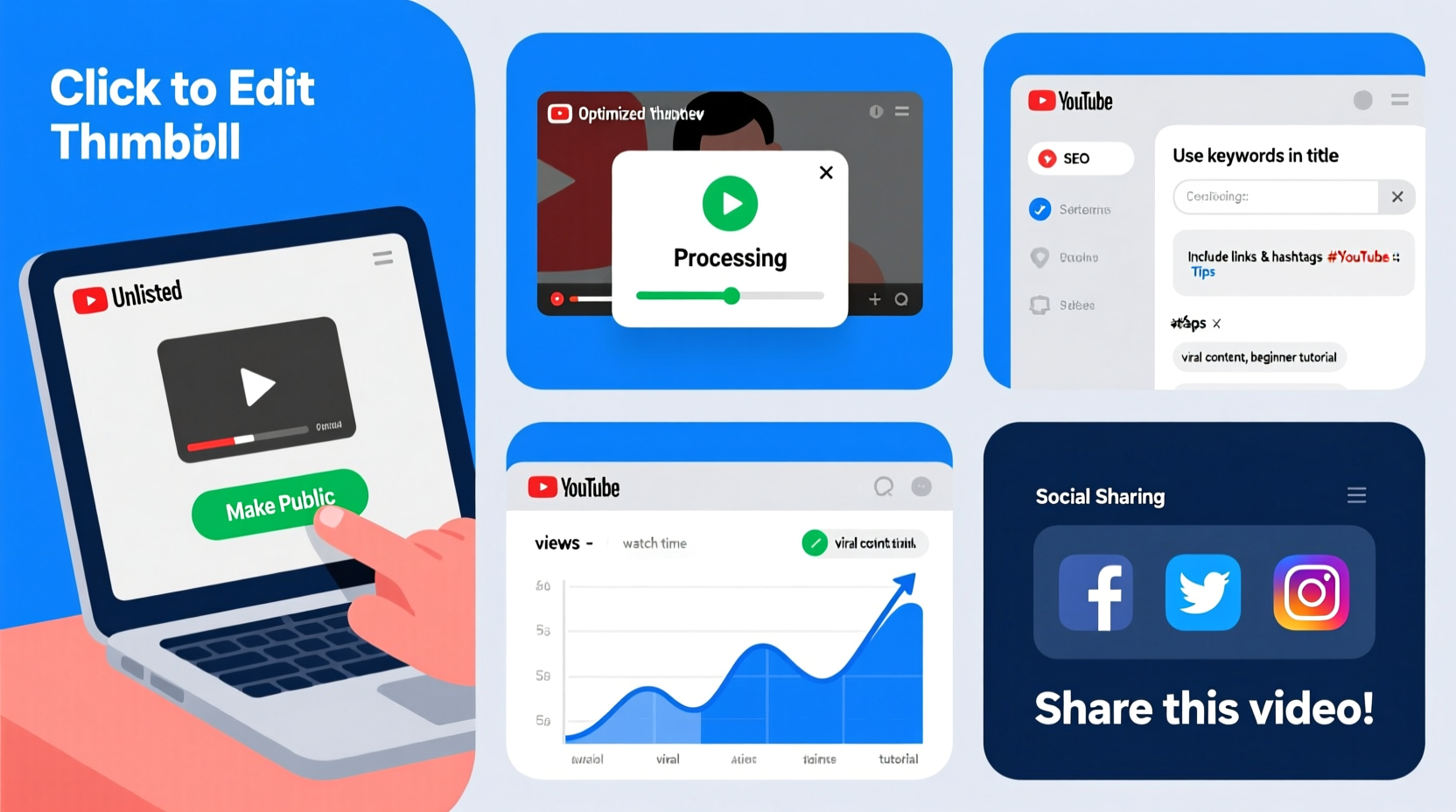
Before clicking \"Publish,\" ensure your video is fully optimized. YouTube's algorithm evaluates metadata, thumbnails, and viewer behavior from the moment a video goes live. First impressions matter. A poorly named video or weak description can limit discoverability, even if the content is excellent.
Start by reviewing these key elements:
- Title: Clear, compelling, and under 60 characters to avoid truncation in search results.
- Description: At least 200 words, including primary keywords naturally. Include links to related videos, playlists, and social profiles.
- Tags: Use a mix of broad and specific tags (e.g., “beginner yoga” and “10-minute morning yoga for back pain”).
- Thumbnail: High-contrast, readable text, expressive faces, or bold visuals that stand out in recommendations.
- Captions: Upload an SRT file or use YouTube’s auto-captioning with manual corrections for accessibility and SEO.
Step 2: Set Your Video to Public Correctly
When you upload a video, YouTube defaults to \"Private\" or \"Unlisted\" depending on your account settings. To make it publicly discoverable:
- Go to YouTube Studio > Content.
- Click on the video you want to publish.
- In the Visibility section, select Public.
- Choose whether to allow comments, ratings, and sharing.
- Set a publish date and time if scheduling.
- Click Save.
If you’re launching multiple videos, consider staggering uploads rather than flooding your audience. One strong public video per week often performs better than five low-engagement posts in a day.
Step 3: Optimize for Discovery and Retention
YouTube prioritizes videos that keep viewers watching. Two core metrics determine early success: click-through rate (CTR) and audience retention. Even with perfect settings, poor retention can bury your video in search and recommendations.
| Metric | Target Goal | How to Improve |
|---|---|---|
| Click-Through Rate (CTR) | 5%–10% | Test thumbnails and titles using A/B previews; use curiosity without clickbait. |
| Audience Retention | 50%+ average | Hook viewers in first 15 seconds; use graphics, questions, or teasers. |
| Watch Time | Increasing over time | Create longer content when valuable; link to follow-up videos. |
Use YouTube Analytics to monitor performance weekly. Focus especially on traffic sources—search, suggested videos, external sites—to refine future content.
“Videos that retain 70% of viewers in the first minute are 3x more likely to be recommended.” — Google Creator Academy, 2023 Algorithm Report
Step 4: Promote Strategically After Publishing
Going public isn’t the finish line—it’s the starting gun. Without promotion, even well-made videos can stall. Leverage both on-platform and off-platform channels to drive initial momentum.
On-Platform Tactics
- Add the video to relevant playlists (e.g., “Beginner Tutorials” or “Monthly Tips”).
- Pin a comment with a key takeaway or question to spark discussion.
- Use community posts to tease clips or behind-the-scenes footage.
- Enable end screens and cards to promote other videos during playback.
Off-Platform Promotion
- Share the link on social media with platform-specific captions (shorter for Twitter/X, longer for LinkedIn).
- Email subscribers with a personalized message and direct link.
- Embed the video in blog posts or resource pages.
- Engage in niche forums (e.g., Reddit threads, Facebook groups) by adding value before linking.
Mini Case Study: How Sarah Doubled Her Views in 3 Weeks
Sarah, a fitness coach, uploaded a 12-minute home workout video but noticed minimal traction after two days. The video was public, but her CTR was only 3.2%, and retention dropped sharply after 90 seconds.
She revised her approach:
- Replaced the thumbnail with a high-energy image of her mid-movement.
- Changed the title from “Workout Routine” to “No Equipment Full Body Burn (12 Min)”.
- Added timestamps in the description for each exercise.
- Shared the video in five active Facebook fitness groups with a personal note.
Within three weeks, views increased from 380 to over 8,000. Retention improved to 62%, and YouTube began recommending it to users searching similar routines.
Essential Checklist Before and After Publishing
Use this checklist every time you prepare to go public:
- ✅ Finalize video quality (audio clear, lighting good, no errors).
- ✅ Write a keyword-rich title (under 60 characters).
- ✅ Craft a detailed description (200+ words, links included).
- ✅ Add relevant tags (5–8 focused keywords).
- ✅ Design a custom, mobile-friendly thumbnail.
- ✅ Set visibility to “Public” or schedule release.
- ✅ Enable comments, likes, and sharing.
- ✅ Add end screens and cards for internal navigation.
- ✅ Share across 2–3 external platforms within 24 hours.
- ✅ Monitor analytics daily for the first week.
Common Mistakes That Limit Visibility
Avoid these pitfalls that prevent videos from gaining traction:
- Skipping SEO basics: No keywords in title or description means lower search ranking.
- Poor hooks: Failing to engage viewers in the first 10 seconds increases drop-off.
- Ignoring analytics: Not reviewing what works leads to repeated mistakes.
- Over-promoting: Aggressive calls-to-action early in the video reduce retention.
- One-and-done posting: Uploading once and never promoting kills momentum.
Remember, YouTube rewards consistency and relevance. A single viral video is great, but long-term growth comes from building a library of searchable, high-retention content.
Frequently Asked Questions
Can I change a video from unlisted to public later?
Yes. You can change the visibility of any uploaded video at any time via YouTube Studio. All existing links will continue to work, and the video will become searchable and recommendable once set to public.
Does going public immediately hurt my video if it gets low views?
Not inherently—but early performance impacts recommendation potential. If a video gains few views and low retention in the first 48 hours, YouTube may limit its reach. This is why preparation and initial promotion are crucial.
Should I always upload in HD?
Yes. Viewers expect high resolution, and YouTube’s algorithm favors videos with higher production quality. Upload in at least 1080p, and ensure stable framing and clear audio.
Conclusion: Turn Visibility Into Growth
Making your YouTube video public is more than a technical step—it’s the launch of a content asset that can grow for months or years. With the right setup, optimization, and outreach, a single video can attract thousands of views, build subscriber trust, and establish your authority in a niche.
Don’t treat publishing as an endpoint. Treat it as the beginning of engagement: respond to comments, analyze feedback, and use insights to improve the next video. Every public upload is a chance to refine your craft and expand your audience.




 浙公网安备
33010002000092号
浙公网安备
33010002000092号 浙B2-20120091-4
Comments
No comments yet. Why don't you start the discussion?