
Shopping online can feel overwhelming the first time, especially on a platform as vast as Amazon. With millions of products, varying sellers, and multiple delivery options, knowing where to start is half the battle. But once you understand the process, Amazon becomes one of the most convenient ways to shop—from household essentials to electronics, books, and more. This guide walks you through every stage of placing your first order, ensuring a smooth and secure experience from login to delivery.
Create Your Amazon Account
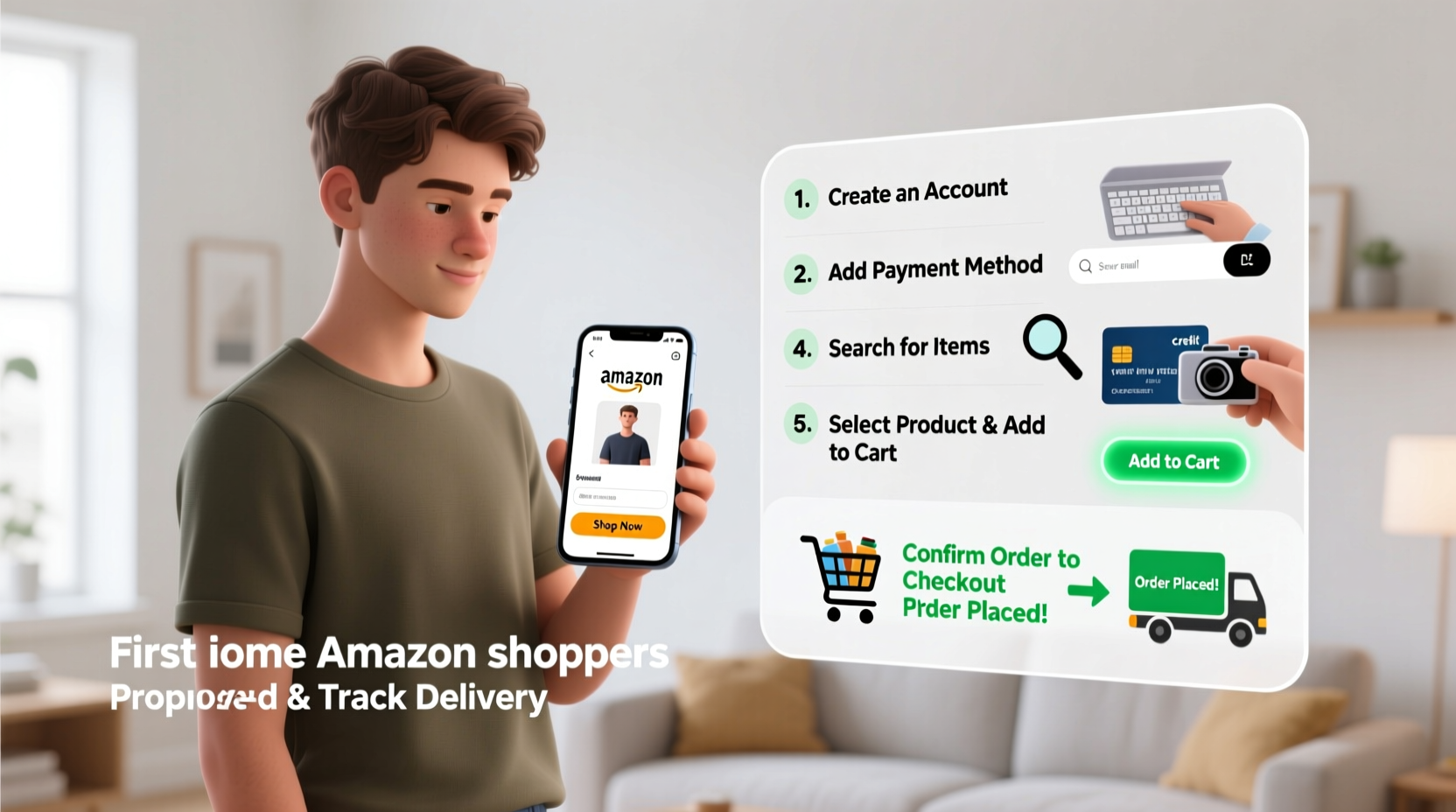
The first step to shopping on Amazon is setting up an account. You’ll need a valid email address and a strong password. Visit amazon.com (or your country-specific version like amazon.co.uk or amazon.ca) and click “Account & Lists” in the top-right corner. Select “Start here” if you’re new.
You’ll be prompted to enter your name, email, and a password. After submitting, Amazon will send a verification email. Click the link to confirm your account. Once verified, you can log in anytime using your credentials.
Navigate the Amazon Interface
After logging in, take a moment to familiarize yourself with the layout. The search bar at the top is your gateway to finding products. Below it, you’ll see categories like “Today’s Deals,” “Your Orders,” and “Help.” On the left, there’s often a menu with departments such as Electronics, Home & Kitchen, and Books.
Amazon’s homepage highlights deals, recommendations, and recently viewed items. While it may look busy, the search function is the fastest way to find what you need. Type in keywords like “wireless headphones” or “coffee maker,” then press Enter.
Understanding Search Results
Once you search, you’ll see a list of products. Each listing includes:
- Product image
- Title and brand
- Price (and any discounts)
- Customer rating (out of 5 stars)
- Prime eligibility (lightning bolt icon)
- Seller information
Filters on the left let you narrow results by price, brand, customer review, Prime availability, and more. For first-time buyers, filtering by “Amazon Prime” ensures faster, often free shipping.
“Amazon’s interface rewards patience—spending five extra minutes comparing ratings and seller credibility can save you from poor-quality items.” — David Lin, E-commerce Consumer Analyst
Selecting the Right Product
Click on a product that interests you to view its full details. This page is crucial. Here’s what to check before buying:
| Section | What to Look For |
|---|---|
| Price & Availability | Ensure the item is in stock and within your budget. Watch for additional fees like taxes or shipping. |
| Customer Reviews | Read both positive and negative reviews. Look for patterns—e.g., several complaints about durability. |
| Seller Name | Preferring “Ships from Amazon” means better return policies and support. Third-party sellers vary in reliability. |
| Shipping Info | Check delivery timelines. Prime items usually arrive in 1–2 days. |
| Returns Policy | Most Amazon-shipped items offer 30-day returns. Verify this before checkout. |
Mini Case Study: Maria’s First Order
Maria, a college student, needed a laptop stand for online classes. She searched “adjustable laptop stand” and filtered results by under $30 and 4+ stars. She compared three options, reading reviews that mentioned sturdiness and ease of assembly. One product had 4.6 stars with over 2,000 reviews—many noting it held laptops securely without wobbling. She chose that model, selected “Add to Cart,” and proceeded to checkout. Her order arrived two days later, exactly as promised.
Maria’s success came from using filters, reading reviews critically, and choosing a well-rated item from a trusted source. That simple process minimized risk and maximized satisfaction.
Checkout Process: From Cart to Confirmation
Once you’ve selected your item, click “Add to Cart.” You can continue shopping or go to checkout. At checkout, Amazon guides you through four key steps:
- Delivery Address: Enter or select your shipping address. Be precise—misspelled streets cause delays.
- Payment Method: Add a credit/debit card or use Amazon Pay, gift cards, or other options. All payment data is encrypted.
- Review Items: Double-check quantity, color, size, and price. Remove anything unnecessary.
- Place Your Order: Click the final button. You’ll see an order confirmation page and receive an email shortly after.
If you have Amazon Prime, ensure the “Prime” filter was used so you benefit from fast, free shipping. Non-Prime orders may qualify for free shipping on purchases over a certain amount (e.g., $25).
Do’s and Don’ts at Checkout
| Do’s | Don’ts |
|---|---|
| Verify the total cost including tax | Don’t rush through the address entry |
| Use a secure network (not public Wi-Fi) | Don’t save payment details if sharing devices |
| Check estimated delivery date | Don’t ignore seller ratings below 4 stars |
After You Order: Tracking and Receiving Your Package
After placing your order, go to “Your Orders” in the “Account & Lists” dropdown. Here, you can track real-time updates—like “Shipped,” “Out for Delivery,” or “Delivered.” Most packages include tracking links and delivery windows.
If no one is home, delivery drivers may leave the package in a safe place (e.g., porch, behind a bush) or require a signature. You can manage delivery preferences under “Manage Address” or opt into Amazon Day Delivery to consolidate shipments on a specific day.
If something arrives damaged or isn’t what you ordered, Amazon makes returns easy. Navigate to “Your Orders,” select the item, choose “Return or Replace Item,” and follow the prompts. In most cases, you’ll get a prepaid label to print and attach to the box.
Frequently Asked Questions
Can I cancel my order after placing it?
Yes, but only if it hasn’t shipped yet. Go to “Your Orders,” find the item, and click “Cancel Items.” If already shipped, you’ll need to wait for delivery and then return it.
Is it safe to use my credit card on Amazon?
Absolutely. Amazon uses advanced encryption and fraud detection systems. For added safety, avoid saving card details on shared devices and enable two-factor authentication in your account settings.
What does Prime membership offer?
Amazon Prime includes free two-day (sometimes same-day) shipping, access to Prime Video, music, and exclusive deals. A 30-day free trial is available for new users, after which it costs a monthly or annual fee.
Your First Amazon Order Checklist
- ✅ Create an account with a valid email and strong password
- ✅ Verify your email address via confirmation link
- ✅ Use the search bar to find your desired product
- ✅ Filter results by price, rating, and Prime eligibility
- ✅ Read customer reviews and check seller reputation
- ✅ Add item to cart and proceed to checkout
- ✅ Enter correct shipping address and payment method
- ✅ Review order summary before clicking “Place your order”
- ✅ Check email for confirmation and tracking number
- ✅ Monitor delivery status and prepare for arrival
Final Thoughts
Ordering on Amazon for the first time doesn’t have to be intimidating. With a clear understanding of how to navigate the site, evaluate products, and complete secure transactions, you’re equipped to make smart, confident purchases. Millions of people rely on Amazon for convenience and variety—now you can too. Start small with a low-cost, highly rated item to build trust in the system. As you gain experience, you’ll discover tools like wish lists, subscriptions, and personalized deals that make shopping even easier.




 浙公网安备
33010002000092号
浙公网安备
33010002000092号 浙B2-20120091-4
Comments
No comments yet. Why don't you start the discussion?