
Whether you're managing household expenses or running a small business, having access to reliable, professionally printed checks is essential. U.S. Bank offers a secure and streamlined process for ordering both personal and business checks directly through their platform. With multiple design options, fraud protection features, and fast delivery, ordering checks through U.S. Bank ensures your financial documents meet banking standards while reflecting your personal or brand identity.
This comprehensive guide walks you through every stage of the check-ordering process—from logging in to receiving your new checks—while offering practical advice, real-world examples, and expert insights to help you make informed decisions.
Why Order Checks Through U.S. Bank?
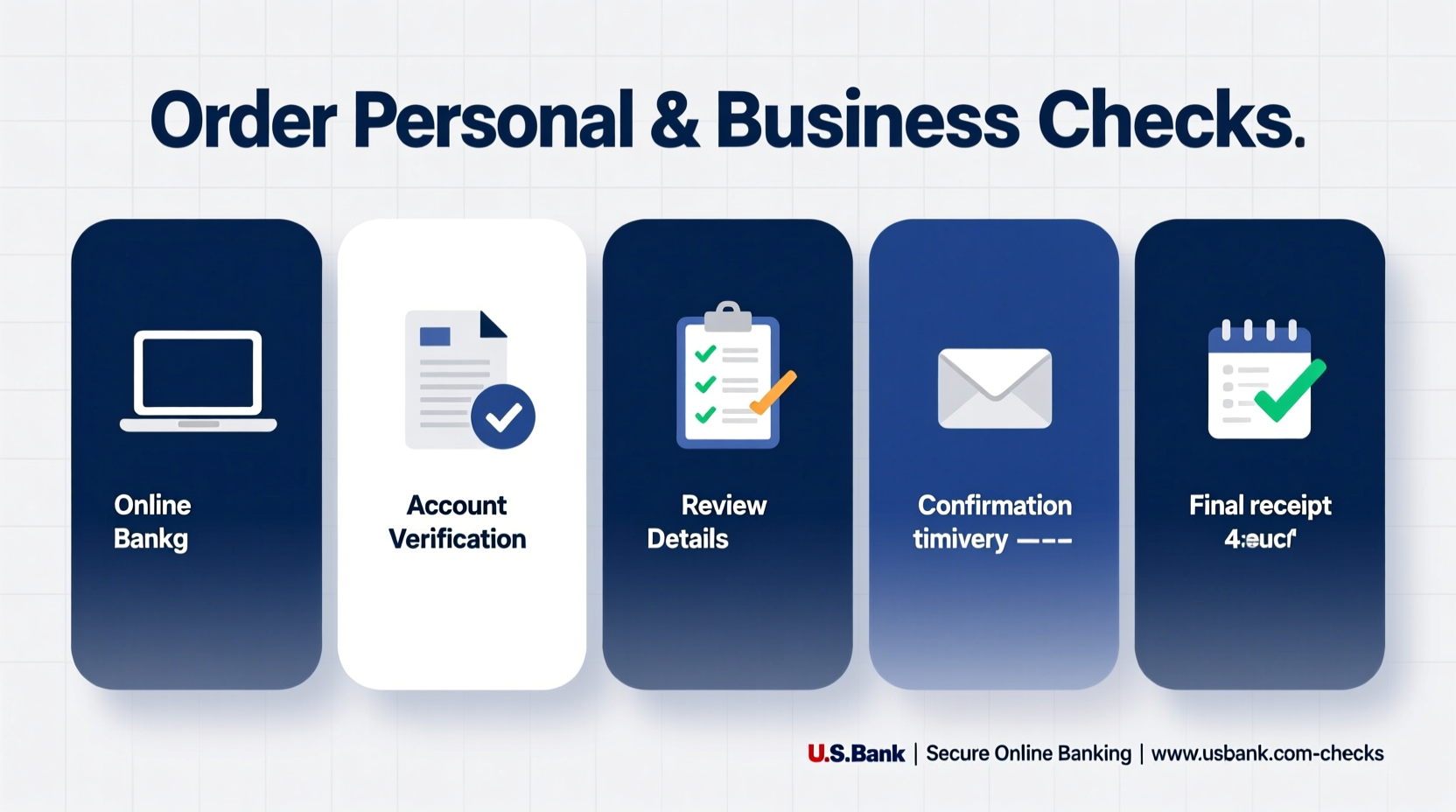
While third-party vendors offer check printing services, ordering directly through U.S. Bank provides several advantages:
- Bank-level security: U.S. Bank integrates advanced fraud detection and MICR (Magnetic Ink Character Recognition) technology into every check, reducing the risk of forgery.
- Account integration: Your routing and account numbers are automatically populated, minimizing errors.
- Exclusive designs: Choose from a curated selection of templates that align with U.S. Bank’s branding and compliance standards.
- Faster processing: Orders placed through your online banking portal are prioritized and typically ship within 3–5 business days.
“Ordering checks through your bank reduces compatibility issues with ATMs and deposit scanners.” — Linda Reyes, Banking Operations Consultant
Step-by-Step Guide to Ordering Personal Checks
Step 1: Log In to Your U.S. Bank Account
Navigate to www.usbank.com and sign in using your username and password. Ensure you’re accessing your personal checking account where the checks will be linked.
Step 2: Access the Check Ordering Portal
From the dashboard, go to the “Accounts” section, select your checking account, and click on “Order Checks” or look under “Account Services.” This redirects you to Harland Clarke, U.S. Bank’s official check provider.
Step 3: Choose Your Check Style
Select from various formats: top-checks, bottom-checks, or wallet checks. Then browse design themes such as nature, abstract art, or minimalist layouts. You can also upload custom images if available in the premium tier.
Step 4: Enter Personal Information
Confirm your name, address, and phone number. These details appear on the checks. Double-check spelling and formatting, especially if you use initials or suffixes like Jr. or III.
Step 5: Review and Confirm
Preview your check layout. Verify the routing number, account number, and check number sequence. Once satisfied, proceed to checkout.
Step 6: Complete Purchase
Payment is typically made via credit card. Standard packs start around $25 for 100 checks, with discounts for larger quantities. After payment, you’ll receive an order confirmation email with tracking information.
How to Order Business Checks from U.S. Bank
Business check ordering follows a similar path but includes additional verification and customization steps to reflect your company’s professionalism.
Step 1: Sign In Using Business Online Banking
Use your business credentials to log in. Make sure you have administrative access to initiate orders.
Step 2: Navigate to Business Check Ordering
Under “Services,” find “Order Business Checks.” You may need to verify your business identity using two-factor authentication.
Step 3: Select Check Type
Choose between:
- Voucher checks: Include stubs for detailed payee records.
- Single or duplicate sets: For general disbursements or internal tracking.
- Payroll checks: Preformatted for salary distribution with tax withholding fields.
Step 4: Customize Business Details
Enter your legal business name exactly as registered. Add your business address, federal tax ID (EIN), and contact information. Some designs allow logo uploads in high-resolution PNG or PDF format.
Step 5: Approve and Pay
Business orders often require dual authorization depending on account settings. Once approved, complete the transaction. Delivery usually takes 7–10 business days due to enhanced verification.
“Always match your check stock with your accounting software format—especially for voucher-style payroll checks.” — Marcus Tran, Small Business Financial Advisor
Checklist: Before You Place Your Order
To avoid delays or errors, follow this pre-order checklist:
- Verify your current check number to maintain proper sequencing.
- Update outdated personal or business addresses in your profile.
- Decide whether you want duplicate or triplicate checks for documentation.
- Review all text and design elements in the preview mode.
- Ensure your printer settings (if uploading logos) meet 300 DPI resolution requirements.
- Confirm shipping address—P.O. boxes are not accepted for first-time deliveries.
Common Mistakes to Avoid When Ordering Checks
| Mistake | Consequence | Prevention |
|---|---|---|
| Incorrect account number display | Deposits rejected by mobile apps | Double-check MICR line during preview |
| Using nicknames instead of legal names | Check may be flagged as suspicious | Match name exactly to bank records |
| Skipping proofreading | Spelling errors on business checks look unprofessional | Print a test PDF or request sample |
| Not updating after relocation | Mail sent to old address causes delays | Update address in U.S. Bank profile before ordering |
Real Example: How Sarah Streamlined Her Freelance Finances
Sarah Kim, a freelance graphic designer based in Portland, used personal checks for client invoicing early in her career. As her business grew, clients began questioning the informality of her payment method. She decided to switch to business checks through U.S. Bank to enhance credibility.
After logging into her U.S. Bank Business Advantage account, she selected a clean, modern design and uploaded her company logo. She opted for duplicate voucher checks to keep one copy for her QuickBooks records. Within nine days, her new checks arrived, and she immediately noticed improved client confidence during transactions. “It felt like my business finally looked official,” she said.
Frequently Asked Questions
Can I reorder the same checks I had before?
Yes. If you’ve ordered through U.S. Bank previously, the system saves your design and information. You can choose “Reorder” to replicate your last set without re-entering data.
What should I do if my checks are lost or stolen?
Contact U.S. Bank immediately to stop payment on unreleased checks and request replacements. You can report theft via customer service at 1-800-USBANKS or through secure messaging in online banking.
Are there digital alternatives to physical checks?
U.S. Bank offers electronic payments and bill pay services that reduce the need for paper checks. However, physical checks remain necessary for certain transactions like security deposits or vendor payments without ACH support.
Conclusion: Take Control of Your Financial Tools
Ordering personal or business checks from U.S. Bank is more than a routine task—it's an opportunity to reinforce your financial professionalism and security. By following these clear steps, avoiding common pitfalls, and leveraging U.S. Bank’s trusted partnership with Harland Clarke, you ensure that every check you write reflects accuracy, legitimacy, and care.
Whether you're a homeowner paying utility bills or a small business owner managing payroll, now is the time to upgrade your check stock with confidence. Log in to your U.S. Bank account today, explore your design options, and place your order with peace of mind knowing your financial tools meet the highest industry standards.




 浙公网安备
33010002000092号
浙公网安备
33010002000092号 浙B2-20120091-4
Comments
No comments yet. Why don't you start the discussion?