
Renaming a column in a database table is a common task during schema evolution, data migration, or when improving readability. While the concept is simple, the implementation varies significantly across database systems. Whether you're working with MySQL, PostgreSQL, SQL Server, Oracle, or SQLite, each has its own syntax and constraints. Understanding how to safely and effectively rename columns ensures data integrity and prevents downtime in production environments.
This guide walks through the process of renaming columns in SQL with precision, covering syntax variations, prerequisites, potential pitfalls, and best practices applicable to any major relational database.
Understanding the RENAME COLUMN Command
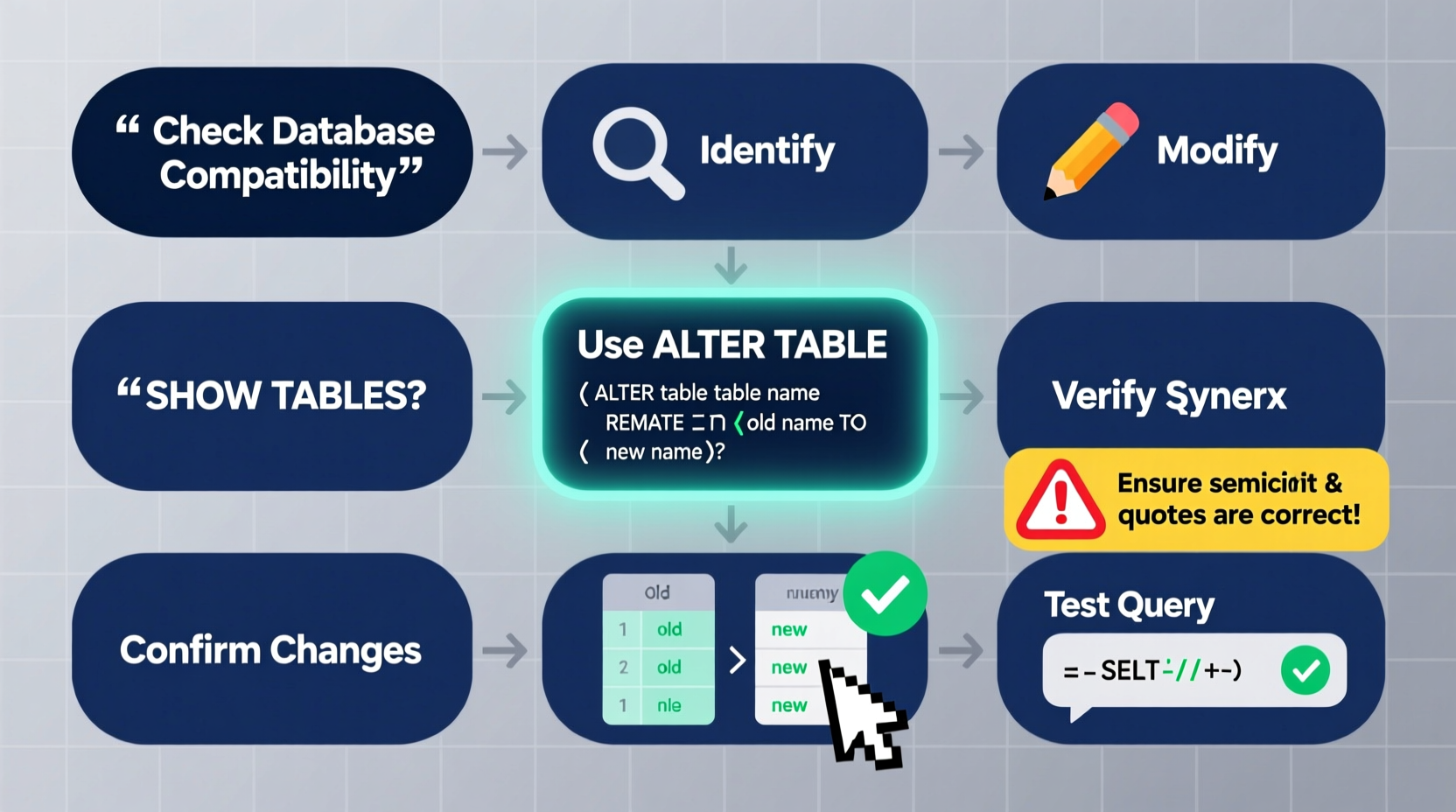
The standard SQL command for renaming a column is RENAME COLUMN. However, not all databases support this syntax natively. The ISO SQL standard includes ALTER TABLE ... RENAME COLUMN, but many vendors have implemented their own variations or require workarounds.
Before executing any rename operation, it's essential to understand that:
- Renaming a column does not change the data—it only changes the metadata.
- Dependencies such as views, stored procedures, triggers, and application code may break if they reference the old column name.
- Some databases do not allow direct renaming and instead require creating a new column, copying data, and dropping the old one.
Step-by-Step Guide to Renaming Columns
Follow these steps to safely rename a column regardless of your database system.
- Identify the current column name and target name – Ensure both names follow naming conventions and are descriptive.
- Check dependencies – Look for views, functions, indexes, or applications that reference the column.
- Determine your database system – Syntax differs between platforms.
- Use the correct ALTER TABLE syntax – Apply the appropriate command for your database.
- Test in a development environment first – Validate functionality after the rename.
- Update documentation and code – Reflect the change in external references.
Database-Specific Syntax Examples
| Database | Syntax | Notes |
|---|---|---|
| PostgreSQL | ALTER TABLE table_name RENAME COLUMN old_name TO new_name; |
Directly supported; case-sensitive if quoted. |
| SQL Server | sp_rename 'table_name.old_name', 'new_name', 'COLUMN'; |
Uses a system stored procedure, not standard DDL. |
| MySQL (8.0+) | ALTER TABLE table_name RENAME COLUMN old_name TO new_name; |
Supported from version 8.0 onward. |
| Oracle | ALTER TABLE table_name RENAME COLUMN old_name TO new_name; |
Available starting from Oracle 9i, but limited in earlier versions. |
| SQLite | Not directly supported. Requires table recreation. | Use CREATE TABLE AS SELECT with new structure. |
Handling Databases That Don’t Support Direct Renaming
Some systems, particularly older versions of MySQL or SQLite, lack native support for renaming columns. In these cases, you must simulate the rename using a series of operations.
For example, in **SQLite**, follow this approach:
- Create a new table with the updated schema.
- Copy data from the old table to the new one.
- Drop the original table.
- Rename the new table to the original name.
Example:
-- Step 1: Create new table with renamed column
CREATE TABLE users_new (
  id INTEGER PRIMARY KEY,
  full_name TEXT NOT NULL,
  email TEXT
);

-- Step 2: Copy data
INSERT INTO users_new (id, full_name, email)
SELECT id, name, email FROM users;

-- Step 3: Drop old table
DROP TABLE users;

-- Step 4: Rename new table
ALTER TABLE users_new RENAME TO users;
Common Pitfalls and Best Practices
Mistakes during column renaming can lead to broken queries, failed applications, or data loss. Avoid these common errors:
- Ignoring case sensitivity – Some databases treat identifiers as case-sensitive when quoted.
- Overlooking foreign key constraints – These may prevent column drops or require redefinition.
- Failing to update application logic – ORM models, APIs, and reports often hardcode column names.
- Skipping backups – A failed rename can corrupt table structure.
“Schema changes should be treated like code deployments—tested, versioned, and reversible.” — Laura Mendez, Senior Database Architect at DataFlow Systems
Do’s and Don’ts of Renaming SQL Columns
| Do | Don't |
|---|---|
| Always backup the table before altering | Perform renames on live production without testing |
| Document the change in your schema changelog | Use reserved keywords as column names |
| Use clear, consistent naming (e.g., snake_case) | Include spaces or special characters unless necessary |
| Verify referential integrity post-rename | Assume all tools will auto-detect the new name |
Real-World Example: Refactoring a Legacy User Table
A fintech startup inherited a legacy database where user names were stored in a column called usrnm. As part of a modernization effort, the team decided to rename it to full_name for clarity.
Their database was PostgreSQL 14, so they used:
ALTER TABLE customers RENAME COLUMN usrnm TO full_name;
However, they discovered that three reporting dashboards and two microservices still referenced usrnm. To minimize disruption, they:
- Created a view named
customers_legacywith the old column name as an alias. - Set a 30-day deprecation notice for teams to update their code.
- Monitored logs for queries hitting the old view.
After all services were updated, they dropped the view. This incremental approach prevented service outages and allowed smooth transition.
FAQ
Can I rename a column if it has a primary key or index?
Yes, in most databases. The index and constraint definitions remain intact, though some systems may require recreation if the underlying column is dropped and recreated.
Does renaming a column affect performance?
No, renaming is a metadata operation and does not impact query performance. However, long-running operations on large tables (like recreation in SQLite) can cause temporary locks.
What happens to views or stored procedures after renaming?
They may become invalid or return errors if they explicitly reference the old column name. You must manually update them or use synonyms/aliases to maintain compatibility.
Final Checklist Before Renaming a Column
- Back up the table or database
- Identify all dependent objects (views, triggers, apps)
- Confirm your database version and supported syntax
- Test the rename in a staging environment
- Coordinate with development and DevOps teams
- Prepare rollback plan in case of failure
- Update internal documentation post-change
Conclusion
Renaming a column in SQL is more than a simple syntax exercise—it’s a structural change that requires planning, validation, and coordination. With the right approach, you can enhance clarity, align with naming standards, and improve maintainability across your data ecosystem.
Whether you’re using PostgreSQL’s clean RENAME COLUMN or navigating SQLite’s limitations through table recreation, the principles remain the same: prioritize safety, verify dependencies, and test thoroughly. Now that you have a reliable framework, apply it confidently to your next database refactoring task.




 浙公网安备
33010002000092号
浙公网安备
33010002000092号 浙B2-20120091-4
Comments
No comments yet. Why don't you start the discussion?