
Smart sunglasses are no longer just a fashion statement—they’re becoming powerful tools for global communication. With built-in microphones, speakers, and AI-powered language processing, these wearable devices can now deliver real-time translation during face-to-face conversations. Whether you're traveling abroad, attending an international meeting, or simply conversing with someone who speaks another language, real-time translation through smart sunglasses offers a hands-free, discreet solution. This guide walks you through every stage of setup, from choosing compatible hardware to fine-tuning performance for accuracy and clarity.
Understanding How Real-Time Translation Works on Smart Sunglasses
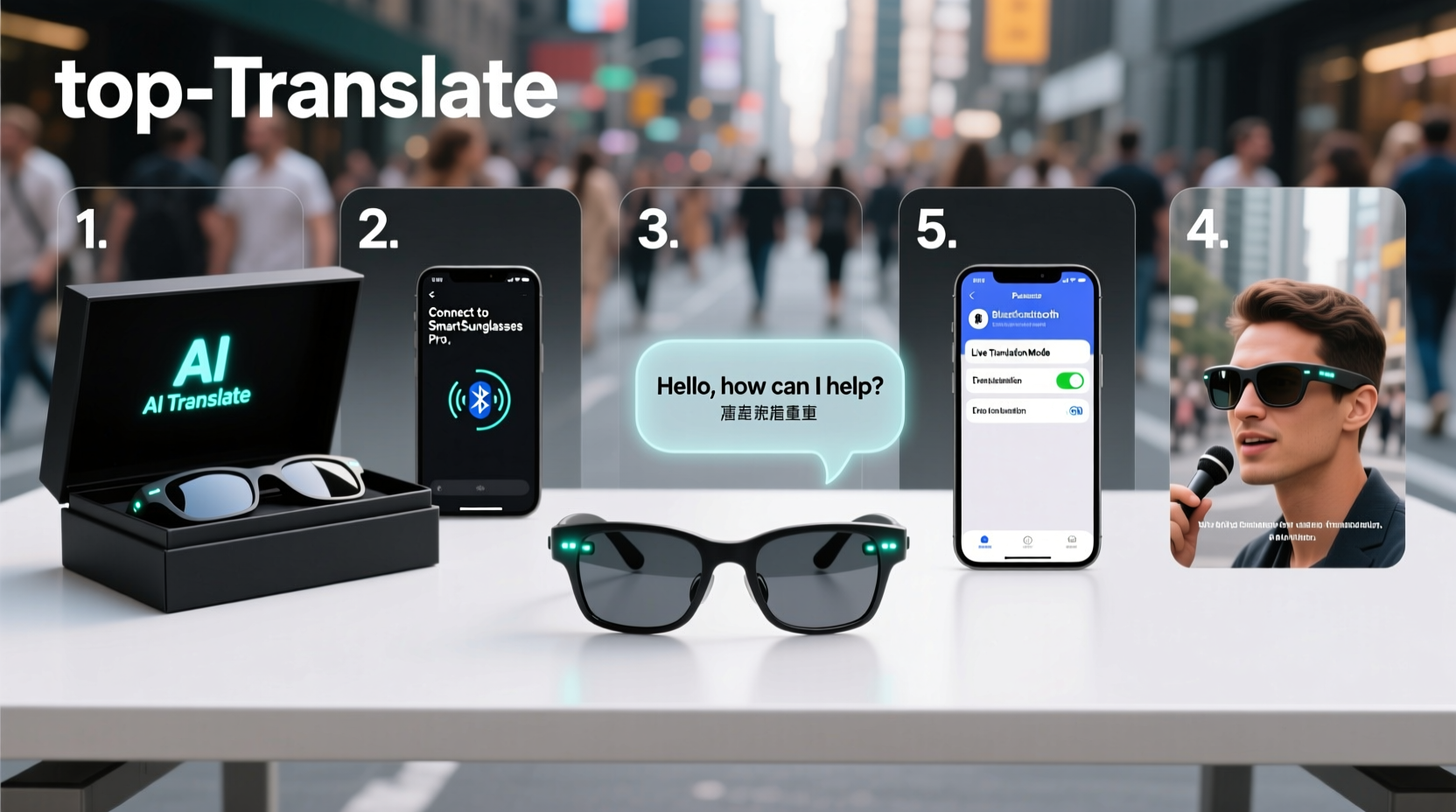
Real-time translation on smart sunglasses relies on a combination of voice capture, cloud-based AI processing, and audio output. When two people speak in different languages, the glasses pick up speech via embedded microphones, send the audio to a connected app or service (like Google Translate or a proprietary platform), convert it into text, translate it, and then play back the translated message through bone-conduction or open-ear speakers.
The process happens in near real time—typically within 1–3 seconds—depending on internet speed and device capability. Most systems support bidirectional translation, meaning both parties can speak in their native language and hear the other’s words translated instantly.
“Wearable translation is redefining cross-cultural interaction. Devices like smart sunglasses bring immediacy and intimacy to multilingual communication.” — Dr. Lena Torres, Human-Computer Interaction Researcher at MIT Media Lab
Step-by-Step Setup Process
Setting up real-time translation requires careful configuration of your device, app, and network. Follow this sequence to ensure smooth operation.
- Verify Device Compatibility: Confirm that your smart sunglasses support real-time translation. Popular models include Ray-Ban Meta, Bose Frames, and XREAL Air. Check the manufacturer’s website for firmware version requirements and supported languages.
- Download the Companion App: Install the official app (e.g., Meta View, Bose Music, or Nreal) on your smartphone. These apps manage connectivity, settings, and translation services.
- Pair the Sunglasses via Bluetooth: Turn on your sunglasses and enable pairing mode. Open the app, go to “Devices,” and select your sunglasses from the list. Ensure a stable connection before proceeding.
- Enable Translation Mode: Within the app, navigate to the “Assistant” or “Languages” section. Activate “Live Translator” or similar feature. Some devices require linking to a third-party service like Google Translate or Microsoft Translator.
- Select Input and Output Languages: Choose the source language (what you’ll be listening to) and the target language (what you want to hear). For example, if you speak English and talk to a Spanish speaker, set input to Spanish and output to English.
- Test the Audio Feed: Speak a phrase aloud and verify that the system captures and translates it correctly. Adjust microphone sensitivity if background noise interferes.
- Adjust Speaker Settings: Use bone conduction wisely—set volume high enough to hear clearly but low enough to remain aware of your surroundings. Test in quiet and noisy environments.
- Enable Auto-Detect (Optional): Advanced models offer automatic language detection. Enable this only if you frequently switch between multiple languages.
Optimizing Performance and Accuracy
Even with proper setup, translation quality depends on several factors. To maximize effectiveness:
- Maintain a strong Wi-Fi or cellular data connection—translation relies heavily on cloud processing.
- Speak slowly and clearly; avoid slang or heavy accents initially until the system adapts.
- Position yourself close to the speaker—ideally within 3 feet—to improve voice pickup.
- Use noise-canceling features if available, especially in crowded areas like airports or cafes.
- Update firmware regularly; manufacturers often release improvements to speech recognition and latency.
Common Issues and Fixes
| Issue | Possible Cause | Solution |
|---|---|---|
| No audio playback | Bluetooth disconnected or volume off | Re-pair device, check app volume, restart sunglasses |
| Incorrect translation | Poor audio capture or ambiguous phrasing | Ask speaker to repeat clearly, reduce background noise |
| High delay (over 5 seconds) | Slow internet or outdated firmware | Switch to stronger network, update software |
| Battery drains quickly | Continuous use of mic and speakers | Turn off when not needed, lower volume, disable auto-listen |
Real-World Application: A Traveler’s Experience
Marina Lopez, a freelance journalist based in Barcelona, used her Ray-Ban Meta glasses during a reporting trip to rural Japan. She didn’t speak Japanese and needed to interview local artisans about traditional crafts. Using real-time translation, she held natural conversations without relying on a human interpreter.
“At first, I was skeptical,” she said. “But after calibrating the mics and practicing with basic phrases, the translations were surprisingly accurate. I could ask follow-up questions and respond naturally. The biggest win was maintaining eye contact—something you lose when looking down at a phone screen.”
She noted one limitation: idioms and cultural references didn’t always translate well. But for practical dialogue—names, times, descriptions—it worked seamlessly. Her only advice? “Always carry a backup charger. These things eat battery fast when translating nonstop.”
Essential Checklist Before First Use
Before stepping into a multilingual conversation, run through this checklist to ensure everything functions smoothly.
- ✅ Smart sunglasses fully charged
- ✅ Smartphone powered on with active data/Wi-Fi
- ✅ Companion app installed and updated
- ✅ Glasses paired via Bluetooth
- ✅ Translation feature enabled in app settings
- ✅ Input and output languages selected
- ✅ Microphone and speaker tested in quiet environment
- ✅ Volume adjusted for comfort and clarity
- ✅ Backup plan ready (e.g., offline translation app or phrasebook)
Frequently Asked Questions
Can I use real-time translation without a smartphone?
Most current smart sunglasses require a connected smartphone to access translation services. However, newer standalone models with onboard AI processors are emerging. These operate independently but are limited in language support and battery life.
How many languages are supported?
Depends on the device and backend service. Google-powered systems typically support over 130 languages, while proprietary platforms may offer 20–50. Commonly supported ones include English, Spanish, French, German, Mandarin, Japanese, Arabic, and Russian.
Is my conversation private?
Data privacy varies by brand. Most translation systems process audio in the cloud, which means recordings may be stored temporarily. Review the manufacturer’s privacy policy and disable data collection if possible. For sensitive discussions, consider offline modes or encrypted platforms.
Final Thoughts and Next Steps
Real-time translation on smart sunglasses represents a leap forward in wearable technology and inclusive communication. While not perfect, the convenience, discretion, and immediacy they offer make them invaluable for travelers, business professionals, and anyone navigating multilingual environments.
The key to success lies in preparation: choose the right hardware, configure settings carefully, and practice in low-stakes situations before relying on them in important interactions. As AI improves and edge computing becomes more powerful, future versions will likely deliver even faster, more accurate, and more private experiences.




 浙公网安备
33010002000092号
浙公网安备
33010002000092号 浙B2-20120091-4
Comments
No comments yet. Why don't you start the discussion?