
Choosing a new smartphone can feel overwhelming. With dozens of models released each year and a sea of technical jargon on every product page, it's easy to get lost in the details. What does \"6nm chipset\" mean? Is 8GB of RAM really better than 6GB? And why do some phones claim \"50MP cameras\" but take worse photos than others with smaller numbers?
The truth is, not all specifications are created equal. Some are marketing hype, while others genuinely impact performance and user experience. This guide breaks down mobile phone labels and specs into clear, actionable insights so you can make informed decisions—without needing an engineering degree.
Step 1: Decode the Display Specifications
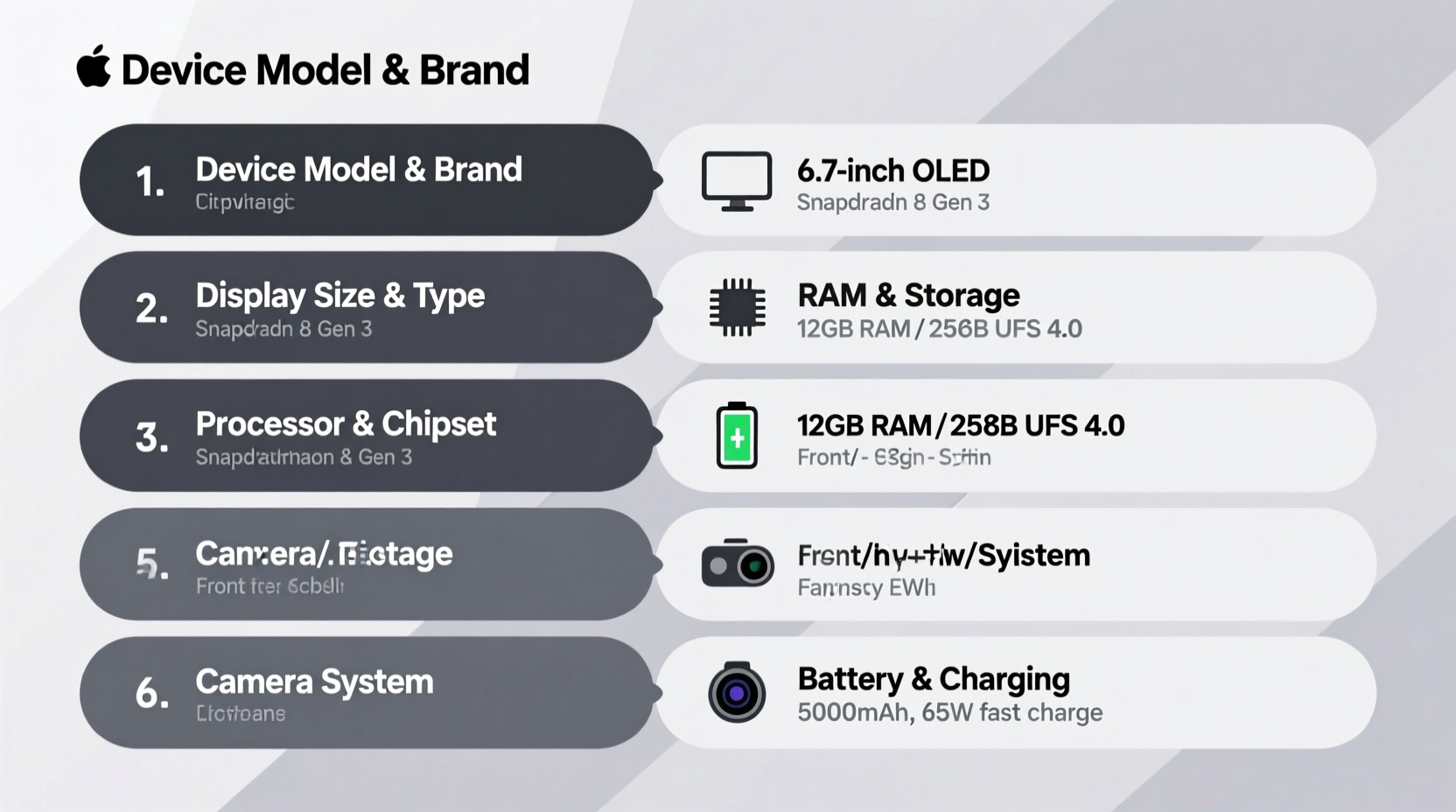
The display is your primary interface with the phone. A high-quality screen enhances everything from reading messages to watching videos. Key terms you'll see include:
- Resolution: Common formats are HD+ (720x1600), Full HD+ (1080x2400), and Quad HD+ (1440x3200). Higher resolution means sharper text and images.
- Panel Type: OLED screens offer deeper blacks and better contrast than LCD or IPS panels. AMOLED, a subtype of OLED, is common in premium devices.
- Refresh Rate: Measured in Hertz (Hz), this indicates how many times per second the screen updates. A 90Hz or 120Hz display feels smoother during scrolling and gaming compared to the standard 60Hz.
- Brightness: Measured in nits. Phones with 600+ nits are more visible under sunlight.
Step 2: Understand Processor and Performance Metrics
The processor (or chipset) is the brain of your phone. It determines speed, multitasking ability, and long-term software support.
You’ll commonly see chipsets like Qualcomm Snapdragon (e.g., Snapdragon 8 Gen 3), MediaTek Dimensity (e.g., Dimensity 9300), or Apple’s A-series (A17 Pro). The naming follows a pattern: higher numbers usually indicate newer, faster chips.
Processors are built on semiconductor nodes measured in nanometers (nm). A 4nm or 5nm chip is more power-efficient and faster than a 10nm one, due to tighter transistor packing.
“Processor generation matters more than core count. A modern 6-core chip often outperforms an older 8-core.” — David Lin, Mobile Hardware Analyst at TechPulse
Performance Checklist Before Buying:
- Check if the chipset is flagship, mid-range, or entry-level.
- Verify benchmark scores (like AnTuTu or Geekbench) for real-world comparisons.
- Look for future-proofing: flagship chips typically receive OS updates longer.
Step 3: Evaluate Memory and Storage Options
RAM (Random Access Memory) and internal storage are often highlighted prominently, but their importance depends on usage.
| RAM Size | Best For | Reality Check |
|---|---|---|
| 4GB | Basic calling, messaging, light apps | May struggle with multitasking; avoid for new purchases |
| 6–8GB | Most users: social media, streaming, moderate gaming | Sweet spot for value and performance |
| 12GB+ | Heavy multitaskers, gamers, content creators | Diminishing returns beyond 8GB for average users |
Internal storage ranges from 64GB to 1TB. Consider that apps, photos, and videos consume space quickly. If your phone doesn’t support expandable storage via microSD, opt for at least 128GB.
Step 4: Demystify Camera Specifications
Camera marketing is where manufacturers stretch the truth most. Megapixels aren't everything. A 108MP sensor may capture more data, but without good optics and image processing, results can be worse than a well-tuned 12MP camera.
Key factors to consider:
- Sensor Size: Larger sensors (e.g., 1/1.3\") capture more light, improving low-light performance.
- Aperture: Lower f-numbers (like f/1.8) mean better light intake. f/1.8 is brighter than f/2.4.
- OIS (Optical Image Stabilization): Reduces blur from hand movement—essential for night shots and video.
- Lens Variety: Main (wide), ultrawide, telephoto, and macro lenses serve different purposes. More lenses don’t guarantee better photos—quality over quantity.
Real Example: The Megapixel Myth
In 2023, Brand X launched a phone with a 200MP camera, heavily advertised as “pro-grade.” Meanwhile, Brand Y offered a 50MP main sensor. Independent tests showed Brand Y’s photos had better dynamic range, color accuracy, and low-light clarity because of superior sensor design and software tuning. Users expecting studio-quality shots from the 200MP phone were disappointed—proof that specs alone don’t define quality.
Step 5: Battery, Charging, and Real-World Endurance
Battery capacity is listed in milliampere-hours (mAh). While 5000mAh sounds better than 4000mAh, actual endurance depends on software optimization, screen efficiency, and processor power draw.
Charging speed is another area of confusion. You might see “65W fast charging” or “wireless charging supported.” However:
- Faster charging generates more heat, potentially reducing battery lifespan over time.
- Not all chargers are included in the box—check what’s bundled.
- Wireless charging is convenient but slower than wired options.
“A 4500mAh battery with efficient software can last longer than a 6000mAh one with poor optimization.” — Lena Park, Senior Editor at MobileEdge Review
FAQ: Common Questions About Phone Specs
Does 5G drain the battery faster?
Yes, especially in areas with weak 5G coverage. The phone works harder to maintain a signal. However, newer modems (like those in Snapdragon 8 Gen 3) are more efficient, minimizing the impact.
Is water resistance worth paying extra for?
Absolutely. Most mid-to-high-end phones now carry IP67 or IP68 ratings, meaning they can survive dust, spills, or brief submersion. It’s not foolproof, but it adds peace of mind in everyday situations.
What does “Android One” or “One UI” mean?
These are software skins layered over Android. Stock Android (as on Google Pixel or Android One phones) offers cleaner, faster updates. Samsung’s One UI or Xiaomi’s MIUI add features but may include bloatware. Simpler interfaces often provide better long-term performance.
Final Checklist: How to Compare Phones Like a Pro
- Define your needs: Are you a casual user, photographer, gamer, or business professional?
- Prioritize key specs: Focus on display quality, processor, and battery for general use; emphasize camera and RAM for creative tasks.
- Read real-world reviews: Watch video tests and photo comparisons from trusted tech reviewers.
- Check update policy: Flagship phones typically get 4–5 years of OS updates; budget models may only receive one or two.
- Consider long-term value: A slightly more expensive phone with better build and updates may save money over time.
Conclusion: Make Smarter Choices with Confidence
Understanding mobile phone labels isn’t about memorizing every spec—it’s about knowing which ones actually affect your experience. You don’t need the highest megapixel count or the fastest charger to be satisfied. What matters is alignment between the device’s capabilities and your lifestyle.
Next time you're comparing phones, skip the marketing fluff. Use this guide to cut through the noise, focus on what truly counts, and choose a device that serves you—not just impresses on paper.




 浙公网安备
33010002000092号
浙公网安备
33010002000092号 浙B2-20120091-4
Comments
No comments yet. Why don't you start the discussion?