
YouTube remains the second-largest search engine in the world, with over 2.7 billion logged-in monthly users. Yet, many creators struggle to gain traction despite producing quality content. The difference between a video that flops and one that goes viral often comes down to optimization—how well you prepare, upload, and promote your content for discovery and engagement. This guide breaks down every critical stage of the process, from pre-upload planning to post-publishing analytics, ensuring your videos are positioned for maximum reach.
1. Pre-Upload: Research and Planning
Before hitting record, invest time in strategic research. The most successful YouTubers don’t create content in a vacuum—they analyze what’s already working and identify gaps they can fill. Start by using YouTube’s search bar to explore keywords related to your niche. Pay attention to autocomplete suggestions and the types of videos that appear on the first page.
Use tools like Google Trends, TubeBuddy, or vidIQ to assess search volume, competition level, and audience intent. Focus on long-tail keywords (e.g., “beginner yoga for back pain” instead of “yoga”) that have moderate search volume but lower competition. These phrases attract more targeted viewers who are likely to engage and watch longer.
Create a Content Brief
For each video, draft a brief outlining:
- Target keyword
- Primary viewer intent (learn, be entertained, solve a problem)
- Video length (based on competitor benchmarks)
- Hook idea (first 10–15 seconds)
- Key points or segments
- Call to action (subscribe, comment, click link)
2. Filming and Editing for Retention
High-quality visuals and audio are non-negotiable. Viewers judge credibility within seconds. Use adequate lighting (natural light or softbox kits), a decent microphone (lavalier or USB), and stable camera setup (tripod or gimbal). Record in at least 1080p, preferably 4K if editing allows.
Edit with retention in mind. YouTube’s algorithm prioritizes watch time and audience retention. Cut out pauses, filler words, and redundant sections. Use jump cuts, B-roll, text overlays, and background music to maintain visual interest. Keep pacing tight—especially in the first 30 seconds.
“Videos that retain 70% or more of their audience after the first minute are far more likely to be recommended.” — Matt Gielen, Former Head of Creator Development, YouTube
3. Uploading: Optimize Every Metadata Field
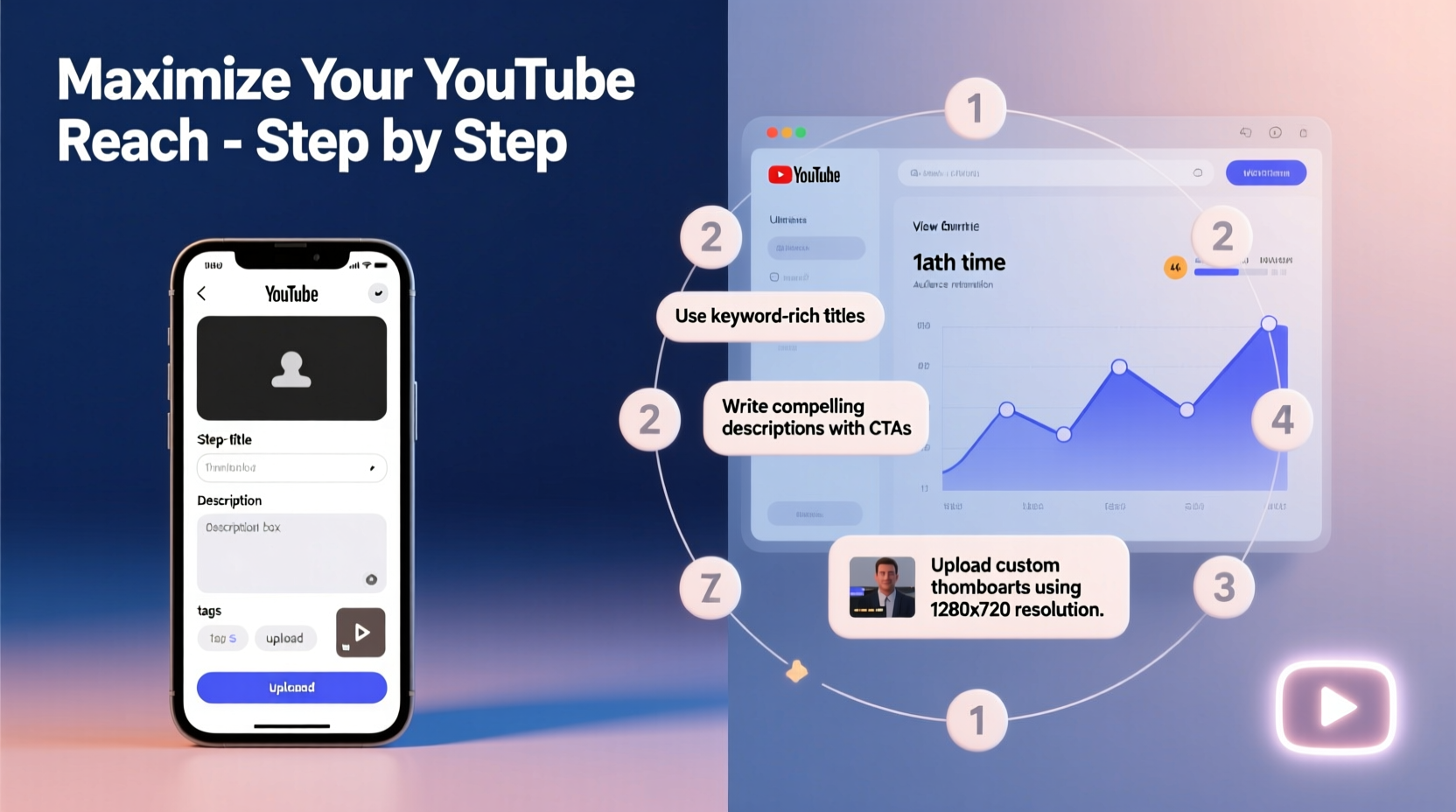
The upload process is where most creators miss opportunities. Each metadata element influences discoverability and click-through rate (CTR).
- Title: Include your primary keyword near the beginning. Keep it under 60 characters. Use power words like “Ultimate,” “Proven,” or “Easy” when relevant. Example: “Ultimate Guide to Morning Yoga for Back Pain (Beginner-Friendly).”
- Description: The first 2–3 sentences should summarize the video and include the main keyword. Add timestamps for longer videos. Include links to social media, resources, or playlists. Use secondary keywords naturally throughout.
- Tags: Add 5–8 tags: one broad (e.g., “yoga”), one specific (“morning yoga routine”), and a branded one (“yourchannelname”). Avoid stuffing irrelevant tags.
- Thumbnail: Design a high-contrast, readable image with expressive facial cues or bold text. Use consistent branding (font, color scheme) across videos to build recognition.
- Cards & End Screens: Link to another relevant video or prompt subscription. Place cards strategically—at natural pause points, not too early.
| Element | Best Practice | Avoid |
|---|---|---|
| Title | Keyword-first, under 60 chars | Vague titles like “Check This Out!” |
| Thumbnail | Clear text, human face, brand colors | Cluttered design, low resolution |
| Description | Detailed, includes links & timestamps | One-line description with no context |
4. Post-Publish: Promote and Monitor Performance
Uploading isn’t the finish line—it’s the starting point. Share your video across platforms: embed it in a blog post, post clips on Instagram Reels or TikTok, and share in relevant Facebook groups or Reddit threads (where allowed).
Engage with early comments. Respond thoughtfully to questions and encourage discussion. YouTube’s algorithm favors videos with strong initial engagement.
Wait 48–72 hours before making major changes. Then, review YouTube Analytics:
- Impressions CTR: Below 5%? Consider updating the thumbnail or title.
- Average View Duration: Under 50%? Identify drop-off points and tighten future edits.
- Traffic Sources: See where viewers are coming from (search, suggested, external).
Mini Case Study: From 200 to 20,000 Views
Sarah, a fitness coach, uploaded a 12-minute yoga routine that initially got only 200 views in a week. Her CTR was 3.2%, and retention dropped sharply at 1:15. She revised the thumbnail to show her mid-pose with bold text: “No Equipment Needed.” She also changed the title to “10-Minute Morning Yoga for Lower Back Pain (Beginner Safe).” After resharing in two wellness Facebook groups, the video gained traction. Within three weeks, it reached 20,000 views, with CTR improving to 7.8% and average view duration increasing by 40%.
5. Build Momentum with Playlists and Consistency
Single videos rarely drive long-term growth. Playlists keep viewers watching. Group related videos under clear, keyword-rich names like “7-Day Beginner Yoga Challenge” or “Healthy Breakfast Ideas for Weight Loss.” Enable auto-play to increase session time—a key ranking signal.
Consistency builds trust. Upload on a predictable schedule—even if it’s once a month. Use YouTube Studio’s scheduling feature to maintain momentum during busy periods.
Optimization Checklist
- Keyword research completed
- Content brief drafted
- Video edited for pacing and clarity
- Title includes primary keyword
- Description has detailed summary and links
- Custom thumbnail designed and uploaded
- Tags added (5–8 relevant ones)
- Cards and end screen included
- Shared on 2+ platforms
- Responded to first 5–10 comments
- Analyzed CTR and retention after 72 hours
- Updated metadata if needed
FAQ
How long should my YouTube description be?
Aim for at least 200–300 words. Include a detailed summary, timestamps for longer videos, links to resources, and a call to action. The more context you provide, the better YouTube understands your content.
Can I change my video title and thumbnail after publishing?
Yes—and you should if performance is weak. YouTube allows metadata updates anytime. Many top creators A/B test thumbnails and titles to improve CTR. Just avoid misleading changes that could hurt viewer trust.
How soon should I expect results after uploading?
Most videos take 48–72 hours to gain initial traction. Some surface weeks later due to YouTube’s delayed recommendation system. Monitor analytics weekly for at least a month before concluding a video “failed.”
Conclusion
Maximizing reach on YouTube isn’t about luck—it’s about precision. From researching what your audience is searching for to crafting compelling thumbnails and analyzing retention data, every step influences whether your video gets seen. Optimization isn’t a one-time task; it’s an ongoing cycle of testing, learning, and refining. The most successful creators treat YouTube like a long-term growth engine, not a spotlight moment. Apply these strategies consistently, stay patient, and focus on delivering real value. Over time, your efforts will compound into sustained visibility and loyal viewership.




 浙公网安备
33010002000092号
浙公网安备
33010002000092号 浙B2-20120091-4
Comments
No comments yet. Why don't you start the discussion?