
When your air conditioner fails to respond, the issue often lies not with the unit itself but with the thermostat—the brain of your HVAC system. A malfunctioning thermostat can lead to inconsistent cooling, unresponsive controls, or a complete shutdown of your AC. Before calling a technician, it’s worth investigating common problems that may be easily resolved at home. Understanding the root causes and knowing how to troubleshoot them can save time, money, and discomfort during hot weather.
Common Causes of a Non-Working AC Thermostat
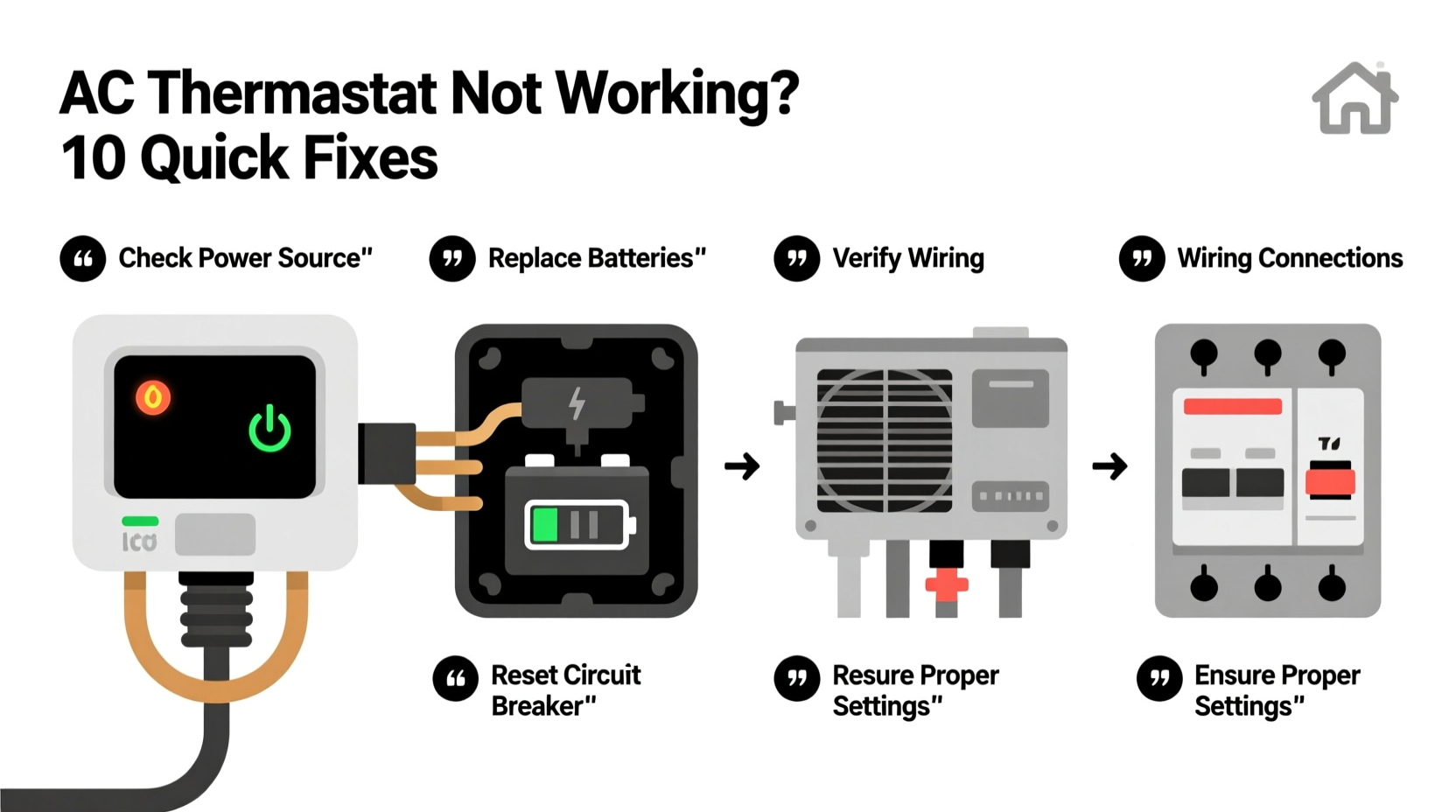
The thermostat regulates your indoor climate by signaling the AC unit when to turn on or off based on temperature readings. When it stops functioning properly, several underlying issues could be responsible.
- Dead or weak batteries: Many thermostats run on batteries. Low power can cause display issues or prevent operation entirely.
- Incorrect mode settings: The thermostat may be set to \"Heat\" instead of \"Cool,\" or in \"Off\" mode accidentally.
- Tripped circuit breaker: Power interruptions to the HVAC system can disable both the AC and thermostat.
- Faulty wiring: Loose, corroded, or damaged wires between the thermostat and HVAC unit disrupt communication.
- Dust and debris buildup: Accumulated dirt inside the thermostat housing can interfere with internal components.
- Thermostat location issues: Placing the device near heat sources (like lamps or direct sunlight) leads to inaccurate temperature readings.
- Aging or outdated models: Older thermostats may fail due to wear or lack compatibility with modern systems.
Step-by-Step Troubleshooting Guide
Follow this systematic approach to identify and resolve thermostat issues without unnecessary service calls.
- Check the display: If the screen is blank or dim, replace the batteries—even if they appear functional. Some thermostats don’t operate reliably on low voltage.
- Verify system mode: Ensure the thermostat is set to \"Cool\" and the fan is set to \"Auto\" or \"On,\" depending on your preference.
- Inspect the breaker panel: Locate the HVAC circuit in your electrical panel. If tripped, reset the switch. Do not force it—if it trips again immediately, stop and consult an electrician.
- Examine thermostat settings: Confirm the set temperature is lower than the current room temperature. Otherwise, the AC has no reason to activate.
- Remove and inspect the thermostat faceplate: Gently pull it off to check for loose wires, corrosion, or signs of burning. Tighten any loose connections carefully.
- Clean internal components: Use compressed air to blow out dust. Avoid using water or cleaning sprays directly on electronics.
- Test the system: After reassembling, adjust the temperature downward. Listen for a click—this indicates the thermostat is sending a signal to the AC.
- Check outdoor unit operation: Go outside and verify the condenser unit turns on within a minute of the thermostat signal.
Do’s and Don’ts When Handling Thermostat Issues
| Do’s | Don’ts |
|---|---|
| Replace batteries annually as preventive maintenance | Ignore a flickering or unresponsive display |
| Label wires before disconnecting during inspection | Force wires into terminals or over-tighten screws |
| Use a multimeter to test voltage if comfortable with electrical work | Touch wiring without turning off power at the breaker |
| Keep vents and thermostat area free from obstructions | Mount thermostats near windows, kitchens, or appliances that emit heat |
| Upgrade to a programmable or smart thermostat for better efficiency | Assume all thermostats are compatible with every HVAC system |
Real-World Example: A Homeowner’s Thermostat Fix
Sarah noticed her living room was getting warmer despite setting the thermostat to 72°F. The display was lit, but the AC never kicked in. She first checked the settings—everything looked correct. Then she went to the basement and found the HVAC breaker had tripped. After resetting it, the system powered on briefly but shut down again after 30 seconds. Concerned, she called an HVAC technician.
The technician discovered that while the breaker issue was real, the root cause was deeper: the thermostat was located next to a recessed light fixture that generated excess heat. This caused the thermostat to read a higher temperature than the rest of the house, leading to short cycling. By relocating the thermostat to a more neutral wall away from heat sources, the system stabilized. Sarah also upgraded to a Wi-Fi-enabled model that allowed remote monitoring and alerts.
“Location matters just as much as calibration. A thermostat in a hot spot will never regulate your home accurately.” — James Lin, HVAC Technician with 18 years of field experience
When to Upgrade Your Thermostat
Not all thermostats can be repaired. If you’re dealing with frequent malfunctions, outdated interfaces, or incompatibility with newer HVAC systems, upgrading may be the most cost-effective solution.
Modern programmable and smart thermostats offer features like:
- Remote access via smartphone apps
- Learning algorithms that adapt to your schedule
- Energy usage reports and efficiency alerts
- Integration with voice assistants (Alexa, Google Assistant)
- Geofencing that adjusts temperature based on your location
Before purchasing a new unit, confirm compatibility with your HVAC system using tools like the manufacturer’s online compatibility checker. Most brands—including Nest, Ecobee, and Honeywell—offer these resources.
Frequently Asked Questions
Why does my thermostat show the correct temperature but the AC won’t turn on?
This usually points to a communication breakdown between the thermostat and the AC unit. Check for loose wiring, a tripped breaker, or a blown fuse in the outdoor unit. It’s also possible the thermostat is sending a signal, but the contactor in the condenser has failed.
Can a dirty thermostat cause my AC to stop working?
Yes. Dust and grime can insulate internal sensors or interfere with electrical contacts. Over time, this leads to erratic behavior or failure to send signals. Regular cleaning—especially before summer—helps maintain reliability.
How do I know if my thermostat is faulty or if the problem is with the AC?
Bypass the thermostat temporarily by jumping the R (power) and Y (cooling) wires at the thermostat terminal. If the AC turns on, the thermostat is likely defective. However, only perform this test if you understand basic HVAC wiring and have turned off power first.
Final Checklist: Quick Actions to Take Today
- Check thermostat display brightness and battery status
- Confirm system mode is set to \"Cool\" and temperature is appropriately low
- Inspect HVAC circuit breaker and reset if necessary
- Look for visible dust or debris around the thermostat
- Ensure the thermostat isn’t exposed to direct sunlight or heat sources
- Listen for a clicking sound when adjusting temperature—indicates signal transmission
- Contact a licensed HVAC professional if problems persist after basic checks
Take Control of Your Comfort
Your thermostat plays a critical role in maintaining a comfortable, energy-efficient home. Small issues, when caught early, can prevent major disruptions later. Whether it’s replacing aging batteries, relocating a poorly placed unit, or upgrading to a smarter system, taking proactive steps ensures your AC operates smoothly when you need it most. Don’t wait for extreme heat to expose a weak link—test your thermostat now and make adjustments before peak season hits.




 浙公网安备
33010002000092号
浙公网安备
33010002000092号 浙B2-20120091-4
Comments
No comments yet. Why don't you start the discussion?