
Weak Wi-Fi signals plague homes and offices alike, especially in larger spaces or buildings with thick walls. When trying to improve coverage, many people turn to wireless extenders or access points—but not all solutions are created equal. While both aim to expand your network, their underlying technology, performance, and long-term value differ significantly. Understanding these differences is key to making an informed decision that ensures fast, stable, and reliable connectivity throughout your space.
How Wi-Fi Extenders Work (And Why They’re Often a Compromise)
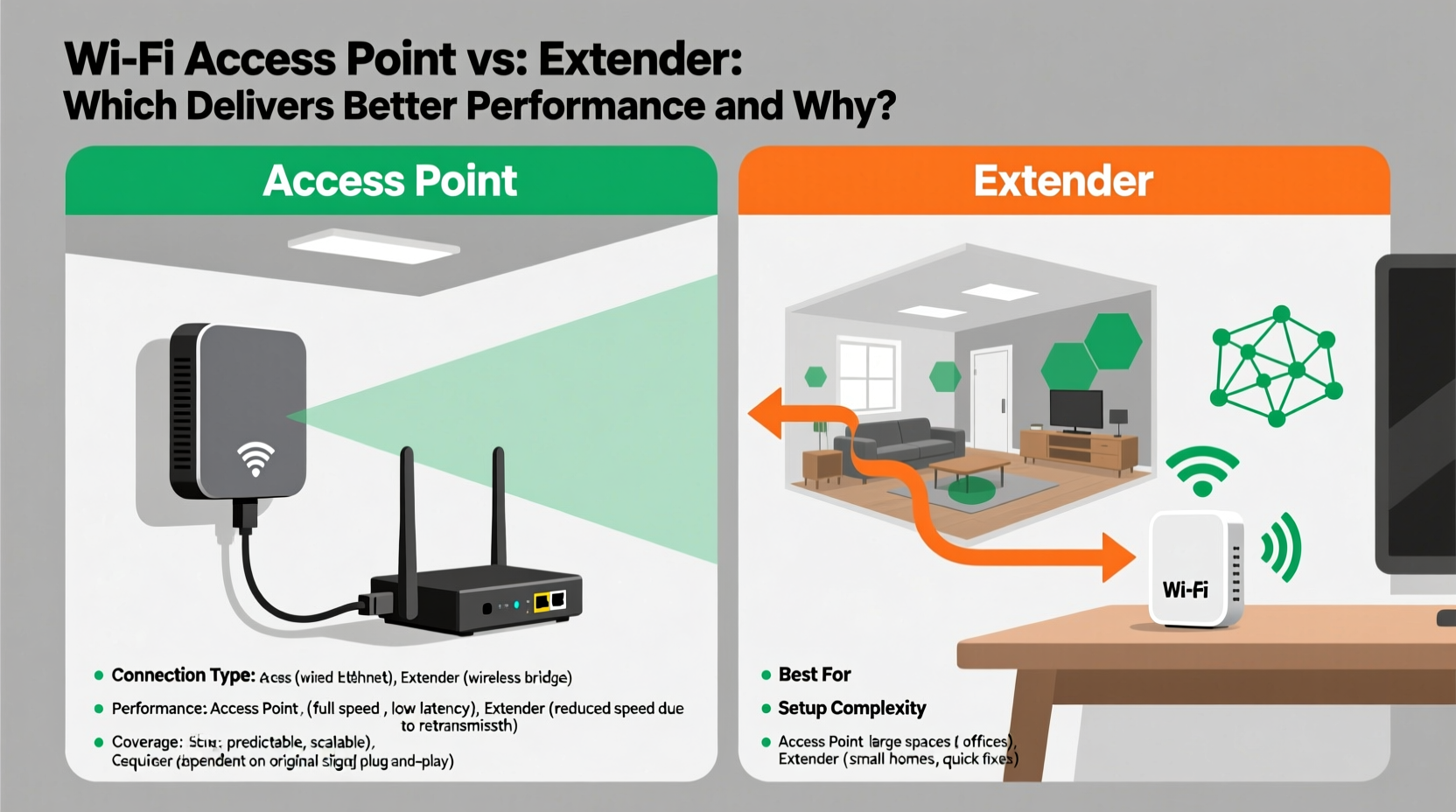
A Wi-Fi extender, also known as a range extender or repeater, functions by receiving your existing Wi-Fi signal from the main router, amplifying it, and rebroadcasting it to areas with poor reception. This seems like a simple fix—until you consider how it affects performance.
The core issue lies in how extenders operate on the same radio frequency as your primary network. When an extender receives a signal and then retransmits it, it must divide its bandwidth between communicating with the router and serving connected devices. This process, known as \"half-duplex repeating,\" effectively cuts available bandwidth in half. For example, if your original connection supports 300 Mbps, devices connected through the extender may only get around 150 Mbps—or less, depending on interference and distance.
Additionally, extenders often create a separate network name (SSID), forcing users to manually switch between networks as they move. Even when using mesh-like features, latency increases and throughput drops due to repeated signal hops.
Why Access Points Deliver Superior Performance
An access point (AP) connects directly to your network via Ethernet cable—typically Cat6 or Cat6a—providing a dedicated backhaul link to your router or switch. Unlike extenders, APs don’t rely on wireless signals for upstream communication. Instead, they generate a fresh, full-strength Wi-Fi signal powered by a wired connection, preserving maximum bandwidth and minimizing latency.
This wired backhaul means every device connected to the access point enjoys near-native speeds relative to your network’s capacity. Whether you're streaming 4K video, gaming online, or conducting video conferences, an AP provides consistent performance without degrading the experience for other users.
Modern access points also support advanced technologies such as MU-MIMO (Multi-User Multiple Input Multiple Output), beamforming, and dual- or tri-band radios, allowing them to handle multiple high-demand devices simultaneously. When paired with proper placement and configuration, they form the backbone of enterprise-grade networks—and increasingly, high-performance home systems.
“Wired access points eliminate the bottleneck inherent in wireless repeating. They offer predictable performance, essential for smart homes and remote work.” — David Lin, Network Infrastructure Engineer
Comparing Key Differences: A Technical Breakdown
| Feature | Wi-Fi Extender | Access Point |
|---|---|---|
| Backhaul Type | Wireless (shared airtime) | Wired (dedicated Ethernet) |
| Bandwidth Impact | Reduces speed by up to 50% per hop | No inherent speed loss |
| Latency | Higher due to signal repetition | Low and consistent |
| Setup Complexity | Plug-and-play, minimal configuration | Requires cabling and network planning |
| Cost | $30–$80 | $80–$250+ (plus installation) |
| Ideal Use Case | Small apartments, temporary fixes | Large homes, offices, multi-device environments |
Real-World Example: Two Homes, Two Outcomes
Consider two identical two-story homes. In the first, the homeowner installs a mid-range Wi-Fi extender in the basement to cover the backyard patio. Initially, streaming works fine—but over time, buffering increases during peak hours. Family members complain about dropped Zoom calls and slow downloads. Speed tests show download rates fluctuating between 15–40 Mbps, despite having a 200 Mbps plan.
In the second home, the owner runs an Ethernet cable from the router to an access point mounted near the patio. The AP broadcasts a seamless extension of the same SSID. Devices automatically roam between zones without interruption. Speed tests consistently show 170+ Mbps on the patio, with low ping times suitable for cloud gaming and HD video conferencing.
The difference isn't magic—it's physics. One solution relies on compromised wireless relay; the other uses a direct, high-capacity connection.
When to Choose Each Option: A Practical Checklist
Selecting the right option depends on your environment, budget, and technical willingness. Use this checklist to guide your decision:
- Choose a Wi-Fi Extender if:
- You rent and can't run cables
- Your dead zone is small and lightly used
- Budget is tight and immediate relief is needed
- You have no access to networking gear beyond basic plug-and-play tools
- Choose an Access Point if:
- You own your space and can install wiring
- You stream 4K, game online, or work remotely
- You have multiple devices demanding simultaneous bandwidth
- You want future-proof coverage with scalability
Step-by-Step: Setting Up a High-Performance Access Point
- Assess Coverage Needs: Walk through your space identifying weak spots using a Wi-Fi analyzer app.
- Plan Cable Routes: Determine the most efficient path to run Ethernet from your router to the target area (e.g., attic, wall cavity, baseboard).
- Install the Cable: Run Cat6 or higher-rated cable to the desired location. Consider hiring an electrician or low-voltage specialist if drilling is required.
- Mount the Access Point: Install the AP on a ceiling or wall bracket, ensuring open space around it for optimal signal dispersion.
- Connect and Configure: Plug the AP into power and connect it to your switch/router via Ethernet. Log into its interface and set it to extend your existing network (same SSID and password).
- Test and Optimize: Perform speed tests across various locations and adjust channel settings to minimize interference.
Frequently Asked Questions
Can I use multiple extenders to cover a large house?
Technically yes, but each additional extender compounds bandwidth loss and latency. Daisy-chaining extenders results in severely degraded performance. It's far more effective to use a single access point with a wired connection than three linked extenders.
Do access points require a special router?
No. Most modern access points work with any standard router. Just ensure your router has available LAN ports and supports the features you need (like WPA3 or VLAN tagging) if using advanced configurations.
Is powerline networking a good alternative?
Powerline adapters can bridge gaps where running Ethernet isn’t feasible. However, performance varies widely based on home electrical wiring quality. They typically underperform compared to true access points but are generally better than extenders.
Final Recommendation: Invest in Wired Infrastructure Where Possible
If your goal is genuinely better Wi-Fi—meaning faster speeds, lower latency, and greater reliability—an access point outperforms a Wi-Fi extender in nearly every measurable way. The upfront effort of installing Ethernet pays off in daily usability, especially as households adopt more connected devices and bandwidth-intensive applications.
Extenders serve a niche: quick, low-cost fixes for minor coverage gaps. But for anyone serious about network performance—whether working from home, streaming in 4K, or managing a smart home ecosystem—a properly installed access point is the superior, long-term solution.




 浙公网安备
33010002000092号
浙公网安备
33010002000092号 浙B2-20120091-4
Comments
No comments yet. Why don't you start the discussion?