
In today’s digital landscape, storage isn’t just about capacity—it’s about speed, reliability, and value. Whether you're upgrading an aging laptop, building a budget-friendly PC, or expanding your workstation’s drive space, a 1TB SSD strikes the perfect balance between affordability and functionality. With prices dropping over the past few years, high-performance 1TB drives are now accessible to nearly everyone. But not all budget SSDs deliver on both speed and longevity. Choosing the right one means understanding what specs matter, which brands maintain consistency, and how real-world usage impacts long-term reliability.
Why 1TB Is the Sweet Spot for Most Users
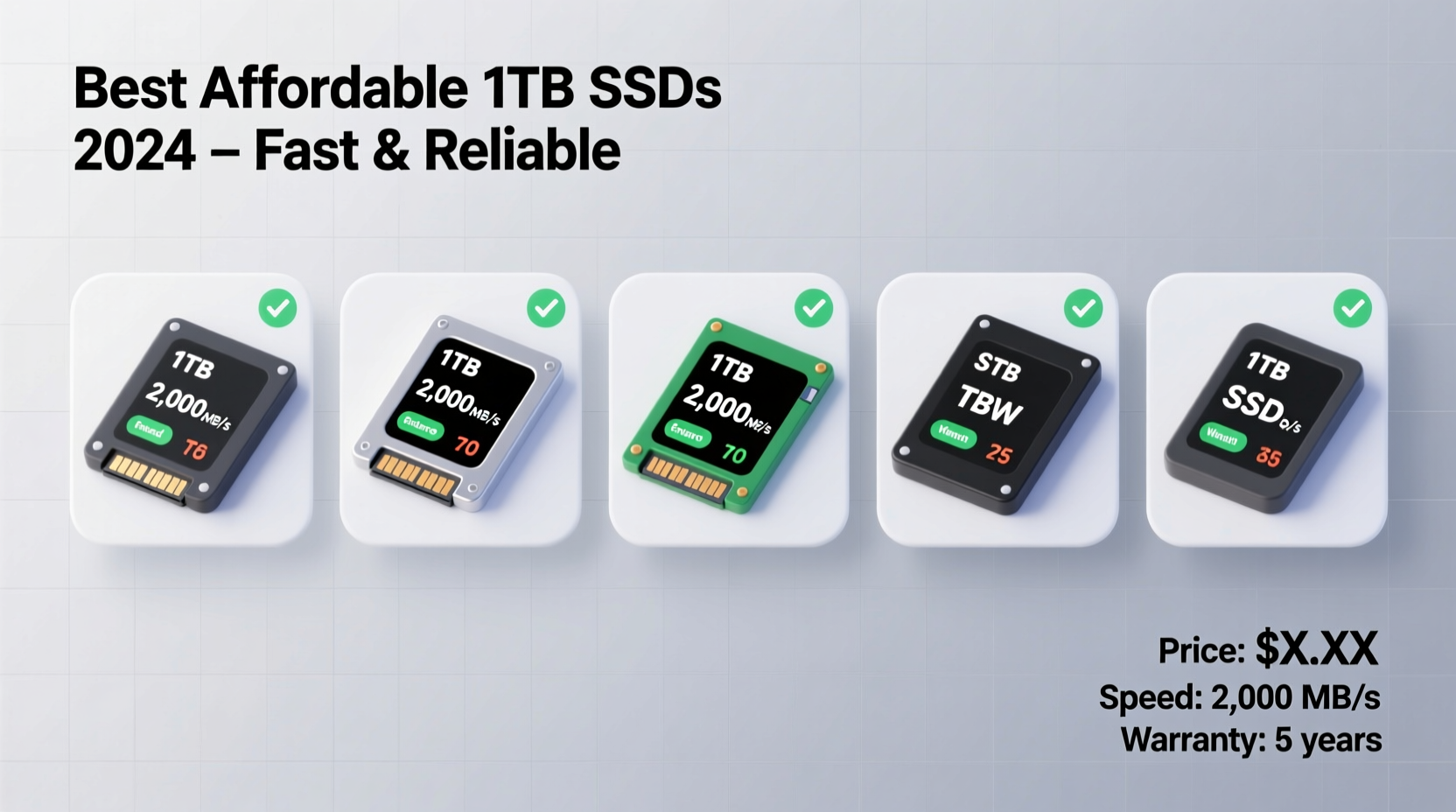
A 1TB SSD offers ample space for operating systems, applications, games, media files, and backups—without pushing into premium pricing tiers. For comparison, 500GB may feel restrictive if you work with large files or install multiple AAA games, while 2TB drives often cost significantly more with diminishing returns for average users. At 1TB, you gain breathing room without overspending.
Modern productivity, photo editing, and gaming libraries routinely exceed 500GB. A single modern game like Cyberpunk 2077 or Call of Duty: Modern Warfare can consume 150GB or more. Add in Windows updates, software caches, and personal documents, and even 512GB fills up fast. A 1TB SSD ensures you won’t constantly juggle deletions or rely on external drives for basic workflow.
Key Performance Metrics That Matter
When evaluating affordable SSDs, focus on three core aspects: sequential read/write speeds, endurance (measured in TBW), and controller/NAND quality.
- Sequential Read/Write Speeds: These indicate how quickly large files (like videos or game assets) are loaded or saved. Look for drives with at least 500 MB/s read and 450 MB/s write for SATA models; NVMe drives should offer 2,000 MB/s or higher.
- Random 4K Performance: This affects system responsiveness—opening apps, browsing folders, multitasking. Higher IOPS (Input/Output Operations Per Second) here mean snappier everyday use.
- TBW (Terabytes Written): Indicates total data that can be written over the drive’s lifetime. A 1TB budget SSD should offer at least 400–600 TBW for decent longevity.
- NAND Type: TLC (Triple-Level Cell) is standard in this range. Avoid QLC unless you’re doing light desktop use, as it wears faster under sustained writes.
“Even budget SSDs today outperform old HDDs by 5x or more in real-world boot and load times. The key is choosing models with proven controllers and firmware.” — David Lin, Storage Hardware Analyst at TechDrive Labs
Top Affordable 1TB SSDs That Deliver Value
The following drives consistently earn praise for balancing price, performance, and dependability. All are widely available and backed by warranties ranging from 3 to 5 years.
| Model | Interface | Read Speed | Write Speed | TBW | Price Range (USD) |
|---|---|---|---|---|---|
| Crucial BX500 | SATA III | 540 MB/s | 500 MB/s | 360 TBW | $55–$65 |
| Kingston NVG5 | NVMe PCIe 4.0 | 3,500 MB/s | 3,000 MB/s | 600 TBW | $60–$70 |
| Samsung 870 EVO | SATA III | 560 MB/s | 530 MB/s | 600 TBW | $70–$80 |
| Western Digital Blue SN580 | NVMe PCIe 4.0 | 4,000 MB/s | 3,200 MB/s | 600 TBW | $65–$75 |
| Silicon Power A80 | NVMe PCIe 4.0 | 3,500 MB/s | 3,000 MB/s | 640 TBW | $60–$70 |
The Samsung 870 EVO stands out in the SATA category thanks to its excellent endurance, consistent performance across workloads, and industry-leading reliability. Though slightly pricier than some competitors, its reputation for lasting years under daily use makes it a smart investment.
For those with NVMe-compatible systems, the Kingston NVG5 and WD Blue SN580 offer exceptional throughput at near-SATA prices. Their PCIe 4.0 interface future-proofs your build, and both include power-efficient designs ideal for laptops.
Real-World Example: Upgrading a Mid-Range Laptop
Jessica, a freelance graphic designer using a 4-year-old Dell Inspiron, struggled with slow boot times and lag when opening Photoshop files. Her old 500GB HDD took over two minutes to start Windows and frequently froze during file transfers. She replaced it with a Western Digital Blue SN580 1TB NVMe SSD, which her laptop supported via M.2 slot.
After cloning her drive and reinstalling drivers, Jessica noticed immediate improvements: Windows booted in under 12 seconds, Adobe Suite launched in under five seconds, and exporting layered PSD files became noticeably smoother. Over six months of heavy use—editing photos, managing client folders, and streaming tutorials—the drive showed no degradation in speed. At $68, she called it “the best $70 I’ve spent on my business.”
Step-by-Step Guide to Choosing and Installing Your SSD
Selecting and installing an affordable 1TB SSD doesn’t require technical expertise. Follow these steps to ensure compatibility and optimal results.
- Determine Interface Compatibility: Check if your system supports SATA, NVMe, or both. Older desktops and laptops typically use 2.5” SATA drives; newer models support M.2 NVMe slots.
- Back Up Your Data: Use cloud services, external drives, or cloning software to preserve your current setup before swapping hardware.
- Purchase a Reputable Model: Stick to brands like Samsung, Crucial, Kingston, WD, or Silicon Power with strong warranty support.
- Install the Drive: Power off your device, ground yourself, open the chassis, insert the SSD securely, and tighten screws if needed.
- Clone or Fresh Install: Use tools like Macrium Reflect, Clonezilla, or Samsung Data Migration to copy your OS, or perform a clean OS installation for peak performance.
- Enable TRIM and Updates: Confirm TRIM is active (
fsutil behavior query DisableDeleteNotifyshould return 0), and keep firmware updated via manufacturer utilities.
Frequently Asked Questions
Is a budget SSD less reliable than a premium one?
Not necessarily. Many affordable drives use similar NAND and controllers as higher-end models but come with shorter warranties or reduced over-provisioning. Brands like Crucial and Kingston rigorously test their drives, so reliability remains high within normal usage patterns.
Do I need NVMe, or is SATA good enough?
SATA SSDs are still excellent for general computing, web browsing, office tasks, and moderate photo editing. However, if your system supports NVMe, especially PCIe 4.0, you’ll benefit from faster load times in games, quicker video rendering, and better multitasking. The price difference is now minimal, making NVMe the smarter long-term choice.
How long do budget 1TB SSDs usually last?
With typical home or office use (writing 20–30GB per day), most 1TB SSDs will last 5–7 years or longer. Even entry-level models like the Crucial BX500 have a rated lifespan of 360 TBW, which equates to over 100GB written daily for nearly a decade. Wear leveling and built-in error correction help extend real-world longevity.
Checklist: What to Verify Before Buying a 1TB SSD
- ✅ Confirm physical compatibility (2.5” SATA vs. M.2 2280 NVMe)
- ✅ Check motherboard or laptop specifications for supported interfaces
- ✅ Ensure the drive includes mounting hardware (if needed)
- ✅ Look for at least a 3-year warranty
- ✅ Verify inclusion of cloning software or plan to use third-party tools
- ✅ Prioritize TLC NAND over QLC for better endurance
- ✅ Compare user reviews focusing on long-term stability, not just benchmark scores
Final Thoughts: Smart Storage Doesn’t Have to Be Expensive
You don’t need to spend hundreds to get a fast, dependable 1TB SSD. Today’s market offers compelling options that blend solid performance, proven reliability, and wallet-friendly pricing. Whether you go with the trusted Samsung 870 EVO, the speedy WD Blue SN580, or the value-packed Kingston NVG5, you’re investing in a tangible upgrade that transforms how your computer feels and performs.
The difference between a sluggish system and a responsive one often comes down to storage. By selecting a capable 1TB SSD within the $60–$80 range, you unlock faster boots, quicker app launches, and smoother multitasking—all while securing reliable long-term storage. Upgrade wisely, install correctly, and enjoy a machine that works as fast as you do.




 浙公网安备
33010002000092号
浙公网安备
33010002000092号 浙B2-20120091-4
Comments
No comments yet. Why don't you start the discussion?