
The 60% mechanical keyboard layout has surged in popularity among typists, programmers, and minimalist workspace enthusiasts. By removing the function row, navigation cluster, and numeric keypad, these compact boards save desk space and encourage cleaner cable management. But finding a 60% keyboard that balances performance, durability, and affordability can be challenging. Many assume premium quality demands a high price, but several models deliver exceptional typing experiences under $100. The key is knowing what features matter most—and where you can compromise.
Why Choose a 60% Keyboard?
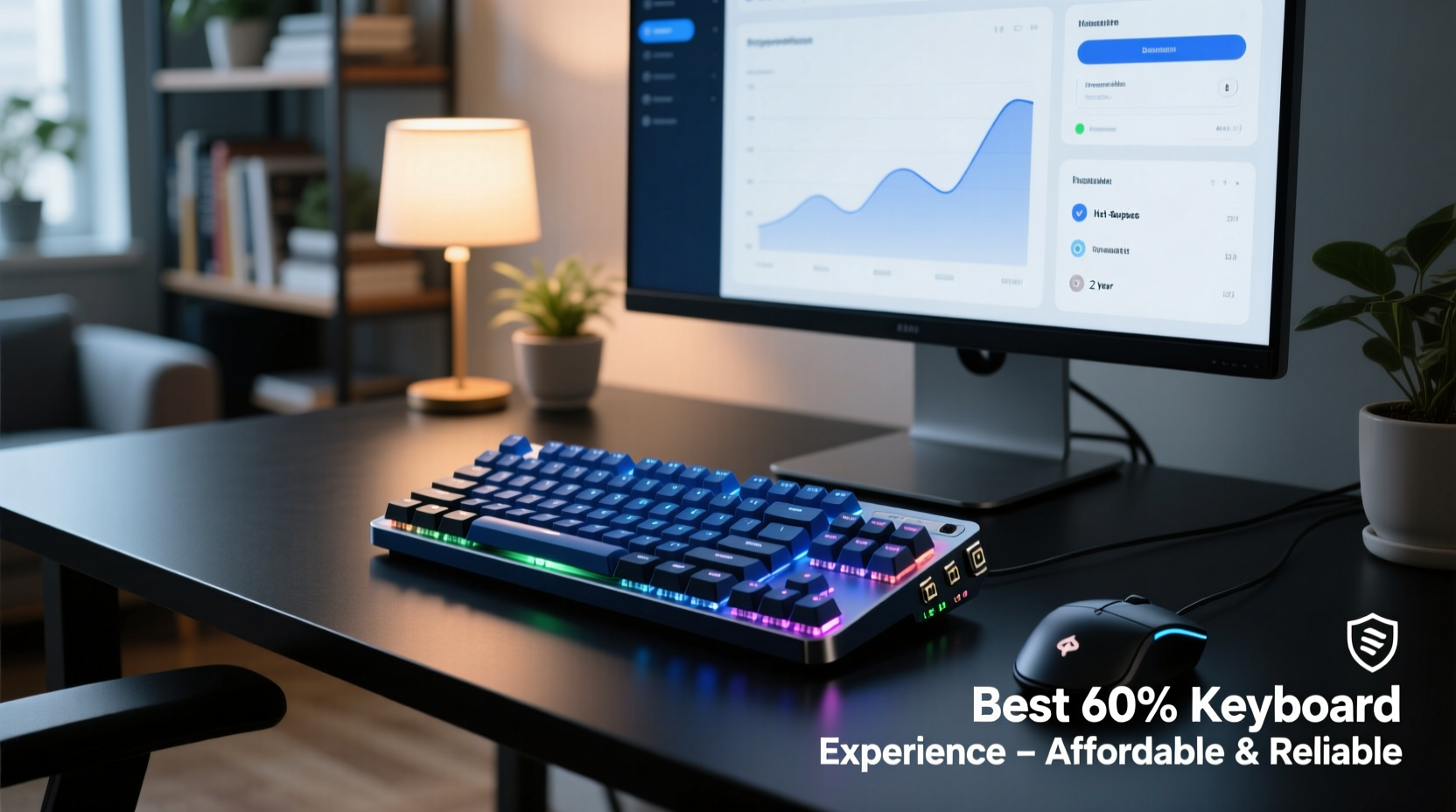
At roughly 60% of the size of a full-sized keyboard, this form factor retains all essential alphanumeric keys while requiring layer-based access for functions like F-keys, arrow keys, and media controls. This design promotes efficiency by reducing hand movement and creating a more focused workspace. For remote workers, coders, and travelers, the smaller footprint means easier portability and less clutter.
Despite their size, modern 60% keyboards are fully programmable. With tools like QMK or VIA, users can customize layouts, assign macros, and even adjust RGB lighting—features once reserved for high-end models. The real appeal lies in achieving a streamlined, professional setup without sacrificing functionality.
Key Features That Define Value
Affordability doesn't mean cutting corners on core components. The best budget-friendly 60% keyboards still prioritize build quality, switch compatibility, and firmware flexibility. Here’s what to look for:
- PCB Mount or Tray Mount Construction: These offer better stability than flex mounts, reducing case rattle and improving typing consistency.
- Hot-Swappable Switches: Lets you change switches without soldering. A must-have for experimenting with tactile, linear, or clicky feels.
- QMK/VIA Support: Open-source firmware enables deep customization, including custom layers and macro programming.
- Double-Shot PBT Keycaps: Resistant to shine and wear over time, unlike cheaper ABS plastic.
- USB-C Connectivity: Modern standard for durability and universal compatibility.
“Compact doesn’t have to mean compromised. A well-built 60% board can outlast larger, mass-market keyboards.” — Derek Lin, Mechanical Keyboard Designer at TypeWell Labs
Top Affordable & Reliable 60% Keyboards (2024)
Several manufacturers have cracked the code on delivering premium features at accessible prices. Below is a comparison of standout models known for reliability, user satisfaction, and long-term value.
| Model | Price Range | Switch Type | Hot-Swappable | Firmware | Build Quality |
|---|---|---|---|---|---|
| Redragon K552-KUMARA | $50–$65 | Outemu Blue/Red/Brown | No | Proprietary (limited) | Aluminum top plate, solid frame |
| Keychron C1 Pro | $70–$85 | Gateron Low Profile | Yes | QMK/VIA supported | Aluminum case, wireless option |
| EPOMAKER THING V3 | $65–$75 | Gateron or Optical | Yes | QMK/VIA ready | Plastic case, excellent keycap set |
| Drop ALT (formerly GEKKO60) | $80–$95 | Cherry MX or Gateron | No (soldered) | QMK compatible | Polycarbonate + aluminum sandwich |
| Meleton GK61S | $55–$70 | Gateron or Outemu | Yes | VIA support | Compact, Bluetooth capable |
The Redragon K552 remains a staple for beginners due to its rugged build and per-key RGB at a rock-bottom price. However, lack of hot-swap support limits upgrade potential. In contrast, the Keychron C1 Pro offers wireless connectivity and full open-source firmware, making it ideal for tinkerers. EPOMAKER and Meleton cater to those who want customization without spending over $80.
Real-World Example: From Clutter to Clarity
Jamal, a freelance web developer based in Austin, spent years using a full-sized membrane keyboard. His desk was cramped, and wrist strain became a recurring issue. After researching ergonomic setups, he switched to a 60% Keychron C1 Pro with Gateron Browns. He paired it with a vertical mouse and adjusted his monitor height. Within three weeks, he reported reduced fatigue and faster navigation using layered shortcuts. “I was skeptical about losing the arrow keys,” he said, “but now I use them less than before. The space savings alone made my home office feel like a real workspace.”
Jamal also took advantage of VIA software to remap keys for VS Code commands, turning one thumb key into a一键 command for commenting code. His total investment was under $80—a fraction of what high-end custom kits cost—but the productivity gains were immediate.
Step-by-Step Guide to Choosing Your First 60% Keyboard
Selecting the right model doesn’t need to be overwhelming. Follow this practical timeline to make a confident decision:
- Week 1: Assess Your Needs
Determine your primary use—coding, gaming, writing? If you type all day, prioritize comfort and quiet switches. Gamers may prefer responsive linear switches. - Week 2: Research Models Under $90
Focus on brands with strong community support. Read Reddit threads (r/MechanicalKeyboards), watch YouTube reviews, and check retailer return policies. - Week 3: Pick Switch Type
Order a switch tester if unsure. Gateron Reds are smooth and quiet; Browns offer light tactile feedback; Blues provide audible clicks and stronger bumps. - Week 4: Prioritize Customization
Choose a board with hot-swap sockets and QMK/VIA support if you plan to tweak layouts later. - Final Step: Purchase and Test
Use the first week to learn layer combinations. Reprogram keys as needed. Most platforms allow saving multiple profiles.
Frequently Asked Questions
Can I use a 60% keyboard for gaming?
Absolutely. Many competitive gamers prefer 60% boards for their speed and minimalism. Just ensure your game doesn’t rely heavily on F-keys or numpad inputs. Games like FPS or MOBAs work perfectly with remapped keys.
Are cheaper 60% keyboards durable?
Yes, provided they use quality materials. Look for keyboards with metal plates, PBT keycaps, and reputable switch brands like Gateron, Cherry, or Kailh. Even budget models from Keychron or EPOMAKER use components rated for 50 million keystrokes.
Do I need to solder a 60% keyboard?
Not anymore. Hot-swap sockets are now common even in sub-$70 models. Soldered boards like the Drop ALT are still reliable but limit future upgrades unless you're comfortable with a soldering iron.
Maximizing Long-Term Satisfaction
The true value of a 60% keyboard emerges over time. Unlike disposable peripherals, well-chosen models age gracefully. Simple maintenance—like cleaning debris under keycaps every few months and storing the keyboard away from moisture—extends lifespan significantly. Investing in a padded travel pouch also protects it during commutes.
One underrated benefit is psychological: fewer distractions. Without a number pad or function row pulling your hands outward, your posture improves. Over weeks, this subtle alignment reduces shoulder tension and encourages better typing habits. It’s not just about saving space—it’s about designing a healthier relationship with your tools.
Conclusion
Finding an affordable and reliable 60% keyboard isn’t about settling for less—it’s about focusing on what truly enhances your daily workflow. From the sturdy Redragon K552 to the customizable Keychron C1 Pro, today’s market offers exceptional entry points under $90. Whether you're upgrading from a bulkier model or building your first mechanical setup, the 60% layout delivers efficiency, style, and long-term value.




 浙公网安备
33010002000092号
浙公网安备
33010002000092号 浙B2-20120091-4
Comments
No comments yet. Why don't you start the discussion?