
The Nintendo Switch remains one of the most flexible gaming platforms available, blending handheld portability with console-style gameplay. While its Joy-Con controllers are innovative, they aren’t always ideal for extended sessions or certain game genres. Many players seek alternatives that offer better ergonomics, durability, and value without sacrificing performance. Fortunately, a growing market now offers affordable and versatile controllers compatible with the Switch—many of which rival first-party hardware in quality.
Whether you're a parent looking for family-friendly options, a casual gamer wanting comfort, or a competitive player needing precision, there’s a cost-effective controller solution tailored to your needs. This guide explores top-performing, budget-conscious options that deliver versatility across game types and play styles—all while staying under $60.
Why Consider Third-Party or Budget Controllers?
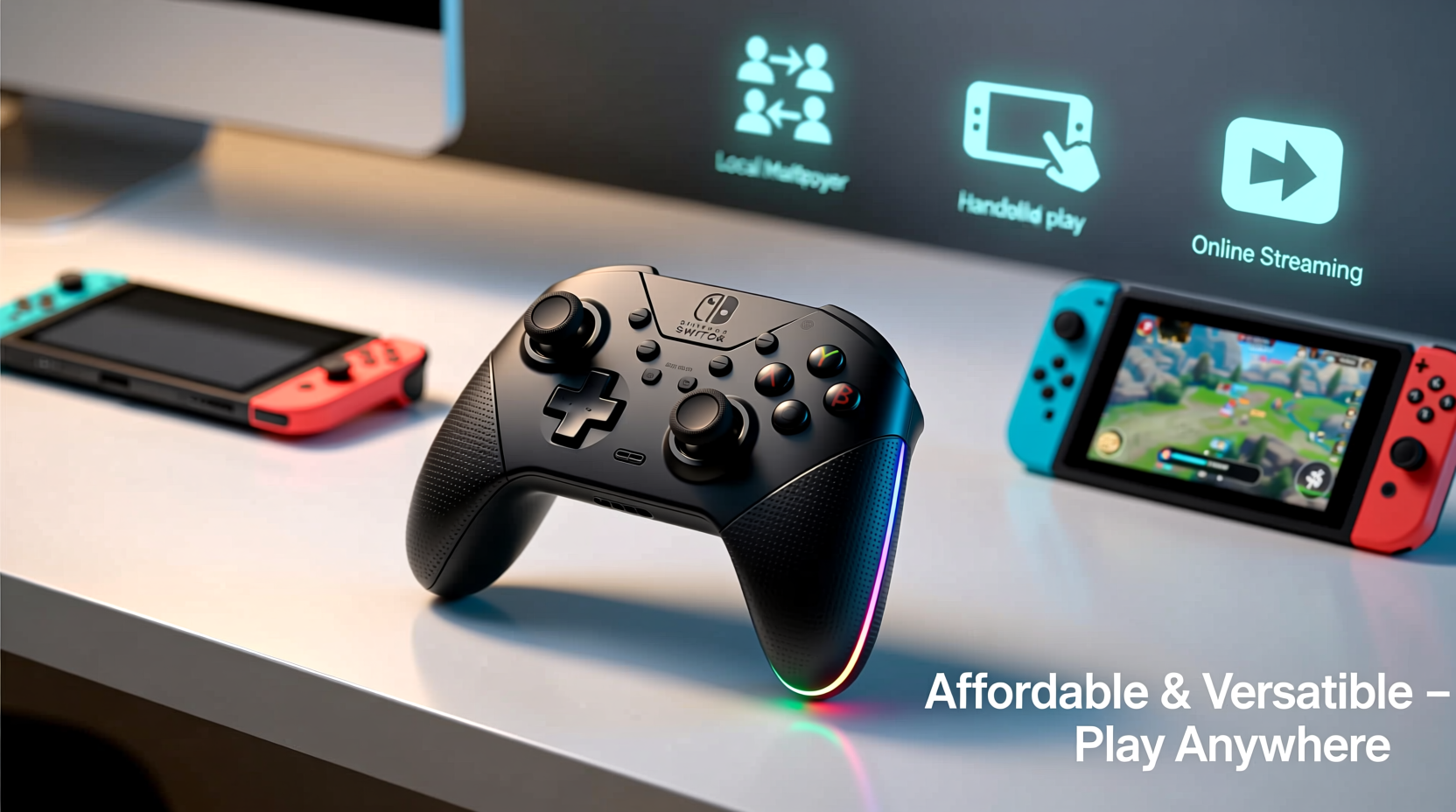
Nintendo's official Pro Controller retails at a premium price point, often exceeding $70. For many households, especially those with multiple players or younger gamers prone to wear and tear, investing in several high-end controllers isn't practical. Third-party alternatives fill this gap by offering solid build quality, responsive inputs, and features like programmable buttons, turbo functions, and ergonomic designs—at significantly lower prices.
Modern third-party manufacturers have improved dramatically in recent years. Brands such as 8BitDo, PowerA, and Hori consistently produce licensed or well-tested accessories that meet Nintendo’s compatibility standards. These controllers often support firmware updates, motion controls, HD rumble (where applicable), and seamless pairing via Bluetooth.
Top Affordable & Versatile Controllers for Switch
The following controllers strike an excellent balance between price, functionality, and comfort. All are priced under $60 and suitable for various gaming scenarios—from couch co-op to travel-friendly setups.
1. 8BitDo SN30 Pro+
A favorite among retro and modern gamers alike, the 8BitDo SN30 Pro+ delivers a clean, minimalist design with robust wireless connectivity. Priced around $50, it supports both Bluetooth and 2.4GHz wireless (with optional adapter), making it reliable whether docked or in handheld mode. Its compact shape fits smaller hands well, and the customizable button mapping via software adds long-term versatility.
Features include motion controls, turbo function, and programmable profiles—ideal for fighting games or rapid-fire shooters. The rechargeable battery lasts up to 25 hours, outperforming even the official Pro Controller.
2. PowerA Enhanced Wireless Controller
At roughly $40, the PowerA Enhanced Wireless Controller is one of the most accessible licensed options. It mirrors the layout and feel of the Pro Controller but includes useful upgrades: textured grips, a 3.5mm audio jack, and slightly larger analog sticks. It connects seamlessly over Bluetooth and works flawlessly in both docked and tabletop modes.
This controller is particularly popular with families due to its durability and straightforward setup. While it lacks some advanced customization, its plug-and-play reliability makes it perfect for younger players or occasional use.
3. Hori Pokken Tournament Pro Pad
Priced around $55, this niche-but-excellent option was designed specifically for fighting games like *Pokkén Tournament* and *Super Smash Bros.*, but excels in any genre requiring precise inputs. Its arcade-style layout features large face buttons arranged in a diamond pattern and concave thumbsticks for fine control.
Though not rechargeable (it uses two AA batteries), the build quality is exceptional. The rigid body minimizes stick wobble, and the tactile feedback enhances input accuracy—making it a hidden gem for competitive players on a budget.
4. Gamesir T1d + G-Touch Adapter
An innovative hybrid solution, the Gamesir T1d pairs with the G-Touch adapter to turn your smartphone into a touchscreen controller interface. However, used independently, the T1d serves as a capable wired/wireless controller for about $30. It connects directly to the Switch via USB-C when docked and supports Bluetooth in handheld mode.
Its ambidextrous design suits both left- and right-handed players, and the trigger placement mimics Xbox-style ergonomics, which many find more natural than Joy-Con grips. Best of all, it charges quickly and maintains stable latency during fast-paced action games.
Comparison Table: Key Features at a Glance
| Controller | Price Range | Battery Life | Motion Controls | Customization | Best For |
|---|---|---|---|---|---|
| 8BitDo SN30 Pro+ | $45–$55 | Up to 25 hrs | Yes | High (via app) | Retro & precision gaming |
| PowerA Enhanced Wireless | $35–$40 | Up to 15 hrs | No | Low | Families & casual play |
| Hori Pokken Pro Pad | $50–$55 | ~30 hrs (AA) | No | None | Fighting games |
| Gamesir T1d | $25–$30 | Up to 20 hrs | No | Basic remapping | Budget-conscious gamers |
Mini Case Study: A Family’s Multiplayer Upgrade
The Thompson family purchased a Switch primarily for shared gaming—Mario Kart, Super Smash Bros., and Just Dance were weekly staples. Initially relying on Joy-Con controllers, they quickly encountered issues: drifting sticks, limited battery life, and discomfort after 30 minutes of play. After researching affordable alternatives, they invested in two PowerA Enhanced Wireless Controllers and one 8BitDo SN30 Pro+.
The change transformed their experience. The PowerA controllers became go-to devices for kids’ parties and quick sessions, while the 8BitDo unit served as the preferred choice for dad during longer RPG adventures. Total spending stayed under $130 for three reliable controllers—significantly less than buying multiple Pro Controllers. Within months, Joy-Con drift became a non-issue, and game nights grew longer and more enjoyable.
“Choosing the right third-party controller isn’t about cutting corners—it’s about smart allocation of resources to enhance play.” — Marcus Lin, Gaming Hardware Analyst at TechPlay Weekly
Checklist: How to Choose Your Ideal Budget Controller
- ✅ Confirm Nintendo licensing or proven compatibility
- ✅ Test grip comfort—especially for younger or smaller hands
- ✅ Check battery type: rechargeable vs. replaceable (AA/AAA)
- ✅ Ensure motion controls and HD rumble are supported (if needed)
- ✅ Look for low-latency wireless connection (Bluetooth 5.0+ preferred)
- ✅ Verify warranty and customer support availability
- ✅ Consider additional features: audio jack, turbo buttons, or back paddles
Common Pitfalls to Avoid
Not all budget controllers deliver equal performance. Some ultra-cheap models found on online marketplaces lack proper certification, suffer from input lag, or fail within weeks. To avoid disappointment:
- Avoid unbranded or no-name controllers sold below $20 unless highly reviewed.
- Don’t assume “wireless” means lag-free; check user reports on responsiveness.
- Be cautious with controllers claiming “Pro Controller emulation”—some miss critical functionalities like motion sensing.
- Always test newly paired controllers before gifting or relying on them for tournaments.
FAQ: Frequently Asked Questions
Can I use non-Nintendo controllers in handheld mode?
Yes, most Bluetooth-compatible controllers work in handheld mode. Simply pair them through System Settings > Controllers and Sensors > Change Grip/Order. Note that physically attaching controllers (like Joy-Con) isn’t required once paired wirelessly.
Do budget controllers support motion controls and HD rumble?
Some do—particularly licensed models like the 8BitDo SN30 Pro+. However, many budget options omit these features to reduce cost. Always verify specifications before purchase if these functions are important to your gameplay (e.g., Splatoon, Zelda, or sports titles).
Are third-party controllers safe for my Switch?
Licensed and reputable brands pose no risk. Unofficial or poorly made clones may cause syncing issues or, in rare cases, firmware conflicts. Stick to known vendors and avoid modifying controllers unless experienced.
Conclusion: Play Better Without Breaking the Bank
Great gaming shouldn’t come with a steep price tag. With thoughtful choices, you can equip yourself or your household with responsive, comfortable, and durable controllers that elevate every session on the Nintendo Switch. From the customizable excellence of the 8BitDo SN30 Pro+ to the family-friendly reliability of PowerA’s offerings, affordable doesn’t mean inferior.
Upgrade your setup wisely, prioritize verified compatibility, and remember that versatility often trumps flashy branding. Whether you're diving into an epic JRPG, racing through Mario Kart, or battling friends in Smash, the right controller makes all the difference.




 浙公网安备
33010002000092号
浙公网安备
33010002000092号 浙B2-20120091-4
Comments
No comments yet. Why don't you start the discussion?