
For today’s DIY enthusiasts, educators, engineers, and small business owners, access to reliable 3D printing technology is no longer a luxury—it’s a necessity. The market has evolved rapidly, bringing high precision and versatility within reach of even modest budgets. Whether you're prototyping product designs, crafting custom parts, or exploring creative modeling, the right 3D printer can transform ideas into tangible reality. This guide highlights ten standout models that balance affordability, accuracy, and adaptability—perfect for makers at any level.
What Makes a 3D Printer “Affordable, Precise, and Versatile”?
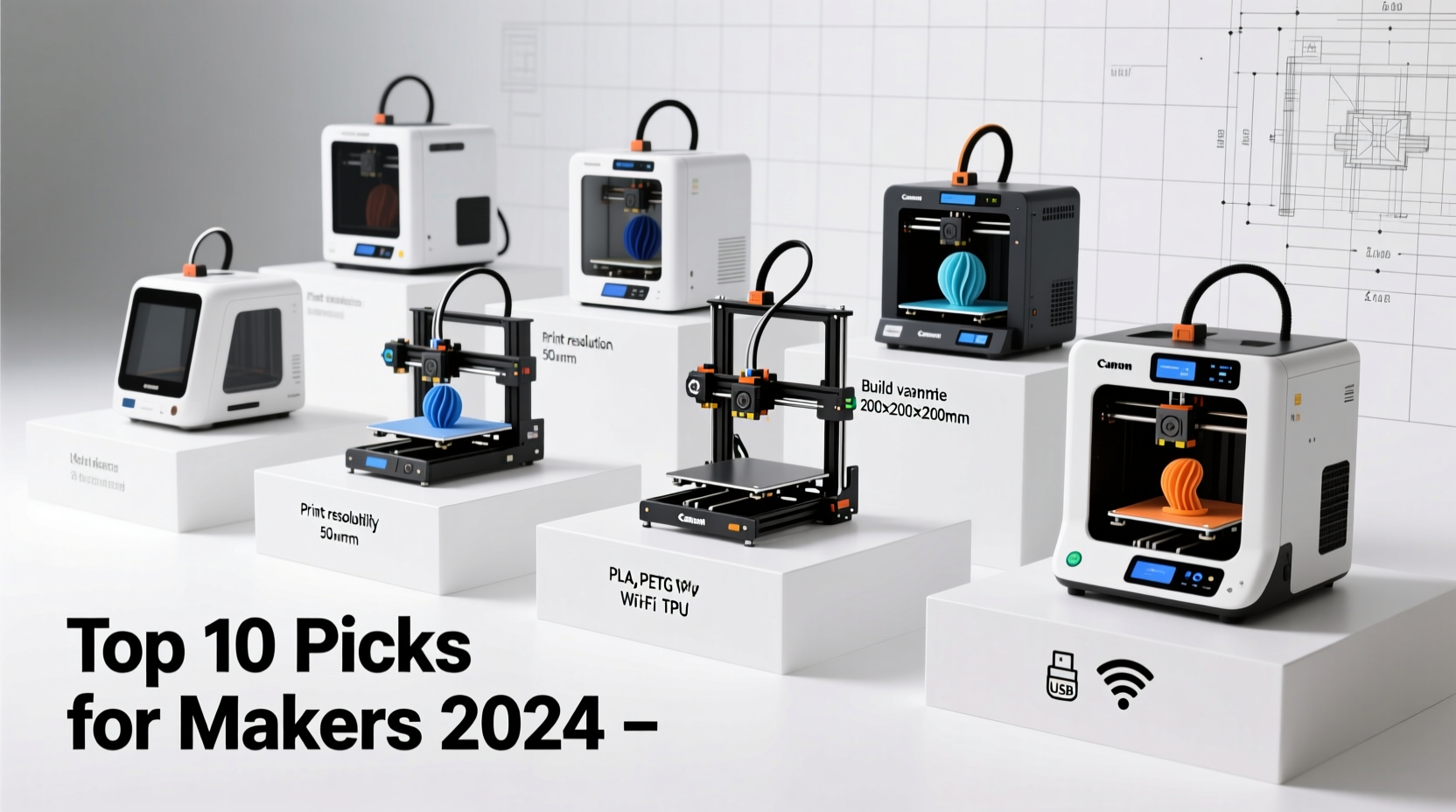
Affordability isn’t just about the sticker price. It includes long-term costs like maintenance, filament compatibility, and ease of use. Precision refers to layer resolution, dimensional accuracy, and print consistency. Versatility covers material support (PLA, PETG, TPU, etc.), build volume, open-source firmware, and upgrade potential.
The best budget-friendly machines deliver consistent sub-100-micron layer heights, minimal warping, and intuitive interfaces—without locking users into proprietary ecosystems. They also allow tinkering and upgrades, which extends their useful life far beyond entry-level expectations.
“Modern consumer-grade 3D printers now offer 80% of professional performance at 20% of the cost.” — Dr. Lena Patel, Additive Manufacturing Researcher, MIT
Top 10 Affordable, Precise, and Versatile 3D Printers in 2024
| Model | Price Range | Build Volume (mm) | Layer Resolution | Material Support | Key Strength |
|---|---|---|---|---|---|
| Ender-3 V2 Neo | $220–$250 | 220 x 220 x 270 | 0.05–0.3 mm | PLA, PETG, TPU, ABS | Best value with silent operation |
| Creality K1C | $499 | 220 x 220 x 250 | 0.05–0.3 mm | PLA, PETG, ABS, ASA, PC | Fast CoreXY + color option |
| Anycubic Kobra 2 | $299 | 220 x 220 x 255 | 0.05–0.3 mm | PLA, PETG, TPU, Wood | Auto-bed leveling & speed |
| Artillery Hornet | $279 | 220 x 220 x 260 | 0.05–0.3 mm | PLA, PETG, TPU, ABS | Compact dual-extruder design |
| Prusa MINI+ | $349 | 180 x 180 x 180 | 0.05–0.35 mm | PLA, PETG, TPU, PC, ASA | Reliability & ecosystem |
| Creality Ender-3 S1 | $399 | 220 x 220 x 270 | 0.05–0.3 mm | PLA, PETG, TPU, ABS, PA | Semi-auto bed leveling |
| BIQU B1 | $329 | 220 x 220 x 245 | 0.05–0.3 mm | PLA, PETG, TPU, ABS | Direct drive & quiet |
| Alfawise U30 Pro | $349 | 300 x 300 x 400 | 0.05–0.3 mm | PLA, PETG, TPU, ABS | Large build volume |
| Flybotix H2 Delta | $399 | 180 Ø x 240 H | 0.05–0.3 mm | PLA, PETG | High-speed delta design |
| Voxelab Aquila S2 | $299 | 220 x 220 x 260 | 0.05–0.3 mm | PLA, PETG, TPU, ABS | All-metal hotend & pre-calibrated |
Real-World Use Case: A High School Robotics Team Finds Its Match
The Westbridge Robotics Club needed durable, accurate parts for their competition robot but had only $500 in their annual budget. After researching options, they purchased the Anycubic Kobra 2. Within two weeks, students printed over 30 custom brackets, gear housings, and sensor mounts. The auto-leveling feature reduced setup time, allowing more class periods for design iteration. One student noted, “We used to wait hours for one failed print. Now we get clean results on the first try.” The team advanced to regionals—partially thanks to faster prototyping made possible by their new printer.
How to Choose the Right Model: A Step-by-Step Guide
Selecting the ideal 3D printer involves more than comparing specs. Follow these steps to make a confident decision:
- Define Your Primary Use: Are you making functional prototypes, artistic models, or educational tools? Functional parts benefit from printers that handle engineering filaments like PETG or nylon.
- Assess Build Volume Needs: Measure your largest intended project. If printing phone cases or miniatures, 150³ mm may suffice. For robotics or architectural models, aim for at least 200³ mm.
- Check Bed Leveling Type: Manual leveling requires patience. Semi-automatic (BLTouch) or fully automatic systems save time and improve success rates.
- Evaluate Material Flexibility: Open-filament systems let you choose brands and colors freely. Avoid printers tied to expensive cartridges unless workflow integration justifies it.
- Research Community Support: Look for active Reddit threads, Facebook groups, or Thingiverse forums. Strong user communities mean easier troubleshooting and mod suggestions.
- Factor in Upgradability: Can the printer accept better nozzles, glass beds, or silent boards? Future-proofing extends lifespan and performance.
Common Pitfalls and How to Avoid Them
- Underestimating Assembly Time: Some kits claim “easy setup,” but expect 1–3 hours for full calibration, especially if new to 3D printing.
- Ignoring Ventilation Needs: Printing ABS or ASA releases fumes. Even PLA emits ultrafine particles. Operate in well-ventilated areas or consider enclosures with filters.
- Skipping Firmware Updates: Manufacturers frequently release stability and feature improvements. Check for updates monthly during the first few months.
- Overlooking Noise Levels: Stepper motors and cooling fans can be loud. If using in classrooms or home offices, prioritize printers with TMC drivers for quieter operation.
Essential Checklist Before Buying
- ✅ Auto Bed Leveling Included?
- Reduces failed prints due to poor adhesion.
- ✅ All-Metal Hotend?
- Allows printing higher-temperature materials like polycarbonate.
- ✅ Resume Printing After Power Loss?
- Critical for long prints in unstable power environments.
- ✅ Open Source Firmware (e.g., Marlin)?
- Enables customization and community mods.
- ✅ Heated Bed?
- Necessary for ABS, PETG, and other non-PLA materials.
Frequently Asked Questions
Can I reliably print functional parts with a sub-$300 3D printer?
Yes. Models like the Ender-3 V2 Neo and Voxelab Aquila S2 produce dimensionally accurate parts suitable for mechanical assemblies when paired with quality filament and proper slicer settings. Calibration is key.
Do cheaper printers require constant tweaking?
Earlier generations did, but modern budget printers come pre-assembled and calibrated. Most still benefit from minor tuning (belt tension, Z-offset), but daily operation should be stable after initial setup.
Is resin printing more precise than FDM?
Resin (SLA/DLP) printers typically offer finer detail (down to 25 microns), ideal for miniatures or jewelry. However, FDM printers have improved dramatically and are better suited for durable, larger functional parts. For most makers, FDM offers the best balance of cost, strength, and versatility.
Final Thoughts: Empower Your Creativity Without Breaking the Bank
The democratization of 3D printing means exceptional tools are now accessible to everyone—from garage tinkerers to classroom innovators. The ten printers listed here prove that affordability doesn’t mean compromise. With smart selection, you gain precision engineering, adaptability across materials, and the freedom to iterate without limits.
Today’s best budget printers aren’t just entry points—they’re capable workhorses that grow with your skills. Whether you're repairing household items, launching a side hustle, or guiding students through STEM projects, investing in the right machine unlocks endless possibilities.




 浙公网安备
33010002000092号
浙公网安备
33010002000092号 浙B2-20120091-4
Comments
No comments yet. Why don't you start the discussion?