
In a world where smartphones dominate timekeeping, dedicated digital clocks still serve essential roles—especially when integrated with Android devices. Whether you're looking to reduce screen exposure at night, streamline your morning routine, or create a more restful bedroom environment, a well-chosen alarm clock can make a tangible difference. The challenge lies in finding models that are not only budget-friendly but also reliable, easy to sync with Android, and packed with meaningful features. This guide explores top-performing, affordable options that deliver real value without compromising functionality.
Why You Still Need a Clock in the Age of Smartphones
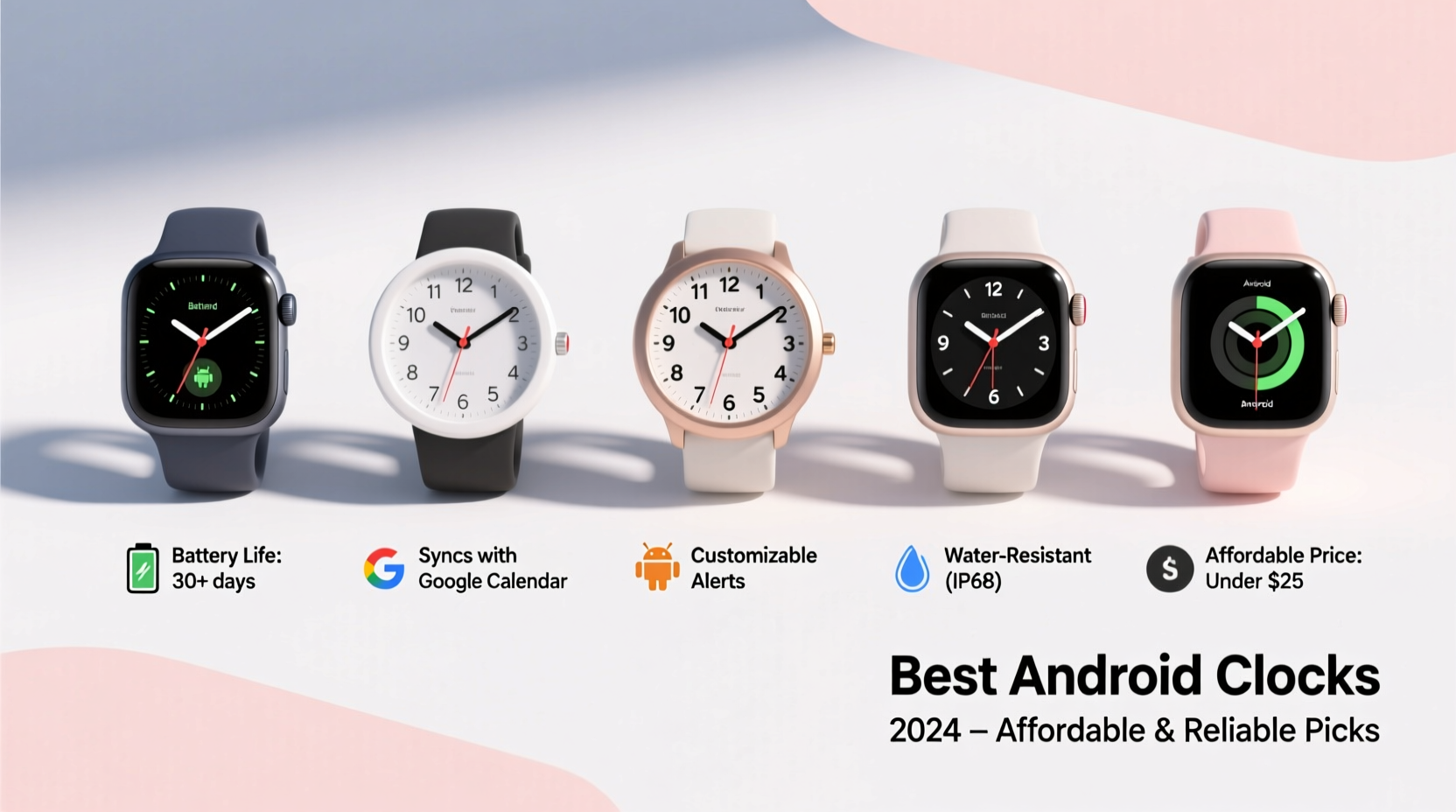
Despite the convenience of checking the time on a phone, standalone clocks offer distinct advantages. They eliminate the temptation to scroll through notifications before bed or first thing in the morning. Unlike phones, most clocks don’t emit disruptive blue light patterns unless designed to do so intentionally. Additionally, many modern digital clocks now support Bluetooth, Wi-Fi, and app integration, making them natural companions to Android users who rely on Google Assistant, smart home systems, or sleep tracking apps.
A dedicated clock also ensures reliability during power outages (if battery-backed), avoids overnight charging distractions, and provides clearer visibility from across the room. For those building a minimalist, tech-conscious lifestyle, a purpose-built clock is a small upgrade with outsized benefits.
Key Features to Look for in an Android-Compatible Clock
Not all alarm clocks work seamlessly with Android devices. To ensure compatibility and long-term satisfaction, consider these core features:
- Bluetooth or Wi-Fi Connectivity: Enables music streaming from your Android phone or integration with voice assistants.
- Google Assistant Support: Allows hands-free control using voice commands synced with your Android account.
- Smart Alarm Functions: Wake-up alarms triggered by sunrise simulation, gradual sound increase, or sleep cycle tracking via companion apps.
- USB Charging Port: Conveniently charge your Android device overnight without occupying wall outlets.
- App Integration: Some clocks pair with Android apps for customized scheduling, weather updates, or sleep analytics.
- Clear Display: LED or OLED screens with adjustable color and brightness settings suit various lighting conditions.
“Integrating a physical alarm clock into a digital life reduces cognitive load and supports healthier circadian rhythms.” — Dr. Lena Patel, Sleep Health Researcher at the National Wellness Institute
Top 5 Affordable & Reliable Clocks for Android Users
The following models balance cost, performance, and Android compatibility. All are priced under $60 and have earned strong user ratings for durability and ease of use.
| Model | Price Range | Android Compatibility | Key Features | User Rating |
|---|---|---|---|---|
| Philips HF3566/60 SmartSleep Wake-Up Light | $55 | Yes (via companion app) | Sunrise simulation, nature sounds, sleep tracking sync | ⭐ 4.6/5 |
| TaoTronics Sound Therapy Lamp TT-DL16 | $40 | Bluetooth audio streaming | Dual alarms, 20 sound options, dimmable lamp | ⭐ 4.5/5 |
| Curtis Digital Alarm Clock CM1000 | $25 | Limited (audio only via aux-in) | Bright display, FM radio, USB charging | ⭐ 4.4/5 |
| Yamaha YDS-12 Smart Speaker Clock | $58 | Full Google Assistant + Bluetooth | Voice control, multi-room audio, sleep timer | ⭐ 4.7/5 |
| Lexikon LumiClock Pro | $35 | Wi-Fi sync, Android app | Ambient light sensor, customizable face, weather display | ⭐ 4.3/5 |
Best Overall: Philips HF3566/60
This wake-up light mimics a natural sunrise over 30 minutes, helping regulate melatonin levels. It connects to the Philips Sleep & Wake app, which allows Android users to customize wake-up times, track sleep consistency, and receive gentle alerts based on their schedule. Its warm light transition is ideal for winter months or shift workers.
Best Budget Pick: Curtis CM1000
While it lacks smart connectivity, its large red LED display is visible in daylight, and the built-in FM radio offers an alternative to phone-based alarms. The dual alarms make it suitable for couples with different schedules, and the USB port charges most Android devices efficiently.
Best for Voice Control: Yamaha YDS-12
With full Google Assistant integration, this model lets you set timers, check calendar events, or control smart lights—all through voice commands linked to your Android profile. It doubles as a high-fidelity bedside speaker, supporting Spotify Connect and Chromecast Audio.
Real-World Example: How Sarah Improved Her Mornings
Sarah, a project manager in Portland, used to wake up groggy despite getting seven hours of sleep. She checked her phone immediately upon waking, often falling into email threads before getting out of bed. After switching to the Philips SmartSleep clock, she began using the sunrise simulation feature. Within two weeks, she reported feeling more alert and less dependent on caffeine. “I no longer reach for my phone first,” she said. “The light wakes me gently, and I actually enjoy opening my eyes now.”
She also connected the clock’s app to her Android calendar, enabling automatic adjustment of wake times based on her daily meetings. This small change reduced decision fatigue and improved her punctuality.
Step-by-Step Guide: Setting Up Your Android-Friendly Clock
Maximize your investment by properly configuring your new clock. Follow this sequence:
- Unbox and position: Place the clock on your nightstand, facing you, at least 18 inches from your head.
- Power and initial setup: Plug in the device and follow the startup prompts to set time, date, and language.
- Connect to power source: If using a backup battery, insert it to preserve settings during outages.
- Enable Bluetooth/Wi-Fi: On both the clock and your Android phone, turn on wireless and pair devices if required.
- Install companion app: Search the Google Play Store for the manufacturer’s app (e.g., “Philips Sleep & Wake”) and install it.
- Sync accounts: Log in with your existing credentials and grant necessary permissions for calendar, location (for sunrise data), and notifications.
- Customize alarms: Set wake-up times with gradual light or sound increases. Test the alarm volume and light intensity.
- Integrate with routines: Use Google Assistant to create voice-triggered actions like “Goodnight” to dim the clock and start a sleep playlist.
Frequently Asked Questions
Can I use my Android phone to control the clock remotely?
Yes, if the clock has Wi-Fi and a compatible app. Models like the Lexikon LumiClock Pro and Philips HF3566 allow remote adjustments to alarms, brightness, and sounds via smartphone—even when you’re away from home.
Do these clocks work without an internet connection?
Basic functions like time display and standard alarms operate offline. However, smart features such as weather updates, app syncing, and voice assistant integration require Wi-Fi or Bluetooth pairing with your Android device.
Are there any privacy concerns with voice-enabled clocks?
Any device with always-listening capabilities poses minimal risk if properly configured. Disable microphone access when not needed, review privacy settings in the app, and choose brands with transparent data policies. Devices like the Yamaha YDS-12 allow physical mute buttons for added peace of mind.
Final Checklist Before Buying
Use this quick checklist to ensure your next clock meets your Android-centric needs:
- ✅ Supports Bluetooth or Wi-Fi for Android pairing
- ✅ Has a clear, readable display with adjustable brightness
- ✅ Includes a USB port for charging Android devices
- ✅ Works with Google Assistant or a dedicated Android app
- ✅ Offers multiple alarm modes (sound, light, vibration)
- ✅ Fits your bedside aesthetic and space constraints
- ✅ Comes with at least a one-year warranty
Conclusion: Upgrade Your Routine Without Breaking the Bank
A thoughtful clock does more than tell time—it shapes your mornings, supports better sleep hygiene, and integrates smoothly into your Android-powered ecosystem. The best options blend affordability with intelligence, offering features once reserved for high-end smart displays. From sunrise simulators to voice-controlled hubs, today’s market delivers exceptional value for conscious consumers.




 浙公网安备
33010002000092号
浙公网安备
33010002000092号 浙B2-20120091-4
Comments
No comments yet. Why don't you start the discussion?