
Every year, millions of people lose keys, wallets, backpacks, or luggage—often in crowded places or during travel. The rise of Bluetooth tracking devices has made it easier than ever to locate misplaced items quickly. Among the most popular options are Apple’s AirTag and Samsung’s SmartTag 2. While both promise peace of mind through precise location tracking, they differ significantly in ecosystem compatibility, hardware capabilities, and user experience. Choosing between them isn’t just about brand loyalty—it’s about understanding how each device performs when you actually need it.
Design and Build Quality
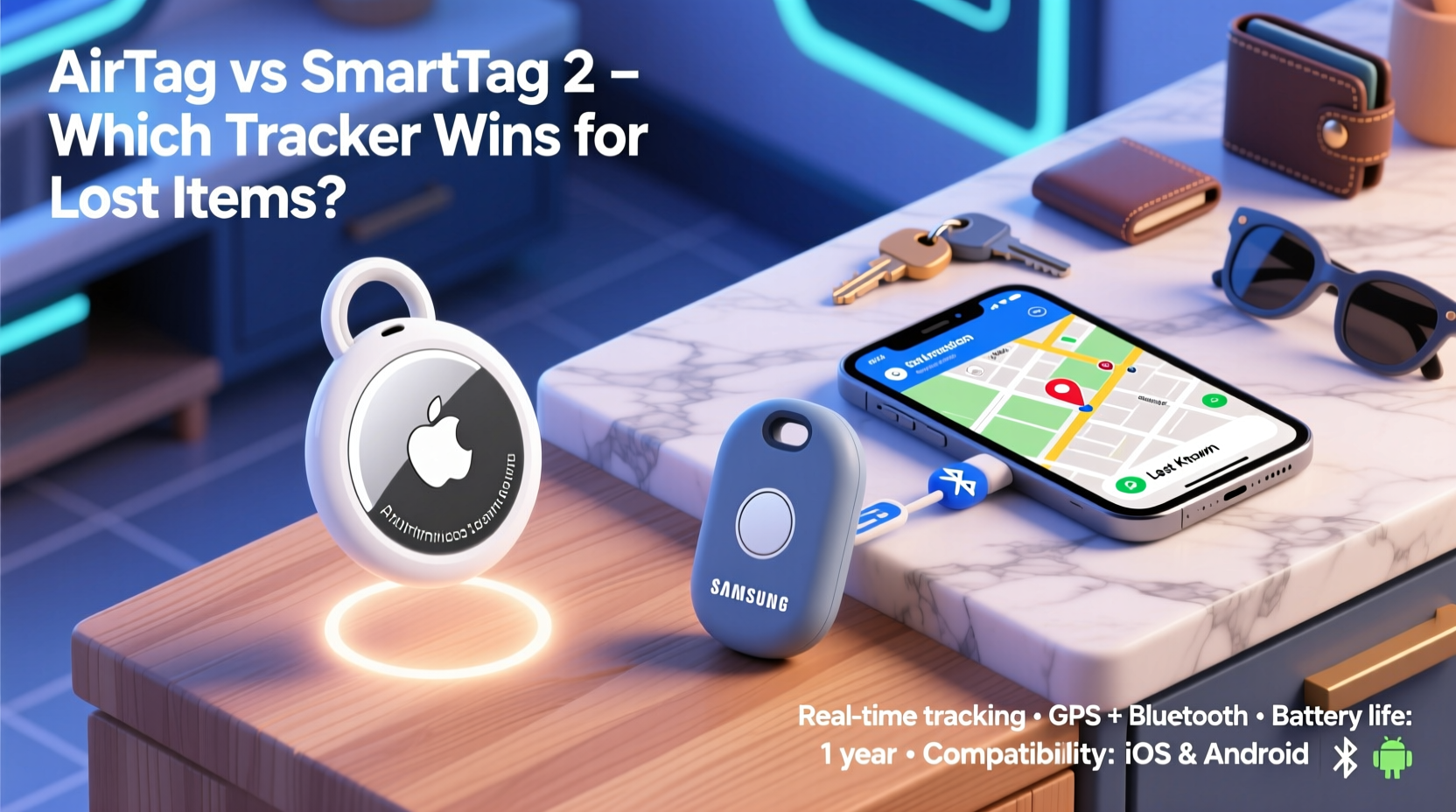
The physical design of a tracker affects how easily it can be attached to everyday items. Both the AirTag and SmartTag 2 feature compact, circular shapes that fit into keychains, bags, or wallets. However, their construction reflects different priorities.
Apple’s AirTag uses a glossy white plastic front with a polished stainless steel back that unscrews for battery replacement. It feels premium and durable, rated IP67 for dust and water resistance—meaning it can survive brief submersion in water up to 1 meter deep. Its minimalist look blends well with Apple’s aesthetic but offers no built-in attachment point; users must rely on third-party accessories like loops or holders.
Samsung’s SmartTag 2 also adopts an IP67 rating and shares a similar disc-like form factor. It’s slightly thicker than the AirTag but includes a small hole at the edge, allowing direct attachment via lanyards or rings without extra gear. The matte finish resists fingerprints and scratches better than the AirTag’s glossy surface, making it more practical for rugged use.
Precision Finding and Location Accuracy
When you’ve lost something, precision matters. Generic Bluetooth trackers might tell you “your keys are nearby,” but that’s not helpful in a cluttered drawer or busy café. This is where Ultra-Wideband (UWB) technology comes into play.
AirTags leverage Apple’s UWB chip—the U1—which enables Precision Finding on compatible iPhones (iPhone 11 and later). When within range, your iPhone displays directional arrows and distance indicators, guiding you step-by-step to the exact location of the tag. In real-world tests, this feature consistently narrows down positions within inches, even behind furniture or inside drawers.
The SmartTag 2, while improved from its predecessor, does not include UWB. Instead, it relies on Bluetooth Low Energy (BLE) and crowd-based location sharing through Samsung’s SmartThings Find network. Without directional guidance, users receive only proximity alerts (“Getting warmer/colder”) based on signal strength. While functional, this method lacks the confidence and speed of true spatial tracking.
“Precision Finding changes everything—it turns vague guesses into actionable directions.” — Mark Tran, IoT Device Analyst at TechPulse Insights
Ecosystem Compatibility and Network Reach
This is often the deciding factor: your choice may depend less on hardware and more on what phone you use.
AirTags work seamlessly within Apple’s ecosystem. They integrate directly with the Find My app, which automatically leverages over 1.5 billion active Apple devices worldwide as anonymous relays. Even if your AirTag is out of Bluetooth range, any nearby iPhone, iPad, or Mac can detect its signal and securely upload its location to iCloud—no user action required. However, non-iOS users cannot set up or manage AirTags effectively. Android users can only scan an AirTag with NFC to view contact info if the owner enabled Lost Mode, but they can’t track or interact with it otherwise.
In contrast, the SmartTag 2 works best with Samsung Galaxy devices running One UI, using the SmartThings Find service. It connects via BLE and uses Samsung’s growing network of Galaxy phones, tablets, and wearables to report locations. While smaller than Apple’s network, it still covers tens of millions of devices globally. Crucially, SmartTag 2 supports limited cross-platform functionality: it can be detected by any NFC-enabled smartphone (including iPhones), allowing someone who finds it to tap and see a recovery message. Still, full tracking requires a Samsung account and compatible device.
Comparison Table: Key Features at a Glance
| Feature | AirTag | SmartTag 2 |
|---|---|---|
| Tracking Technology | Bluetooth + Ultra-Wideband (UWB) | Bluetooth Low Energy (BLE) |
| Precision Finding | Yes (on iPhone 11+) | No |
| Find Network Size | ~1.5 billion Apple devices | Hundreds of millions of Galaxy devices |
| Battery Type & Life | Replaceable CR2032 (~1 year) | Replaceable CR2032 (~1 year) |
| Water Resistance | IP67 | IP67 |
| Best For | iPhone users wanting precision | Samsung users seeking value |
Real-World Performance: A Mini Case Study
Jessica, a frequent traveler and iPhone 13 user, attached an AirTag to her suitcase before a trip to Berlin. Upon arrival, her bag didn’t appear on the carousel. Using the Find My app, she discovered the tag was last seen near baggage handling. Thanks to Precision Finding, airport staff used an iPhone to scan the area and located the suitcase stuck behind a conveyor belt—within minutes. The directional cues made all the difference in a large, echo-filled warehouse space.
Compare that to Daniel, a Galaxy S23 owner who uses a SmartTag 2 on his backpack. He once left it in a gym locker. His phone alerted him when he walked out of range. Returning, he used the SmartThings Find app to trigger a ring—but because the backpack was buried under towels, he had to search manually. No directional data meant relying on sound and memory. He found it eventually, but it took nearly ten minutes of lifting and checking bins.
The takeaway? UWB gives AirTag a clear edge in scenarios requiring spatial awareness. For simple proximity alerts, SmartTag 2 suffices—but falls short when precision saves time.
Battery, Setup, and Daily Use
Both trackers use standard CR2032 coin-cell batteries, lasting approximately one year with regular use. Replacing them is straightforward: twist open the back, swap the battery, and close securely. Neither model supports rechargeable batteries or USB charging, which keeps the design simple and waterproof.
Setup differs slightly. AirTags initialize instantly when held near an iPhone—playing a sound to confirm pairing. Users assign a name and emoji icon, then place it on an item. Lost Mode allows custom messages and contact details visible via NFC scan.
SmartTag 2 setup requires the SmartThings app. After pairing via Bluetooth, users can customize ringtones, check battery status, and enable offline finding. Like AirTag, it supports a Lost Mode with retrievable info via NFC tapping.
Checklist: How to Maximize Your Tracker’s Effectiveness
- ✅ Attach the tracker securely to high-risk items (keys, wallet, laptop bag)
- ✅ Enable Lost Mode with a reachable phone number or email
- ✅ Test the “Play Sound” function monthly to ensure battery health
- ✅ Replace the battery promptly when low-power alerts appear
- ✅ Use official or high-quality third-party holders to prevent loss
Frequently Asked Questions
Can I use an AirTag with an Android phone?
No, you cannot set up or actively track an AirTag using an Android device. However, if an AirTag is in Lost Mode, an Android user can tap it with an NFC-capable phone to view the owner’s recovery message.
Is the SmartTag 2 compatible with iPhones?
You can detect a SmartTag 2 using NFC on an iPhone and see its recovery info if Lost Mode is enabled. But you cannot pair, configure, or track it through iOS apps. Full functionality requires a Samsung account and Galaxy device.
Which tracker has better privacy protections?
Both prioritize privacy. Location data is end-to-end encrypted and anonymous. Neither stores personal information on the device. Apple goes further by randomizing Bluetooth signals to prevent unwanted tracking, and alerts iPhone users if an unknown AirTag appears to be following them.
Final Verdict: Which Should You Choose?
If you own an iPhone and want the fastest, most accurate way to find lost items, the AirTag is unmatched. Its integration with the vast Find My network and UWB-powered Precision Finding delivers a seamless, reliable experience. The lack of native Android support is intentional—not a flaw—and reinforces Apple’s closed-loop security model.
The SmartTag 2 is a capable alternative, especially for Samsung users who value affordability and solid basic performance. It matches the AirTag in durability and battery life and offers decent crowd-sourced locating. But without UWB, it can’t compete in precision.
Ultimately, your smartphone determines the best tracker. For iPhone owners, AirTag remains the gold standard. For loyal Samsung users, SmartTag 2 is a sensible, ecosystem-aligned choice—even if it trails in advanced features.




 浙公网安备
33010002000092号
浙公网安备
33010002000092号 浙B2-20120091-4
Comments
No comments yet. Why don't you start the discussion?