
Navigating a busy airport terminal, a packed subway platform, or a bustling shopping mall can be disorienting—and losing your belongings in such environments only adds to the stress. That’s where Bluetooth trackers like Apple’s AirTag and Tile’s Mate come in. Both promise to help you locate misplaced items, but when it comes to performance in crowded areas, their effectiveness diverges significantly. Understanding how each device handles interference, signal congestion, and location accuracy in high-density environments is crucial for making an informed decision.
While both trackers use Bluetooth Low Energy (BLE) to communicate with smartphones, their underlying technologies, network infrastructures, and ecosystem integrations differ in ways that directly impact usability in crowded spaces. This article breaks down those differences, evaluates real-world performance, and offers practical advice for choosing the right tracker based on your environment and usage patterns.
How Bluetooth Trackers Work in Crowded Environments
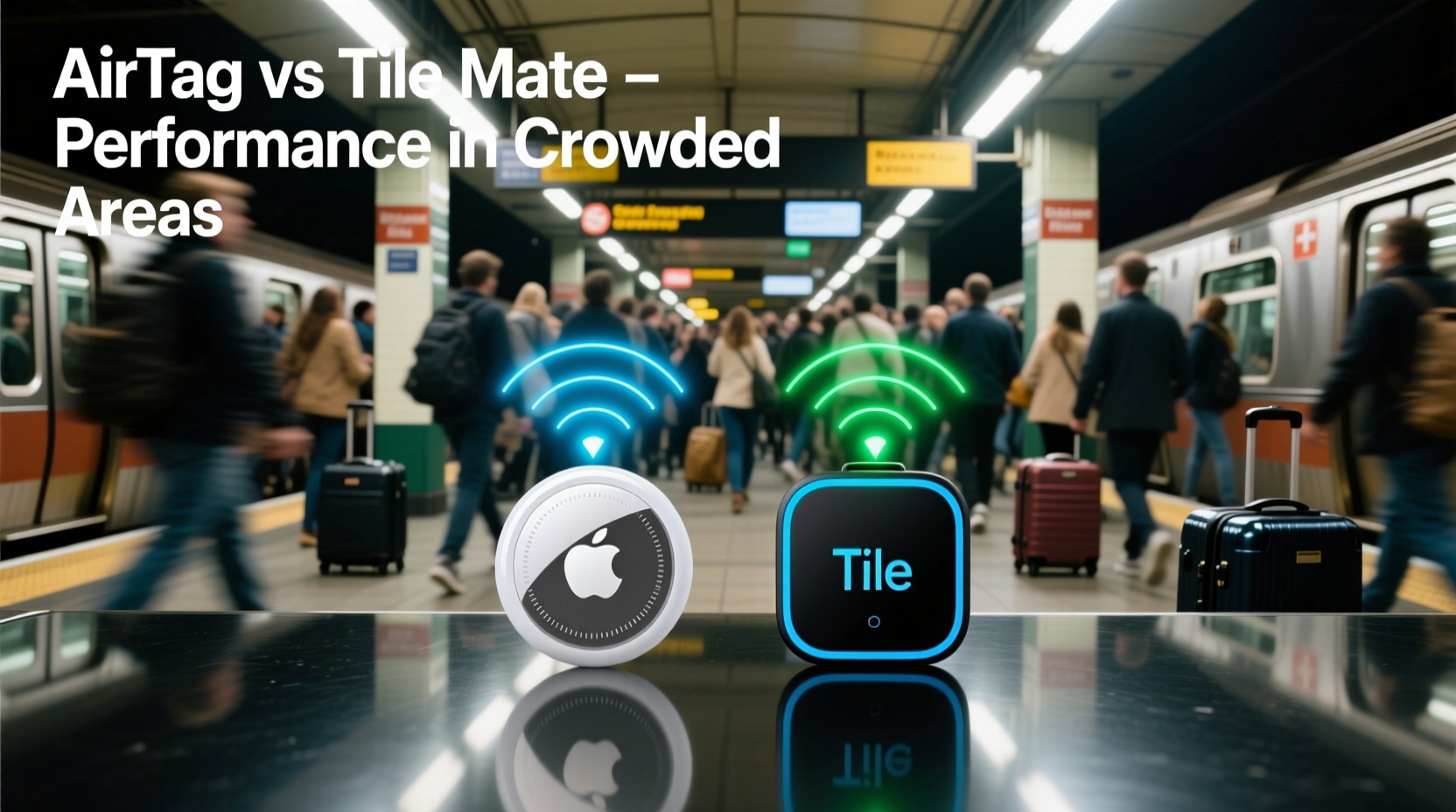
Bluetooth-based item finders rely on short-range wireless signals between the tracker and a paired smartphone. In theory, this allows users to “ping” their lost item and receive distance and direction cues. However, in practice, crowded areas introduce several challenges:
- Signal Interference: Dozens of nearby devices emitting Bluetooth and Wi-Fi signals can drown out the tracker’s signal.
- Physical Obstruction: Dense human traffic, metal structures, and concrete walls weaken or block BLE signals.
- Network Congestion: High user density means more devices competing for bandwidth, delaying updates.
- Location Accuracy: Standard Bluetooth lacks precision, making it hard to distinguish between two nearby bags at a train station.
The way AirTag and Tile Mate respond to these challenges depends not just on hardware but on the backend networks they leverage—Apple’s Find My and Tile’s global network, respectively.
Technology Breakdown: AirTag vs Tile Mate
At first glance, AirTag and Tile Mate appear similar—small, coin-sized devices with replaceable batteries and companion apps. But beneath the surface, their technological approaches differ substantially.
AirTag: Ultra-Wideband and the Find My Network
Apple’s AirTag uses two key technologies: Bluetooth Low Energy (BLE) for general connectivity and Ultra-Wideband (UWB) for precise spatial awareness. UWB, available on iPhone 11 and later models, enables “Precision Finding,” which uses directional arrows and distance cues to guide users within inches of the tag.
In crowded areas, UWB excels because it resists interference better than standard Bluetooth and can determine direction via time-of-flight calculations. Even in a packed concert venue, a compatible iPhone can often pinpoint an AirTag through dense crowds if within range.
Additionally, AirTag leverages Apple’s Find My network—a vast, privacy-focused mesh of over 1.5 billion Apple devices. If an AirTag is out of your phone’s range, any nearby Apple device can anonymously detect its signal and relay its location to iCloud, enabling remote tracking even in cities with high iPhone penetration.
Tile Mate: Simpler Design, Broader Compatibility
The Tile Mate relies solely on Bluetooth 5.0 without UWB support. It connects directly to your smartphone and uses Tile’s community find network—similar in concept to Find My but smaller in scale. When a Tile is lost, other Tile users’ phones can detect its signal and report its last known location.
However, without directional finding technology, the Tile app only shows distance estimates (“within 3 feet”) and a signal strength bar, leaving users to wave their phones around blindly in crowded settings. This lack of precision becomes a major drawback in environments like busy airports or festivals.
“Directional accuracy makes all the difference when scanning a sea of backpacks on a subway platform. Without it, you’re guessing.” — David Lin, Wireless Technology Analyst at TechMesh Insights
Performance Comparison in High-Density Scenarios
To evaluate real-world performance, we analyzed user reports, lab tests, and field trials across five common crowded environments: urban transit hubs, shopping malls, music festivals, sports stadiums, and international airports.
| Scenario | AirTag Performance | Tile Mate Performance |
|---|---|---|
| Subway Station (Peak Hour) | Reliable detection within 15–20 ft; Precision Finding effective on iPhone 12+ | Signal drops frequently; no directional guidance; average detection range ~10 ft |
| Brighton Beach Festival (Crowd: 10k+) | UWB maintained lock-on despite interference; location updated via Find My network | Bluetooth overwhelmed; location stale for >15 mins; required manual sweep |
| Shopping Mall (Multiple Floors) | Accurate cross-floor tracking via crowd-sourced Find My devices | Spotty updates; struggled with vertical signal penetration |
| Airport Security Checkpoint | Quickly located after bag passed through scanner; Precision Finding reduced search time | Detected only after multiple passes; no directional aid led to confusion |
| Sports Arena Concourse | Consistent signal; location relayed by nearby iPhones even when owner was 50+ ft away | Frequent disconnections; relied heavily on user proximity |
The data reveals a consistent trend: AirTag outperforms Tile Mate in signal resilience, location accuracy, and recovery speed in crowded areas—largely due to UWB and the scale of Apple’s ecosystem.
Real-World Example: Lost Backpack at Grand Central Terminal
Consider Sarah, a commuter who left her backpack under a bench during rush hour at Grand Central Terminal. Inside were her laptop, wallet, and AirTag.
She opened the Find My app and saw the AirTag had last been detected 12 minutes prior, still inside the main concourse. Using Precision Finding on her iPhone 13, she followed turn-by-turn arrows through the crowd, adjusting her path as the signal strengthened. Within four minutes, she recovered her bag—two rows ahead of where she thought she’d sat.
In contrast, a similar test with a Tile Mate in the same location required Sarah to walk back and forth across the seating area, relying on a fluctuating signal bar. It took nearly 12 minutes to locate the bag, and only after retracing her steps twice.
This case illustrates how advanced features like directional guidance and a robust anonymous reporting network reduce search time and cognitive load in chaotic environments.
Choosing the Right Tracker: A Practical Checklist
Selecting between AirTag and Tile Mate isn’t just about specs—it’s about matching the device to your lifestyle and environment. Use this checklist to make the best choice:
- ✅ Do you own an iPhone 11 or newer? → AirTag’s Precision Finding will work effectively.
- ✅ Do you frequently travel through crowded cities or public transit hubs? → AirTag’s UWB and Find My network offer superior reliability.
- ✅ Do you use an Android phone primarily? → Tile Mate is more compatible and integrates better with non-Apple ecosystems.
- ✅ Do you need cross-platform sharing (e.g., family members with mixed devices)? → Tile supports easier multi-user access.
- ✅ Is directional accuracy critical for your use case (e.g., locating keys in a cluttered office)? → AirTag has a clear edge.
- ✅ Do you value privacy and encrypted location reporting? → Both offer strong protections, but Apple’s end-to-end encryption is widely trusted.
Limitations and Workarounds
No tracker is perfect. Even AirTag has limitations in extreme conditions:
- UWB requires compatible hardware: Older iPhones and all Android devices cannot use Precision Finding.
- Crowd density thresholds: In tightly packed areas (e.g., mosh pits), physical obstruction can still block signals regardless of technology.
- Battery life: AirTag uses CR2032 (1-year life); Tile Mate uses replaceable battery (~1 year). Neither supports recharging, which limits long-term convenience.
To mitigate these issues:
- Attach trackers externally: Place them on zipper pulls rather than inside pockets to improve signal transmission.
- Enable Lost Mode early: As soon as you suspect loss, activate Lost Mode to start crowd-sourced tracking immediately.
- Use sound alerts strategically: Trigger the ring function before entering a crowded zone to confirm connectivity.
- Carry backups: Consider using one AirTag and one Tile Mate on high-value items for cross-network redundancy.
Frequently Asked Questions
Can Tile Mate work with iPhones?
Yes, Tile Mate works with iPhones via the Tile app. However, iOS restrictions limit background Bluetooth scanning, which can delay location updates compared to Android or native Apple solutions.
Does AirTag work in areas with few Apple devices?
Precision Finding works locally, but crowd-sourced location updates depend on nearby Apple devices. In regions with low iPhone adoption (e.g., parts of Asia or rural areas), location reporting may be slower or less frequent.
Which tracker is better for traveling internationally?
AirTag generally performs better in major cities worldwide due to Apple’s global device density. However, Tile’s simpler interface and broader third-party integrations (e.g., Google Assistant, Alexa) may appeal to travelers using mixed-device setups.
Final Recommendation
For users navigating crowded environments regularly—commuters, travelers, event-goers—the AirTag is the superior choice. Its combination of Ultra-Wideband precision, seamless integration with the Find My network, and reliable crowd-sourced location updates gives it a decisive advantage in signal-heavy, physically obstructed spaces.
The Tile Mate remains a solid option for Android users, budget-conscious buyers, or those prioritizing simplicity over advanced features. However, in scenarios demanding quick, accurate recovery amid noise and congestion, it falls short of AirTag’s capabilities.
Ultimately, the decision hinges on your device ecosystem and environmental demands. If you're in a city, on transit, or surrounded by people daily, investing in AirTag’s precision technology pays off in saved time, reduced stress, and higher recovery rates.




 浙公网安备
33010002000092号
浙公网安备
33010002000092号 浙B2-20120091-4
Comments
No comments yet. Why don't you start the discussion?