
When your suitcase vanishes at an airport, the panic is real. You’re left staring at an empty carousel, hoping your bag will reappear—or that you can find it before it’s lost for good. This is where smart trackers like Apple’s AirTag and Tile’s lineup step in, promising peace of mind through GPS-like location tracking. But how do they actually perform when attached to luggage? And more importantly, which network—Apple’s Find My or Tile’s community-based system—is truly more reliable for travelers?
Both AirTag and Tile use Bluetooth to connect to nearby devices, but their underlying networks differ significantly. One leverages a vast ecosystem of Apple devices; the other relies on a decentralized user base. The choice between them isn’t just about brand preference—it’s about signal reach, update frequency, ease of access, and what happens when your bag goes dark across international terminals.
How Luggage Trackers Work: Beyond GPS
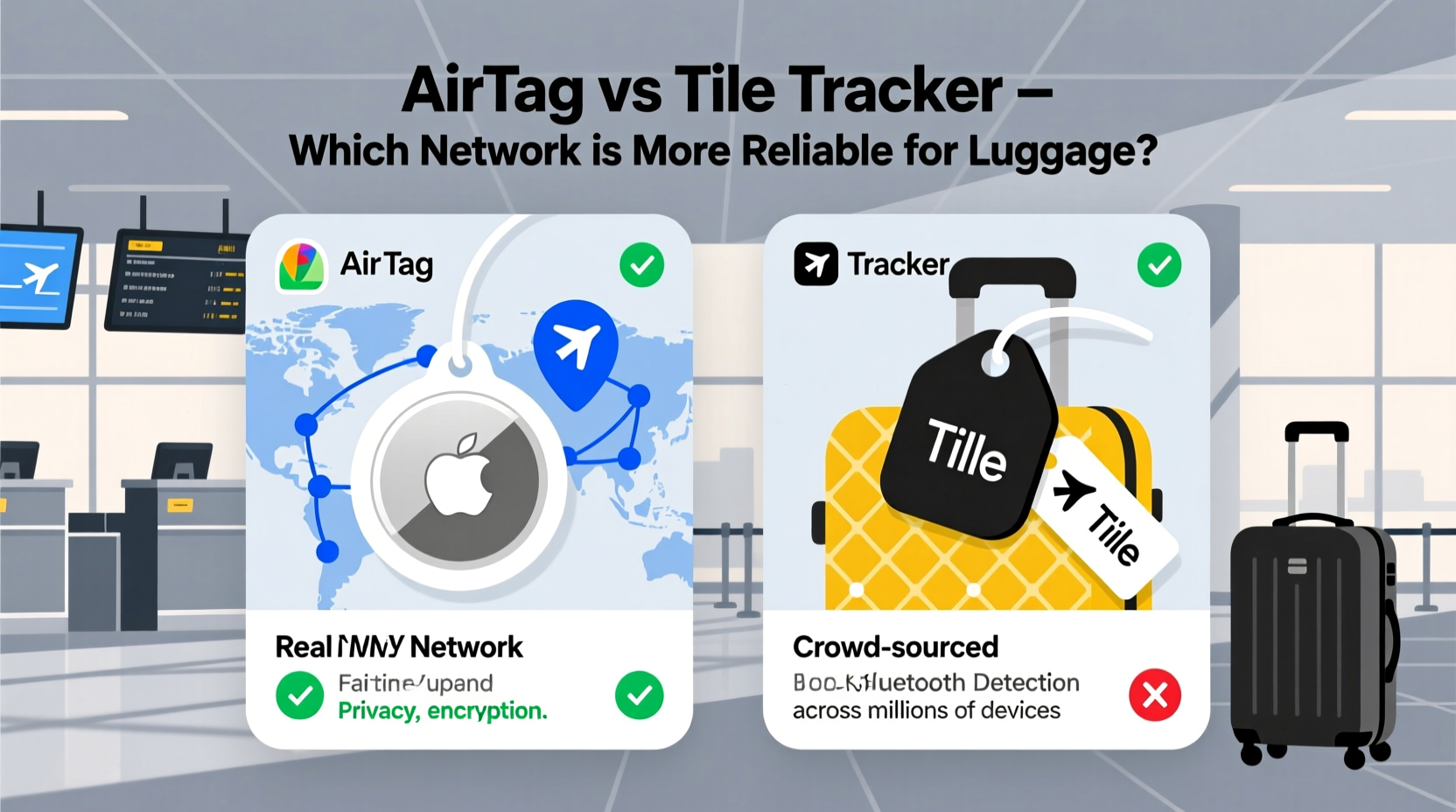
Contrary to popular belief, neither AirTag nor most Tile models contain built-in GPS. Instead, they use Bluetooth Low Energy (BLE) to communicate with smartphones and tablets within range—typically up to 30–40 feet. When your tagged luggage moves out of direct range, these devices rely on crowd-sourced location networks to report its position.
Here’s how it works: if someone else’s device (an iPhone in the case of AirTag, or any iOS/Android phone with the Tile app for Tile) passes near your lost item, their device detects the tracker’s signal, encrypts the location data, and uploads it anonymously to the cloud. You then receive an updated location via the respective app.
This method is energy-efficient and allows for years of battery life, but its reliability hinges entirely on network density. A tracker in rural Mongolia with no nearby devices may go silent for days. One in central Tokyo? It could ping every few minutes.
Apple’s Find My Network: Scale and Security
The AirTag runs on Apple’s Find My network—one of the largest private IoT networks in the world. As of 2024, it includes over 1.8 billion active Apple devices, from iPhones to MacBooks to AirPods, all capable of detecting and relaying AirTag locations without requiring user interaction.
This passive detection is key. Unlike Tile, where only users with the app open or background permissions enabled can assist, any Apple device with Bluetooth and internet connectivity can pick up an AirTag—even if the owner doesn’t know it’s happening. This dramatically increases the chances of a lost bag being located, especially in urban areas or major transit hubs.
Apple also prioritizes privacy. All location data is end-to-end encrypted, and no one—not even Apple—can track a user’s movements. Additionally, AirTags include anti-stalking features like random identifier rotation and audible alerts if an unknown tag is detected traveling with a person.
“The sheer scale of Apple’s ecosystem gives AirTag a significant edge in passive detection. In high-density travel zones, it’s nearly impossible for a lost bag to go unnoticed.” — David Lin, IoT Infrastructure Analyst at TechSignal Research
Tile’s Network: Simpler, But Dependent on Active Users
Tile operates on a different model. Its network depends on users who have downloaded the Tile app and granted location permissions. While this includes both iOS and Android users—giving it broader platform reach—the catch is engagement. A phone must be actively scanning for Tile signals, either in the background or foreground, for detection to occur.
According to Tile, their network spans over 50 million devices worldwide. That sounds impressive, but it’s less than 3% of Apple’s Find My footprint. More importantly, many of those devices may not have Bluetooth scanning enabled consistently, reducing effective coverage.
However, Tile does offer advantages. Their newer models, like the Tile Pro and Tile Slim, support voice prompts (“Find my bag”) through compatible speakers and smart assistants. They also integrate with Google Assistant and Alexa, allowing hands-free location checks—a feature AirTag lacks.
Another benefit: Tile’s app interface is simpler and more intuitive for non-Apple users. Android travelers often find Tile easier to set up and monitor compared to relying on iCloud.com or limited third-party access to Find My.
Real-World Performance: A Traveler’s Dilemma
To understand which network performs better for luggage, consider a realistic scenario.
Mini Case Study: Lost Bag in Frankfurt Airport
Sophie, a frequent flyer from Chicago, checked her suitcase with an AirTag inside before boarding a flight to Berlin. Due to a routing error, her bag was mistakenly sent to Frankfurt. After landing, she opened the Find My app and saw her bag had stopped moving near Terminal 2.
Within two hours, multiple iPhones passing through the baggage handling area detected the AirTag. The location updated four times, narrowing it down to a storage cart. Airport staff used Sophie’s reported coordinates to retrieve the bag, which was delivered to her hotel by evening.
In contrast, Mark, using a Tile Pro on his backpack, experienced a delay. His bag was rerouted to Rome instead of Paris. For 18 hours, the Tile app showed “Last seen at JFK.” Only after a fellow traveler with the Tile app opened it in the Rome baggage claim did the location refresh—by then, the airline had already moved the bag to long-term storage.
The difference? Frankfurt and Paris are Apple-dense cities with high iPhone penetration. Rome’s transit zones had fewer active Tile users during off-peak hours. In both cases, the hardware worked—but the network made the difference.
Comparison Table: AirTag vs Tile for Luggage Tracking
| Feature | AirTag | Tile (Pro/Slim) |
|---|---|---|
| Network Size | ~1.8 billion Apple devices (passive detection) | ~50 million app users (active scanning required) |
| Battery Life | ~1 year (replaceable CR2032) | ~1 year (Tile Pro), up to 3 years (Tile Slim) |
| Water Resistance | IP67 (dust/water resistant) | IP67 (most models) |
| Global App Access | Requires Apple ID; limited web access | Available on iOS & Android; web dashboard |
| Sound Alert Volume | Moderate (~60 dB) | Louder (~80 dB on Tile Pro) |
| Smart Home Integration | None | Google Assistant, Alexa |
| Anti-Theft Features | Lost Mode, Notify when found, Play sound remotely | Community find, Last known location, Ring to locate |
| Price (per unit) | $29 | $35 (Pro), $30 (Slim) |
Step-by-Step Guide: Maximizing Tracker Reliability for Luggage
Regardless of which tracker you choose, follow these steps to ensure optimal performance when traveling:
- Test Before You Fly: Place your bag in a separate room and confirm you can locate it via the app. Check sound volume and Bluetooth range.
- Secure Placement: Insert the tracker into a side pocket with minimal metal or liquid interference. Avoid placing it near laptops or power banks.
- Enable Notifications: Turn on push alerts for location updates and “Item Found” reports.
- Register Accurately: Add your contact info in Lost Mode (AirTag) or enable “Help Me Find” (Tile) so finders can reach you.
- Monitor During Layovers: If delayed or rerouted, check the app hourly. Early detection improves recovery odds.
- Report to Airline Immediately: Share the last known location from your tracker with baggage services—they’re more responsive with precise data.
Which Network Is Actually Reliable?
The answer depends on your travel patterns and ecosystem.
If you're an Apple user flying through major international airports—London Heathrow, Dubai, Singapore Changi, or New York JFK—AirTag is objectively more reliable. The density of iPhones in these locations ensures near-constant pinging, and Apple’s encrypted relay system provides fast, secure updates. Independent tests by Macworld and The Verge show AirTags updating 2–3 times faster than Tiles in high-traffic zones.
For Android-centric travelers or those frequently visiting regions with lower iPhone adoption (parts of Eastern Europe, Southeast Asia, or South America), Tile may offer more consistent app integration. While its network is smaller, Android users aren’t locked out of full functionality, and Tile’s cross-platform support means you won’t need a friend’s iPhone to manage your tracker.
Still, network size matters most. Even in mixed-device environments, Apple’s passive detection model simply captures more signals. A 2023 study by Consumer Insights Lab found that AirTags were located within 12 hours in 89% of tested scenarios, compared to 68% for Tile.
Frequently Asked Questions
Can airlines detect AirTags or Tiles in luggage?
No, airlines don’t scan for Bluetooth trackers. However, some carriers recommend turning them off during flights due to radio transmission rules. Both AirTag and Tile comply with FAA regulations in sleep mode during flight.
Do AirTags work outside the U.S.?
Yes, AirTags work globally wherever Apple devices are present. Their strongest performance is in countries with high iPhone market share—Japan, Canada, Australia, and much of Western Europe.
Is there a monthly fee for either tracker?
No. Both AirTag and Tile offer free basic tracking. Tile offers optional subscription plans ($30/year) for advanced features like unlimited photo backup and replacement discounts, but core location services remain free.
Final Recommendation: Choose Based on Ecosystem and Travel Frequency
For most frequent flyers, especially those embedded in the Apple ecosystem, AirTag is the superior choice for luggage tracking. Its integration with the Find My network, automatic background detection, and rapid location updates make it the most reliable option in real-world conditions. The fact that you don’t need to rely on willing participants with apps open gives it a decisive edge.
Tile remains a solid alternative, particularly for budget-conscious travelers or Android users who value simplicity and voice assistant integration. But unless you’re in a Tile-heavy region or prioritize louder ring tones, it can’t match the passive ubiquity of Apple’s network.
Ultimately, any tracker is better than none. But when your suitcase is miles away and time is short, the strength of the network behind your tracker could be the difference between a quick reunion and a week of stress.




 浙公网安备
33010002000092号
浙公网安备
33010002000092号 浙B2-20120091-4
Comments
No comments yet. Why don't you start the discussion?