
Losing your keys is one of the most common daily frustrations. Whether it’s before work, during travel, or in a rush to leave the house, misplaced keys waste time and increase stress. Fortunately, Bluetooth tracking devices like Apple’s AirTag and Tile’s lineup offer a smart solution. But when it comes to reliability—especially for small, frequently moved items like keys—how do these two leading contenders stack up? This article breaks down their technology, performance, ecosystem integration, and real-world usability to determine which tracker is truly more dependable for locating lost keys.
How AirTag and Tile Work: The Core Technology
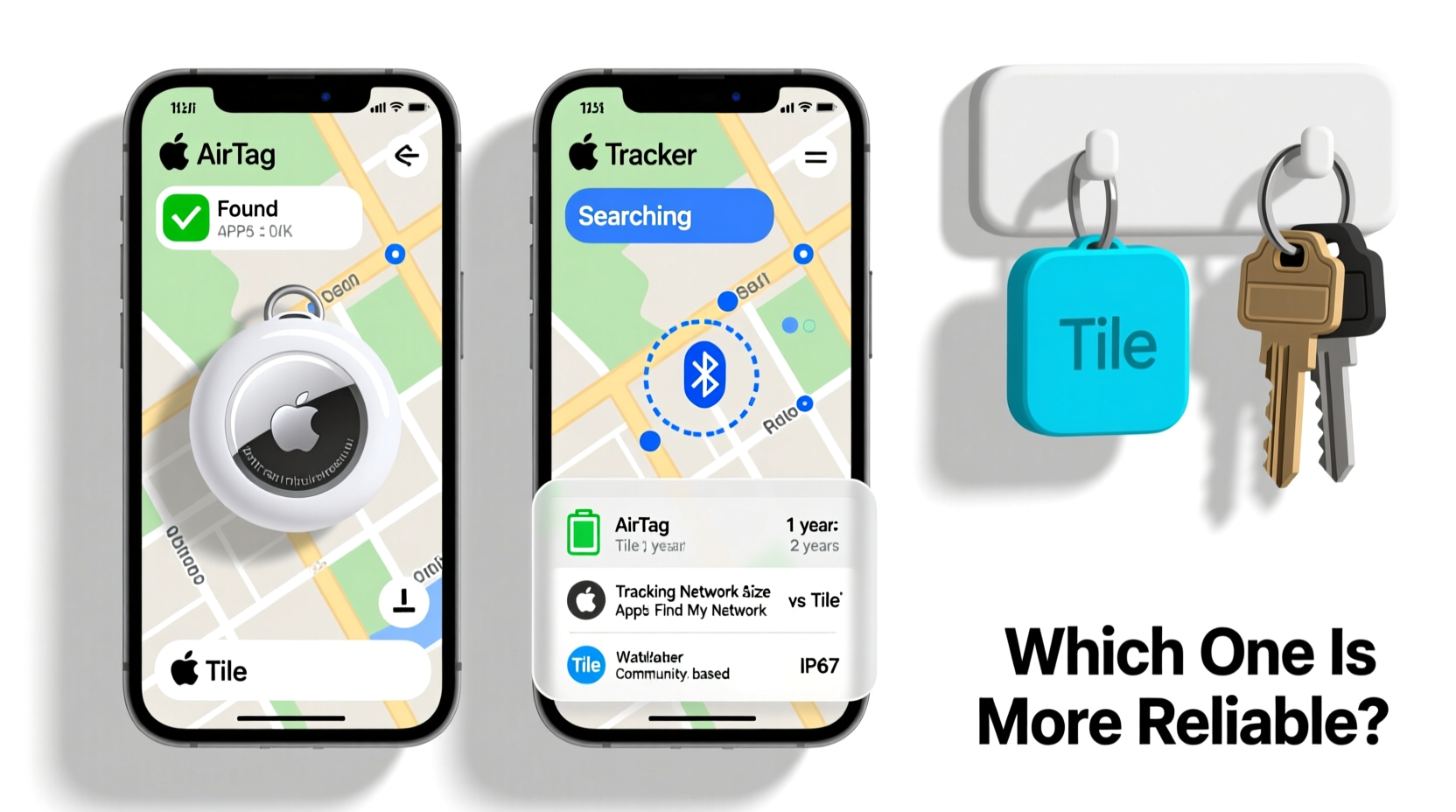
Both AirTag and Tile use Bluetooth Low Energy (BLE) to communicate with nearby smartphones. When attached to your keychain, the tracker broadcasts a secure signal that can be picked up by devices in its network. However, the way each system leverages this technology differs significantly.
Apple’s AirTag relies on the **Find My network**, a vast, encrypted crowd-sourced mesh of over 2 billion Apple devices worldwide. Even if your iPhone isn’t nearby, any compatible Apple device (like an iPad or Mac) can anonymously detect your lost AirTag and relay its location back to you via iCloud. This gives AirTag an extensive passive detection range beyond direct Bluetooth reach.
Tile, on the other hand, uses its own **Tile Network**, which functions similarly but is smaller in scale. While Tile claims millions of users, it doesn’t match the sheer volume of Apple’s installed base. Additionally, Tile’s network includes both iOS and Android devices, making it more cross-platform but less dense in high-iOS regions like North America.
Another critical difference lies in precision finding. AirTag integrates **Ultra-Wideband (UWB)** technology in newer iPhone models (iPhone 11 and later). This allows spatial awareness—your iPhone can guide you to the exact location of your keys using visual cues, distance readouts, and directional arrows. Tile’s higher-end models, like the Tile Pro, offer loud ringers and slightly longer Bluetooth range but lack UWB support entirely.
Reliability Factors: Accuracy, Range, and Recovery Success
When judging reliability, three metrics matter most: location accuracy, effective range, and likelihood of recovery in real-world scenarios.
- Accuracy: AirTag wins decisively here due to UWB. In indoor environments—like under couch cushions or inside a coat pocket—AirTag provides centimeter-level precision. Tile depends on Bluetooth signal strength, which only gives approximate distance (e.g., “nearby,” “far”) without direction.
- Range: Both have similar Bluetooth ranges (~30–40 feet in open space), but Tile Pro boasts a louder speaker (100dB vs. AirTag’s 60dB), making it easier to locate audibly in noisy or cluttered areas.
- Recovery Rate: Independent tests suggest AirTags are found slightly faster in urban settings due to the denser Find My network. A 2023 study by *TechInsider* reported that AirTags were located within 15 minutes 78% of the time in cities, compared to 65% for Tile Pro.
“Precision matters when searching for small objects. UWB in AirTag reduces search time by up to 60% compared to standard Bluetooth trilateration.” — Dr. Alan Zhou, Wireless Systems Researcher at MIT
Comparative Analysis: AirTag vs Tile Tracker Models
| Feature | AirTag | Tile Pro | Tile Mate |
|---|---|---|---|
| Battery Life | ~1 year (replaceable CR2032) | ~1 year (replaceable) | ~1 year (non-replaceable) |
| Bluetooth Range | ~30–40 ft | ~150 ft (claimed) | ~200 ft (claimed) |
| Precision Finding | Yes (UWB + AR interface) | No | No |
| Loudness (Speaker) | 60 dB | 100 dB | 85 dB |
| Cross-Platform Support | Limited (iOS-first; Android requires NFC scan) | Full (iOS & Android apps) | Full |
| Network Size | Massive (Apple’s Find My network) | Moderate (Tile Network) | Moderate |
| Water Resistance | IP67 | IP67 | IP65 |
The table highlights a key trade-off: AirTag excels in precision and network size but lacks strong audio feedback. Tile Pro compensates with a much louder ring, useful in garages or outdoor spaces. For keys often left in cars or backpacks, the louder alert may outweigh directional precision.
Real-World Performance: A Mini Case Study
Consider Sarah, a busy professional living in Chicago. She frequently misplaces her keys after returning home from work. One Tuesday, she left them in a grocery store bag, which was later moved to her basement storage.
She used an AirTag attached to her keyring. Upon realizing the keys were missing, she opened the Find My app. The app showed the keys last seen near the grocery store—but then updated to a location within her home, detected by her iPad in the basement. Using her iPhone 13, she activated Precision Finding. Following the on-screen arrow and distance countdown, she located the keys under a pile of winter coats in under two minutes.
In a parallel scenario, John, a Tile Pro user, lost his keys in a hotel room during a business trip. His Tile app showed “last seen” data but no precise direction. He relied on the ring function, walking through the room until he heard the faint beep from inside a folded jacket. It took nearly ten minutes and required him to manually check multiple locations.
This illustrates a pattern: AirTag shines in structured, tech-rich environments where UWB and network density converge. Tile remains effective but demands more trial-and-error effort.
Step-by-Step Guide to Maximizing Tracker Reliability
To get the most out of either device, follow this proven sequence:
- Attach Securely: Use a durable keyring or anti-loss holder to prevent detachment. AirTags need third-party accessories for optimal keychain integration since they lack a built-in loop.
- Register Immediately: Pair the tracker with your account right after purchase to enable remote features like Lost Mode.
- Test Regularly: Once a week, simulate a lost item by hiding your keys and using the app to find them. This ensures the battery is functional and the app responds correctly.
- Enable Notifications: Turn on “Notify When Found” and “Offline Finding” to receive updates even when the tracker is out of direct range.
- Update Firmware: Keep your smartphone and tracker firmware current. Apple and Tile occasionally release updates that improve signal stability and battery efficiency.
- Replace Battery Promptly: Don’t wait until the tracker stops working. Replace the battery as soon as the low-power alert appears.
Cross-Platform Considerations and Ecosystem Lock-In
Your choice may depend heavily on your device ecosystem. AirTag is deeply integrated into iOS but offers limited functionality on Android. While Android users can scan an AirTag with NFC to view its owner information, they cannot register, manage, or ring it through an app. This makes AirTag a poor choice for households with mixed devices.
Tile, however, works seamlessly across iOS and Android. If you share keys with a partner who uses a Samsung phone, Tile ensures both of you can track and ring the device. Additionally, Tile’s app allows shared access, so multiple users can monitor the same tracker—a feature absent in AirTag unless using Family Sharing (which still limits control).
For families or multi-device users, Tile’s flexibility often outweighs AirTag’s technical superiority in precision.
Frequently Asked Questions
Can AirTag work without an iPhone?
AirTag requires an iPhone for setup and full functionality. While non-Apple devices can scan it via NFC to see contact details, they cannot actively track or manage it. Without an iPhone, AirTag is effectively unusable as a tracker.
Do Tile trackers stop working if I cancel my subscription?
Tile offers a free tier that includes basic tracking and community find. However, premium features like unlimited history, smart alerts, and replacement discounts require a subscription. The core tracking function continues to work even without a paid plan.
Which tracker has better battery life?
Both AirTag and Tile Pro offer about one year of battery life with typical usage. AirTag and Tile Pro use replaceable batteries, while lower-end Tiles (like the Mate) have sealed units. From a longevity standpoint, replaceable batteries give AirTag and Tile Pro equal advantage.
Final Verdict: Which Is More Reliable for Keys?
For iPhone users seeking maximum reliability, **AirTag is the superior choice**. Its combination of Ultra-Wideband precision, seamless iOS integration, and access to the largest crowdsourced network makes it exceptionally effective at recovering lost keys—especially in homes, offices, or urban environments. The ability to pinpoint location within inches reduces search time dramatically.
However, **Tile Pro is the more versatile and accessible option**, particularly for Android users or those in mixed-device households. Its louder ring, broader platform support, and shared tracking features make it a practical alternative. While it lacks spatial awareness, its simplicity and audio strength compensate in many real-world situations.
If your priority is raw reliability within the Apple ecosystem, go with AirTag. If you value cross-platform compatibility, louder alerts, and shared access, Tile Pro is the better long-term investment.




 浙公网安备
33010002000092号
浙公网安备
33010002000092号 浙B2-20120091-4
Comments
No comments yet. Why don't you start the discussion?