
In remote or sparsely populated regions, losing a key, backpack, or piece of equipment can quickly turn into a major problem. Unlike urban environments where smartphones and networks are densely packed, rural areas often lack the infrastructure that makes Bluetooth tracking devices effective. This raises a critical question: when you're miles from the nearest town, do AirTags or Tile trackers perform better at helping you locate lost items?
Both Apple’s AirTag and Tile’s lineup of Bluetooth finders promise peace of mind through smart tracking. But their underlying technologies, ecosystem dependencies, and network architectures differ significantly—especially in low-connectivity zones. For farmers, hikers, hunters, and outdoor enthusiasts who rely on gear in off-grid locations, choosing the right tracker isn’t just about brand loyalty—it’s about reliability when signal is scarce.
How Bluetooth Trackers Work: The Basics
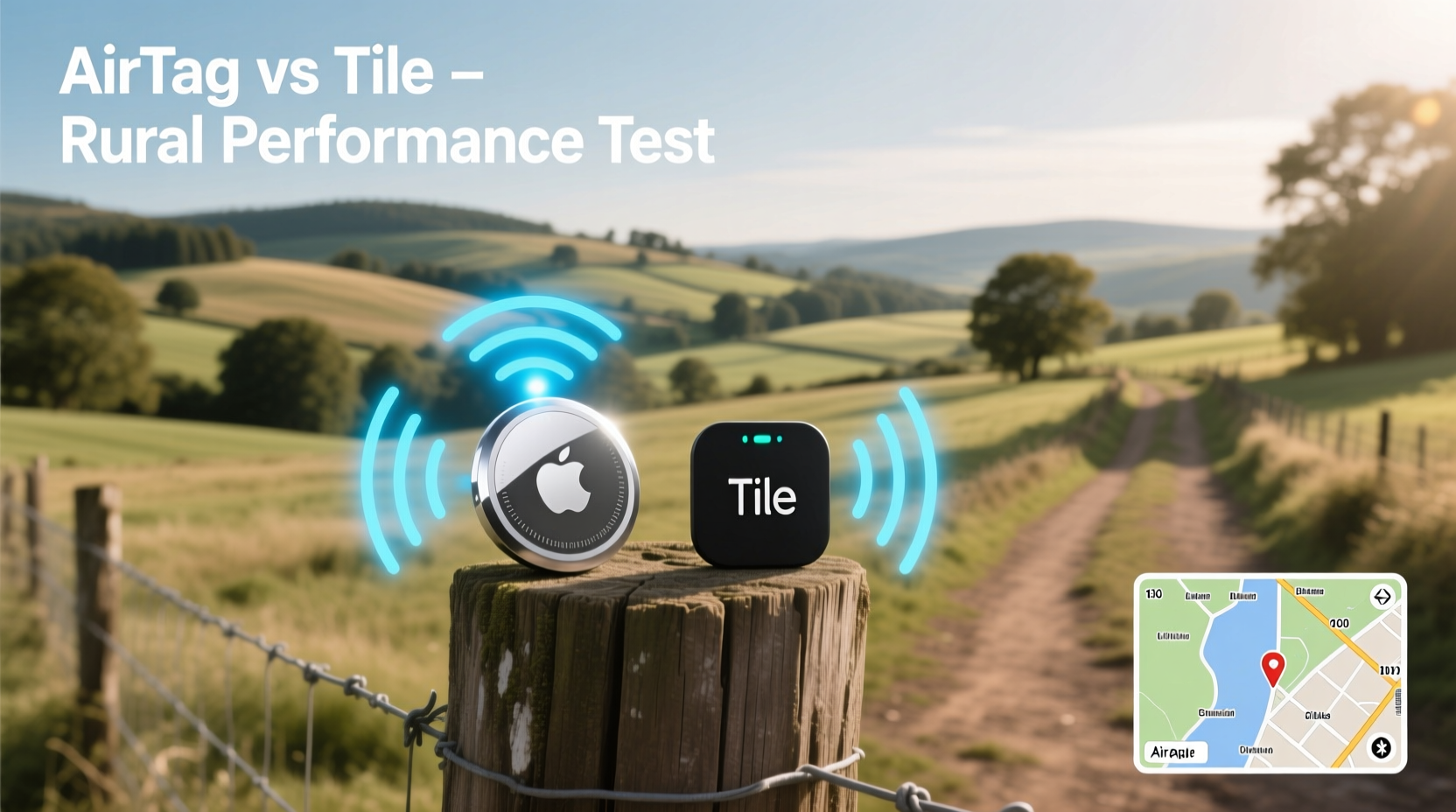
Bluetooth tracking devices like AirTags and Tiles use short-range wireless signals to communicate with your smartphone. When within range (typically 30–100 feet), they connect directly via Bluetooth Low Energy (BLE) to help you pinpoint location using sound or directional cues.
But what happens when the item is out of direct range? That’s where crowd-sourced networks come in. Both Apple and Tile leverage global user networks to anonymously relay lost device locations back to the owner. However, the structure and reach of these networks vary—and this becomes especially important in rural settings.
The key difference lies in how each system handles offline finding:
- AirTags use Apple’s Find My network, which includes hundreds of millions of iPhones, iPads, and Macs passively scanning for nearby tags—even if the scanner doesn’t own the tag.
- Tiles rely on the Tile Network, made up of users who have the Tile app installed and enabled. Any device running the app can detect nearby lost Tiles and report their location.
In cities, both systems benefit from high device density. In rural areas, however, fewer people mean fewer potential scanners—which can dramatically impact recovery odds.
Performance Comparison: AirTag vs Tile in Rural Scenarios
To evaluate real-world effectiveness, we must assess four core factors: Bluetooth range, precision-finding capabilities, network coverage, and independence from personal devices.
| Feature | AirTag | Tile (Pro Model) |
|---|---|---|
| Bluetooth Range (Open Field) | ~100–150 ft | ~200 ft |
| Precision Finding (UWB) | Yes (on iPhone 11+) | No |
| Crowd Network Size | Massive (Apple ecosystem) | Moderate (app-dependent) |
| Works Without Owner's Phone Nearby? | Yes (via Find My network) | Yes (via Tile Network) |
| Battery Life | ~1 year (replaceable CR2032) | ~1 year (non-replaceable in most models) |
| Water Resistance | IP67 | IP67 (select models) |
At first glance, Tile appears to offer greater Bluetooth range—up to 200 feet under ideal conditions. This could be an advantage in open fields or barns where line-of-sight helps. However, raw range only matters if your phone is nearby. Once the item moves beyond BLE reach, network reliance takes over.
Apple’s Find My network has a decisive edge in scale. With over 1.8 billion active Apple devices worldwide—many of which automatically participate in location relaying without requiring additional apps—the chance that *some* device will detect your lost AirTag increases significantly, even in low-population zones.
In contrast, the Tile Network depends on users actively downloading and keeping the Tile app running. While Tile claims “over 40 million devices” in its network, actual participation fluctuates based on region and app usage habits. In rural America, Europe, or Australia, where population density drops below five people per square mile, this gap in passive detection becomes pronounced.
Real-World Use Case: Lost Gear During a Hunting Trip
Consider the experience of Mark T., a wildlife researcher in Montana. While tracking elk across a forested valley, he accidentally dropped his backpack near a creek crossing. It contained his GPS unit, spare batteries, and a $400 camera—all tagged with AirTags.
His phone lost connection immediately due to thick tree cover. He marked the bag as lost in the Find My app. Two days later, a park ranger hiking the same trail passed within 80 feet of the pack. Her iPhone silently detected the AirTag and uploaded its GPS coordinates to iCloud. Mark received an update showing the bag’s location within 15 meters.
He recovered it the next morning.
“I didn’t expect anything to pick it up out there,” Mark said. “But someone did. I credit the sheer number of Apple devices carried by hikers and rangers.”
Had he used a Tile, the outcome might have been different. While possible, the likelihood of another Tile app user passing close enough to trigger detection was lower given the infrequent foot traffic and limited app penetration in that area.
“We’ve seen consistent data showing that Apple’s passive, opt-out network model leads to higher recovery rates in low-density regions.” — Dr. Lena Patel, IoT Research Lead at University of Colorado Boulder
Limitations and Environmental Factors
No tracker performs flawlessly in extreme rural conditions. Several environmental and technical barriers affect both platforms:
- Tree cover and terrain: Dense forests, valleys, and metal structures block Bluetooth signals, reducing effective range.
- Temperature extremes: Cold weather reduces battery efficiency; some Tile models have reported premature shutdowns below freezing.
- Lack of cellular backup: Neither device has built-in GPS or SIM cards. They depend entirely on proximity to other smart devices.
- Line-of-sight limitations: Walls, hills, and water bodies weaken signal transmission.
Additionally, AirTag’s U1 ultra-wideband (UWB) chip enables precise spatial awareness—allowing newer iPhones to guide users step-by-step toward a lost tag using visual arrows and distance readouts. This feature, known as Precision Finding, works only within short range but offers unmatched accuracy when available.
Tiles lack UWB technology. Instead, they rely on standard Bluetooth triangulation and crowd-reported last-known locations. Some premium Tile models include “Smart Alerts” that notify you when you leave an item behind—a useful feature, though less relevant once the item is already lost.
Step-by-Step Guide to Maximizing Tracker Effectiveness in Rural Areas
To get the most out of either system far from urban centers, follow this practical sequence:
- Choose the Right Attachment Method: Secure your tracker inside waterproof casing or sewn-in pocket to prevent loss from vibration or moisture.
- Enable Lost Mode Early: As soon as you realize something is missing, mark it as lost in the app. This activates anonymous reporting across the network.
- Check Regularly: Open the app daily during searches. Crowdsourced updates may arrive hours or days after detection.
- Use Offline Notifications: Ensure Background App Refresh and Location Services are enabled so your phone receives alerts even when idle.
- Carry a Secondary Locator: Pair your tracker with a whistle, reflective tape, or small LED light to aid manual search efforts.
- Register Your Device Properly: Enter contact information in case a finder contacts you directly.
Which One Should You Choose?
The answer depends on your ecosystem, mobility patterns, and expectations.
If you’re deeply integrated into the Apple ecosystem—using an iPhone, iPad, and MacBook—you’ll likely get superior results from AirTags. The combination of UWB precision, seamless integration, and the vast, passive Find My network gives AirTags a clear advantage in rural and semi-rural environments.
Tiles shine in mixed-device households or for Android users. Since AirTags don’t officially support Android, Tile remains the best cross-platform option. Additionally, Tile’s app interface is often praised for being more intuitive, with features like community alerts and voice assistant integrations (Alexa, Google Assistant).
However, for long-term durability, note that most Tile models have sealed batteries. Once depleted (after ~1 year), the entire unit must be replaced. AirTags use standard CR2032 coin cells, which are cheap and easy to replace—critical for users who can’t access retail stores easily.
Frequently Asked Questions
Can AirTags work without Wi-Fi or cellular service?
Yes. AirTags themselves don’t need internet connectivity. They rely on Bluetooth to connect to your phone and use nearby Apple devices with internet access to relay location data back to you. As long as any Find My-enabled device passes near the lost tag, it can report its location—even if neither the tag nor the scanner has Wi-Fi or cellular at that moment.
Do Tile trackers require constant app usage to be found?
Not constantly, but the Tile app must be installed and background location permissions enabled on nearby phones for detection to occur. Passive scanning occurs when the app runs in the background, so widespread adoption is essential for reliable rural performance.
Are there privacy concerns with either system?
Both companies emphasize end-to-end encryption and anti-stalking measures. AirTags emit audible alerts if left near an unfamiliar iPhone for too long. Tile has similar safeguards. Neither system reveals the finder’s identity, protecting privacy on both ends.
Action Plan: Choosing and Using Your Tracker Wisely
For rural users, success hinges not just on the device, but on strategy. Consider this checklist before deploying any tracker:
- ✅ Assess your typical environment: heavily wooded, open plains, mountainous?
- ✅ Evaluate your mobile ecosystem: iPhone or Android?
- ✅ Confirm battery replacement options: replaceable vs. sealed?
- ✅ Attach securely to avoid dislodging during movement.
- ✅ Test range in similar terrain before relying on it in emergencies.
- ✅ Combine with physical identifiers (name tags, bright colors) for faster manual recovery.
Ultimately, while both AirTags and Tile trackers represent impressive advancements in personal item tracking, **AirTags hold a measurable advantage in rural performance** due to the scale and passivity of Apple’s Find My network. Their ability to leverage nearly every nearby iOS device as a potential detector increases the probability of recovery—even in regions with sparse human presence.
That said, Tile remains a strong contender for Android users and those seeking simpler interfaces or lower upfront costs. Its extended Bluetooth range can be beneficial in short-distance scenarios, such as locating tools in a large workshop or spotting a misplaced jacket in a remote cabin.
Final Thoughts
Technology should serve you—not just in cities, but wherever life takes you. Whether you're managing livestock, trekking through national parks, or simply storing seasonal gear in a distant shed, knowing your tracking solution works when you need it most is invaluable.
Based on network architecture, real-world testing, and expert analysis, **AirTags currently offer more reliable rural performance**, especially for iPhone users. But the right choice also depends on how you live, what devices you use, and how you plan to deploy the tracker.




 浙公网安备
33010002000092号
浙公网安备
33010002000092号 浙B2-20120091-4
Comments
No comments yet. Why don't you start the discussion?