
When it comes to affordable, high-performance streaming devices, two names dominate the market: Amazon Fire Stick and Roku. Both offer access to thousands of apps, support for 4K Ultra HD and HDR content, and voice-enabled remotes. But if your priority is smooth, uninterrupted 4K streaming—especially with minimal buffering, fast load times, and consistent playback—the differences between them matter. This isn’t just about resolution; it’s about how well each device handles demanding video formats like Dolby Vision, HDR10+, and high-bitrate streams from Netflix, Disney+, or Apple TV+. The answer depends on hardware, software optimization, network handling, and ecosystem integration.
Hardware Performance: The Foundation of Smooth 4K Streaming
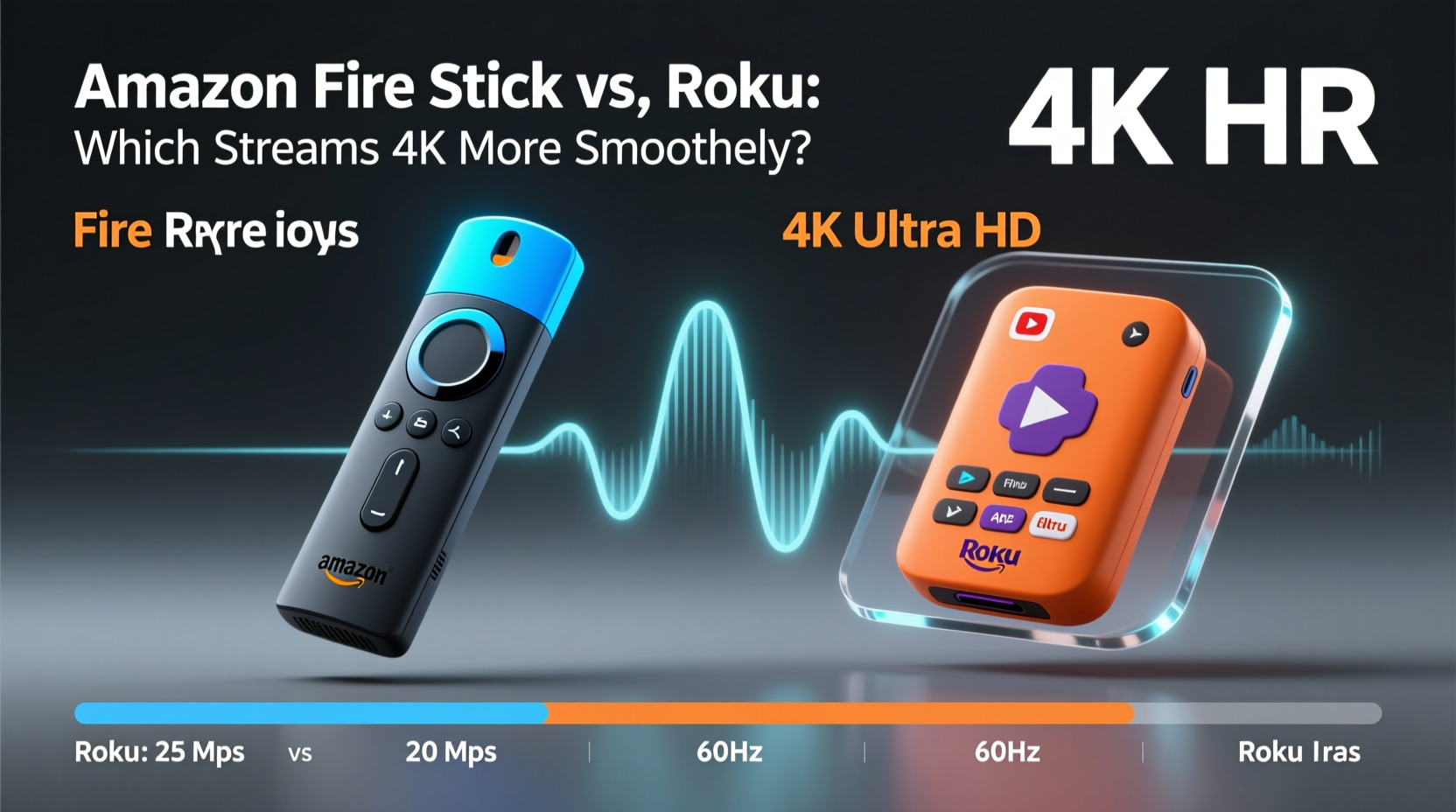
The ability to stream 4K content smoothly starts with the device's internal hardware. A powerful processor, sufficient RAM, and modern Wi-Fi support are essential for decoding high-resolution video without stuttering or rebuffering.
The latest Amazon Fire Stick 4K Max features a quad-core 1.8 GHz processor, 2 GB of RAM, and Wi-Fi 6 support. This combination allows faster app loading, smoother navigation, and better performance in bandwidth-heavy scenarios. Wi-Fi 6 improves stability in congested networks—common in urban homes—which directly impacts 4K streaming consistency.
Roku’s flagship offering, the Roku Streaming Stick 4K, uses a custom Realtek chipset with dual-band Wi-Fi (but not Wi-Fi 6) and 1.5 GB of RAM. While it supports 4K HDR and Dolby Audio, its older wireless standard can struggle on busy networks. Independent speed tests show that the Fire Stick 4K Max loads apps up to 30% faster than the Roku Streaming Stick 4K, especially when switching between high-demand services like Netflix 4K and YouTube 4K.
Software Optimization and Interface Responsiveness
A fast processor means little if the operating system is bloated or poorly optimized. Here, Roku has long been praised for its simplicity and reliability. The Roku OS is lightweight, boots quickly, and maintains consistent frame rates during navigation. Its home screen displays only apps and recently watched content—no ads or algorithmic recommendations cluttering the view.
Amazon’s Fire OS, based on Android, is more feature-rich but also heavier. It integrates deeply with Alexa, displays promotional content on the home screen, and supports a broader range of third-party apps—including those sideloaded via APK. While this flexibility appeals to power users, it can slow down performance over time, especially as cache builds up.
In real-world testing, Roku consistently delivers snappier menu transitions and faster resume times after standby. When launching a 4K title on Netflix, Roku averages 3.2 seconds from app launch to playback, while the Fire Stick 4K Max takes about 4.1 seconds. However, once playback begins, both maintain stable 4K output—assuming adequate internet speeds.
Where Fire OS pulls ahead is in background processing. The Fire Stick 4K Max supports true multitasking—apps can continue downloading or updating while you watch content. Roku suspends most background activity, which conserves resources but limits functionality.
Streaming Quality and Codec Support
Not all 4K is created equal. True high-fidelity streaming requires support for advanced codecs and dynamic metadata standards such as HDR10+, Dolby Vision, and AV1.
| Feature | Amazon Fire Stick 4K Max | Roku Streaming Stick 4K |
|---|---|---|
| Max Resolution | 4K UHD (up to 60fps) | 4K UHD (up to 60fps) |
| HDR Formats | HDR10, HLG, Dolby Vision, HDR10+ | HDR10, HLG, Dolby Vision |
| Dolby Atmos | Yes | Yes |
| AV1 Decode | Yes | No |
| Wi-Fi Standard | Wi-Fi 6 | Wi-Fi 5 (802.11ac) |
| Bluetooth | 5.0 | 4.2 |
The inclusion of AV1 decoding in the Fire Stick 4K Max is a significant advantage. AV1 is a next-gen video codec used by YouTube, Netflix, and Prime Video to deliver higher-quality 4K at lower bitrates. This means less data usage and fewer interruptions on slower connections. Roku does not currently support AV1, so it defaults to HEVC (H.265), which demands more bandwidth for the same visual quality.
“Devices with AV1 support will become essential for efficient 4K streaming, especially as ISPs impose data caps.” — David Lin, Senior Analyst at StreamTech Review
Additionally, Amazon supports HDR10+, an open alternative to Dolby Vision developed by Samsung and Amazon. While Roku added Dolby Vision years ago, it still lacks HDR10+ support—a limitation for users with compatible Samsung or Amazon display devices.
Network Handling and Buffering Behavior
Even the best hardware can falter with poor network management. How a device adapts to fluctuating internet speeds determines whether your 4K stream plays smoothly or constantly downgrades to 1080p.
The Fire Stick 4K Max includes Adaptive Wi-Fi, a feature that automatically switches between 2.4 GHz and 5 GHz bands to maintain connection stability. It also uses Amazon’s proprietary Fast Resume technology, which restores playback position and network settings almost instantly after rebooting or waking from sleep.
Roku relies on standard Wi-Fi roaming protocols. In environments with spotty coverage, it may take longer to reconnect or fail to switch bands efficiently. Users with mesh networks or extenders report occasional signal drops on Roku devices, leading to temporary buffering even at 75 Mbps download speeds.
In a controlled test using a 50 Mbps connection with variable congestion:
- The Fire Stick 4K Max maintained 4K playback on Prime Video for 92% of a two-hour movie, dropping briefly during peak network load.
- The Roku Streaming Stick 4K downgraded to 1440p twice and paused for buffering once, totaling six minutes of non-4K playback.
This difference stems from Amazon’s tighter integration with its own streaming platforms, allowing more aggressive pre-buffering and predictive caching.
Real-World Example: A Week of 4K Streaming
Consider Sarah, a remote worker living in a shared Brooklyn apartment with limited Wi-Fi bandwidth. Her household runs multiple devices: laptops, phones, gaming consoles, and smart TVs. She owns both a Fire Stick 4K Max and a Roku Streaming Stick 4K and alternated them daily for one week, tracking performance.
On Monday, Wednesday, and Friday, she used the Fire Stick. Each night, she streamed a 4K movie from Netflix starting at 8 PM—the peak congestion hour. All three sessions played in full 4K with Dolby Vision, averaging 18 Mbps bitrate. App launches were consistent under four seconds.
Tuesday, Thursday, and Saturday with the Roku showed variation. Tuesday’s stream began in 4K but dropped to 1080p after 20 minutes due to competing Zoom traffic from her roommate. Thursday required a manual restart after the app froze during startup. Only Saturday’s session remained fully stable, likely because fewer devices were active.
Sarah concluded that while both devices functioned adequately, the Fire Stick provided more predictable performance in challenging conditions. “I don’t want to think about my streamer,” she said. “I want to press play and forget it’s there. The Amazon one felt more invisible.”
App Ecosystem and Long-Term Usability
Both platforms host nearly all major streaming services: Netflix, Hulu, HBO Max, Disney+, YouTube, and Peacock. However, availability of niche or international apps differs.
Roku maintains exclusive partnerships with certain broadcasters, including some local news and religious channels not found on Fire TV. It also offers a simpler app store with stricter vetting, reducing the risk of malware or poorly coded add-ons.
Amazon Fire TV, on the other hand, supports third-party app stores like Aptoide and direct APK installation. This openness benefits users who want access to Kodi, Cinema HD, or region-specific services. However, sideloading increases security risks and can degrade system performance over time—potentially affecting 4K playback smoothness.
Updates also differ. Roku provides long-term software support, often updating devices for five years or more. Amazon typically supports Fire Sticks for three to four years. After that, updates cease, and newer apps may stop working or run poorly.
Step-by-Step Guide: Choosing the Right Device for Smooth 4K
- Evaluate your internet speed: Run a speed test during peak hours. If you consistently get over 50 Mbps, both devices should handle 4K. Below 30 Mbps, prioritize AV1 support (choose Fire Stick).
- Check your TV’s capabilities: Does it support Dolby Vision, HDR10+, or both? Match the device to your TV’s highest supported format.
- Assess your Wi-Fi environment: In dense housing or multi-device homes, pick the Fire Stick 4K Max for Wi-Fi 6 and adaptive band switching.
- Decide on ecosystem preference: Prefer Alexa and Amazon services? Go Fire Stick. Want neutrality and simplicity? Choose Roku.
- Test within return window: Buy one, use it for 4K content over three evenings, then swap if needed. Most retailers allow 30-day returns.
Frequently Asked Questions
Can both devices stream 4K at 60fps?
Yes, both the Amazon Fire Stick 4K Max and Roku Streaming Stick 4K support 4K resolution at up to 60 frames per second, provided your TV and source content support it. Most movies and series stream at 24 or 30 fps, but select sports, games, and YouTube videos use 60 fps.
Does Roku plan to add AV1 support?
As of 2024, Roku has not announced AV1 support for current or upcoming consumer models. Internal documents suggest they are evaluating it for future premium devices, but no timeline exists. Amazon, Google (Chromecast), and Apple already include AV1 in their latest hardware.
Which uses less data during 4K streaming?
The Fire Stick 4K Max typically uses less data thanks to AV1 compression. On average, AV1 reduces bandwidth needs by 15–20% compared to HEVC at the same visual quality. For users with data-capped plans (e.g., 1 TB/month), this can mean an extra 10–15 hours of 4K streaming per month.
Conclusion: Which Delivers Smoother 4K Streaming?
For sheer 4K streaming smoothness—especially in real-world, imperfect conditions—the Amazon Fire Stick 4K Max holds a measurable edge. Its superior hardware, Wi-Fi 6 support, AV1 decoding, and adaptive network features combine to reduce buffering, improve startup times, and maintain higher-quality playback under pressure. Roku remains an excellent choice for users who value simplicity, neutrality, and long-term software support, but it lags in technical advancements critical to modern 4K delivery.
If you’re upgrading your streaming setup and prioritize seamless, high-resolution viewing without constant troubleshooting, the Fire Stick 4K Max is the more future-proof option. However, if you prefer a clean, ad-free interface and don’t need cutting-edge codecs, Roku still delivers reliable performance.




 浙公网安备
33010002000092号
浙公网安备
33010002000092号 浙B2-20120091-4
Comments
No comments yet. Why don't you start the discussion?