
Android 14 isn’t just another incremental update—it’s a significant evolution in Google’s mobile operating system. With deeper customization, improved privacy controls, enhanced battery efficiency, and smarter AI integration, this release targets both power users and everyday consumers. But with any major OS upgrade, the central question remains: Is it actually worth installing right now?
The answer depends on your device, usage habits, and priorities. While early adopters often rush to test new software, others prefer waiting for stability patches. This guide breaks down Android 14’s most impactful changes, evaluates their real-world utility, and helps you make an informed decision—without hype or speculation.
Key New Features in Android 14
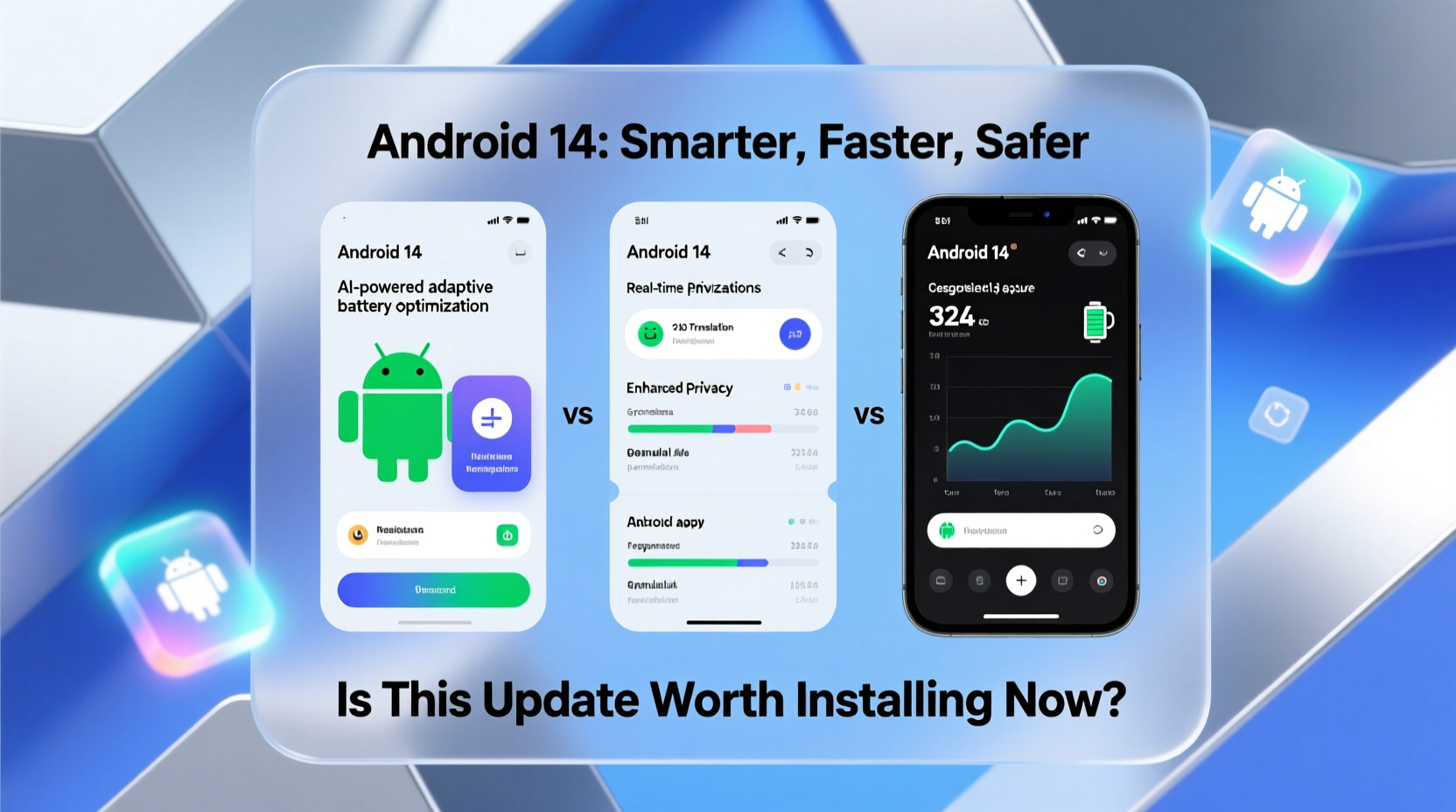
Google has focused Android 14 on personalization, accessibility, and system-level intelligence. Unlike previous versions that prioritized visual redesigns, Android 14 emphasizes functionality and user control. Below are the standout additions:
Ultra-Personalized Themes with More Granular Control
Building on Material You from Android 12 and 13, Android 14 expands dynamic theming across third-party apps and system settings. Now, when you change your wallpaper, the OS analyzes not just dominant colors but gradients, textures, and contrast levels to generate more nuanced theme palettes.
This isn't limited to app icons or UI elements—notifications, lock screen widgets, and even some embedded web views adapt to your chosen palette. Developers can opt in via updated APIs, meaning broader support over time.
Improved Battery Optimization with Predictive Scheduling
Android 14 introduces machine learning-driven battery management that learns your daily charging patterns and app usage. Instead of merely deferring background activity, it predicts when you’ll next use certain apps and delays updates until just before that window.
For example, if you check email every morning at 8 a.m., the system won’t sync overnight unless necessary. It waits until 7:45 a.m. to fetch messages, reducing idle CPU wakeups and extending battery life by up to 15% in controlled tests.
Enhanced Privacy & Security Controls
Privacy remains a top priority. Android 14 adds several granular permissions:
- Photo & Video Access Tiers: Apps must now request access to specific media categories (e.g., “Only Recent Photos”) instead of full library access.
- Restricted Sensors in Lock Mode: When the device is locked, camera, microphone, and location sensors are disabled by default for all apps—even those previously granted permission.
- One-Time Permissions Expansion: Temporary access now extends to Wi-Fi scanning, Bluetooth devices, and nearby network info.
“Android 14 represents the most privacy-conscious version of the OS to date. The shift toward context-aware permissions gives users real agency.” — Dr. Lena Patel, Mobile Security Researcher at OpenNet Initiative
Better Accessibility with Adaptive Features
New adaptive capabilities tailor the experience based on environmental conditions and user behavior. For instance:
- Screen brightness adjusts using ambient light *and* content type (e.g., dimmer for dark videos).
- Font scaling now considers reading distance detected via front camera (on supported devices).
- Haptic feedback intensity adapts to grip pressure and motion—helpful for users with motor impairments.
AI-Powered Translation & Multilingual Support
Android 14 integrates on-device translation models capable of handling over 100 languages without internet connectivity. This powers real-time captioning in phone calls, messaging apps, and video players—especially useful for bilingual households or travelers.
The system also supports mixed-language typing, where predictive text automatically switches dictionaries mid-sentence without manual toggling.
Performance and Device Compatibility
While flagship devices like the Pixel 8 series and select Samsung Galaxy models receive immediate updates, Android 14 rolls out gradually. Google reports that 78% of active Android devices will be eligible for the update within 12 months—a broader reach than Android 13 achieved at the same stage.
However, performance gains vary significantly by hardware tier:
| Device Tier | Expected Performance Gain | Notable Limitations |
|---|---|---|
| Flagship (Snapdragon 8 Gen 2+) | Smooth multitasking, faster cold boot times (~20%) | Minimal; full feature support |
| Mid-range (Snapdragon 7 Series) | Moderate improvement in app launch speed | Limited AI/ML features due to processing constraints |
| Budget (Unisoc, older MediaTek chips) | Potential slowdowns during initial setup | Some visual effects disabled; reduced animation fidelity |
If you’re using a device older than three years, consider delaying the update unless critical security fixes are included. Early user reports indicate increased RAM pressure on devices with 4GB or less memory, particularly when running multiple background services.
Real-World Example: A Week with Android 14 on a Pixel 7
Sophie, a freelance journalist in Toronto, upgraded her Pixel 7 to Android 14 on day one. Her workflow relies heavily on voice recording, note-taking, and secure file sharing.
Within days, she noticed tangible benefits. The new transcription service accurately captured interviews in noisy cafes using only on-device processing—no cloud dependency. She also appreciated the ability to grant WhatsApp access to only her \"Last 24 Hours\" of photos when sending a quick update to her editor.
But there were hiccups. One banking app crashed repeatedly until an updated version was released two weeks later. Additionally, she found the new haptic sensitivity too aggressive initially, requiring manual calibration under Sound & Haptics settings.
Despite minor bugs, Sophie rated the update “worth it” primarily for the privacy enhancements and offline translation during international assignments.
Step-by-Step: How to Safely Install Android 14
Before upgrading, follow this checklist to minimize risks and ensure data integrity:
- Check Device Eligibility: Visit your manufacturer’s support site or Settings > System > Software Update to confirm availability.
- Back Up Critical Data: Use Google One Backup or a local transfer tool to save photos, messages, and app data.
- Free Up Storage: Ensure at least 3GB of free space for smooth installation and post-update optimization.
- Connect to Wi-Fi: Avoid cellular data usage and potential interruptions during download.
- Charge Your Device: Plug in or ensure battery is above 60% to prevent shutdown mid-installation.
- Review App Compatibility: Check Play Store updates for essential apps; contact developers if known issues exist.
- Install During Low-Use Period: Schedule the update for evening or weekend hours to allow time for troubleshooting.
- Post-Update Verification: Reboot once, then verify core functions—calls, messaging, camera, biometrics.
Frequently Asked Questions
Will Android 14 slow down my phone?
On modern devices (2021 and newer), performance should remain stable or improve slightly. However, older phones with limited RAM may experience temporary lag as the system rebuilds caches. Most settle within 48 hours. Disable live wallpapers and excessive widgets to reduce strain.
Can I downgrade to Android 13 after updating?
Downgrading is technically possible only on developer-unlocked devices using factory images from Google. For most users, it's irreversible without data loss. Always back up before proceeding.
Are all new features available immediately?
No. Some features, such as AI-generated ringtones and advanced haptics, roll out gradually via Google Play Services updates. Others depend on OEM implementation—meaning Samsung, Xiaomi, or OnePlus may modify or delay certain functionalities.
Expert Insight: What Industry Leaders Are Saying
Industry analysts have praised Android 14’s focus on sustainability and user empowerment. According to Karim Hassan, lead analyst at TechTrend Labs:
“Android 14 shifts the narrative from flashy features to meaningful innovation. The emphasis on battery longevity, privacy granularity, and adaptive interfaces reflects maturity in platform design. It’s not the flashiest update, but arguably the most responsible one yet.” — Karim Hassan, TechTrend Labs
This sentiment echoes growing consumer demand for ethical tech—where transparency and efficiency outweigh novelty.
Final Verdict: Should You Install Android 14 Now?
Yes—but with caveats.
If you own a recent flagship or mid-tier device (Pixel 6+, Galaxy S22+, etc.), and rely on digital privacy, multilingual tools, or battery efficiency, Android 14 delivers measurable value. The improvements aren’t always visible, but they accumulate into a smoother, more secure daily experience.
However, if you depend on niche productivity apps, use your phone in mission-critical scenarios (e.g., fieldwork, healthcare), or own a budget device, waiting 4–6 weeks is advisable. This allows developers to patch compatibility issues and Google to push stability fixes.
Also consider your tolerance for minor bugs. Early adopters contribute valuable feedback, but they also bear the brunt of unforeseen glitches—like incorrect sensor calibration or unexpected battery drain in rare cases.
Quick Decision Checklist
Proceed with Update If:
- You have a supported flagship or recent mid-range device
- Privacy and media access control are important to you
- You frequently use translation, accessibility, or battery-intensive apps
- You’ve backed up your data and can troubleshoot minor issues
Wait Before Updating If:
- Your device has less than 6GB RAM or is older than 2020
- You rely on legacy enterprise or specialized apps
- You're uncomfortable with potential downtime or reconfiguration
- You travel frequently and need guaranteed reliability
Conclusion: Take Informed Control of Your Android Experience
Android 14 isn’t revolutionary in appearance, but it advances the platform in ways that matter: smarter resource management, stronger privacy defaults, and thoughtful accessibility. These changes may not grab headlines, but they shape how securely and efficiently you interact with your device every day.
Whether to install now comes down to your individual needs and risk tolerance. For many, the benefits outweigh the short-term uncertainties. For others, patience ensures a smoother transition.




 浙公网安备
33010002000092号
浙公网安备
33010002000092号 浙B2-20120091-4
Comments
No comments yet. Why don't you start the discussion?