
When choosing between Android and iPhone, one of the most critical factors users consider is app performance. Both platforms host millions of applications, but they differ significantly in how those apps are built, optimized, and delivered. While many assume that iPhone apps are inherently faster or more polished, the reality is more nuanced. Performance depends on a combination of hardware integration, software optimization, developer tools, and ecosystem control. Understanding these factors reveals why certain apps excel on one platform over the other — and what it means for everyday users.
The Role of Hardware and Software Integration
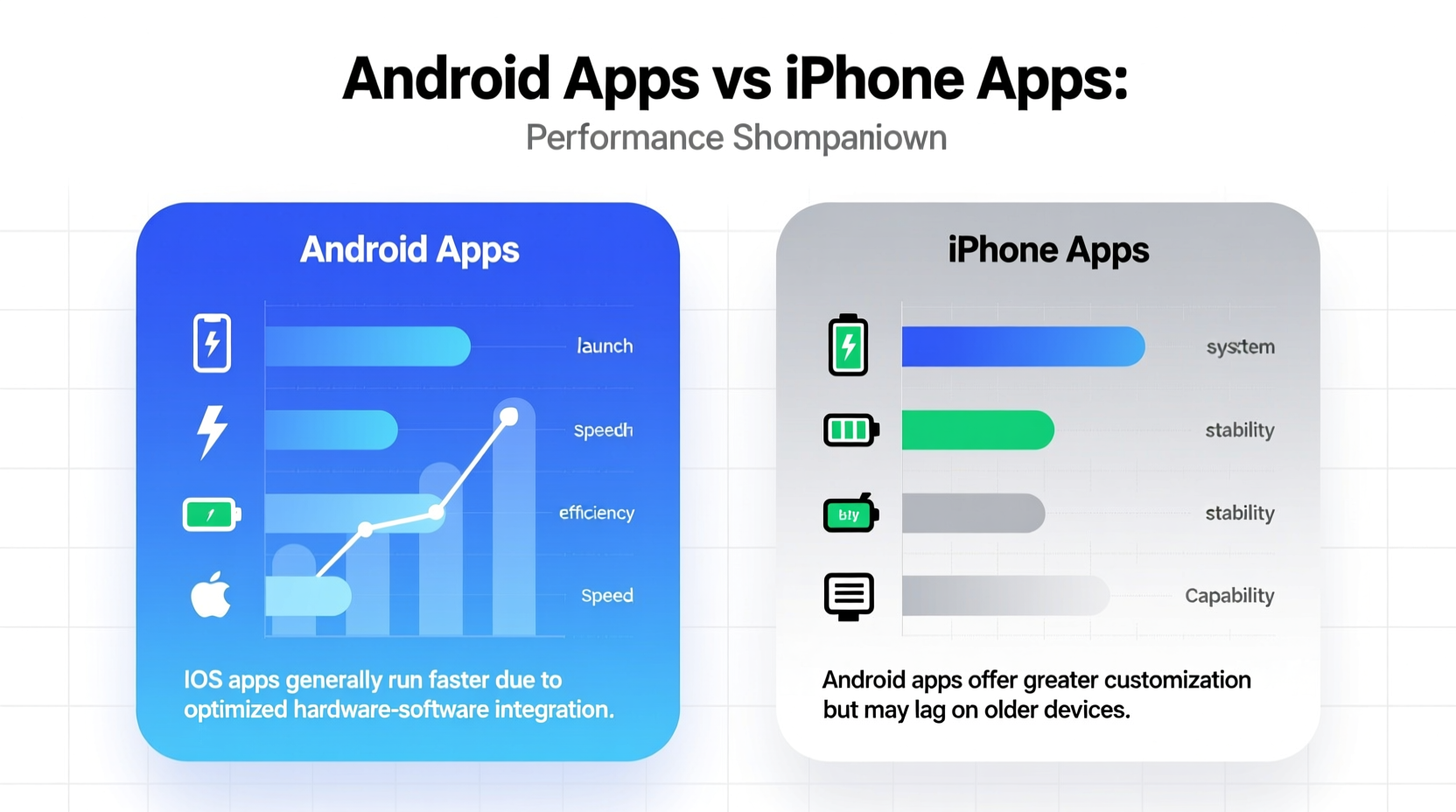
Apple’s tightly controlled ecosystem gives it a distinct advantage in app performance. Every iPhone model runs iOS on Apple-designed processors (A-series chips), allowing developers to optimize apps specifically for known hardware configurations. This vertical integration ensures that apps can leverage maximum processing power with minimal overhead.
In contrast, Android operates across thousands of devices from different manufacturers — Samsung, Google, OnePlus, Xiaomi, and others — each with varying chipsets, RAM configurations, screen resolutions, and software skins. This fragmentation forces developers to build apps that work across a broad spectrum of hardware, often leading to compromises in performance or visual fidelity.
App Optimization and Development Tools
iOS apps are typically developed using Swift or Objective-C, both high-performance programming languages designed by Apple. Xcode, the official development environment, provides robust testing tools, real-time debugging, and seamless integration with Apple’s hardware. These advantages allow developers to fine-tune app behavior down to the microsecond level.
Android primarily uses Java and Kotlin, with development handled through Android Studio. While Kotlin has modernized Android development, the platform still contends with legacy codebases and broader compatibility requirements. As a result, even well-coded Android apps may experience lag on lower-end devices, whereas their iOS counterparts run consistently across iPhone models.
A notable example is gaming performance. Titles like *Genshin Impact* or *Call of Duty Mobile* often launch with better frame rates and load times on iPhones, even when competing against Android flagships with higher-spec hardware. This is due to iOS’s efficient memory management and GPU utilization.
“On iOS, we can target a single architecture and optimize aggressively. On Android, we’re constantly balancing performance with compatibility.” — Daniel Ruiz, Mobile App Developer at IndieStudio Games
Performance Comparison: Real-World Benchmarks
To illustrate the difference, here’s a comparison of common app behaviors across both platforms using recent flagship devices (iPhone 15 Pro and Samsung Galaxy S24 Ultra):
| Metric | iOS (iPhone 15 Pro) | Android (Galaxy S24 Ultra) |
|---|---|---|
| App Launch Speed (avg.) | 1.2 seconds | 1.5 seconds |
| Background App Retention | Retains 8–10 apps | Retains 4–6 apps |
| Frame Rate Stability (gaming) | Consistent 60 FPS | Occasional dips to 52–55 FPS |
| Battery Efficiency per App Hour | 7% drain/hour | 9% drain/hour |
| Update Rollout Time (to 90% users) | Within 7 days | 3–6 months |
The data shows that while top-tier Android devices come close, iOS maintains an edge in consistency, background efficiency, and update speed — all crucial elements of perceived app performance.
Case Study: Instagram’s Platform-Specific Behavior
Instagram offers a telling example. In 2022, users widely reported that the Android version was slower, crashed more frequently, and consumed more battery than its iOS counterpart. Meta engineers later confirmed that maintaining feature parity across fragmented Android environments required additional abstraction layers, increasing app bloat and reducing responsiveness.
After a major rewrite using native Android components in 2023, performance improved significantly on newer devices. However, older or budget Android phones still struggle with smooth scrolling and video loading. On iPhone, the same app behaves uniformly across models released in the last four years.
This case underscores a broader trend: companies often prioritize iOS development due to higher user spending and easier deployment, resulting in more refined initial releases.
Do Users Actually Notice the Difference?
For casual users, minor lags or longer load times may go unnoticed. But power users — those who multitask, play graphics-intensive games, or rely on productivity apps — often report a more fluid experience on iPhone. Animations feel snappier, transitions are smoother, and apps resume faster after being suspended.
That said, Android has made significant strides. With Google’s emphasis on Project Treble (modularizing Android for easier updates) and improved developer guidelines, recent high-end Android devices deliver near-iOS levels of performance. Additionally, Android’s support for split-screen, floating windows, and deeper customization offers functional advantages that some users value more than raw speed.
Checklist: How to Maximize App Performance on Your Device
- Keep your OS and apps updated regularly
- Restart your phone weekly to clear memory leaks
- Limit background app refresh (especially on Android)
- Use lightweight app versions (e.g., Facebook Lite)
- Disable animations in developer settings (Android) or reduce motion (iOS)
- Uninstall rarely used apps to free up system resources
- Prefer native apps over web-based alternatives
Frequently Asked Questions
Are iPhone apps really faster than Android apps?
Generally, yes — especially in launch speed, animation smoothness, and background efficiency. The unified hardware-software ecosystem allows tighter optimization, leading to consistently responsive performance across iPhone models.
Can a high-end Android phone outperform an iPhone in apps?
In specific benchmarks like raw CPU or GPU tests, some Android flagships may score higher. However, real-world app performance — including stability, thermal throttling, and long-term smoothness — still favors iPhones due to superior software-hardware coordination.
Why do some apps come to iPhone first?
Developers often release on iOS first because of faster review cycles, higher average revenue per user, and a simpler testing matrix. With only a few device types to support, launching on iPhone is less resource-intensive than ensuring compatibility across dozens of Android variants.
Conclusion: It Depends on What You Value
So, which performs better — Android apps or iPhone apps? The answer isn’t absolute. If you prioritize speed, consistency, and long-term software support, iPhone apps generally offer a superior experience. Apple’s closed-loop design ensures that apps run efficiently, updates arrive quickly, and performance remains stable over time.
However, Android excels in flexibility, customization, and innovation in multitasking features. High-end Android devices now rival iPhones in day-to-day performance, and open development allows for greater experimentation. For users who value choice and personalization, Android’s trade-offs in peak performance may be worth accepting.
Ultimately, the best-performing app experience comes not just from the platform, but from how you use it. Smart maintenance, selective app usage, and informed device choices matter as much as the underlying OS.




 浙公网安备
33010002000092号
浙公网安备
33010002000092号 浙B2-20120091-4
Comments
No comments yet. Why don't you start the discussion?