
In the modern era of connected driving, two platforms dominate in-car smartphone integration: Android Auto and Apple CarPlay. Both aim to bring your digital life safely into the driver’s seat—offering navigation, music, messaging, and voice assistance without distractions. But beyond basic functionality, the real question isn’t just which works better technically—it’s which one integrates more seamlessly into your actual life. Your routines, habits, apps, and devices matter more than raw specs. This article breaks down how each platform supports different lifestyles, helping you determine which truly fits yours.
The Ecosystem Factor: Where You Already Live Digitally
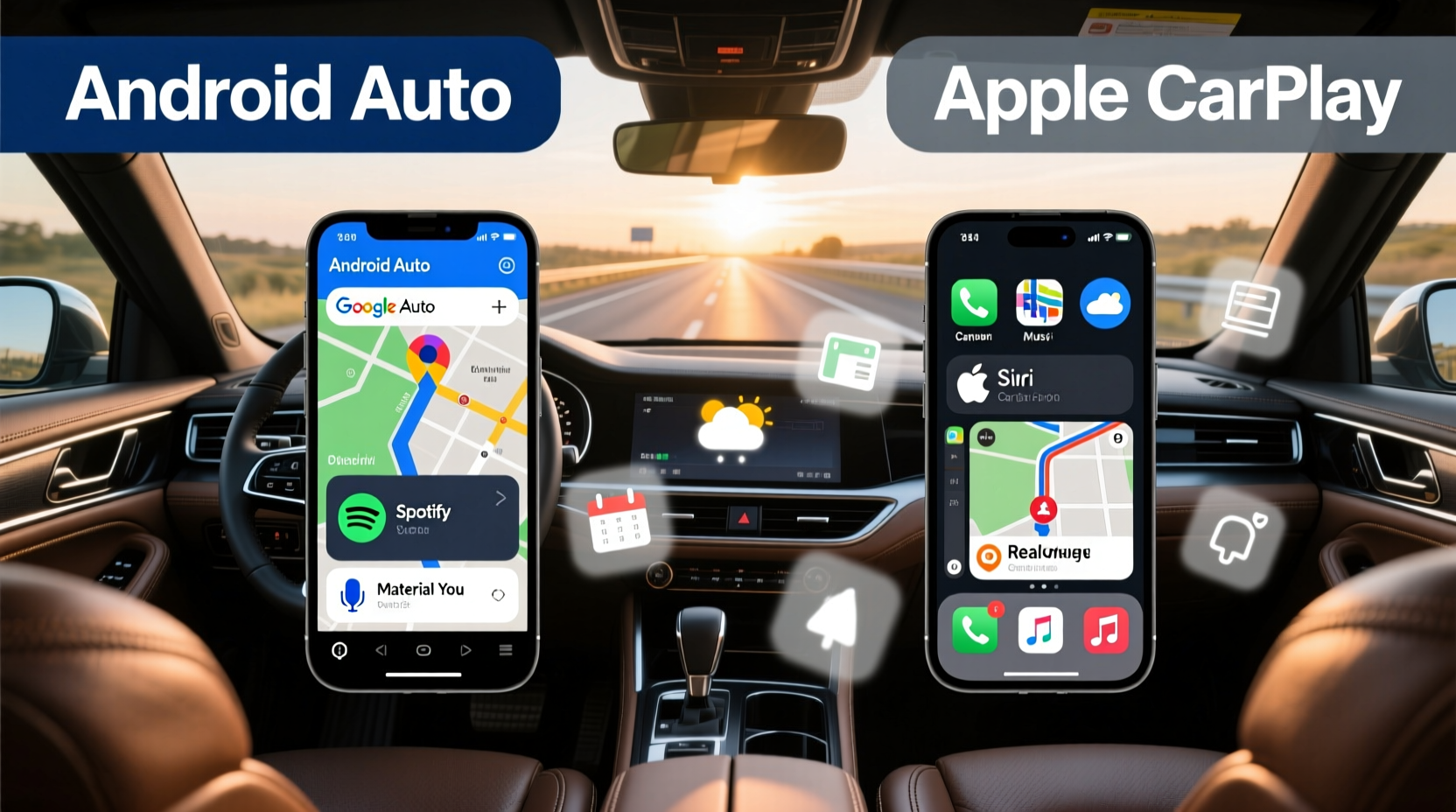
Your choice between Android Auto and Apple CarPlay often comes down to where your digital identity already resides. Each system is designed to mirror your phone experience in the car, meaning deep integration with its native ecosystem.
If you use an iPhone daily, rely on iMessage, sync calendars through iCloud, and use Siri across devices, Apple CarPlay feels like a natural extension. It doesn’t just display your apps—it reflects your workflow. Messages appear exactly as they do on your phone, reminders sync instantly, and calls route through your preferred number without configuration.
Conversely, Android Auto shines for users embedded in Google’s ecosystem. If you depend on Google Assistant, use Gmail as your primary inbox, navigate with Google Maps, or manage tasks via Google Keep, Android Auto delivers continuity. Voice commands feel intuitive because they leverage the same AI model trained on your usage patterns. For example, saying “Call Mom” pulls from your Google Contacts and uses your default dialer—no extra setup needed.
“Seamless integration means not having to think about switching contexts. The best in-car tech disappears into your routine.” — David Lin, UX Researcher at Connected Vehicle Lab
Navigation & Real-Time Intelligence
One of the most critical functions of both platforms is turn-by-turn navigation. Here, subtle differences impact long-term satisfaction.
Apple CarPlay uses Apple Maps by default. Over recent years, Apple has significantly improved its mapping data, especially in urban areas. Features like Look Around (similar to Street View), EV routing with charger stops, and lane guidance are now competitive. However, if you're accustomed to Google Maps’ superior traffic prediction, real-time accident alerts, or broader international coverage, Apple Maps may fall short—especially during cross-border trips or in rural regions.
Android Auto defaults to Google Maps, widely regarded as the gold standard for navigation. Its predictive engine learns your regular commutes and proactively suggests departure times based on calendar events and live traffic. It also integrates with third-party services like Waze for community-driven updates. For frequent travelers or commuters navigating unpredictable conditions, this level of intelligence can reduce stress and save time.
While both allow alternative navigation apps (such as Waze on CarPlay or HERE WeGo on Auto), only the default app runs natively within the interface. Others require launching separately, breaking immersion.
Navigation Comparison at a Glance
| Feature | Android Auto (Google Maps) | Apple CarPlay (Apple Maps) |
|---|---|---|
| Traffic Prediction Accuracy | ★★★★★ | ★★★★☆ |
| Lane Guidance | Yes | Yes |
| EV Route Planning | Through Google Maps (limited) | Full integration with charging stops |
| Offline Maps Support | Yes (via Google Maps) | Yes (downloadable regions) |
| Community-Powered Alerts | Yes (Waze integration) | No |
Voice Assistants: Daily Utility Beyond Commands
The way you interact with technology matters. Do you prefer typing, tapping, or talking? Voice assistants define much of that experience.
Google Assistant on Android Auto excels at contextual understanding. Ask, “Will I need a jacket today?” and it checks your location, weather forecast, and even upcoming calendar entries. Say, “Text Sarah I’m running five minutes late,” and it drafts the message using your usual tone. More importantly, it remembers preferences—like calling contacts via WhatsApp instead of SMS when available.
Siri on Apple CarPlay is reliable but less adaptive. While it handles basic commands well (“Play jazz music,” “Call home”), complex multi-step requests often fail. Siri struggles with follow-up questions unless reactivated, disrupting flow. That said, if you use AirPods or HomePod elsewhere, Siri maintains end-to-end encryption and privacy advantages some users prioritize.
Entertainment & Third-Party App Integration
Music, podcasts, and audiobooks transform long drives. How easily you access them depends on platform openness.
Apple CarPlay offers tighter app curation. Only approved audio and communication apps appear on screen—ensuring stability but limiting flexibility. Spotify, Audible, Pandora, and Podcasts work flawlessly, but niche players like Tidal or Deezer may lack full feature parity. Video apps are blocked entirely while driving, enhancing safety.
Android Auto historically allowed broader app support, though Google tightened restrictions in 2022 for safety reasons. Still, developers have more freedom to implement unique controls. Some apps offer richer metadata display or gesture shortcuts unavailable on CarPlay. Additionally, Android Auto supports sideloading unofficial interfaces (though not recommended for average users).
For families or shared vehicles, Android Auto allows multiple user profiles on compatible cars, preserving individual app logins and preferences. Apple CarPlay treats all sessions as generic unless paired with specific keys or digital car keys via iPhone.
Mini Case Study: Commuter Life in Seattle
Jamal, a software engineer in Seattle, spends 90 minutes daily in traffic. He uses public transit schedules, listens to curated playlists, and takes hands-free work calls. On Android Auto, his morning routine unfolds effortlessly: Google Assistant reads out meeting summaries, reroutes him around congestion detected via aggregated data, and queues up a podcast based on his listening history. When he switches to his wife’s iPhone-connected car, he finds himself manually entering destinations and missing real-time transit overlays—small friction points that accumulate over weeks.
This illustrates how consistent ecosystem alignment reduces cognitive load. For Jamal, Android Auto isn’t just functional—it anticipates needs before he voices them.
Setup, Compatibility, and Future-Proofing
Both systems now support wireless connectivity, eliminating the need to plug in every time. However, implementation varies.
Wireless Android Auto requires manufacturer support and drains battery faster. Not all phones handle background streaming efficiently, leading to dropped connections. iPhones with CarPlay generally maintain stable Bluetooth and Wi-Fi handoffs, provided the vehicle firmware is updated.
Looking ahead, Apple has announced expanded capabilities under iOS 18, including deeper vehicle control integration (climate, seats, locks) through Digital Key and CarKey. Android Auto is being phased out in favor of **Google Built-in**, a next-generation system embedded directly into car infotainment units—offering always-on Google Assistant, over-the-air updates, and app store access.
If you plan to keep your car for five+ years, opting for a model with Google Built-in could future-proof your investment. Otherwise, current-gen wireless CarPlay remains the most universally stable option.
Checklist: Choosing the Right Platform for Your Lifestyle
- ✅ Are you primarily an iPhone user? → Lean toward Apple CarPlay
- ✅ Do you rely on Google services (Gmail, Maps, Assistant)? → Android Auto is likely better
- ✅ Do you want proactive suggestions based on habits? → Choose Android Auto
- ✅ Is privacy a top concern with voice data? → Apple’s on-device processing gives edge
- ✅ Do you frequently update your car or phone? → Prioritize wireless compatibility
- ✅ Do multiple people share the vehicle? → Android Auto’s profile support helps
- ✅ Do you drive electric? → Check EV-specific routing on both platforms
Frequently Asked Questions
Can I use both Android Auto and Apple CarPlay in the same car?
Yes, many modern vehicles support both systems simultaneously. You can switch between them depending on which phone you connect. Some high-end models even remember settings per paired device.
Does either platform work with non-smartphone devices?
No. Both require a compatible Android or iOS smartphone. There is no standalone mode. However, newer cars with Google Built-in or Apple CarKey enable limited functionality without a phone present (e.g., unlocking doors with Watch or Face ID).
Which is safer: Android Auto or Apple CarPlay?
Safety levels are comparable. Both minimize distraction with simplified interfaces, voice control, and motion detection that disables certain inputs while driving. Neither encourages risky behavior when used as intended.
Conclusion: It’s Not About Features—It’s About Flow
At their core, Android Auto and Apple CarPlay solve the same problem: bringing your phone into the car safely. But integration depth turns utility into habit. The platform that aligns with your existing tools, rhythms, and expectations will feel invisible—not because it’s inferior, but because it works so naturally.
If your mornings start with Google Calendar alerts and your weekends involve spontaneous detours guided by live traffic heatmaps, Android Auto becomes an extension of your intuition. If your world revolves around iMessage threads, seamless Handoff to Mac, and end-to-end encrypted communications, Apple CarPlay preserves that integrity.
Technology should serve life, not complicate it. The best choice isn’t determined by benchmarks or reviews—it’s revealed in those quiet moments when you don’t have to adjust a setting, repeat a command, or wonder what’s next. That’s true integration.




 浙公网安备
33010002000092号
浙公网安备
33010002000092号 浙B2-20120091-4
Comments
No comments yet. Why don't you start the discussion?