
In an era where smartphones are central to how we navigate, communicate, and entertain ourselves, it’s no surprise that our vehicles have become digital extensions of our personal tech ecosystems. Two platforms dominate the in-car smartphone integration space: Android Auto and Apple CarPlay. Both offer voice control, navigation, messaging, and media access through your car’s infotainment system—but they serve different audiences and function differently within broader digital lifestyles. The real question isn’t just about features; it’s about seamless integration. Which platform blends more naturally into your existing habits, apps, and routines?
The answer depends on your device ecosystem, preferred services, and how deeply you rely on specific tools like Google Assistant, Siri, or third-party apps. This article breaks down the key differences, explores real-world usability, and evaluates which system truly feels like a natural extension of modern life.
Ecosystem Alignment: The Foundation of Seamless Integration
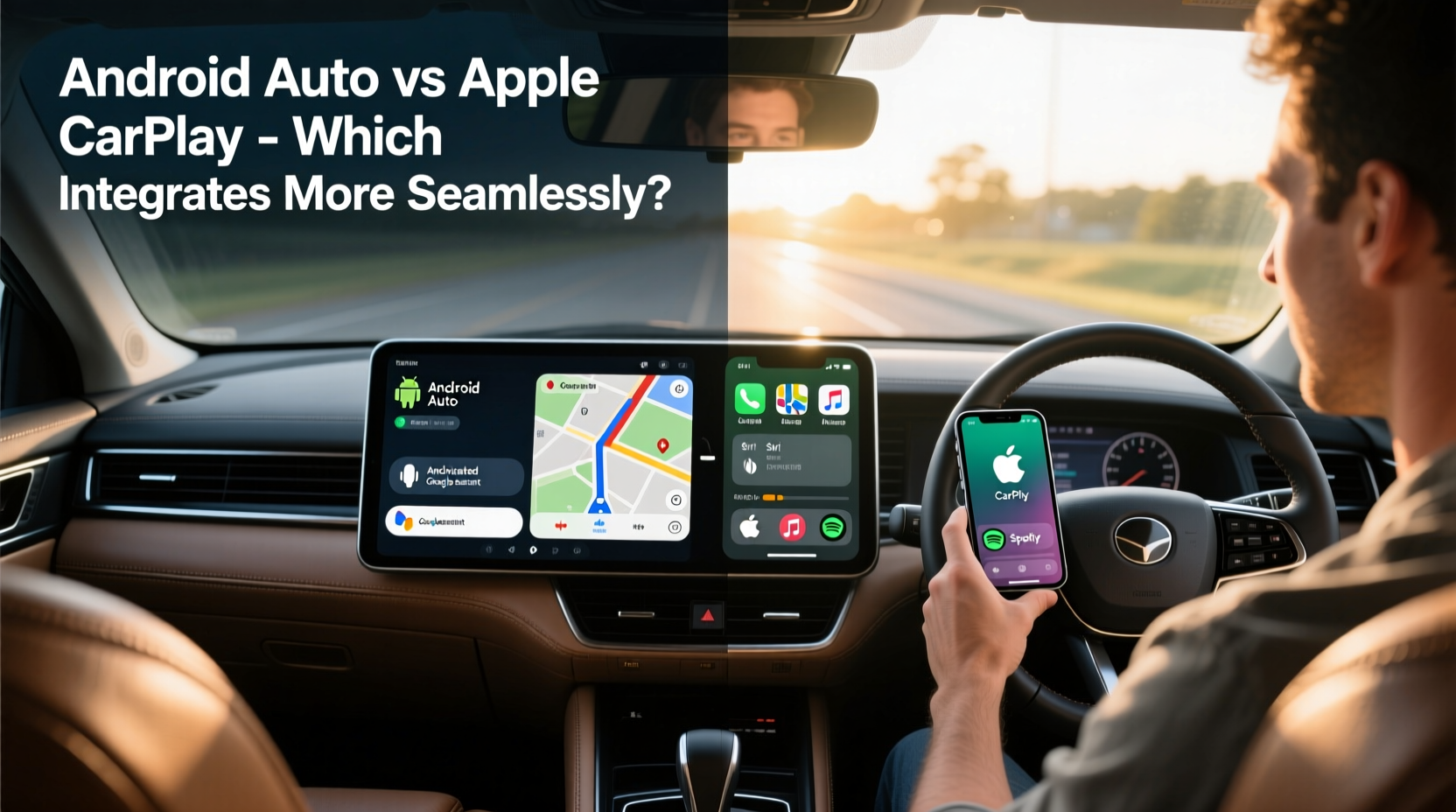
Seamlessness begins long before you plug in your phone. It starts with the devices you use every day—your smartphone, smartwatch, tablet, and home assistants. If you’re already invested in one ecosystem, switching midstream creates friction. That’s why the most critical factor in determining which platform integrates better is whether you use an iPhone or Android device as your primary phone.
Apple CarPlay works exclusively with iPhones. It mirrors core iOS apps—Maps, Messages, Phone, Music—and leverages Siri for voice commands. Android Auto, conversely, is designed for Android phones and tightly integrates with Google services like Google Maps, Google Assistant, and YouTube Music.
For iPhone users, CarPlay doesn’t just connect—it syncs. Your recent contacts, favorite destinations, and even calendar appointments appear automatically. Similarly, Android Auto pulls data from your Gmail, Google Calendar, and location history to anticipate your next move. These background integrations reduce manual input and make interactions feel intuitive.
“CarPlay and Android Auto aren’t just interfaces—they’re context-aware assistants that thrive when embedded in their native ecosystems.” — David Lin, Automotive UX Researcher at Mobility Insights Group
User Interface and Interaction Design
Both platforms prioritize simplicity and safety while driving. They use large touch targets, minimal text, and voice-first design principles. However, their visual language and interaction models reflect their parent operating systems.
Apple CarPlay adopts a clean, card-based interface reminiscent of iOS. Apps are arranged in a grid, and swiping left or right cycles through contextual panels like “Now Playing” or upcoming calendar events. The design is consistent across all car brands, ensuring familiarity regardless of vehicle make.
Android Auto uses a vertically scrolling layout optimized for glanceability. Recent apps, navigation prompts, and media controls appear in a single feed-like stream. While this reduces screen clutter, some users find it less predictable than CarPlay’s static grid.
Voice interaction further highlights philosophical differences. Siri in CarPlay emphasizes natural language processing—phrases like “Call Mom when I get off the highway” are handled fluidly. Google Assistant in Android Auto excels at search and information retrieval: “Find gas stations with restrooms near me” returns detailed results instantly.
Navigation Experience Compared
Navigation is arguably the most used feature in both systems. Here, Google Maps on Android Auto has a distinct advantage due to its real-time traffic prediction, lane guidance, and fuel price tracking. It also remembers frequent routes and suggests departures based on calendar entries.
Apple Maps, once criticized for inaccuracies, has improved dramatically since 2020, especially in major U.S. cities with detailed city models and road geometry. Its integration with CarPlay is smooth, and it supports EV routing with charger availability. However, it still lags behind Google in global coverage and dynamic rerouting precision.
| Feature | Android Auto (Google Maps) | Apple CarPlay (Apple Maps) |
|---|---|---|
| Real-Time Traffic Updates | Yes – powered by Waze and Google Live View | Yes – crowd-sourced via iPhone users |
| Lane Guidance | Detailed visuals with exit numbering | Clear but less granular |
| Fuel Prices & EV Charging | Integrated directly in map | Available via third-party apps |
| Voice Navigation Accuracy | High – anticipates detours proactively | Reliable – follows route strictly |
App Ecosystem and Third-Party Support
Both platforms support third-party apps for music, podcasts, audiobooks, and messaging. Spotify, Pandora, WhatsApp, and Audible work well on both. However, app availability and functionality differ subtly.
Android Auto allows deeper customization. You can pin favorite actions to the home screen, such as launching a specific playlist or starting a podcast series. Some developers release full Android Auto-optimized versions of their apps, offering richer interfaces than their CarPlay counterparts.
Apple maintains stricter control over CarPlay app design. All third-party apps must adhere to Apple’s human interface guidelines, resulting in uniformity but limiting innovation. For example, only audio-focused apps are allowed—no video streaming or gaming, even when parked.
That said, Apple recently introduced expanded CarPlay capabilities, allowing deeper access to vehicle functions like climate control and instrument clusters. While not yet widely deployed, this signals a future where CarPlay could influence the entire dashboard experience—not just infotainment.
Mini Case Study: Commuter Workflow Comparison
Consider Sarah, a marketing manager who commutes 45 minutes each way. She uses her phone heavily for navigation, calls, and staying updated on emails via voice.
With iPhone and CarPlay: As she leaves work, CarPlay automatically loads directions home based on time and traffic. When a meeting ends early, Siri alerts her: “Your next appointment is in 20 minutes. Leave now to arrive on time.” She replies, “Reschedule that for 4 PM,” and Siri updates her calendar via connected iCloud.
With Pixel phone and Android Auto: Her commute begins with a proactive suggestion: “Leave now to avoid congestion on I-95.” Google Assistant reads out urgent emails using Gmail integration. During the drive, she says, “Play my ‘Focus’ playlist on YouTube Music,” and it starts instantly—no need to unlock her phone.
In both cases, the experience is seamless—but Sarah finds Android Auto slightly more predictive due to Google’s AI-driven suggestions, while she appreciates CarPlay’s polished consistency and tighter privacy model.
Wireless Connectivity and Setup Simplicity
Wired connections via USB remain the most reliable method for both platforms. But wireless options enhance convenience, eliminating the need to fumble with cables each time you enter the car.
Wireless Android Auto is supported by many newer vehicles and aftermarket head units. It pairs quickly once configured, though occasional disconnects can occur. Performance varies by hardware—some systems take up to 30 seconds to reconnect.
Apple CarPlay’s wireless implementation is generally faster and more stable, thanks to Apple’s tight control over hardware standards. Once set up, iPhones typically connect within seconds using Bluetooth and Wi-Fi Direct.
Setting up either system requires initial configuration through the car’s settings menu. CarPlay setup is often simpler due to fewer customization options. Android Auto lets you choose default apps (e.g., preferred navigation or music), which adds flexibility but may overwhelm new users.
Privacy, Data Use, and Personalization
Integration depth comes with trade-offs. The more personalized the experience, the more data the system collects.
Apple emphasizes on-device processing. Siri requests are anonymized, and location history used by CarPlay is stored locally unless explicitly synced to iCloud. This appeals to users concerned about data privacy.
Google’s model relies on cloud-based AI to deliver hyper-personalized experiences. Android Auto learns your routines, predicts destinations, and tailors recommendations based on search history, app usage, and location patterns. While powerful, this requires sharing more data with Google.
If seamless integration means anticipating your needs before you ask, Android Auto wins. If seamless means working invisibly without leaving a digital trail, CarPlay takes the lead.
Checklist: Choosing the Right Platform for Your Lifestyle
- Use an iPhone? → CarPlay will feel native and consistent.
- Dependent on Google services? → Android Auto syncs better with Gmail, Calendar, and Keep.
- Want superior navigation? → Android Auto with Google Maps offers richer data.
- Prioritize privacy? → CarPlay limits data exposure more effectively.
- Use multiple devices? → Android Auto supports wider device compatibility.
- Prefer polished, predictable UI? → CarPlay delivers uniformity across cars.
- Want deep vehicle integration in the future? → Watch Apple’s next-gen CarPlay rollout.
FAQ
Can I use Android Auto with an iPhone?
No. Android Auto requires an Android phone running Android 6.0 or higher. Similarly, CarPlay only works with iPhones (iOS 7.1+).
Do both systems support texting via voice?
Yes. Both allow hands-free message dictation and reading using Siri or Google Assistant. CarPlay integrates with iMessage natively; Android Auto works with Messages and WhatsApp.
Will these systems work if my phone is locked?
Once connected, both operate independently of the phone’s lock state. However, certain actions (like approving payments) may require unlocking the device.
Conclusion: Which Integrates More Seamlessly?
The question isn't which system is objectively better—it's which one fits *your* life more naturally. For iPhone users deeply embedded in Apple’s ecosystem, CarPlay feels like a direct extension of their digital self. It’s polished, private, and predictable. For Android users, especially those reliant on Google’s suite of services, Android Auto offers unmatched contextual awareness and utility.
Ultimately, seamless integration means disappearing into the background—requiring no thought, no adjustment, no compromise. In that sense, both platforms succeed, but in different ways. CarPlay excels in elegance and consistency; Android Auto shines in intelligence and adaptability.
If your life revolves around Google’s AI-driven predictions, live traffic insights, and proactive assistance, Android Auto likely integrates more deeply. If you value design harmony, end-to-end encryption, and a frictionless mirror of your iPhone experience, Apple CarPlay is your match.




 浙公网安备
33010002000092号
浙公网安备
33010002000092号 浙B2-20120091-4
Comments
No comments yet. Why don't you start the discussion?