
When it comes to Android smartphones, the user interface plays a critical role in how fast — or slow — your device feels. While hardware specifications like processor speed and RAM matter, the software layer on top, particularly the launcher, can dramatically influence responsiveness, animation smoothness, and overall system fluidity. Many users assume that switching from their phone’s stock interface to a third-party launcher will make their device faster. But is this always true? The answer isn’t as straightforward as it seems.
The debate between using a custom Android launcher versus sticking with the stock interface often centers around aesthetics, features, and performance. However, performance — especially perceived speed — is highly subjective and influenced by multiple factors including optimization, background processes, and hardware compatibility. This article breaks down the technical and experiential differences between Android launchers and stock interfaces to determine which truly contributes to a faster smartphone experience.
Understanding Launchers and Stock Interfaces
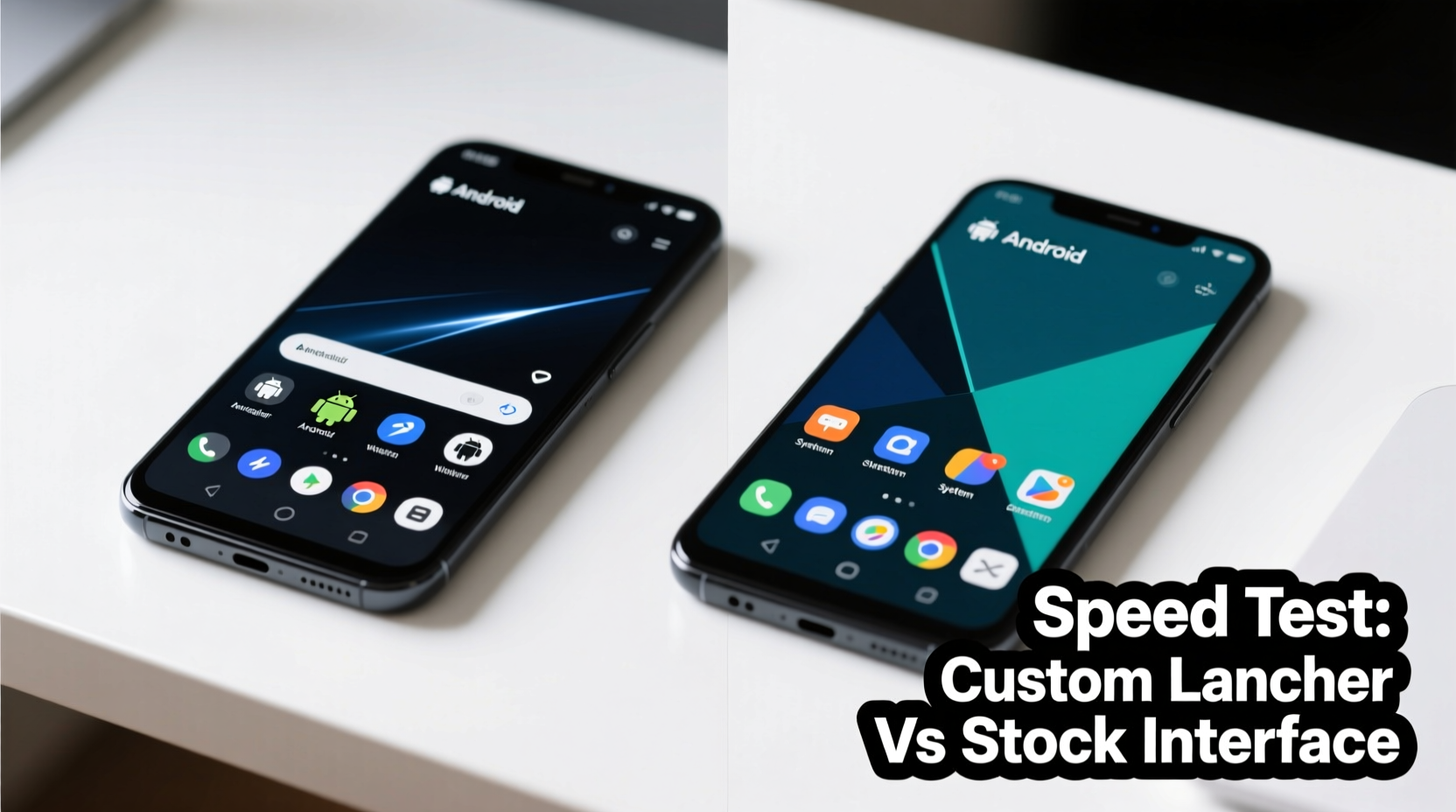
An Android launcher is the app responsible for managing your home screen, app drawer, icons, widgets, gestures, and navigation. It’s essentially the front-end interface you interact with daily. Every Android phone ships with a default launcher, known as the \"stock\" interface, which is customized by the manufacturer or operating system provider — such as Samsung One UI, Google Pixel Launcher, Xiaomi MIUI, or OnePlus OxygenOS.
Third-party launchers like Nova Launcher, Lawnchair, Microsoft Launcher, or Action Launcher offer alternative designs and advanced customization options. They allow users to tweak icon sizes, grid layouts, animations, gesture controls, and even integrate AI-driven app suggestions. But while these tools promise a personalized experience, they don’t automatically guarantee better performance.
The key difference lies in integration. Stock interfaces are deeply optimized for the specific hardware they run on. Manufacturers fine-tune every animation, transition, and background service to align with the chipset, memory management, and thermal profile of the device. Custom launchers, while lightweight in design, operate as standalone apps and may not have the same level of system-level optimization.
Performance Factors: What Actually Makes a Phone Feel Faster?
\"Fast\" is a relative term when discussing mobile interfaces. It doesn’t just mean raw processing power; it includes:
- App launch speed – How quickly apps open from the home screen.
- Scrolling fluidity – Smoothness when swiping through home screens or the app drawer.
- Animation responsiveness – Whether transitions feel immediate or laggy.
- Battery efficiency – Background resource usage affecting long-term performance.
- System stability – Crashes, freezes, or hiccups during multitasking.
Stock interfaces typically score higher in system stability and battery efficiency because they’re built with proprietary drivers and firmware integrations. For example, Samsung’s One UI leverages Exynos or Snapdragon-specific optimizations to reduce latency in touch input and display rendering. Similarly, Pixel phones use the Google-developed Pixel Launcher, which is tightly integrated with Android’s core services like Google Assistant and Now cards, ensuring minimal overhead.
In contrast, third-party launchers must work across thousands of Android devices with varying hardware configurations. This universality often means compromises in optimization. While Nova Launcher Pro markets itself as “the fastest and most customizable,” independent benchmarks show mixed results. On high-end devices like the Galaxy S24 or Pixel 8, Nova performs nearly as well as the stock launcher. But on mid-range or budget phones, the added abstraction layer can introduce micro-stutters or delayed response times.
“Launcher performance isn't just about code efficiency — it's about ecosystem alignment. Stock launchers win on integration; third-party ones win on flexibility.” — David Kim, Mobile UX Engineer at an Android OEM
Comparative Analysis: Stock vs Custom Launchers
To understand the real-world impact, let’s compare key aspects of both launcher types.
| Factor | Stock Interface | Custom Launcher |
|---|---|---|
| Optimization Level | High — tailored to specific hardware | Medium — generalized for broad compatibility |
| RAM Usage | Moderate to high (includes bloatware) | Low to moderate (lightweight versions available) |
| CPU Overhead | Efficient due to native integration | Higher due to abstraction layers |
| Update Frequency | Tied to OS updates (slower) | Frequent independent updates |
| Customization | Limited (varies by brand) | Extensive (themes, gestures, icon packs) |
| Battery Impact | Generally efficient | Depends on features enabled (e.g., live wallpapers) |
| Perceived Speed | Smooth and consistent | Can feel snappier but sometimes less stable |
As shown, stock interfaces generally offer better system-level performance due to deeper integration. However, some users report that lightweight launchers like Lawnchair or Smart Launcher feel quicker because they strip away animations, reduce visual clutter, and minimize background activity. This perception of speed stems more from cognitive fluency than actual benchmark improvements.
Real Example: John’s Mid-Range Device Upgrade
John owns a Motorola G Power (2023), a budget-friendly phone with 4GB RAM and a modest MediaTek chipset. Over time, he noticed slowdowns when opening apps or switching home screens. Frustrated, he installed Nova Launcher Prime, disabled all animations, and adopted a minimalist setup with no widgets or live wallpapers.
The change felt transformative. Apps opened faster, scrolling was smoother, and the device seemed more responsive. But when tested with Android’s built-in Developer Options and FPS monitoring tools, there was no measurable improvement in frame rate or CPU usage. The real difference was psychological: removing visual distractions and reducing animation duration made interactions feel more direct and instantaneous.
This case illustrates a crucial point: perceived performance often outweighs actual performance in user satisfaction. A well-designed custom launcher can enhance the feeling of speed, even without changing underlying hardware capabilities.
When Does a Custom Launcher Improve Real Performance?
There are specific scenarios where switching to a third-party launcher can deliver tangible speed benefits:
- On heavily skinned devices — Phones running MIUI, EMUI, or older versions of TouchWiz often come with bloated interfaces that consume significant RAM and CPU resources. Replacing them with a lightweight launcher like Nova or Evie can free up memory and improve multitasking efficiency.
- For users who disable animations — Most custom launchers allow granular control over animation scales. Setting window, transition, and animator durations to 0.5x or off entirely reduces input lag and speeds up navigation cycles.
- If the stock launcher has bugs — Some manufacturers release poorly optimized launchers that crash frequently or cause home screen reloads. In such cases, a stable third-party option provides both reliability and improved responsiveness.
- With aging devices — As phones age, software bloat accumulates. A clean launcher can serve as a performance reset, especially when combined with factory resets and selective app installations.
However, these gains are situational. On modern flagships like the Google Pixel or Samsung Galaxy S series, the stock launcher is already optimized to near-perfection. Installing a third-party alternative offers aesthetic changes but rarely improves actual speed.
Step-by-Step: Optimizing Your Interface for Maximum Speed
If you're trying to make your phone feel faster, follow this proven sequence:
- Assess current performance – Use built-in tools like Digital Wellbeing or third-party apps like CPU-Z to check RAM usage, storage health, and background processes.
- Clear launcher cache – Go to Settings > Apps > [Your Launcher] > Storage > Clear Cache. This resolves minor glitches causing lag.
- Reduce animations – Enable Developer Options (tap Build Number 7 times), then set Window Animation Scale, Transition Animation Scale, and Animator Duration Scale to 0.5x or off.
- Remove unnecessary widgets – Live widgets constantly refresh data, consuming CPU and battery. Replace them with static icons.
- Test a lightweight launcher – Install Nova Launcher or Lawnchair, configure it minimally, and use it for one week.
- Compare experiences – Note differences in app launch speed, scrolling smoothness, and battery drain. Switch back if no benefit is observed.
- Keep what works – Either return to stock for stability or stick with the custom launcher if it genuinely improves your experience.
Frequently Asked Questions
Does using a custom launcher slow down my phone?
Not necessarily. Lightweight launchers like Nova or Evie use fewer resources than bloated stock interfaces. However, adding live wallpapers, excessive widgets, or animation-heavy themes can increase CPU and GPU load, potentially slowing down lower-end devices.
Is the stock launcher always the fastest option?
In most cases, yes — especially on flagship devices. Stock launchers are optimized for the exact hardware they run on, allowing for tighter integration and better resource management. However, on budget phones with poorly optimized skins (e.g., outdated MIUI), a minimalist third-party launcher can outperform the default.
Can I make my stock launcher faster without switching?
Absolutely. Disable unused features like app suggestions, remove heavy widgets, clear cache regularly, and reduce animation scales via Developer Options. These tweaks often yield noticeable improvements without changing launchers.
Conclusion: Choose Based on Need, Not Hype
The question of whether an Android launcher or stock interface makes phones faster doesn’t have a universal answer. For most users on modern, well-optimized devices, the stock interface delivers the best balance of speed, stability, and battery life. It’s engineered to work seamlessly with the hardware, offering smooth performance out of the box.
Custom launchers shine in scenarios where personalization, minimalism, or legacy device revitalization are priorities. They can create the *illusion* of speed through reduced visual noise and faster transitions, and in some cases, provide real performance gains by replacing inefficient stock alternatives.
Ultimately, the fastest interface is the one that feels responsive to you. Rather than chasing trends, evaluate your device’s actual behavior. Try adjustments incrementally. You might discover that a few smart tweaks to your existing setup deliver the speed boost you’ve been searching for — without ever leaving your stock launcher.




 浙公网安备
33010002000092号
浙公网安备
33010002000092号 浙B2-20120091-4
Comments
No comments yet. Why don't you start the discussion?