
For students navigating lectures, research, and exams, digital note-taking has become essential. The choice between an Android tablet and an iPad often comes down to more than just hardware—it's about the ecosystem. While both platforms offer capable devices, the experience of capturing ideas, organizing thoughts, and reviewing material varies significantly based on software integration, app availability, and long-term reliability. This comparison cuts through marketing claims to assess which platform delivers a superior note-taking environment for academic life.
Hardware Capabilities: A Foundation for Functionality
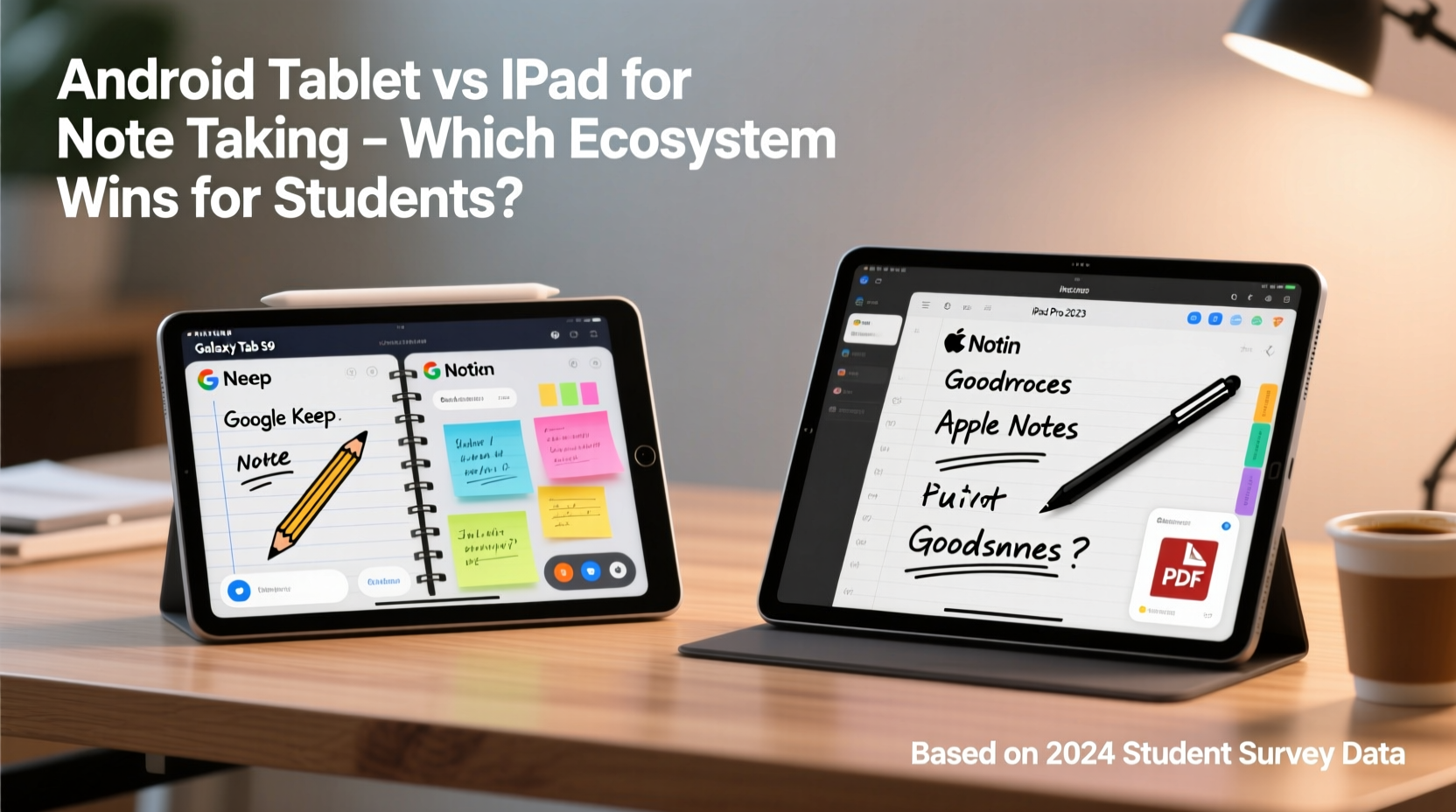
The physical device sets the stage for any digital note-taking workflow. Both Android tablets and iPads now support high-resolution displays, active styluses, and multitasking features crucial for student productivity.
iPads, particularly the iPad Air and iPad Pro lines, feature Liquid Retina or ProMotion displays with excellent color accuracy and low latency when using the Apple Pencil. The Pencil’s magnetic attachment, wireless charging, and pressure sensitivity make it a seamless companion. Meanwhile, Android offers diversity: Samsung’s Galaxy Tab S series pairs with the S Pen, which stores directly in the tablet and requires no charging, while other brands like Lenovo and Huawei provide stylus options with varying degrees of precision and responsiveness.
However, hardware consistency is where iPad holds an edge. Apple controls both the device and stylus design, ensuring tight integration. In contrast, Android stylus performance can vary across brands and models—some lack palm rejection, have noticeable lag, or require frequent recalibration.
App Ecosystem Comparison: Depth vs. Flexibility
The real differentiator lies in the software. Students don’t just need a place to write—they need tools that adapt to learning styles: sketching diagrams, annotating PDFs, recording audio alongside notes, and syncing across devices.
iPadOS benefits from a mature, education-focused app ecosystem. Developers prioritize iPad optimization, resulting in apps that fully leverage the Apple Pencil and split-screen workflows. Notability, GoodNotes, and Microsoft OneNote are industry standards, offering intuitive interfaces, robust search (including handwritten text), and cloud sync. These apps integrate tightly with iCloud, Google Drive, and Canvas or Moodle systems used by universities.
Android, while flexible, lacks this level of polish. Google Keep and Samsung Notes are functional but limited in advanced features. Third-party apps like Nebo and LectureNotes offer strong handwriting recognition and conversion to text, but many suffer from inconsistent updates, intrusive ads, or fragmented cross-device sync. Moreover, few Android note apps match the gesture customization or export versatility found on iPad.
“Students who use structured digital notebooks consistently perform better in recall tasks.” — Dr. Linda Kim, Cognitive Science Researcher, University of Michigan
Key Features That Matter for Academic Use
Certain functionalities separate adequate note-taking from exceptional academic support. Below is a comparative breakdown of critical capabilities across ecosystems.
| Feature | iPad Strengths | Android Strengths |
|---|---|---|
| Handwriting Recognition | Excellent in GoodNotes and Notability; searchable across notebooks | Nebo excels here, but limited to select devices |
| Audio Sync with Notes | Notability leads with timestamped playback linked to written notes | Few apps support this; Voice+ is promising but niche |
| Palm Rejection | Built-in and flawless with Apple Pencil | Inconsistent across manufacturers |
| PDF Annotation | Full markup support in multiple apps with export options | Functional in Xodo, but fewer annotation tools |
| Cross-Device Sync | iCloud + third-party integrations ensure seamless access | Relies heavily on Google account; some apps lack desktop versions |
| Custom Templates | Extensive library in GoodNotes; easy import/export | Limited; mostly user-created or app-specific |
The iPad’s ecosystem provides depth and reliability, especially in high-pressure academic environments. Android offers flexibility—users can sideload apps or customize interfaces—but often at the cost of stability and long-term support.
Real-World Student Workflow: A Case Study
Consider Maya, a second-year biomedical sciences student at a large public university. Her day includes three lectures, two labs, and evening study sessions. She uses her device to take handwritten notes, annotate journal articles, record key explanations, and organize materials by course.
Last year, Maya used a mid-range Android tablet with an S Pen clone. While the screen was sharp, she struggled with lag during fast note-taking and lost audio recordings due to app crashes. Her preferred note app lacked desktop access, forcing her to email files to herself before group meetings. After switching to an iPad Air with Apple Pencil, her workflow improved dramatically. Notability’s audio sync allowed her to revisit complex physiology lectures without rewatching full recordings. Handwritten equations in chemistry were automatically converted to typed text for sharing. Most importantly, her notes synced instantly to her MacBook and iPhone.
Her GPA rose by half a point that semester—not because the iPad made her smarter, but because it removed friction from her learning process.
Step-by-Step: Building an Effective Note-Taking System
Regardless of platform, students can maximize their investment by setting up a structured system. Follow these steps to create a sustainable workflow:
- Assess Your Needs: Do you sketch diagrams? Record lectures? Collaborate on notes? Prioritize apps that support your primary use cases.
- Choose Your Device: If app reliability and integration are top priorities, lean toward iPad. If budget or Android phone integration matters more, consider high-end Samsung or Lenovo tablets.
- Select Core Apps: Install one primary note app (e.g., GoodNotes or Notability for iPad; Nebo or Samsung Notes for Android) and a backup like OneNote for cross-platform access.
- Set Up Cloud Sync: Enable iCloud, Google Drive, or OneDrive to ensure automatic backups and multi-device access.
- Create a Folder Structure: Organize by semester, then course. Use consistent naming (e.g., “Bio_205_Lecture_03”) for quick searching.
- Test Before Semester Starts: Simulate a lecture: write, annotate a PDF, record audio, and review later. Identify pain points early.
- Review Weekly: Export key notes as PDFs, tag important pages, and archive completed units to avoid clutter.
This system minimizes cognitive load during class and maximizes retention during review.
Cost Considerations and Longevity
Price is often the deciding factor. Entry-level iPads start around $329, but adding an Apple Pencil pushes the total over $450. In contrast, Samsung Galaxy Tabs like the A8 start under $300 with included S Pen functionality.
Yet longevity favors iPad. Apple supports devices with software updates for five to seven years. An iPad from 2018 can still run the latest version of GoodNotes and iOS 17. Most Android tablets receive two major OS updates, after which app compatibility degrades. A 2020 Samsung Tab may no longer support current versions of Nebo or Office apps by 2025.
For students planning to use their tablet throughout a degree program, the iPad’s extended support cycle often justifies the higher upfront cost.
Checklist: Choosing the Right Platform for You
- ✅ Does the stylus feel responsive and natural to write with?
- ✅ Is there a reliable, well-reviewed note-taking app available on this platform?
- ✅ Can notes sync seamlessly with your laptop and phone?
- ✅ Does the app support audio recording linked to notes?
- ✅ Are PDF annotation tools robust and easy to use?
- ✅ Will the device receive software updates for at least four years?
- ✅ Is there a desktop or web version of the note app for editing on larger screens?
Answering “yes” to most of these questions typically points toward iPad. Missing even one—especially sync or update support—can disrupt academic workflows over time.
Frequently Asked Questions
Can I use Microsoft OneNote effectively on both platforms?
Yes, OneNote works well on both Android and iPad, offering solid handwriting, cross-device sync, and free access. However, its interface is less optimized for pen input compared to native apps like GoodNotes. On iPad, it lacks some gesture shortcuts; on Android, formatting can be inconsistent. It’s a strong fallback option but not the best primary tool for heavy note-takers.
Is handwriting-to-text conversion reliable on either platform?
iPadOS has improved significantly—GoodNotes 5 and Apple’s own Notes app can convert legible handwriting to text with high accuracy. Android’s Nebo is arguably the leader in real-time conversion, supporting multiple languages and structural recognition (e.g., turning handwritten lists into formatted text). However, both require neat writing; cursive or rushed script reduces accuracy.
Do I need an expensive tablet for effective note-taking?
Not necessarily. The base iPad (10th gen) with an older Apple Pencil (1st gen) offers 80% of the functionality of a Pro model at half the price. Similarly, the Samsung Galaxy Tab S9 FE provides excellent stylus performance and DeX mode for multitasking. Avoid sub-$200 tablets—they often lack proper stylus drivers, sufficient RAM, or app compatibility.
Final Verdict: Which Ecosystem Wins?
When evaluating Android tablets versus iPads for student note-taking, the answer hinges on ecosystem maturity. iPad wins not because it’s inherently superior in every technical aspect, but because its app environment is purpose-built for education. The combination of reliable hardware, deeply integrated software, long-term support, and proven tools like Notability and GoodNotes creates a cohesive experience that reduces friction and enhances learning.
Android offers value and customization, particularly within the Samsung ecosystem, but suffers from fragmentation and inconsistent app quality. For students who prioritize performance, reliability, and seamless integration across devices, iPad remains the gold standard.
That said, if you already own an Android phone and operate on a tight budget, a high-end Android tablet can serve adequately—provided you’re willing to compromise on some features and accept a shorter usable lifespan.




 浙公网安备
33010002000092号
浙公网安备
33010002000092号 浙B2-20120091-4
Comments
No comments yet. Why don't you start the discussion?