
When Apache web server exposes the full server path in error messages or HTTP responses, it reveals sensitive information about the underlying system structure. This seemingly minor oversight can be exploited by attackers to map your server's file system, locate configuration files, or launch targeted attacks such as local file inclusion (LFI) or directory traversal. The exposure often occurs due to misconfigured settings, unhandled PHP errors, or default configurations that weren't hardened for production environments.
While the issue may not appear critical at first glance, cybersecurity experts consistently emphasize that minimizing information disclosure is a foundational principle of secure web hosting. Exposing internal paths violates this principle and increases the attack surface significantly. The good news is that this vulnerability is both preventable and fixable with proper server configuration and monitoring practices.
Why Full Server Path Exposure Is a Security Risk
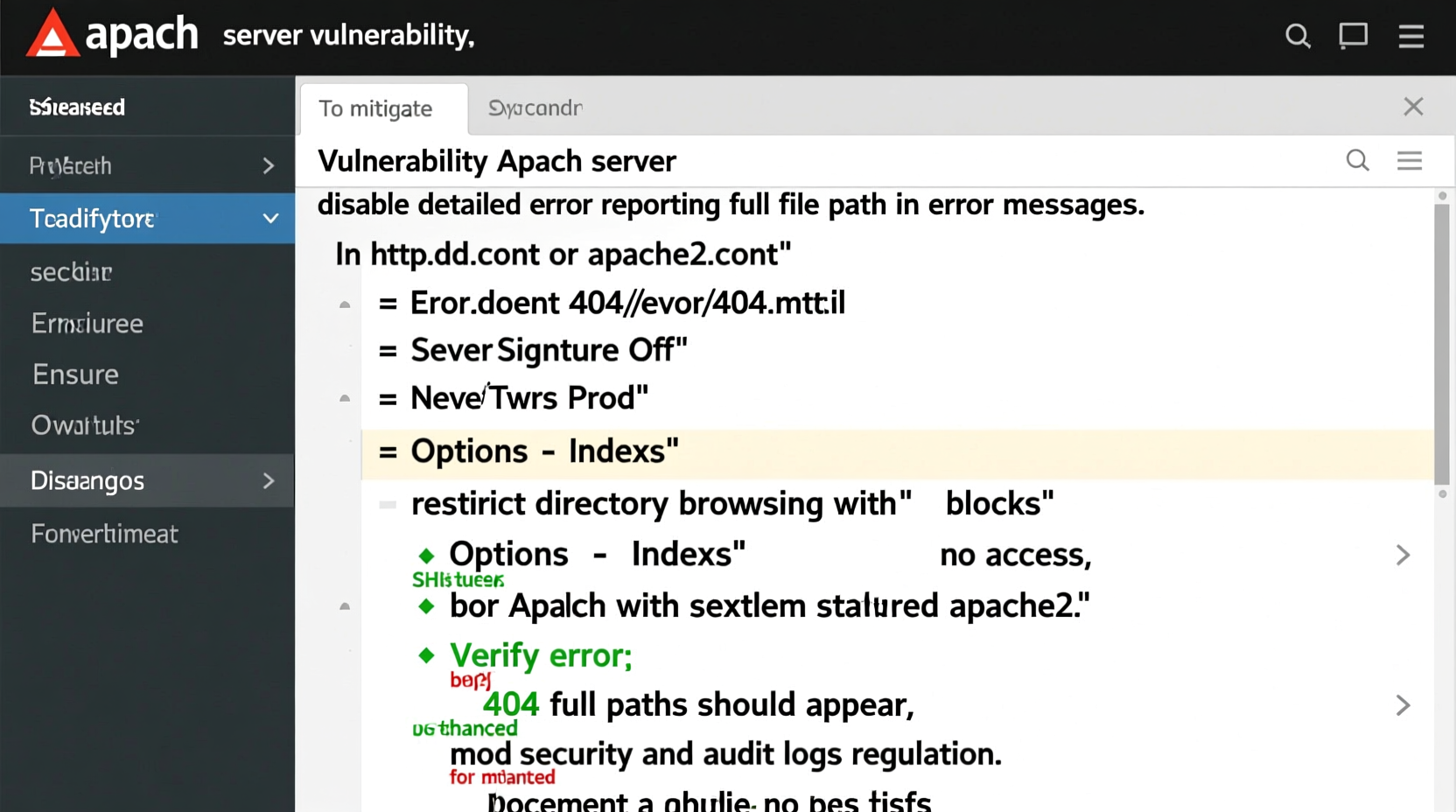
Seeing an error message like Warning: include(/var/www/html/includes/config.php): failed to open stream might seem harmless to a developer debugging locally. However, when such messages are visible to end users, they provide attackers with a roadmap of your server’s directory structure.
This information can be used in several malicious ways:
- Targeted Exploitation: Attackers use known paths to guess locations of sensitive files like
.env,wp-config.php, or database backups. - Automated Scanning: Bots collect exposed paths from multiple sites to build patterns and exploit common setups.
- Social Engineering: Detailed system knowledge helps craft convincing phishing attempts against administrators.
- Chaining Vulnerabilities: Path data aids in exploiting other flaws like file upload vulnerabilities or command injection.
“Information leakage is often the starting point of sophisticated attacks. A single exposed path can reduce an attacker’s reconnaissance time from weeks to minutes.” — Kevin Mitnick, Cybersecurity Advocate and Former Ethical Hacker
Common Causes of Apache Path Disclosure
Understanding the root causes is essential for effective remediation. Below are the most frequent culprits behind unintended path exposure:
- PHP Error Reporting Enabled in Production: When
display_errors = Oninphp.ini, runtime errors show full file paths. - Uncaught Exceptions in Applications: Frameworks or custom scripts may output stack traces containing absolute paths if not properly handled.
- Default Apache Error Pages: Misconfigured or uncustomized error documents may include debug-level details.
- Verbose ServerSignature Settings: Apache’s
ServerSignaturedirective can append version and path info to error pages. - Improper .htaccess Rules: Custom rewrite rules or access controls might inadvertently trigger verbose server responses.
Step-by-Step Guide to Fix Path Exposure
Follow these steps systematically to eliminate path disclosure across your Apache and PHP setup:
1. Disable PHP Error Display in Production
Edit your php.ini file (typically located at /etc/php/X.X/apache2/php.ini):
display_errors = Off
log_errors = On
error_log = /var/log/php-errors.log
After editing, restart Apache: sudo systemctl restart apache2.
2. Customize Apache Error Documents
Replace default error pages with generic versions. In your virtual host or .htaccess:
ErrorDocument 404 /errors/404.html
ErrorDocument 500 /errors/500.html
Ensure these custom pages contain no dynamic content or debug outputs.
3. Disable Server Signatures
In Apache configuration (/etc/apache2/conf-available/security.conf or similar), set:
ServerSignature Off
ServerTokens Prod
The latter reduces server header information from \"Apache/2.4.41 (Ubuntu)\" to just \"Apache\".
4. Suppress Errors in Application Code
In PHP applications, avoid raw error outputs. Use structured exception handling:
try {
    include('config.php');
} catch (Exception $e) {
    error_log(\"Failed to load config: \" . $e->getMessage());
    http_response_code(500);
    echo \"An internal error occurred.\";
}
5. Harden File and Directory Permissions
Restrict access to sensitive directories:
chmod 644 /var/www/html/*.php
chmod 755 /var/www/html/
chown -R www-data:www-data /var/www/html/
Prevent direct access to configuration folders via .htaccess:
<Directory \"/var/www/html/config\">
    Require all denied
</Directory>
Do’s and Don’ts: Best Practices Summary
| Do | Avoid |
|---|---|
| Use centralized logging instead of displaying errors | Leaving display_errors = On in production |
Set ServerSignature Off and ServerTokens Prod |
Using default Apache error pages |
| Implement custom, minimal error templates | Outputting stack traces to end users |
| Regularly audit logs for accidental disclosures | Storing credentials or keys in accessible files |
| Apply the principle of least privilege to file ownership | Running Apache as root or high-privilege user |
Real-World Example: E-Commerce Site Recovery
A mid-sized online retailer began receiving suspicious login attempts on their admin panel. Investigation revealed that a simple 404 error on a missing image triggered a PHP warning—exposing the full path: /home/store/public_html/app/etc/database.php. Within hours, automated scanners attempted to access known paths like /app/etc/config.php and /var/backups/.
The team immediately disabled error display, implemented custom error pages, and moved sensitive files outside the web root. They also added fail2ban rules to block repeated access attempts. Post-fix scanning showed no further exploitation attempts, and the site passed subsequent penetration tests with no information leakage findings.
Essential Security Checklist
Use this checklist to ensure your Apache server does not expose sensitive paths:
- ✅ Set
display_errors = Offinphp.ini - ✅ Enable
log_errors = Onand specify a secure log location - ✅ Confirm
ServerSignature Offin Apache config - ✅ Set
ServerTokens Prodto minimize server headers - ✅ Replace default error pages with static, generic versions
- ✅ Restrict access to sensitive directories via
<Directory>blocks - ✅ Regularly scan your site using tools like Nikto or OWASP ZAP for information leaks
- ✅ Review application code for unhandled exceptions or debug outputs
Frequently Asked Questions
Can path exposure lead to full server compromise?
Yes. While path exposure alone isn’t an exploit, it significantly lowers the barrier for attackers. Combined with other vulnerabilities—such as insecure file uploads or SQL injection—it can enable full system takeovers by helping attackers locate critical files.
How do I test if my server exposes paths?
Trigger controlled errors: request a non-existent PHP file, cause a parse error in a test script, or simulate a database connection failure. Inspect the response in a browser and via cURL. You can also use online scanners like pentest-tools.com or run curl -I http://yoursite.tld/nonexistent.php to check headers and body content.
Is disabling error display enough to stay secure?
No. While turning off display_errors is crucial, it must be paired with proper logging, input validation, and secure coding practices. Errors should still be logged securely for debugging, but never shown to users. Additionally, ensure backend systems (like CMS platforms) don’t have their own debug modes enabled.
Final Steps Toward a Secure Apache Configuration
Fixing Apache path exposure is not a one-time task but part of ongoing server hardening. Beyond the immediate fixes, adopt a defense-in-depth strategy: keep software updated, enforce least-privilege access, monitor logs actively, and conduct periodic security audits. Automated deployment pipelines should include checks for debug settings before pushing to production.
Security begins with what you reveal—and what you choose to hide. By eliminating unnecessary information disclosure, you make your server a far less attractive target. Take action today: audit your current setup, apply the configurations outlined here, and verify that no sensitive paths are visible to the outside world.




 浙公网安备
33010002000092号
浙公网安备
33010002000092号 浙B2-20120091-4
Comments
No comments yet. Why don't you start the discussion?