
When Apple unveiled its new AI system under the banner of \"Apple Intelligence,\" it didn't just introduce another large language model or generative engine. Instead, company executives emphasized a fundamentally different philosophy—one rooted in privacy, seamless device integration, and contextual awareness rather than raw scale or internet-wide data scraping. As other tech giants race to dominate with cloud-heavy, generalized AI platforms, Apple is charting a distinct course focused on personal relevance without compromising security.
In interviews and internal briefings, Apple’s leadership has been clear: their version of artificial intelligence isn’t about building the most powerful model possible, but about creating an intelligent assistant that works quietly, safely, and effectively within the ecosystem users already trust.
Privacy by Design, Not as an Afterthought
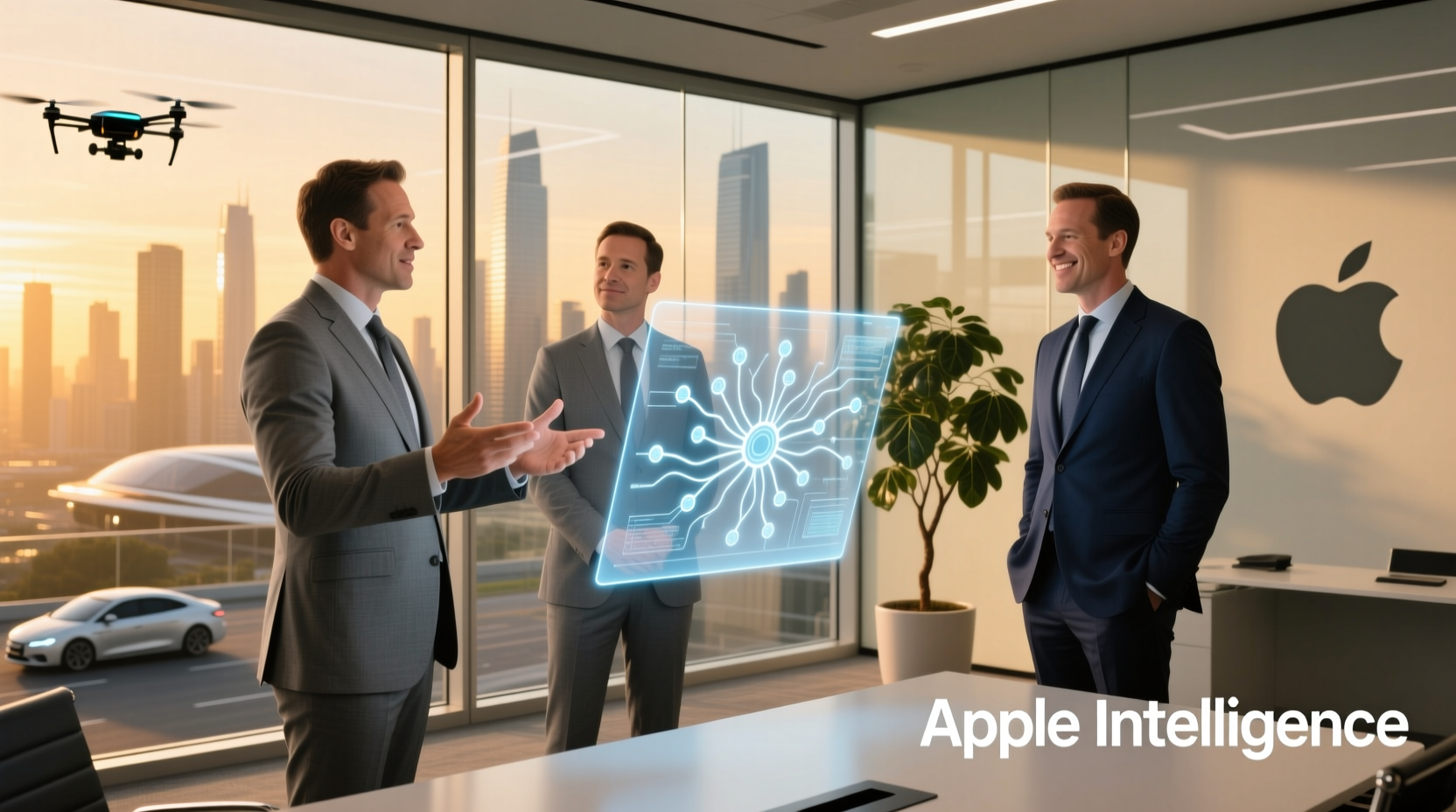
One of the most significant differentiators Apple executives stress is the foundational role of privacy. Unlike competitors whose AI models often rely on vast datasets collected from user interactions across the web, Apple’s approach prioritizes on-device processing. This means sensitive information—such as messages, photos, or voice recordings—never leaves the user’s iPhone, iPad, or Mac unless absolutely necessary.
“We believe intelligence should enhance your experience without compromising your personal life. That’s why so much of Apple Intelligence runs locally, where your data stays yours.” — Craig Federighi, Senior Vice President of Software Engineering, Apple
For example, when summarizing notifications or drafting replies based on message context, the processing occurs entirely on the device. Only when a request requires broader knowledge—like answering a complex factual question—does the system securely route through Apple’s servers using Private Cloud Compute, a technology designed to prevent data retention or exposure.
Deep Integration Over Standalone Smarts
While many AI assistants operate as separate apps or voice interfaces, Apple Intelligence is woven into the operating system itself. Executives describe this not as an add-on feature, but as a layer of contextual understanding embedded across iOS, iPadOS, and macOS.
This allows features like:
- Understanding app-specific workflows (e.g., suggesting calendar events from email content)
- Editing photos using natural language (“Remove the person standing in the background”)
- Summarizing long articles or threads directly in Safari and Messages
The result is an experience that feels less like interacting with a chatbot and more like the device intuitively anticipating needs based on habits, location, and usage patterns—all without requiring explicit commands.
How Apple Intelligence Compares to Major Rivals
| Feature | Apple Intelligence | Google Gemini | Microsoft Copilot |
|---|---|---|---|
| Data Processing Location | Primarily on-device | Cloud-based | Cloud-based (Azure AI) |
| User Data Retention | Minimal; no profiling | Used for personalization & ads | Stored for service improvement |
| System-Level Integration | Deep OS-level access | Moderate (Android, Workspace) | Strong in Windows & Office |
| Generative Image Creation | Image Playground (on-device options) | Gemini Advanced image gen | DALL·E 3 via Copilot) |
| Privacy Safeguards | End-to-end encryption, Private Cloud Compute | Standard encryption | Enterprise-grade controls |
Contextual Awareness vs. General Knowledge
Executives point out that while rival AIs may excel at trivia or generating creative text, Apple Intelligence is optimized for *personal* utility. It understands the user’s world—their contacts, routines, files, and preferences—without storing or transmitting that information externally.
For instance, if you ask, “What did John say about the meeting time?” Siri, powered by Apple Intelligence, can parse recent messages or emails from John and extract the relevant detail—provided those communications are stored on your device. The same query made to a cloud-based assistant might yield similar results, but only after uploading message content to remote servers.
This focus on local context enables faster responses, reduced latency, and greater reliability—even when offline. It also aligns with Apple’s long-standing belief that technology should serve the individual, not external platforms or advertisers.
A Real-World Example: Managing a Busy Day
Consider Sarah, a project manager juggling multiple deadlines. In the morning, her iPhone proactively surfaces a summary of today’s top three tasks pulled from emails, reminders, and Slack messages (via supported integrations). She asks Siri to reschedule a call originally set during her lunch break.
Instead of opening Calendar manually, Apple Intelligence checks her availability, proposes two alternative times, and confirms with the attendee—all while referencing only locally stored data. Later, she uses Type to Speak in Accessibility settings to have her iPhone read aloud a lengthy report using natural-sounding voices generated on-device.
No data was uploaded. No third-party server interpreted her schedule. Yet the experience felt deeply intelligent—because it understood her priorities in real time.
The Role of On-Device Machine Learning
Underpinning Apple Intelligence is a suite of custom silicon advancements. The Neural Engine in A-series and M-series chips enables efficient execution of machine learning models directly on the device. This hardware-software synergy allows complex operations—like speech recognition, handwriting analysis, or photo segmentation—to run quickly and securely.
Apple engineers note that optimizing models for efficiency, not just performance, has been critical. For example, the company uses quantization techniques to shrink model size without sacrificing accuracy, enabling robust AI capabilities even on iPhones without constant connectivity.
“It’s not about having the biggest model. It’s about making smart models that fit into your pocket and respect your boundaries.” — John Giannandrea, Senior Vice President of Machine Learning and AI Strategy, Apple
Actionable Checklist: Getting the Most from Apple Intelligence
- ✅ Update all devices to iOS 18, iPadOS 18, or macOS Sequoia or later
- ✅ Enable Personal Context in Settings > Siri & Search
- ✅ Review privacy permissions for apps that integrate with Siri
- ✅ Use Natural Language in Messages, Mail, and Notes to trigger summaries and suggestions
- ✅ Explore Image Playground for safe, private generative art creation
- ✅ Turn on Writing Tools to proofread or rephrase text across apps
Frequently Asked Questions
Does Apple sell my data to train its AI models?
No. Apple does not use your personal data to train its AI systems. Models are trained on synthetic and licensed data, and personal interactions remain private through on-device processing and secure cloud pathways that do not retain user content.
Can Apple Intelligence work without internet access?
Yes. Many core features—including Siri requests, text summarization, and image generation—function entirely offline thanks to on-device processing. Internet connectivity is required only for queries needing external knowledge or cloud-based services.
How does Apple handle sensitive topics like health or finance in AI responses?
Apple Intelligence is designed to avoid giving advice on highly sensitive subjects. For health-related questions, it directs users to authoritative sources or licensed professionals. Financial decisions are never automated, and transactional data remains protected within secure apps like Wallet and Bank IDs.
A Different Vision for Artificial Intelligence
As the AI arms race intensifies, Apple’s leadership continues to frame intelligence not as a standalone product, but as an invisible helper—an enhancement to existing tools that operates with discretion and precision. While competitors tout billion-parameter models and flashy demos, Apple focuses on reliability, restraint, and responsibility.
This doesn’t mean Apple Intelligence lacks ambition. On the contrary, its vision may be more challenging: building a truly personal AI that respects autonomy, adapts seamlessly, and integrates naturally into daily life—without ever feeling intrusive.
In a landscape where convenience often comes at the cost of privacy, Apple’s approach suggests another path forward—one where users don’t have to choose between smart technology and personal freedom.




 浙公网安备
33010002000092号
浙公网安备
33010002000092号 浙B2-20120091-4
Comments
No comments yet. Why don't you start the discussion?