
When it comes to premium streaming devices, two names consistently rise above the rest: Apple TV 4K and the Nvidia Shield TV Pro. Both deliver high-end performance, support for 4K HDR content, and access to major streaming platforms. But for users deciding between them, the differences in streaming quality, app ecosystem, user interface, and long-term value can be decisive. This in-depth analysis compares both devices across key categories to help you make an informed choice based on your viewing habits, device ecosystem, and technical expectations.
Streaming Quality: Resolution, HDR, and Real-World Performance
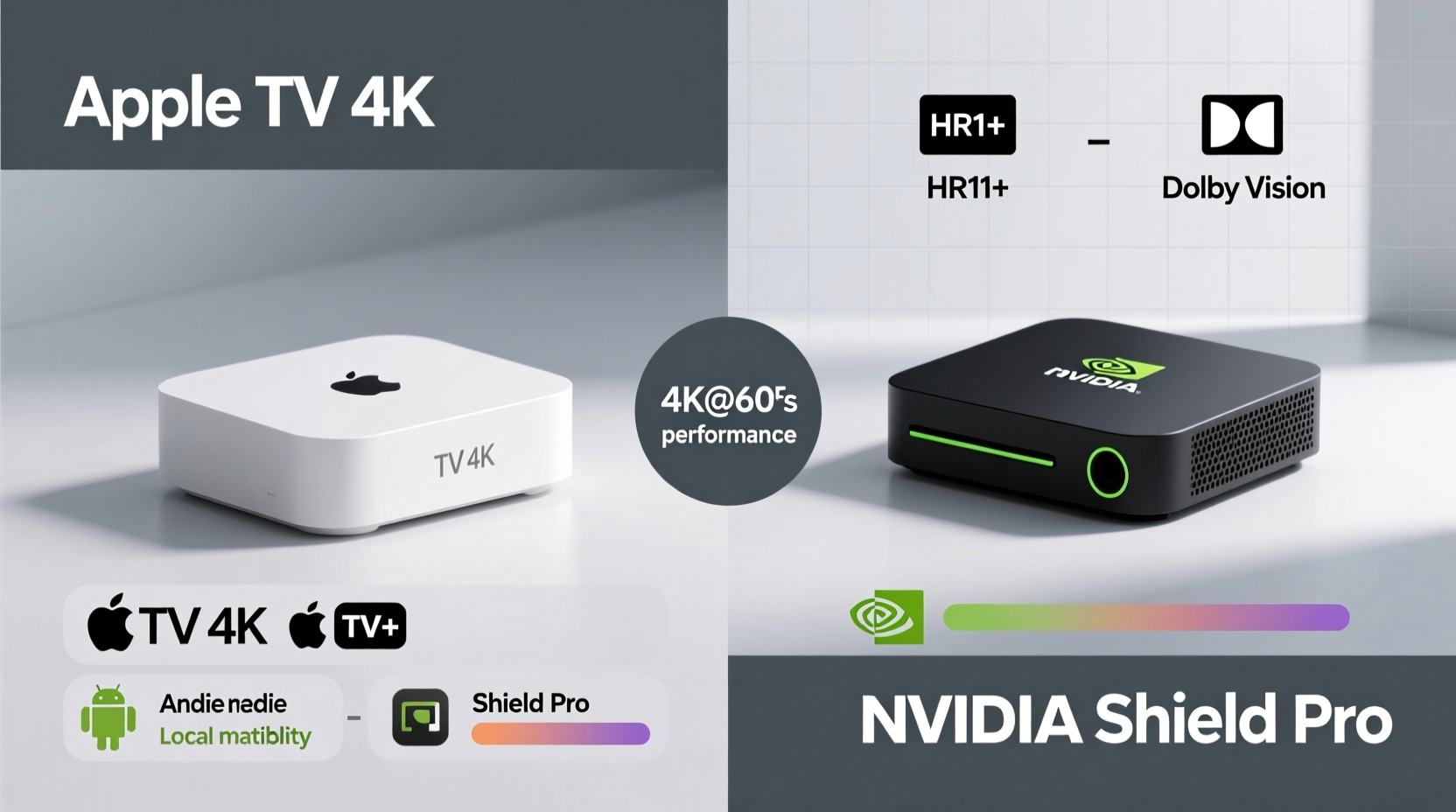
At their core, both the Apple TV 4K (3rd generation, 2022) and the Nvidia Shield TV Pro (2019 model) support 4K resolution at up to 60 frames per second, Dolby Vision, HDR10, and HLG. On paper, they appear evenly matched. However, real-world playback behavior, tone mapping, and color accuracy reveal meaningful distinctions.
The Apple TV 4K excels in automatic HDR optimization. It uses a feature called Automatic HDR setup, which leverages the camera on the Siri Remote to analyze ambient light and TV settings, then adjusts HDR output accordingly. This results in more consistent brightness levels and better shadow detail, especially in darker rooms. For TVs compatible with Dolby Vision, Apple’s implementation is widely regarded as one of the most accurate, preserving director-intended color grading in services like Apple TV+, Netflix, and Disney+.
In contrast, the Nvidia Shield Pro does not have built-in calibration tools but compensates with advanced manual controls. Users can fine-tune HDR brightness, dynamic range, and even enable per-app HDR profiles through developer settings. This level of granular control appeals to AV enthusiasts who prefer to manually optimize picture settings. However, average users may find this complexity overwhelming.
One area where Apple holds a clear edge is in Dolby Atmos audio passthrough. While both support lossless audio formats, the Apple TV 4K delivers native Atmos over HDMI without requiring additional configuration. The Shield Pro requires enabling “Enhanced Audio” mode and sometimes struggles with certain AV receivers unless manually adjusted via audio delay settings.
App Support and Ecosystem Integration
App availability and ecosystem integration are critical factors in choosing a streaming device. Here, the divergence between Apple and Android-based platforms becomes apparent.
The Apple TV 4K runs on tvOS, a closed but polished operating system optimized exclusively for Apple’s hardware. Its App Store offers a curated selection of apps, including all major services: Netflix, Hulu, HBO Max, Amazon Prime Video, Disney+, YouTube, and Apple’s own ecosystem (Apple TV+, Apple Music, Fitness+). Apps are regularly updated, and performance is smooth due to tight hardware-software integration. However, tvOS lacks support for some niche or region-specific streaming apps, particularly those popular in Europe or Asia.
On the other hand, the Nvidia Shield Pro runs on Android TV (now Google TV), giving it access to the full Google Play Store. This means users can sideload APKs, install beta versions of apps, or use less common platforms like Plex, Stremio, or Kodi with greater flexibility. The Shield also supports cloud gaming apps such as GeForce NOW, Xbox Cloud Gaming (via browser), and Amazon Luna—features absent from Apple’s platform due to policy restrictions.
“Android TV’s open architecture allows power users to customize their experience far beyond what closed ecosystems permit.” — David Kim, Home Theater Analyst at TechHome Insights
However, this openness comes with trade-offs. Not all Android apps are optimized for TV interfaces, leading to clunky navigation or inconsistent performance. Updates can be irregular, especially for third-party apps, and some lack 4K or HDR support despite being available. In contrast, every app on tvOS must meet Apple’s strict design and performance guidelines before release.
Performance and Hardware Comparison
Under the hood, the Nvidia Shield Pro still holds a hardware advantage. Powered by the NVIDIA Tegra X1+ processor with 3GB RAM, it outperforms the Apple TV 4K (A15 Bionic chip, 3GB RAM) in raw processing power, especially when handling multitasking, local media playback, or gaming.
This becomes evident when using media server software like Plex or Emby. The Shield Pro can transcode 4K HDR files more efficiently and stream high-bitrate MKV or HEVC videos without stuttering. It also supports USB external drives natively, allowing direct playback of large movie libraries—a feature Apple restricts without third-party apps or workarounds.
That said, the Apple A15 chip ensures snappy navigation, near-instant app launches, and flawless operation within the confines of tvOS. While not designed for heavy file management, it handles streaming tasks with ease and benefits from iOS-level optimization.
| Feature | Apple TV 4K (2022) | Nvidia Shield Pro (2019) |
|---|---|---|
| Processor | Apple A15 Bionic | NVIDIA Tegra X1+ |
| RAM | 3GB | 3GB |
| Storage | 64GB / 128GB | 16GB (expandable via microSD) |
| HDR Formats | Dolby Vision, HDR10, HLG | Dolby Vision, HDR10, HLG |
| Audio Passthrough | Dolby Atmos (native) | Dolby Atmos (manual setup) |
| USB Ports | 1 (for service only) | 2 USB 3.0 + microSD slot |
| Gaming Support | Apple Arcade only | GeForce NOW, cloud gaming, retro emulators |
User Experience and Interface Design
The interface is where personal preference plays a major role. Apple TV’s tvOS features a clean, minimalist layout centered around the Siri Remote. The touch-enabled clickpad allows precise scrolling, and voice search via Siri is fast and accurate. tvOS integrates deeply with iCloud, so if you own an iPhone or iPad, features like AirPlay, Handoff, and synced watchlists work seamlessly.
Google TV on the Shield Pro takes a content-first approach, aggregating recommendations from multiple apps into a unified homepage. This can reduce the need to open individual apps just to browse new releases. Voice search through Google Assistant is equally robust and often returns broader results than Siri, including web-based information.
Navigation on the Shield remote feels more traditional, with directional buttons instead of a touchpad. Some users prefer this for precision; others find it slower. Additionally, the Shield supports Bluetooth keyboard pairing and mouse input—ideal for typing URLs or managing files—which Apple does not officially support.
Real-World Example: The Hybrid Household Setup
Consider a household with mixed device ownership: two iPhones, a Windows PC, a PS5, and a Samsung QLED TV. The primary viewer wants seamless access to Apple Originals and Family Sharing content, while a secondary user enjoys retro gaming and local media stored on a NAS drive.
In this scenario, the Apple TV 4K would provide excellent integration with iPhones and iCloud photos, easy AirPlay mirroring from MacBooks, and superior Dolby Vision playback. However, accessing the NAS library would require installing a third-party app like Infuse (paid), and retro gaming options would be limited to Apple Arcade titles.
Switching to the Shield Pro, the same family gains instant access to the full Plex interface, SMB network sharing, and RetroArch for emulation—all out of the box. They can cast from Android phones or Chromebooks effortlessly and use GeForce NOW to play AAA games streamed from their PC. However, syncing purchased iTunes movies requires uploading them externally, and Family Sharing isn’t supported.
This illustrates a central truth: neither device is universally better. The best choice depends on how you consume media and what devices you already own.
Step-by-Step Guide: Choosing the Right Device for You
- Assess Your Primary Content Sources: If you subscribe to Apple TV+, buy movies from iTunes, or share purchases via Family Sharing, Apple TV 4K offers smoother integration.
- Evaluate Your Media Library: Do you have a large collection of locally stored 4K films? The Shield Pro handles diverse codecs and network shares far better.
- Check Your Audio/Video Setup: If you have a high-end AV receiver or projector, test both devices’ audio passthrough and HDR compatibility with your display.
- Consider Gaming Needs: The Shield supports cloud gaming and retro emulation; Apple TV is limited to Apple Arcade.
- Weigh Long-Term Software Support: Apple guarantees 5–6 years of OS updates. Nvidia provides updates based on demand, typically 3–4 years.
Frequently Asked Questions
Can I use Apple TV+ on Nvidia Shield Pro?
Yes, the Apple TV app is available on the Shield Pro via the Google Play Store. You can sign in with your Apple ID, access your library, and even use Family Sharing. However, you won’t get automatic iCloud photo sync or AirPlay receiver functionality.
Does Apple TV 4K support Dolby Atmos from all apps?
No. While the hardware supports Dolby Atmos passthrough, individual apps must enable it. Netflix, Apple TV+, and Disney+ support it fully. Some third-party apps may only offer stereo or compressed 5.1 audio.
Which device has better longevity?
Apple TV 4K generally receives longer software support. Apple has maintained older models with new tvOS versions for up to six years. Nvidia typically supports the Shield Pro for 3–4 years, though community developers often extend life via custom ROMs.
Final Verdict and Recommendation
The Apple TV 4K and Nvidia Shield Pro cater to different audiences. The Apple TV shines in simplicity, audiovisual fidelity, and ecosystem cohesion. It’s ideal for users invested in Apple products who prioritize cinematic quality and ease of use. Its automatic HDR tuning and native Atmos support make it a top pick for plug-and-play excellence.
The Nvidia Shield Pro, meanwhile, is a powerhouse for tinkerers, gamers, and media server users. Its ability to handle complex file types, run alternative apps, and support cloud gaming gives it unmatched versatility. While its interface may feel cluttered to some, its openness rewards technically inclined users.
If your priority is pristine streaming quality and seamless integration with Apple devices, go with the Apple TV 4K. If you want maximum flexibility, local media mastery, and future-proof expandability, the Shield Pro remains unmatched in the Android TV space.




 浙公网安备
33010002000092号
浙公网安备
33010002000092号 浙B2-20120091-4
Comments
No comments yet. Why don't you start the discussion?