
The smartwatch market has evolved rapidly, with Apple and Samsung leading the charge in wearable innovation. If you're deciding between the Apple Watch Series 6 and the Galaxy Watch 4—or wondering whether an upgrade from one to the other makes sense—it’s essential to look beyond marketing hype. Both devices represent pivotal moments for their respective platforms: Apple Watch 6 refined health tracking and introduced blood oxygen monitoring, while Galaxy Watch 4 marked Samsung's shift to Wear OS powered by Google. But does switching offer tangible benefits? The answer depends on your ecosystem, priorities, and what you’re currently using.
Design and Build Quality
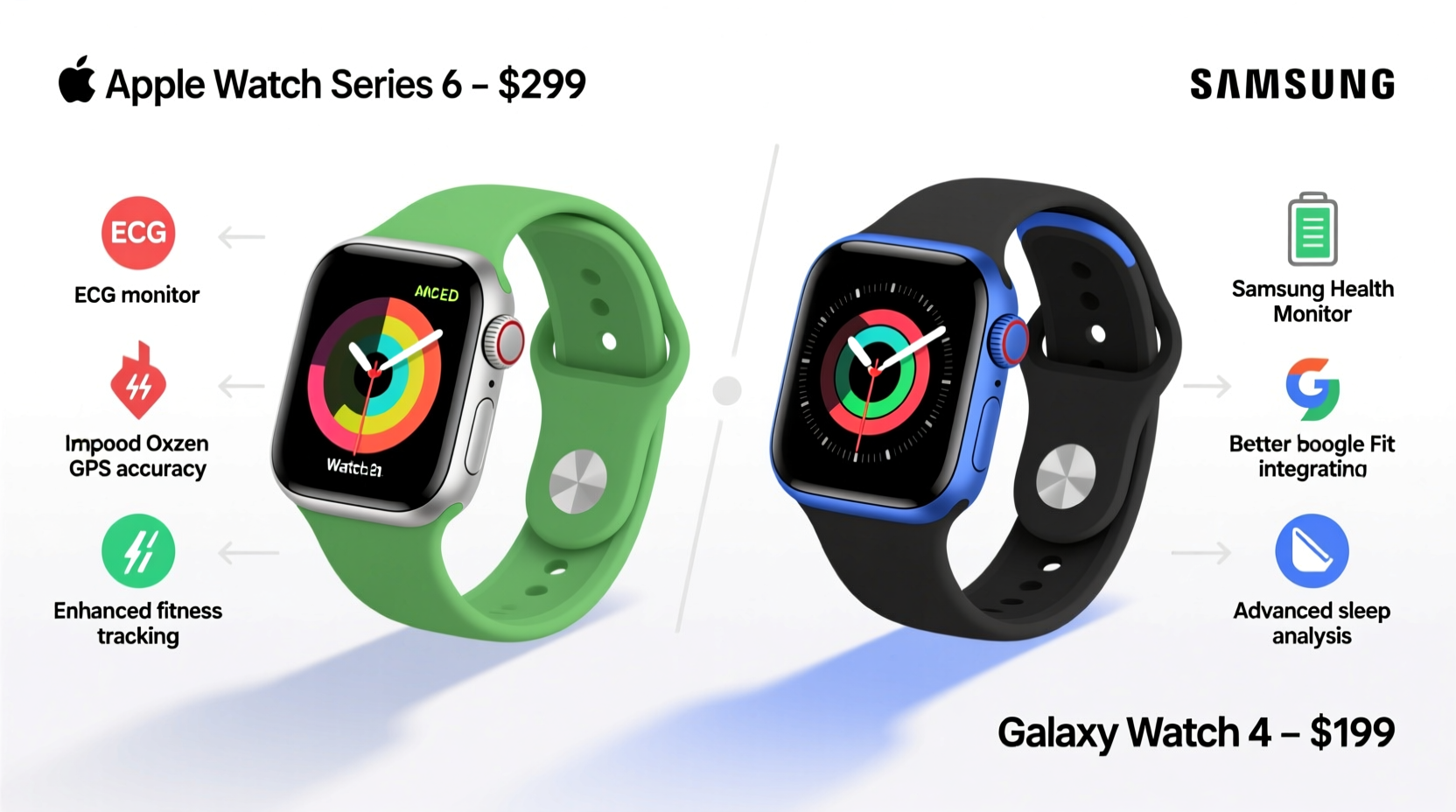
The Apple Watch Series 6 maintains the familiar squared-off design language that Apple has used since Series 4. It features an always-on Retina display with thinner bezels and comes in aluminum or stainless steel finishes. Sizes include 40mm and 44mm, appealing to a broad range of wrist sizes. Its build feels premium, especially in metal variants, and it retains water resistance up to 50 meters.
In contrast, the Galaxy Watch 4 embraces a more classic timepiece aesthetic with a circular face and rotating bezel (digital on most models). Available in 40mm and 44mm sizes as well, it uses lightweight aluminum or rugged stainless steel builds. Samsung opted for BioActive Sensor integration—combining three sensors into one—which allows for slimmer profiles without sacrificing functionality.
Performance and Software Experience
Under the hood, the Apple Watch 6 runs on the S6 chip, a customized version of the A13 Bionic. This delivers snappy app launches, smooth animations, and consistent responsiveness. Paired exclusively with iPhones, it leverages deep iOS integration—iMessage, FaceTime audio, Apple Fitness+, and Siri work seamlessly.
The Galaxy Watch 4 was a turning point for Samsung, abandoning its aging Tizen OS in favor of Wear OS 3 co-developed with Google. This means access to the Google Play Store, improved voice assistant support via Google Assistant, and better third-party app compatibility. It runs on the Exynos W920 dual-core processor, which is powerful for a wearable but doesn’t match Apple’s optimization levels.
“Samsung’s move to Wear OS was necessary for long-term competitiveness. While not as polished as watchOS, it opens doors to broader app ecosystems.” — James Lee, Senior Analyst at TechInsight Group
However, real-world usage reveals trade-offs. Apple’s closed ecosystem ensures stability and faster updates. Samsung’s watches often lag behind in update rollouts and may experience occasional stuttering when multitasking.
Health and Fitness Tracking Compared
Both watches emphasize wellness, but they approach it differently.
The Apple Watch 6 introduced blood oxygen (SpO2) monitoring and advanced heart rate tracking, including irregular rhythm notifications. It also supports ECG readings and integrates deeply with the Health app on iPhone. Sleep tracking arrived via a third-party update initially but became native later. Workout detection is automatic and reliable across 10+ activity types.
Galaxy Watch 4 goes further in biometrics. Alongside SpO2 and ECG (available where approved), it includes body composition analysis using bioelectrical impedance—measuring skeletal muscle, body fat, and hydration levels. While innovative, this feature requires users to stand barefoot on a compatible scale for calibration and isn't always accurate for athletes or those with medical implants.
| Feature | Apple Watch 6 | Galaxy Watch 4 |
|---|---|---|
| Blood Oxygen (SpO2) | Yes | Yes |
| ECG Monitoring | Yes | Yes (region-dependent) |
| Sleep Tracking | Native (after update) | Advanced with snoring detection |
| Body Composition | No | Yes (BIA sensor) |
| Workout Modes | 12+ | 90+ |
| Fitness App Integration | Apple Fitness+ | Google Fit, Samsung Health |
While Galaxy Watch 4 offers more metrics, Apple focuses on clinically validated features and actionable insights. For example, high heart rate alerts are tied directly to follow-up recommendations in the Health app.
Real-World Example: Sarah’s Upgrade Journey
Sarah had used an Apple Watch Series 3 for four years. When her battery degraded significantly, she considered upgrading. She loved the simplicity of Apple’s interface but was intrigued by Samsung’s sleep tracking and body composition tools after reading about them online.
She switched to the Galaxy Watch 4, pairing it with her iPhone. Initially excited, she quickly noticed limitations: no native iMessage replies, delayed notifications, and poor third-party app optimization. The body composition readings fluctuated wildly day-to-day despite consistent habits. After two months, she returned to the Apple Watch SE, valuing reliability over novelty.
Her experience highlights a key truth: cross-platform use diminishes the full potential of either device. True satisfaction comes from staying within your smartphone’s ecosystem.
Is Upgrading Worth It?
If you already own an Apple Watch Series 6, upgrading to Galaxy Watch 4 brings little advantage unless you’ve switched to Android. You’ll lose seamless messaging, tighter app integration, and faster software updates. Conversely, if you’re on a Galaxy Watch 3 or earlier Tizen model, moving to Galaxy Watch 4 is a major leap—especially in software modernization and health capabilities.
For iPhone users considering a switch solely for new features like body composition scanning, the compromise in daily usability usually outweighs the benefit. Similarly, Android users won’t get full functionality from an Apple Watch, even with workarounds.
Checklist: Should You Upgrade?
- Are you staying within the same phone ecosystem (iOS or Android)?
- Does your current watch have battery degradation or performance issues?
- Do you value specific new features (e.g., ECG, SpO2, sleep apnea detection)?
- Is your phone compatible with the latest OS requirements?
- Have you tested the user interface in person or through reviews?
Frequently Asked Questions
Can I use Galaxy Watch 4 with an iPhone?
Limited functionality. While basic call, message, and fitness tracking works via the Galaxy Wearable app, you miss core integrations like Google Assistant, full app support, and seamless sync. iMessage and FaceTime aren’t supported.
Does Apple Watch 6 work with Android phones?
No. Apple Watches require an iPhone running iOS 14 or later. Without an iPhone, setup and operation are impossible.
Which watch has better battery life?
Galaxy Watch 4 typically lasts 1.5 to 2 days; Apple Watch 6 lasts about 18–24 hours. Neither supports multi-day use without charging, but Samsung edges ahead slightly due to less aggressive background processing.
Final Verdict: Stick With Your Ecosystem
The Apple Watch 6 and Galaxy Watch 4 are both excellent devices—but they excel in different worlds. The Apple Watch delivers polish, consistency, and unmatched integration for iPhone users. The Galaxy Watch 4 offers greater customization, more health metrics, and a fresh software foundation for Android owners.
Upgrading purely for specs rarely pays off. Real value lies in how well the device fits into your daily routine, complements your phone, and supports your health goals without friction. If your current watch still performs well, hold off. If you've changed smartphones or need critical health monitoring, then an upgrade makes sense—just make sure it aligns with your ecosystem.




 浙公网安备
33010002000092号
浙公网安备
33010002000092号 浙B2-20120091-4
Comments
No comments yet. Why don't you start the discussion?