
Choosing your first Arduino can feel like navigating a maze of pins, ports, and processing power. The Arduino Uno has long been the go-to board for newcomers, but the Arduino Mega offers more of everything—more pins, more memory, more capabilities. So, as a beginner, should you skip the Uno and jump straight to the Mega? Or are you overpaying and overcomplicating your learning path? The answer isn't just about specs—it's about your goals, learning curve, and real-world application.
Understanding the Core Differences
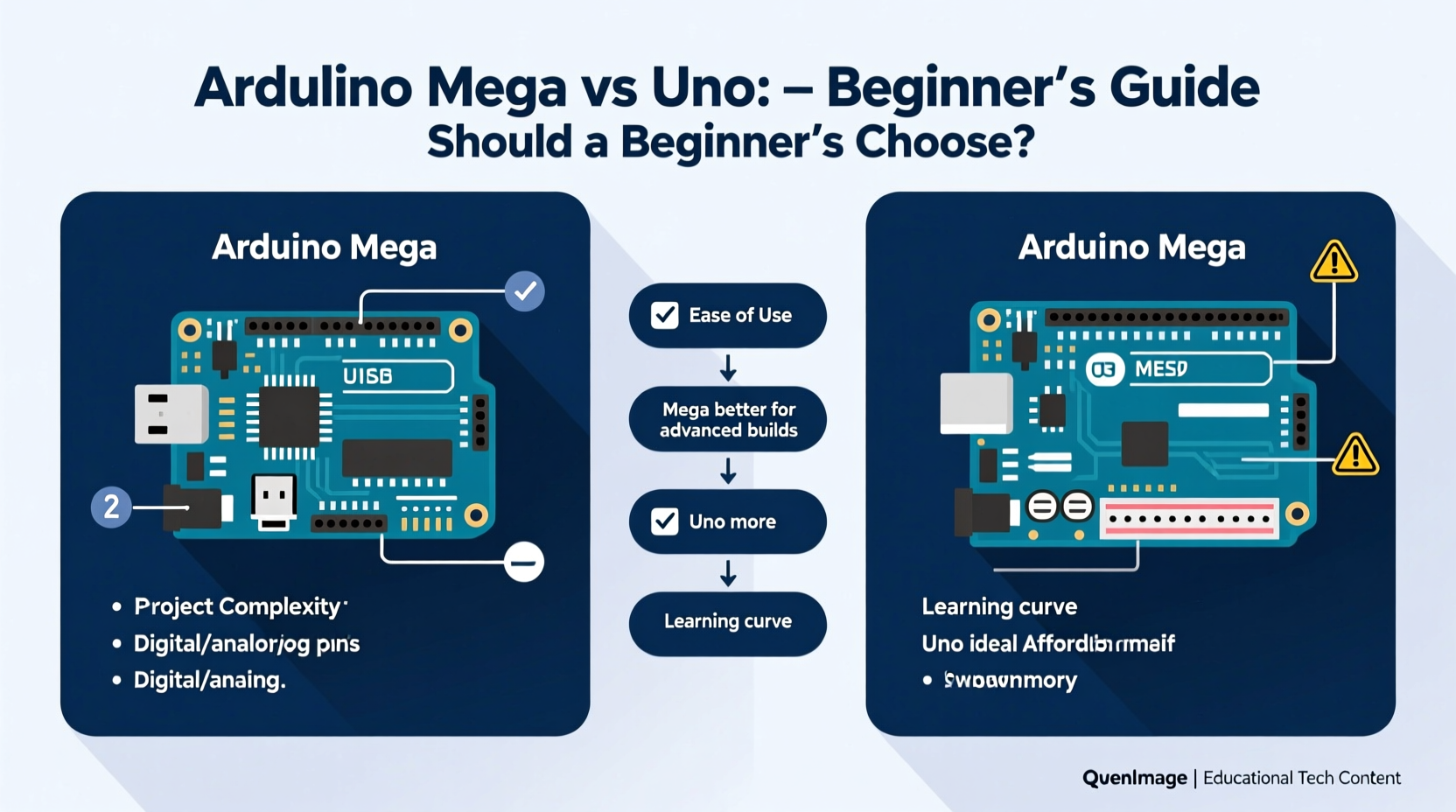
The Arduino Uno and Mega share the same DNA—they’re both based on the ATmega series of microcontrollers, use the same IDE, and support the same programming language (a simplified version of C++). But their hardware capabilities differ significantly, which affects how they handle projects.
The Uno is built around the ATmega328P, offering 14 digital I/O pins, 6 analog inputs, and 32 KB of flash memory. It’s compact, affordable, and perfect for small-scale experiments like blinking LEDs, reading sensors, or controlling a servo motor.
The Mega, powered by the ATmega2560, ups the ante with 54 digital I/O pins, 16 analog inputs, and 256 KB of flash memory—eight times more than the Uno. It also features four hardware serial ports instead of one, making it ideal for complex communication tasks.
When Does the Mega Actually Matter?
For most beginners, the Mega doesn’t offer immediate advantages. Learning core concepts—like digital writes, analog reads, PWM, and serial communication—is identical on both boards. The Uno provides an excellent sandbox for mastering these fundamentals without overwhelming complexity.
However, the Mega becomes relevant when your projects grow in scale. Imagine building a home automation system that controls lights, fans, blinds, and security sensors across multiple rooms. You’ll quickly run out of pins on the Uno. Or suppose you're working with large displays, SD cards, and multiple sensors simultaneously—the Uno’s limited RAM (2 KB) may cause crashes or erratic behavior, while the Mega’s 8 KB handles such loads with ease.
Another factor is future-proofing. Some learners prefer starting with the Mega to avoid upgrading later. But this approach often leads to unused resources and a steeper initial cost—around twice that of the Uno—without tangible benefits during early learning stages.
“Beginners don’t need power—they need clarity. The Uno teaches the essentials without distraction.” — Dr. Luis Mendez, Embedded Systems Educator
Comparison Table: Uno vs Mega at a Glance
| Feature | Arduino Uno | Arduino Mega |
|---|---|---|
| Microcontroller | ATmega328P | ATmega2560 |
| Digital I/O Pins | 14 | 54 |
| Analog Inputs | 6 | 16 |
| Flash Memory | 32 KB | 256 KB |
| SRAM | 2 KB | 8 KB |
| Hardware Serial Ports | 1 | 4 |
| Price (approx.) | $10–$15 | $25–$35 |
| Best For | Learning, small prototypes | Larger systems, robotics, multitasking |
A Real Beginner’s Journey: Sarah’s First Robotics Project
Sarah, a high school student diving into electronics, started with an Arduino Uno after watching several online tutorials. Her first goal was to build a line-following robot using two motors, an IR sensor array, and a basic LCD display. The Uno handled all components smoothly, and she spent weeks refining her code and circuit design.
Encouraged by her progress, she decided to expand the robot with obstacle detection (ultrasonic sensors), Bluetooth control, and data logging to an SD card. Suddenly, she ran out of digital pins and struggled with memory limitations when trying to run multiple functions. After consulting her teacher, she upgraded to the Mega. With ample pins and memory, the expanded system worked flawlessly.
Sarah’s experience reflects a common pattern: start simple, grow organically. Had she begun with the Mega, she might have felt overwhelmed by unused pins and unnecessary complexity. Instead, she learned the value of resource management and when scaling up truly makes sense.
Step-by-Step: Choosing the Right Board for Your Stage
- Evaluate your first project. Is it a blinking LED, temperature monitor, or simple robot? If yes, the Uno is ideal.
- Count required components. Add up motors, sensors, displays, and shields. If you exceed 10–12 connections, consider the Mega.
- Assess memory needs. Projects involving data logging, audio, or large arrays benefit from the Mega’s extra SRAM and flash.
- Check communication requirements. Need GPS, Bluetooth, and a serial display running at once? The Mega’s multiple serial ports prevent conflicts.
- Start with Uno unless you have a clear reason not to. It’s cheaper, widely supported, and used in 90% of beginner tutorials.
Common Misconceptions About the Mega
Many beginners assume that “more is better”—that a board with more pins and memory must be superior. But in practice, excess capacity doesn’t accelerate learning. In fact, it can hinder it. Debugging becomes harder when you’re managing 50+ connections, and it’s easy to make wiring mistakes that aren’t immediately obvious.
Additionally, some believe the Mega runs code faster. This isn’t true—the clock speed is the same (16 MHz). The difference lies in how much code and data you can store and process simultaneously, not execution speed.
Another myth is that the Mega is “more professional.” While it’s used in advanced applications, professionals often choose smaller, optimized boards (like ESP32 or custom PCBs) for production. The Mega’s real strength is prototyping complex systems—not being a status symbol.
Frequently Asked Questions
Can I use the same code on both Uno and Mega?
Yes, in most cases. Code written for the Uno will compile and run on the Mega without changes. However, if your code uses specific pin numbers beyond the Uno’s range, you’ll need to adjust them.
Is the Arduino Mega worth it for robotics?
It depends on the robot. Small robots with 1–2 motors and a few sensors work fine on the Uno. Larger robots with multiple servos, sensors, and communication modules benefit from the Mega’s expanded I/O and memory.
Will starting with the Uno limit my learning?
No. The core programming concepts—loops, conditionals, interrupts, timers—are identical across both boards. Learning on the Uno gives you a solid foundation. Upgrading later is seamless.
Final Recommendation: Start Simple, Scale Smart
The Arduino Mega is a powerful tool, but power isn’t what beginners need most. What matters is confidence, understanding, and hands-on experience. The Uno delivers exactly that—affordable, approachable, and perfectly aligned with the learning curve.
Save the Mega for when your projects outgrow the Uno. That moment will come, and when it does, you’ll appreciate the upgrade because you’ve earned it through real experience. Until then, focus on mastering the basics, building reliable circuits, and writing clean code. Those skills transfer no matter which board you use.




 浙公网安备
33010002000092号
浙公网安备
33010002000092号 浙B2-20120091-4
Comments
No comments yet. Why don't you start the discussion?