
As holiday displays grow more sophisticated, homeowners and lighting enthusiasts are turning to synchronized light shows that dance in time with music. The magic of lights pulsing to a holiday classic is undeniable—but what many don’t realize is that the audio file format can significantly impact performance. A growing number of users are asking: Can modern Christmas light controllers handle lossless audio formats like FLAC or ALAC, or are they limited to compressed files such as MP3? The answer isn't straightforward and depends on several technical factors including controller hardware, software compatibility, and playback systems.
Understanding this compatibility issue is essential for anyone aiming for high-fidelity audio in their outdoor display. While lossless audio offers superior sound quality, it comes with trade-offs in file size and processing demands—factors that matter when syncing hundreds of LED channels in real time. This article explores the reality of using lossless audio with popular light control systems, outlines best practices, and provides actionable guidance for achieving flawless synchronization without sacrificing audio integrity.
How Music Sync Works in Christmas Light Controllers
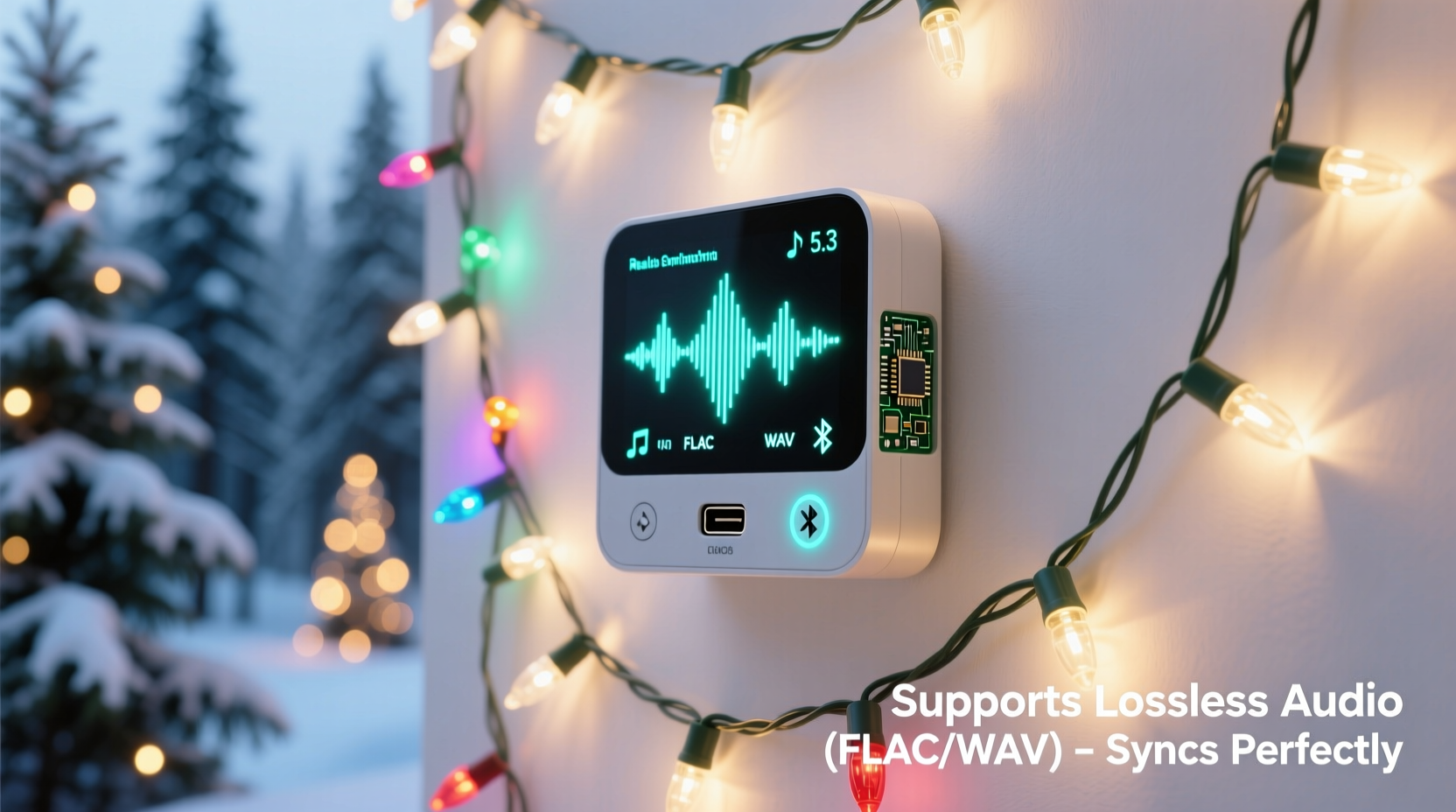
Music-synced Christmas light systems rely on precise timing between an audio signal and digital commands sent to individual light channels. At the core of this process is sequencing software—such as xLights, Light-O-Rama S3, or Vixen—which analyzes the waveform of an audio file and maps beats, volume changes, and frequency patterns to specific lighting effects.
The sequence is then exported to a controller (often via SD card, Wi-Fi, or USB), which plays back the pre-programmed instructions in sync with the music. Crucially, most consumer-grade controllers do not \"analyze\" the audio in real time. Instead, they play back a time-coded sequence aligned with a known audio track. This means the audio file used during sequencing must be the exact same one played during the live show.
Because the controller only executes lighting cues based on timestamps, the actual format of the audio file may not directly affect the controller itself—but it does impact the software and playback device. If the playback system stutters due to large file sizes or unsupported codecs, synchronization fails.
Lossless vs. Lossy Audio: What You Need to Know
Audio files come in two broad categories: lossy and lossless. The difference lies in how data is stored and compressed.
- Lossy formats (e.g., MP3, AAC): These compress audio by removing sounds deemed less perceptible to human ears. The result is smaller file sizes but reduced fidelity, especially in complex musical passages or quiet dynamics.
- Lossless formats (e.g., FLAC, ALAC, WAV): These retain all original audio data through compression that doesn’t discard information. File sizes are larger—often 5–10 times bigger than MP3s—but sound quality remains identical to the source.
For a holiday light show, the concern isn’t just about audiophile preferences. It’s about reliability. Large lossless files require more storage space and bandwidth during playback. If the device playing the music struggles to stream a 40MB FLAC file smoothly, even a millisecond of lag can throw off the entire sequence.
“While lossless audio ensures studio-quality sound, the real challenge in synchronized lighting is consistent playback timing—not bit depth.” — Marcus Tran, Embedded Systems Engineer and Holiday Lighting Designer
Controller and Software Compatibility with Lossless Formats
Most modern sequencing software fully supports lossless audio. Programs like xLights and Light-O-Rama S3 can import WAV, FLAC, and AIFF files without issue. However, support at the software level doesn’t guarantee smooth operation during live playback.
The bottleneck usually occurs at the playback stage. Many users run their shows from low-cost devices such as Raspberry Pis, Android tablets, or repurposed laptops. These systems may lack the RAM or CPU power to decode lossless files efficiently, especially when also handling network output to multiple controllers.
Additionally, some dedicated light controllers (like older Light-O-Rama hardware) include built-in audio players that only support MP3 or WAV. Even if you sequence with a FLAC file, you’ll need to convert it before loading onto the device.
| Component | Supports Lossless? | Notes |
|---|---|---|
| xLights (PC/Mac) | Yes (WAV, FLAC, AIFF) | Requires sufficient system resources for large files |
| Light-O-Rama S3 | Limited (WAV only; no FLAC) | MP3 recommended for compatibility |
| Raspberry Pi (via Pi Player) | Conditional | WAV works well; FLAC may buffer on older models |
| Dedicated Hardware Controllers | Rarely | Often restricted to MP3/WAV due to memory limits |
| Smartphone/Tablet Apps | Varies | iOS supports ALAC; Android varies by model and app |
In practice, while lossless files can be used during the design phase, most installers convert them to MP3 (320 kbps) or WAV for deployment. This ensures broad compatibility and reduces risk of audio glitches during public shows.
Step-by-Step Guide: Preparing Lossless Audio for Light Shows
If you’re committed to using high-quality audio, follow this workflow to maintain fidelity while ensuring reliable performance:
- Import the lossless file into your sequencing software (e.g., xLights). Use FLAC or WAV to preserve dynamic range during beat detection and effect mapping.
- Create and fine-tune your sequence, adjusting channel timings to match peaks, vocals, and instrumental accents.
- Export the sequence data (e.g., .lms or .nut file) for your controller platform.
- Convert the original audio to MP3 (320 kbps) or uncompressed WAV using tools like Audacity, FFmpeg, or dBpoweramp. Avoid re-encoding lossy files multiple times.
- Test playback on your target device (e.g., Raspberry Pi or laptop) while monitoring for dropouts or delays.
- Synchronize the converted audio with your sequence and perform a full dry run outdoors with all lights connected.
This hybrid approach leverages the precision of lossless audio during creation while delivering the stability needed for live execution.
Real-World Example: The Festival Display That Almost Failed
In 2022, a community holiday festival in Portland featured a 12-minute synchronized light show across three houses. The designer, an experienced hobbyist, sequenced the entire display using high-resolution FLAC files in xLights, proud of the crystal-clear audio quality. On opening night, however, the central Raspberry Pi 3 began skipping audio after two minutes—causing lights to drift out of sync.
After troubleshooting, the team discovered that the Pi’s microSD card couldn’t sustain the read speed required for continuous FLAC playback. They had neglected to test the full sequence on the actual hardware beforehand. By intermission, they converted the master track to a 320 kbps MP3, reloaded it, and resumed the show flawlessly.
The incident became a local case study in balancing audio quality with hardware limitations. As one organizer noted: “We learned that perfection in the studio doesn’t matter if the field equipment can’t keep up.”
Best Practices for Reliable Audio Sync
To ensure your lights stay perfectly timed with music—regardless of file format—follow these proven strategies:
- Use consistent sample rates: Ensure your audio file matches the expected rate (usually 44.1kHz or 48kHz). Mismatches can cause pitch shifts or timing drift.
- Avoid Bluetooth for critical playback: Wireless transmission introduces variable latency. Use wired speakers or direct line-out connections.
- Name files clearly and avoid special characters: Some controllers fail to recognize filenames with spaces, accents, or symbols.
- Embed metadata sparingly: Excessive album art or tags in lossless files can slow down older players.
- Monitor temperature: Cold weather affects both electronics and battery-powered audio devices. Insulate enclosures and use regulated power supplies.
Checklist: Ensuring Audio-Controller Compatibility
Before launching your display, verify the following:
- ✅ Sequencing software supports your chosen audio format (FLAC, WAV, etc.)
- ✅ Playback device (Raspberry Pi, laptop, etc.) can stream the file without stuttering
- ✅ Controller accepts the final audio format (MP3/WAV preferred)
- ✅ Audio and sequence files are timestamp-matched and tested together
- ✅ Backup audio file is available in a compatible format
- ✅ All cables and connections are secure and weatherproofed
- ✅ Full run-through completed under real-world conditions (temperature, power source)
Frequently Asked Questions
Can I use FLAC files directly on a Light-O-Rama controller?
No, most Light-O-Rama hardware controllers only support MP3 and WAV formats. While you can sequence using FLAC in S3 or Sequence Editor, you must export the audio as MP3 or WAV for playback on the physical device.
Does using MP3 instead of FLAC ruin the light synchronization?
Not if done correctly. A 320 kbps MP3 preserves enough detail for accurate beat detection and timing. In fact, because MP3 files are smaller and easier to stream, they often provide more reliable synchronization than large lossless files on modest hardware.
Is there any benefit to using lossless audio in my setup?
Yes—but primarily during the design phase. When analyzing waveforms for precise cue placement, higher resolution helps distinguish subtle beats and transients. For final playback, the benefit diminishes unless you're using high-end audio equipment for public listening.
Expert Insight: Balancing Fidelity and Functionality
“The goal isn’t to achieve audiophile perfection—it’s to deliver a seamless, reliable experience. In synchronized lighting, timing trumps tonality every time.” — Lena Patel, Senior Developer at Holiday Coro and Open-Source Lighting Contributor
Patel emphasizes that while lossless audio has its place, especially in professional installations with robust infrastructure, most residential setups gain more from optimized workflows than from pristine bitrates. She recommends using lossless files strictly for development, then exporting to efficient, widely supported formats for deployment.
Conclusion: Prioritize Stability Over Bitrate
The short answer to the original question is: some Christmas light controllers can technically work with lossless audio—but not reliably in most real-world scenarios. While sequencing software often supports FLAC and WAV, the playback ecosystem (hardware, storage, and firmware) frequently imposes hard limits.
For the vast majority of users, converting lossless tracks to high-bitrate MP3 or WAV offers the ideal balance of quality and compatibility. This approach ensures crisp audio, accurate timing, and smooth operation—even on budget-friendly gear.
Ultimately, the success of your light show hinges not on the technical specs of your audio file, but on whether the audience sees a dazzling, perfectly synced performance. Choose formats that serve that goal, and your holiday display will shine brighter than any string of LEDs.




 浙公网安备
33010002000092号
浙公网安备
33010002000092号 浙B2-20120091-4
Comments
No comments yet. Why don't you start the discussion?