
In recent years, curved monitors have become increasingly common on desks across homes, offices, and gaming setups. Marketed as more immersive, ergonomic, and visually engaging than their flat counterparts, they’ve sparked debate among professionals, gamers, and casual users alike. But are these claims backed by real-world performance, or is the curve mostly aesthetic—a design flourish meant to impress rather than improve?
The truth lies somewhere in between. While curved monitors do offer measurable advantages in specific use cases, they aren’t universally superior. Understanding the science behind the curve, how it affects perception, and which users benefit most can help determine whether this technology enhances your experience—or simply adds to the price tag.
How Curved Monitors Work: The Science of Immersion
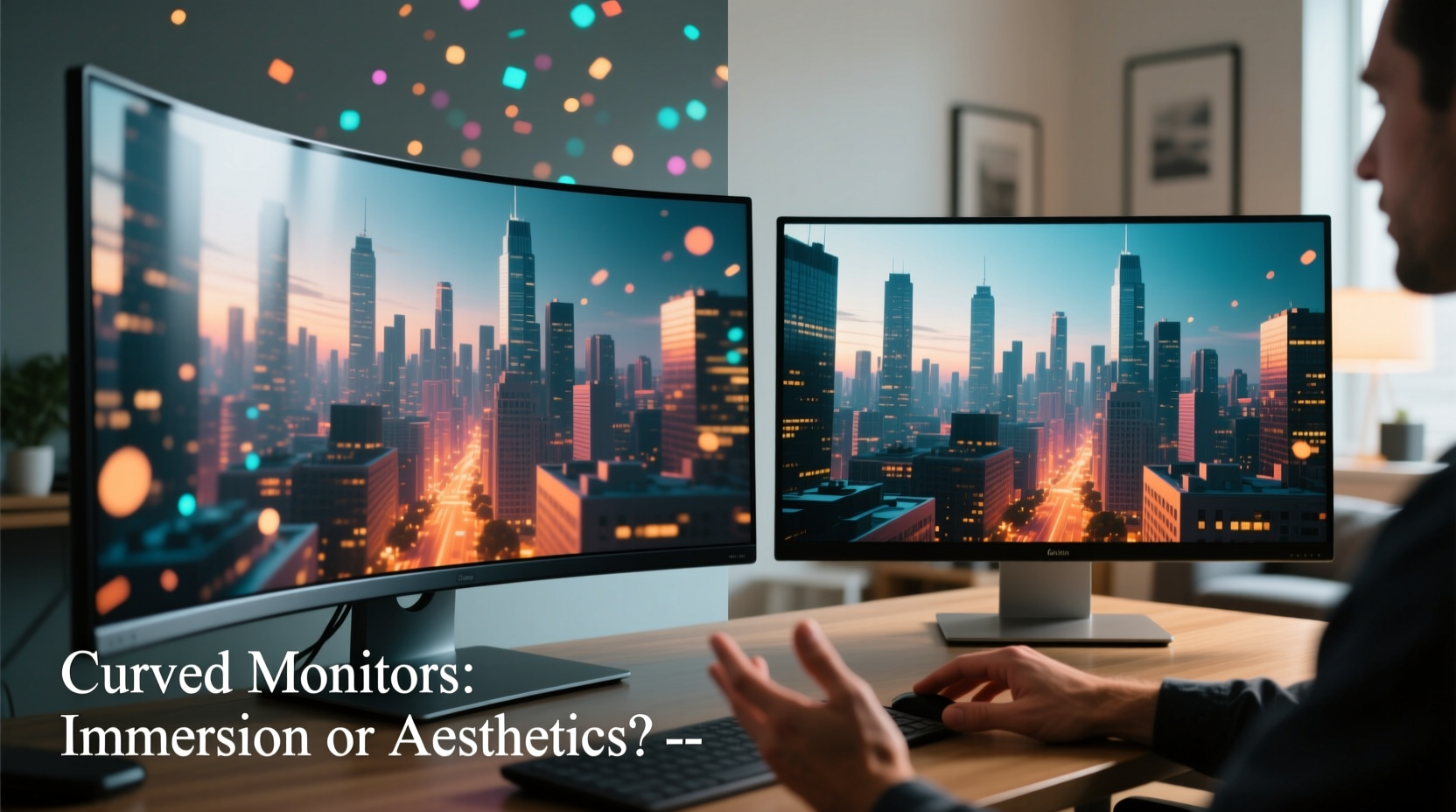
Curved monitors are designed to match the natural curvature of the human field of vision. Unlike flat screens, which project light at varying angles to the eyes, a curved panel ensures that light rays reach both eyes more uniformly. This reduces distortion at the edges and creates a more cohesive visual field.
The concept isn't new. IMAX theaters use curved screens to enhance peripheral engagement. Similarly, race car simulators and flight decks often use curved displays to wrap information around the user. In theory, applying this principle to desktop monitors should deepen focus and reduce eye strain during long sessions.
The degree of curvature is measured in millimeters using a radius value—commonly labeled as “1800R,” “1500R,” or “1000R.” The lower the number, the tighter the curve. For example, a 1800R monitor has a gentler arc than a 1000R model. A tighter curve generally increases immersion but may introduce distortion if viewed from too far away or off-center.
Immersion vs. Practicality: Where Curved Screens Shine
Not all users will experience the same benefits from a curved display. The perceived advantage depends heavily on usage patterns, screen size, and setup environment.
Gaming: A Strong Case for Curvature
Gamers, especially those playing first-person shooters, racing sims, or open-world RPGs, often report a stronger sense of presence with curved monitors. The wraparound effect pulls peripheral vision into the game world, making environments feel larger and more enveloping.
A 34-inch ultrawide curved monitor, for instance, fills more of your visual field than a standard 24-inch flat screen. When combined with high refresh rates and low response times, the result is a smoother, more cinematic experience. Many competitive sim racers prefer curved ultrawides because they can see rearview mirrors and dashboards without shifting focus.
Productivity: Limited Gains, Potential Trade-offs
For office workers and multitaskers, the benefits are less clear. While ultrawide curved monitors allow for side-by-side window placement, the curvature can distort text at the edges, making prolonged reading or spreadsheet work uncomfortable for some.
Additionally, color and brightness consistency across the entire panel becomes more critical—and harder to maintain—on curved surfaces. IPS panels handle this better than VA, but even then, off-axis viewing can lead to slight shifts in hue, particularly noticeable in photo or video editing workflows.
Creative Work: A Mixed Bag
Graphic designers and video editors require accurate color reproduction and minimal geometric distortion. High-end curved monitors with factory calibration and anti-glare coatings can perform well, but many professionals still prefer flat screens for precision tasks.
As one digital artist noted: “I tried a 38-inch curved monitor for matte painting, but the edges warped my perspective lines. I switched back to a calibrated flat 4K display—it’s easier to trust what I’m seeing.”
“Curvature enhances emotional engagement in media consumption, but accuracy in creative fields often demands flat, neutral surfaces.” — Dr. Lena Torres, Human-Computer Interaction Researcher, MIT Media Lab
Comparative Analysis: Curved vs. Flat Monitors
| Feature | Curved Monitor | Flat Monitor |
|---|---|---|
| Field of View Engagement | High – wraps around peripheral vision | Moderate – uniform but less enveloping |
| Eye Strain Reduction | Yes – reduced head movement and edge distortion | Varies – depends on size and positioning |
| Color Accuracy (Off-Center) | Lower – especially on VA panels | Higher – consistent across most IPS models |
| Suitability for Multi-Monitor Setup | Poor – gaps and alignment issues | Excellent – seamless tiling possible |
| Price (Comparable Size/Resolution) | 10–25% higher | Generally lower |
| Best Use Case | Gaming, media, single-screen productivity | Professional editing, multi-display workflows |
Who Actually Benefits From a Curved Monitor?
The decision to go curved shouldn’t be based on aesthetics alone. Consider your daily usage patterns:
- Gamers with large single displays: If you use a 32-inch or larger ultrawide and sit within 3 feet of the screen, curvature enhances depth and situational awareness.
- Home theater enthusiasts: Watching movies on a curved 4K OLED monitor can mimic a private cinema experience, especially in dark rooms.
- Financial traders or analysts using one large screen: A single 49-inch ultrawide curved display can consolidate multiple data streams with improved readability across the span.
- Remote workers with minimalist setups: One curved monitor replaces dual flats, reducing cable clutter and desk footprint.
However, if you rely on multiple monitors, work in color-critical fields, or sit farther than 4 feet from your screen, a flat display remains the pragmatic choice. The curve’s effect diminishes with distance, and alignment challenges make multi-monitor arrays awkward.
Mini Case Study: From Flat to Curved – A Gamer’s Transition
Mark, a simulation racer from Austin, upgraded from a dual 27-inch flat monitor setup to a single 49-inch ultrawide curved display. Initially excited, he noticed an adjustment period: the extreme edges of the screen felt stretched, and window management in Windows was less intuitive.
After two weeks, however, he adapted. He found that in-game, his reaction time improved slightly due to better peripheral visibility. “I can now check my left and right mirrors without moving my head,” he said. “It feels like I’m inside the cockpit.”
Still, he acknowledged trade-offs. “For spreadsheets or coding, I miss the clean separation of two flat screens. I ended up mounting a small flat monitor below for secondary tasks.”
His experience reflects a broader trend: curved monitors excel in immersive applications but often fall short in complex, multi-app environments unless paired with additional displays.
Common Misconceptions About Curved Displays
Marketing materials often exaggerate the benefits of curvature. Let’s clarify a few myths:
- Myth: All curved monitors are ultrawide. Reality: While most are, there are 27-inch 1440p curved monitors with 1500R curvature that aren’t ultrawide. These offer mild immersion without extreme aspect ratios.
- Myth: Curved screens eliminate eye strain completely. Reality: They reduce it by minimizing head movement and edge distortion, but poor ergonomics, blue light, and glare remain factors. Proper lighting and breaks are still essential.
- Myth: Bigger curve = better experience. Reality: Overly aggressive curves (e.g., 1000R on a 34-inch screen) can cause image bowing and discomfort if not matched to viewing distance.
Choosing the Right Curved Monitor: A Practical Checklist
If you’re considering a curved display, follow this checklist to ensure it fits your needs:
- ✅ Determine your primary use: gaming, media, productivity, or mixed?
- ✅ Measure your desk depth and viewing distance.
- ✅ Choose screen size: 32-inch minimum for noticeable immersion; 34–49 inch ideal for ultrawide.
- ✅ Select curvature radius: 1800R–1500R for general use; 1000R only if sitting very close.
- ✅ Prioritize panel type: IPS for color accuracy, VA for contrast (common in curved models).
- ✅ Check resolution: 1440p minimum for 34-inch; 4K or 5120x1440 for 49-inch ultrawides.
- ✅ Avoid multi-monitor plans: Curved screens don’t tile well.
- ✅ Test in person if possible: Some users dislike the “fishbowl” effect.
Frequently Asked Questions
Do curved monitors cause motion sickness?
Some users, particularly those sensitive to visual distortion, report mild dizziness or eye fatigue when first using a curved monitor. This usually subsides after a few days as the brain adapts. If symptoms persist, revert to a flat screen or increase viewing distance.
Can I mount a curved monitor on a wall or arm?
Yes, most curved monitors use standard VESA mounts. However, ensure your mount supports the weight and depth. Due to their shape, some arms may limit tilt adjustment, so verify compatibility before purchasing.
Are curved monitors worth the extra cost?
They can be—if your use case aligns with their strengths. For immersive gaming or cinematic viewing, the added expense may be justified. For office work or professional editing, the premium is harder to justify unless you prioritize minimal desk setup over multi-tasking flexibility.
Final Verdict: Function or Fashion?
Curved monitors are neither pure gimmicks nor revolutionary upgrades. They occupy a niche where form and function intersect. For users seeking deeper immersion in games, films, or single-screen workflows, the curve delivers tangible psychological and ergonomic benefits. The wraparound effect, reduced edge distortion, and enhanced focus create a subtle but meaningful upgrade in engagement.
Yet, for professionals relying on color fidelity, multi-monitor efficiency, or long-distance viewing, the practical downsides outweigh the aesthetic appeal. The higher price, limited adaptability, and potential for visual artifacts mean flat monitors remain the default for reason-driven setups.
The key is alignment: match the technology to your behavior, not the other way around. A curved monitor isn’t inherently better—it’s better for certain people, under certain conditions.




 浙公网安备
33010002000092号
浙公网安备
33010002000092号 浙B2-20120091-4
Comments
No comments yet. Why don't you start the discussion?