
Foldable laptops are no longer science fiction. With major manufacturers like Lenovo, Dell, and Samsung pushing prototypes and early consumer models into the market, these devices promise a new era of portability and adaptability. But beyond the novelty of a screen that bends, do they actually deliver in real-world daily use? Or are they still more about marketing buzz than meaningful functionality?
The short answer: it depends. While foldable laptops offer undeniable innovation—especially in form factor and space efficiency—they come with trade-offs in durability, software optimization, price, and ergonomics. For some users, particularly mobile professionals and creatives who value flexibility, they may be worth the investment. For others, especially those prioritizing reliability and cost-effectiveness, traditional clamshell designs remain the smarter choice.
Understanding the Foldable Laptop: What Sets It Apart?
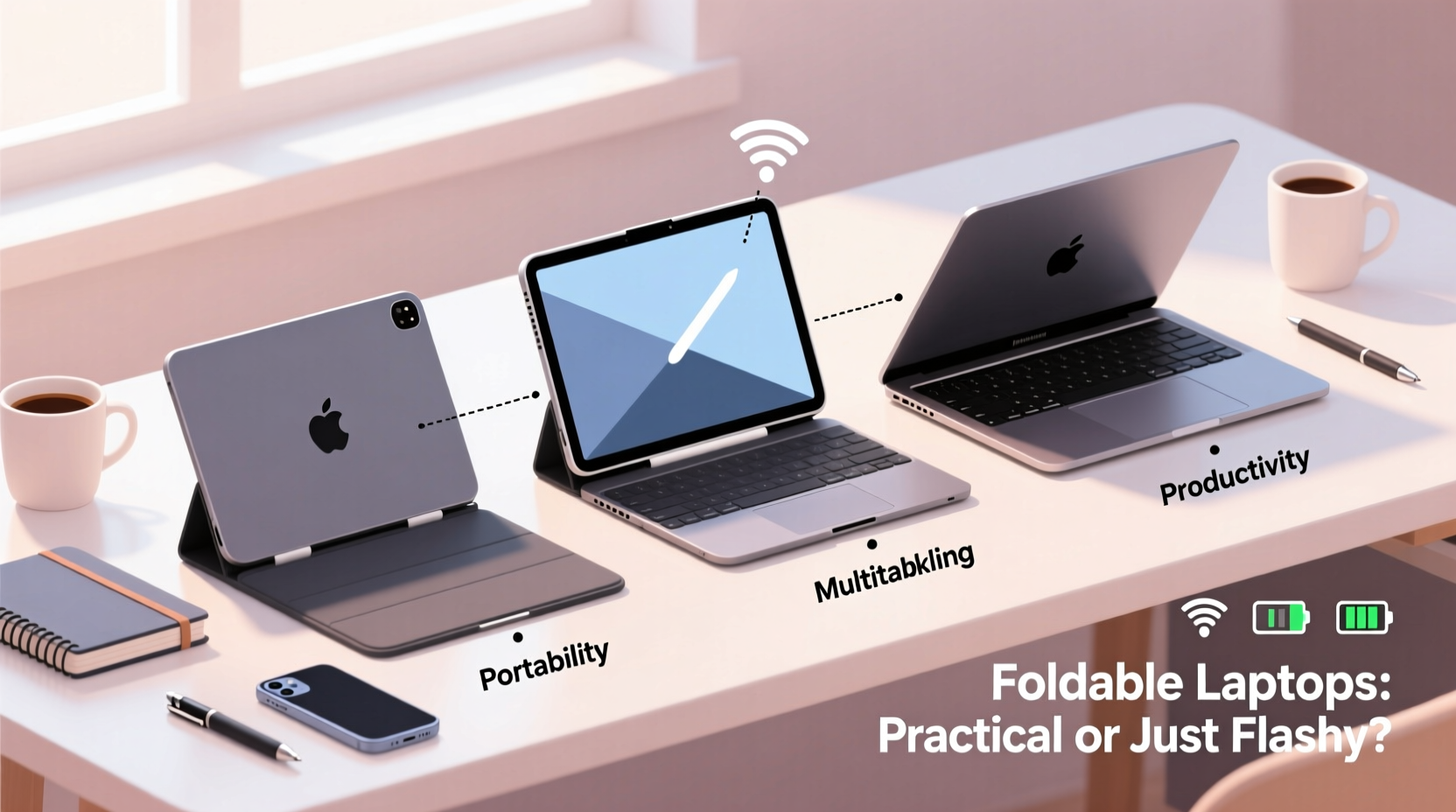
A foldable laptop typically features a single, large OLED or flexible AMOLED display that folds vertically down the middle, resembling a book. Unlike 2-in-1 convertibles or dual-screen devices, there’s no physical hinge connecting two separate screens—just one continuous panel that bends. When folded, the device becomes compact; when opened, it offers a near-tablet-sized workspace.
The core appeal lies in versatility:
- Portability: Folds into a pocketable size, ideal for travel.
- Screen Real Estate: Offers up to 13–17 inches of display when unfolded, rivaling many desktop monitors.
- Multitasking: Split-screen workflows become more intuitive with fewer bezels.
- Innovative Use Cases: Can function as a tablet, e-reader, presentation tool, or dual-app workstation.
However, this innovation comes at a cost—not just financially, but in engineering compromises. The display technology is fragile, battery life is often subpar, and software isn’t always optimized for such unique aspect ratios.
Durability: Can a Foldable Screen Survive Daily Wear?
The biggest concern with foldable laptops is longevity. A traditional laptop screen is protected by a rigid chassis. A foldable screen, however, is exposed across its entire surface and must endure repeated bending—typically rated for around 200,000 folds (about five years of average use). But real-life conditions rarely follow lab simulations.
Dust, pressure from bags, accidental drops, and even fingernails can compromise the integrity of the display. Most foldable laptops use ultra-thin glass (UTG) or plastic-based layers, both of which are prone to micro-scratches over time. Unlike smartphones, where screen protectors are standard, few effective aftermarket protection options exist for foldable laptop displays.
“Flexible displays represent a breakthrough, but we’re still in the early innings of material science maturity. Consumers should expect trade-offs in resilience.” — Dr. Lena Torres, Display Technology Researcher at MIT Media Lab
Manufacturers have responded with improved sealing, reinforced corners, and sturdier folding mechanisms. Lenovo’s ThinkPad X1 Fold, for instance, includes a mechanical kickstand and optional physical keyboard that reduces direct contact with the screen. Still, long-term field data remains limited due to the product category’s youth.
Performance and Usability: How Do They Handle Everyday Tasks?
Beyond hardware concerns, the user experience varies significantly based on software optimization. Windows, the dominant OS for foldable laptops, has made strides with adaptive UI features in Windows 11, allowing apps to reflow when transitioning between folded and unfolded states. Yet, inconsistencies remain.
Many legacy applications don’t scale well across asymmetric layouts. Video conferencing tools, for example, may place the camera awkwardly when the top half of the screen is used for video and the bottom for notes. Productivity apps like Excel or Photoshop can feel cramped unless docked properly.
That said, newer foldables are beginning to leverage AI-driven window management. Some models auto-detect usage patterns—such as switching to tablet mode when detached from a keyboard—and adjust interface elements accordingly.
| Use Case | Foldable Advantage | Current Limitation |
|---|---|---|
| Travel & Commuting | Compact size fits in small bags | Vulnerable to jostling in transit |
| Content Creation | Large canvas for drawing or editing | Lack of stylus precision on curved edges |
| Office Work | Dual-window multitasking without external monitor | No tactile keyboard unless paired with accessory |
| Presentations | Easy transition from note-taking to full-screen display | Brightness often insufficient in well-lit rooms |
The absence of a built-in physical keyboard on most models also impacts usability. While detachable Bluetooth keyboards improve typing comfort, they add bulk and another component to lose or charge. Touch-typists will find the on-screen keyboard inefficient for extended writing sessions.
Real-World Example: A Freelancer’s Experience
Consider Maya Chen, a freelance UX designer based in Austin, who adopted the ASUS Zenbook 17 Fold OLED six months ago. Her workflow involves sketching wireframes, attending client calls, and managing project timelines—all while moving between co-working spaces and cafes.
She found the device transformative during early adoption: “Being able to unfold it into a near-A4-sized canvas helped me visualize layouts better than any tablet. I could run Figma on one side and Slack on the other without resizing windows constantly.”
But challenges emerged over time. “I accidentally set my coffee cup too close to the edge, and the heat warped part of the lower display. The repair cost nearly half the device’s original price. Now I’m much more cautious—but that defeats the purpose of being spontaneous with tech.”
After three months, she reverted to using her foldable primarily as a secondary device, pairing it with her ultrabook for heavier tasks. “It’s brilliant as a showcase tool or for quick edits, but not reliable enough as my main machine.”
Cost vs. Value: Are They Worth the Premium?
Foldable laptops start at around $2,400 and can exceed $3,500—significantly more than high-end traditional laptops. This premium covers R&D, low production yields, and cutting-edge materials. However, consumers aren’t just paying for innovation; they’re subsidizing the learning curve of an emerging category.
Compare this to a MacBook Pro or Dell XPS 15, which offer superior processing power, longer battery life, and proven durability at similar or lower prices. Unless the foldable form factor directly enhances your workflow, the return on investment is questionable.
Moreover, resale value remains uncertain. Early adopters of foldable phones saw steep depreciation within 12–18 months. Given faster iteration cycles and unresolved reliability issues, foldable laptops may face a similar fate.
Who Should Consider a Foldable Laptop?
Foldable laptops aren’t for everyone, but they serve specific niches exceptionally well. The ideal user values:
- Maximizing screen space in minimal footprint
- Visual creativity with digital inking or design
- Frequent travel where every inch of bag space counts
- Early adoption as a professional differentiator
If you fall into one or more of these categories, a foldable laptop might enhance your productivity. But if you rely on consistent performance, need ruggedness, or work in environments with dust, moisture, or unpredictable handling, a traditional laptop remains the safer bet.
Checklist: Is a Foldable Laptop Right for You?
- Do you frequently work in tight spaces (e.g., airplanes, trains)? → Yes favors foldable
- Do you need to run resource-heavy applications (e.g., CAD, video rendering)? → No favors traditional
- Can you afford potential repairs or replacement? → Budget flexibility required
- Do you prefer tactile keyboards for long typing sessions? → Then avoid reliance on touchscreen-only input
- Are you comfortable troubleshooting software quirks? → Patience needed for evolving platforms
Looking Ahead: The Future of Foldable Computing
The trajectory of foldable laptops mirrors that of other disruptive technologies—early versions are flawed but foundational. As manufacturing improves, we can expect:
- Thinner, stronger hinges with self-healing polymers
- Better battery integration across folded segments
- Operating systems designed natively for foldable interfaces (beyond patchwork adaptations)
- Lower costs as production scales and competition increases
Industry analysts predict that by 2027, foldable laptops could capture 8–12% of the premium notebook market. But widespread adoption hinges on solving three core issues: durability, software maturity, and pricing.
Frequently Asked Questions
Can you replace a damaged foldable screen easily?
Not easily. Replacement requires specialized service centers and can cost upwards of $800–$1,200, depending on the model. Some manufacturers offer protection plans, but coverage varies. DIY repairs are strongly discouraged due to risk of permanent damage.
Do foldable laptops last as long as regular ones?
Currently, no. Most traditional laptops last 4–6 years with moderate use. Foldable laptops, due to their complex displays and moving parts, are expected to have a shorter functional lifespan—likely 2–3 years under heavy use—unless significant advancements in materials occur.
Are there any truly waterproof foldable laptops?
No. Due to the folding mechanism and lack of sealed enclosures, none of today’s models are waterproof or even splash-resistant. Exposure to liquids can cause irreversible damage, so caution is essential in humid or kitchen-like environments.
Final Verdict: Innovation with Caveats
Foldable laptops are not just flashy tech—but they’re not yet ready to replace conventional machines for most users. They represent a bold step toward more adaptive computing, offering genuine benefits in mobility and multitasking. However, their fragility, high cost, and incomplete software ecosystem mean they remain niche products.
For forward-thinking professionals who can absorb the risks and costs, foldable laptops offer a glimpse into the future. For everyone else, waiting 12–18 months for refined iterations is the wiser path.




 浙公网安备
33010002000092号
浙公网安备
33010002000092号 浙B2-20120091-4
Comments
No comments yet. Why don't you start the discussion?