
Mechanical keyboards have earned a loyal following among typists, programmers, and gamers for their tactile feedback, durability, and typing precision. However, one persistent concern—especially in shared workspaces—is noise. The distinctive clack of mechanical switches can be music to some ears and an irritation to others. In open-plan offices or quiet coworking spaces, the question arises: are mechanical keyboards too loud for professional environments?
The answer isn’t a simple yes or no. It depends on the type of switches used, the office culture, workspace layout, and individual tolerance for sound. This article explores the nuances of keyboard noise in the workplace, evaluates real-world scenarios, and offers practical solutions for balancing productivity with professionalism.
Noise Levels: Mechanical vs. Membrane Keyboards
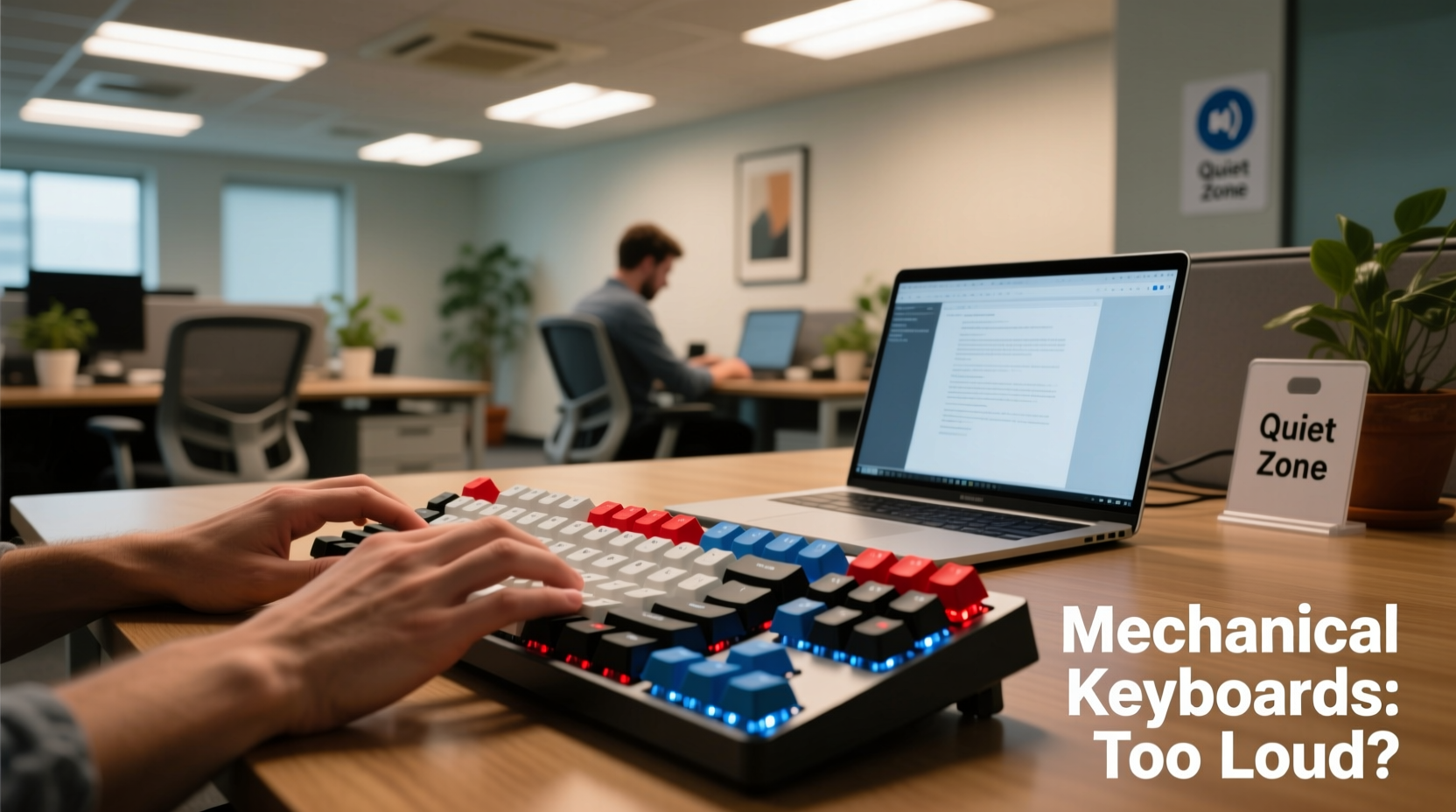
One of the defining features of mechanical keyboards is the use of individual mechanical switches under each keycap. These switches vary significantly in sound output depending on their design. In contrast, membrane keyboards rely on rubber domes that produce a softer, muffled keystroke.
A typical mechanical switch can generate between 45 and 60 decibels (dB) of sound, while most membrane keyboards operate around 35–45 dB. To put this in perspective:
- 30 dB: Whispered conversation
- 45 dB: Quiet library
- 60 dB: Normal conversation
This means that certain mechanical keyboards—especially those with clicky switches like Cherry MX Blues—can be as loud as a person speaking nearby. In a quiet office, such noise becomes noticeable and potentially disruptive over time.
Types of Mechanical Switches and Their Sound Profiles
Not all mechanical keyboards are created equal when it comes to noise. The switch type plays a crucial role in determining how loud a keyboard will be. Here’s a breakdown of common switch categories:
| Switch Type | Sound Level | Tactile Feedback | Suitability for Office |
|---|---|---|---|
| Cherry MX Blue | High (clicky) | Strong | Poor – very audible |
| Cherry MX Green | High (clicky & heavy) | Strong | Poor – even louder than Blue |
| Cherry MX Brown | Medium (tactile but non-clicky) | Moderate | Fair – quieter alternative |
| Cherry MX Red | Medium-low (linear, smooth) | None | Good – widely accepted |
| Cherry MX Black | Medium-low (linear, heavier actuation) | None | Good – slightly quieter |
| Zilent, Gateron Silent Red | Low (dampened mechanisms) | Minimal | Excellent – designed for quiet use |
The table illustrates a clear hierarchy: clicky switches are generally inappropriate for quiet offices, while linear or silent variants offer a more discreet experience. Choosing the right switch is often the single most effective way to reduce auditory impact.
“Switch selection is critical in professional settings. A well-chosen linear or silent switch can deliver mechanical performance without compromising office harmony.” — David Lin, Ergonomic Product Designer at WorkGear Labs
Real-World Office Scenarios: When Noise Becomes an Issue
Consider Sarah, a software developer working in a hybrid open-office environment. She recently upgraded to a mechanical keyboard with Cherry MX Blue switches, excited by the improved typing feel. Within two days, her manager approached her after receiving multiple complaints from adjacent team members about the constant clicking.
Sarah hadn’t realized how far the sound traveled across the low cubicle walls. After testing a colleague’s quieter keyboard, she switched to a model with Gateron Silent Reds. The difference was immediate: her typing remained efficient, but the noise dropped below the ambient office threshold. Her coworkers noticed the change—and appreciated it.
This scenario highlights a common pitfall: enthusiasm for mechanical keyboards sometimes overrides situational awareness. What feels great to the user may not translate well in a shared acoustic space. Open offices amplify small sounds, and repetitive keystrokes can become subconsciously irritating over time, even if they aren't objectively loud.
Strategies for Using Mechanical Keyboards Respectfully in the Office
Using a mechanical keyboard at work doesn’t have to be a problem—if approached thoughtfully. Here are several strategies to minimize disruption while retaining the benefits of mechanical typing.
1. Choose Quieter Switch Types
Opt for linear or silent switches instead of clicky ones. Brands like Gateron, Kailh, and Zealios offer “silent” versions of popular switches that incorporate internal dampeners to reduce noise by up to 30%.
2. Use O-Rings or Dampening Accessories
Keypad O-rings are small silicone rings placed under keycaps to soften the bottom-out sound. While they slightly alter the tactile feel, they significantly reduce noise. Alternatively, foam padding inside the keyboard case can absorb internal resonance.
3. Maintain Proper Typing Technique
Heavy-handed typing amplifies noise. Practicing a lighter touch and avoiding “bottoming out” (pressing keys all the way down) can make a noticeable difference. Touch typists who float their fingers above the keys tend to generate less impact noise.
4. Position Matters
Place your keyboard on a soft surface like a padded wrist rest or desk mat. Hard surfaces like glass or metal desks reflect and amplify sound. A fabric-covered desk pad can help dampen vibrations.
5. Consider Keyboard Enclosures or Cases
Some high-end mechanical keyboards come in enclosed cases designed to trap sound. These are especially effective in reducing echo and resonance. DIY modifications, such as adding sorbothane feet or internal foam, are also popular among enthusiasts seeking stealthier operation.
Checklist: Is Your Mechanical Keyboard Office-Friendly?
Before bringing a mechanical keyboard to work, run through this checklist to assess its suitability:
- ✅ Does it use silent or linear switches (e.g., Red, Black, or Silent variants)?
- ✅ Have you tested it in a quiet environment to judge its noise level?
- ✅ Are you using a soft desk surface or wrist rest to reduce impact noise?
- ✅ Have you adjusted your typing force to avoid excessive key slams?
- ✅ Have you consulted with your team or manager about noise sensitivity?
- ✅ Do you have a backup membrane or low-profile keyboard available if needed?
Passing five or more of these checks indicates a high likelihood of seamless integration into an office setting.
Workplace Culture and Etiquette
Beyond technical specifications, social norms play a major role. In creative agencies or tech startups with energetic atmospheres, a moderate amount of keyboard noise may go unnoticed. In contrast, law firms, accounting offices, or libraries prioritize silence, making any mechanical keyboard a potential liability.
Transparency is key. If you plan to introduce a mechanical keyboard, consider announcing it informally to your team. Something as simple as, “I’m trying out a new keyboard—let me know if it’s too loud,” shows consideration and opens the door for feedback before issues escalate.
In regulated or highly collaborative environments, some companies have begun including keyboard guidelines in their equipment policies. For example, Google’s internal workspace standards recommend “low-noise input devices” for shared floors, while allowing louder peripherals in designated engineering labs where focus and speed are prioritized over silence.
Frequently Asked Questions
Can I use a mechanical keyboard in a quiet office?
Yes, but only if it uses quiet switches (like Silent Reds or Browns) and you practice light typing. Avoid clicky switches entirely in hushed environments. When in doubt, test it first or opt for a low-profile mechanical or scissor-switch keyboard instead.
Are there truly silent mechanical keyboards?
While no mechanical keyboard is completely silent, models with silent switches (e.g., Logitech G Pro X with GX Silent switches or Keychron Q1 Pro with Gateron Silent Reds) come very close. These are engineered specifically for office and library use, reducing noise by up to 90% compared to standard clicky switches.
What are some quiet alternatives to traditional mechanical keyboards?
Consider:
- Low-profile mechanical keyboards: Use shorter, quieter switches (e.g., Apple Magic Keyboard, Microsoft Surface Keyboard).
- Scissor-switch keyboards: Found in most laptops, they offer a crisp feel with minimal noise.
- Hybrid keyboards: Devices like the Logitech MX Mechanical combine mechanical feel with noise-reducing design.
Conclusion: Balancing Performance and Professionalism
Mechanical keyboards aren’t inherently unsuitable for office environments—but indiscriminate use can lead to friction. The key lies in intentionality: choosing the right switch type, adjusting usage habits, and respecting shared acoustic space. With the growing availability of quiet mechanical options, there’s no need to sacrifice typing quality for peace and professionalism.
Technology should enhance productivity without disrupting others. By making informed choices and staying mindful of workplace dynamics, you can enjoy the responsiveness of a mechanical keyboard while maintaining a harmonious work environment.




 浙公网安备
33010002000092号
浙公网安备
33010002000092号 浙B2-20120091-4
Comments
No comments yet. Why don't you start the discussion?