
As holiday seasons grow brighter with technology, millions of homes now use smart Christmas lights—lights that sync to music, change colors via smartphone apps, or respond to voice commands. While these innovations add convenience and festive flair, they also introduce a less cheerful possibility: cybersecurity vulnerabilities. The short answer is yes, smart Christmas lights can be vulnerable to hacking. Though not typically targeted as frequently as computers or routers, any internet-connected device expands your home’s digital footprint—and presents potential entry points for malicious actors.
Understanding how these devices work, where their weaknesses lie, and what you can do to secure them isn’t about fear-mongering—it’s about informed celebration. With proper precautions, you can enjoy dazzling displays without compromising your network’s safety.
How Smart Christmas Lights Work—and Where Risks Begin
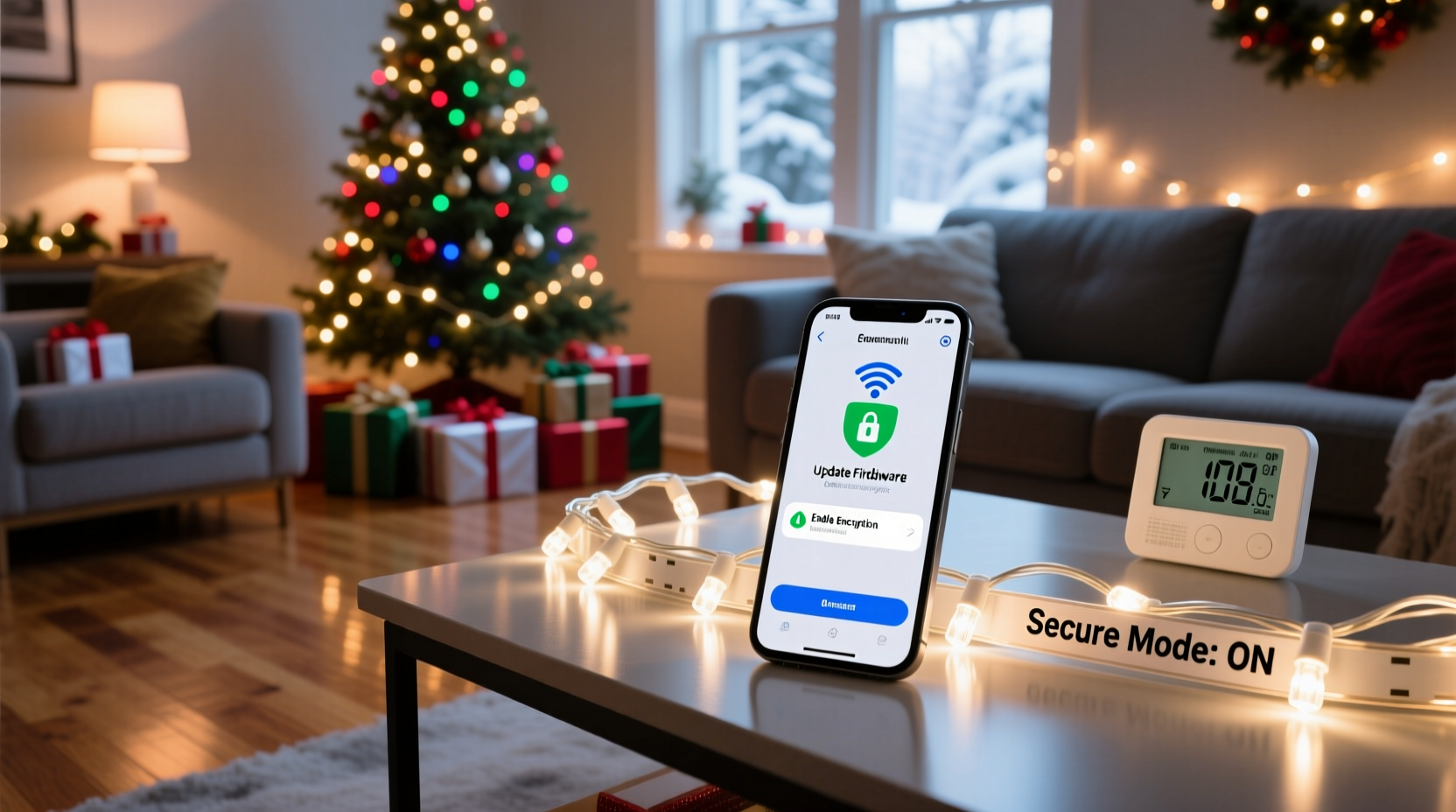
Smart Christmas lights connect to your home Wi-Fi network or operate through Bluetooth using a companion app on your smartphone or tablet. Some models integrate with smart home ecosystems like Amazon Alexa, Google Assistant, or Apple HomeKit, allowing for automation and voice control. Behind the scenes, firmware updates, cloud-based settings, and remote access features all require data transmission, often over the internet.
This connectivity is precisely what creates risk. Devices that communicate online may have weak default passwords, unencrypted data transfers, outdated firmware, or lack regular security patches—all common traits in many Internet of Things (IoT) products. In 2021, researchers at BitSight analyzed IoT device behavior and found that nearly 35% of consumer IoT devices were exposed to known vulnerabilities within six months of release.
While a hacker turning your red-and-green lights into a pulsing rave show might seem harmless, the danger lies deeper. A compromised smart light could serve as a foothold into your broader home network. Once inside, attackers might access other connected devices—cameras, thermostats, even laptops—if those systems aren’t properly segmented or secured.
Real-World Scenarios: When Holiday Cheer Meets Cyber Risk
In 2017, a well-publicized incident involving a casino’s high-limit player database being breached through a vulnerability in a smart fish tank thermometer served as an industry wake-up call. Though not holiday-related, the principle applies directly to smart Christmas lights: small, overlooked IoT devices can become backdoors into secure networks.
Consider this realistic scenario: A family purchases a set of popular brand-name smart lights sold online. They plug them in, connect them to their Wi-Fi via the manufacturer’s app, and begin programming colorful sequences. However, the app uses HTTP instead of HTTPS for communication, sending login credentials in plain text. A neighbor running a packet-sniffing tool on an open network nearby captures the data. Using the captured credentials, the attacker logs into the app remotely, changes the light patterns, and worse—discovers the device shares the same network as the family’s smart doorbell and baby monitor.
This isn’t science fiction. In 2022, cybersecurity firm Kaspersky reported detecting multiple instances of malware targeting poorly secured smart lighting systems during the holiday season. One variant, dubbed “LightEater,” scanned for devices using default credentials and attempted to enlist them in botnets used for distributed denial-of-service (DDoS) attacks.
“Any device that talks to the internet must be treated as part of your security perimeter—even if it just blinks red and green.” — Dr. Lena Patel, IoT Security Researcher at Carnegie Mellon University
Essential Security Tips to Protect Your Smart Holiday Setup
You don’t need to abandon smart lights to stay safe. Instead, adopt proactive measures that minimize exposure while preserving functionality. Follow these expert-backed strategies to reduce risk significantly.
1. Change Default Credentials Immediately
Many smart lighting kits ship with universal default usernames and passwords such as “admin/admin” or “user/1234.” These are widely known and easily exploited. Always change both the device password and the associated app account upon setup.
2. Keep Firmware Updated
Manufacturers occasionally release firmware updates to patch security flaws. Enable automatic updates if available, or check the app monthly for new versions. Outdated firmware was responsible for 60% of IoT breaches tracked by Palo Alto Networks in 2023.
3. Use a Separate Network for IoT Devices
If your router supports it, create a dedicated guest network for all smart decorations and IoT gadgets. This isolates them from your primary devices (laptops, phones, etc.), limiting lateral movement in case of compromise.
4. Disable Remote Access When Not Needed
Some smart lights allow control from outside your home via the cloud. Unless you plan to adjust lights while away, disable remote access. Local-only mode reduces attack surface dramatically.
5. Choose Reputable Brands with Strong Security Practices
Not all smart lights are created equal. Look for brands that offer end-to-end encryption, two-factor authentication (2FA), and transparent privacy policies. Avoid no-name brands sold exclusively on third-party marketplaces unless they’ve been independently reviewed for security.
Security Checklist for Smart Christmas Light Owners
Use this checklist each time you set up your holiday display:
- ✅ Verify the product comes from a reputable manufacturer
- ✅ Update firmware before first use
- ✅ Change default login credentials
- ✅ Connect lights to a guest or IoT-only Wi-Fi network
- ✅ Disable remote/cloud access unless necessary
- ✅ Turn off lights when not in use or during extended absences
- ✅ Remove device from network after the holidays
- ✅ Delete unused apps from your phone after takedown
Comparing Smart Light Security Features: What to Look For
| Feature | Secure Option | Risky Option |
|---|---|---|
| Authentication | Two-factor authentication (2FA) | No password or default login |
| Data Encryption | End-to-end TLS/SSL encryption | Unencrypted HTTP connections |
| Network Access | Guest network compatibility | Requires main network access |
| Updates | Automatic firmware updates | Manual-only or no updates |
| Remote Control | Optional, can be disabled | Always-on cloud connection |
Step-by-Step: Securing Your Smart Lights in Under 15 Minutes
Follow this timeline each year before powering up your display:
- Minute 0–2: Unbox and inspect lights for damage. Confirm model number and brand.
- Minute 3–5: Download the official app from your device’s trusted store (Apple App Store or Google Play). Avoid third-party APKs.
- Minute 6–8: Connect lights to your Wi-Fi—but use the guest network, not your main one.
- Minute 9–10: Create a strong, unique password for the app account. Use a password manager if needed.
- Minute 11–12: Check for firmware updates within the app. Install immediately.
- Minute 13–14: Navigate to settings and disable remote access and location tracking.
- Minute 15: Test locally, confirm operation, then disconnect from power until final installation.
After deployment, revisit the app once per week during the season to ensure no unauthorized changes have occurred.
Frequently Asked Questions
Can hackers really take control of my smart Christmas lights?
Yes. If the device has weak security—such as default passwords, unpatched firmware, or unencrypted communications—it can be accessed remotely. While most attacks are experimental or pranks, sophisticated intrusions could leverage the device as a gateway to more sensitive systems.
Do I need antivirus software for smart lights?
No—antivirus software runs on computers and phones, not on microcontroller-based lights. However, you should run security software on the devices used to manage the lights (e.g., smartphones) and consider using a network-level firewall or IoT monitoring tool like Bitdefender BOX or Norton Core.
Should I unplug smart lights when I go to bed or leave the house?
It’s a good practice, especially if they’re connected to your main network. Powering down eliminates real-time attack opportunities. Alternatively, use a smart plug with scheduling to automatically cut power overnight.
Final Thoughts: Celebrate Safely, Stay Secure
The magic of smart Christmas lights doesn’t have to come at the cost of your digital safety. Awareness, diligence, and a few simple habits can keep your holiday season bright—without inviting unwanted guests onto your network. As IoT devices become increasingly common in seasonal decor, treating them with the same care as laptops or phones becomes non-negotiable.
Security isn’t about eliminating technology; it’s about using it wisely. By choosing trustworthy products, segmenting your network, and maintaining good digital hygiene, you protect not only your lights but everything connected to your home ecosystem.




 浙公网安备
33010002000092号
浙公网安备
33010002000092号 浙B2-20120091-4
Comments
No comments yet. Why don't you start the discussion?