
Smart plugs have become one of the most accessible entry points into the world of home automation. Plug one into a wall outlet, connect it to your Wi-Fi, and suddenly, any lamp, fan, or coffee maker becomes “smart.” But with the growing number of devices requiring their own apps, accounts, and updates, many homeowners are asking: Are smart plugs genuinely useful, or are they just adding digital clutter to our lives?
The answer isn’t a simple yes or no. Smart plugs can deliver real value—energy savings, convenience, security—but only if used thoughtfully. When deployed without purpose, they become yet another gadget demanding attention in an already crowded digital ecosystem.
What Smart Plugs Actually Do
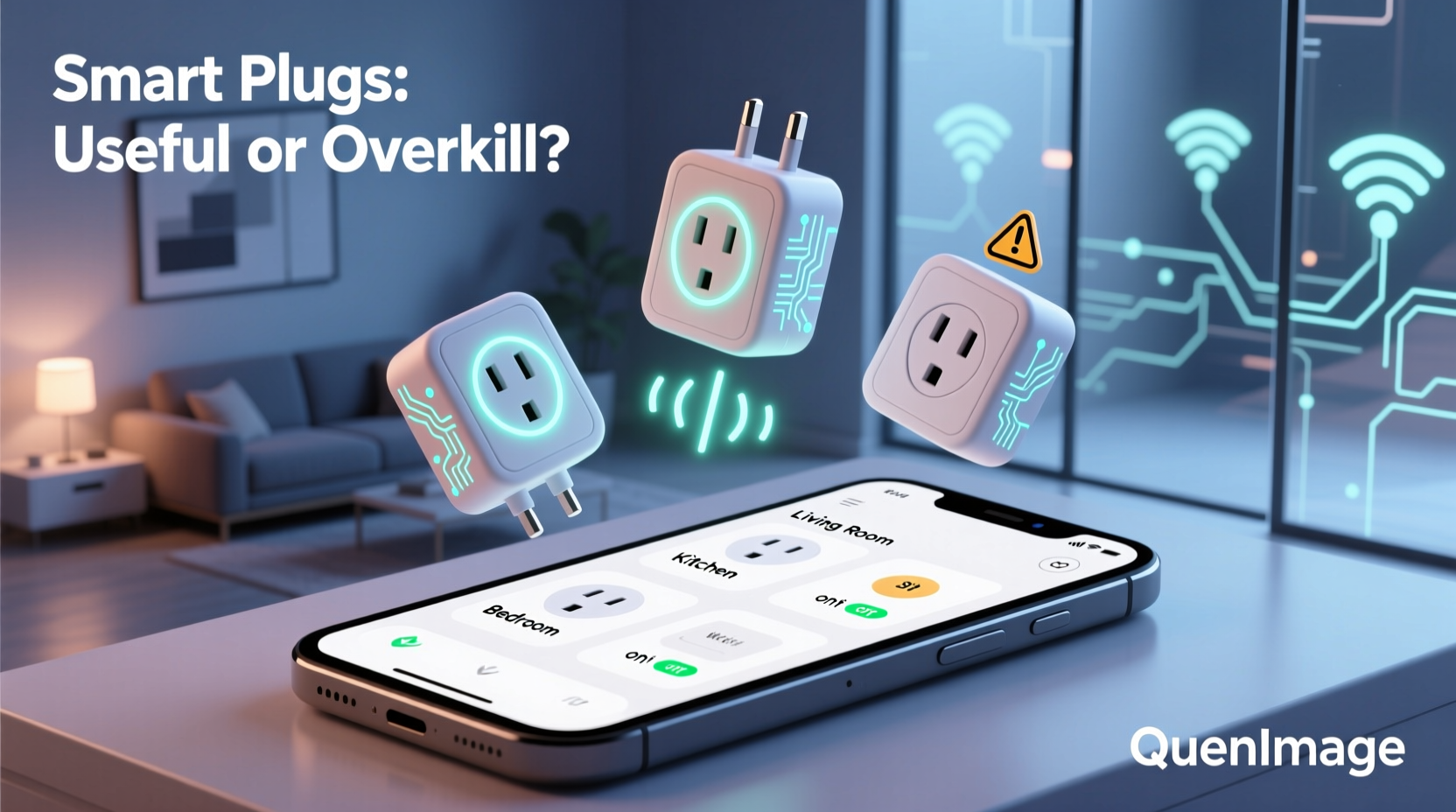
At their core, smart plugs are remote-controlled power outlets. Once connected to your home network, they allow you to turn on or off anything plugged into them via a smartphone app, voice assistant (like Alexa or Google Assistant), or automated routines. Some models also include energy monitoring, scheduling, and integration with broader smart home platforms like Apple HomeKit or Samsung SmartThings.
Unlike full smart appliances, which often require replacement and come at a premium price, smart plugs offer a low-cost way to upgrade existing devices. A $15 plug can turn a basic bedside lamp into a voice-controlled nightlight or automate a space heater based on room temperature.
But functionality doesn’t guarantee utility. The true test lies in whether the added control improves daily life—or just adds complexity.
When Smart Plugs Add Real Value
The usefulness of a smart plug depends entirely on how it’s used. In certain scenarios, they provide tangible benefits that go beyond novelty.
Energy Management and Cost Savings
Many households waste energy through “phantom loads”—devices that draw power even when turned off. Chargers, entertainment systems, and kitchen appliances can silently consume electricity 24/7. Smart plugs with energy monitoring features help identify these culprits.
For example, plugging your TV setup into a smart plug allows you to see exactly how much power it uses on standby. You can then set a schedule to cut power after bedtime or when no motion is detected in the room. Over time, this small change can reduce your monthly electric bill by 5–10%, according to the U.S. Department of Energy.
Home Security and Peace of Mind
One of the most practical uses of smart plugs is enhancing home security. By connecting lamps or radios to smart plugs, you can create the illusion of occupancy while traveling. Set lights to turn on and off at random times using built-in vacation modes or third-party automation tools like IFTTT.
This tactic is especially effective during winter months when darkness falls early. A light turning on at 6 PM signals activity, deterring potential intruders more effectively than an empty, dark house.
“Automation isn’t about controlling everything—it’s about reducing friction in your environment. A smart plug on a porch light that turns on automatically at dusk removes a decision from your day.” — Dr. Lena Patel, Human-Computer Interaction Researcher, MIT Media Lab
Accessibility and Routine Support
For individuals with mobility challenges or chronic conditions, smart plugs can be life-changing. Turning on a heater, humidifier, or essential oil diffuser with a voice command eliminates physical strain. Parents can preheat a bottle warmer or activate a nightlight without leaving bed.
They also support consistent routines. A morning alarm could trigger a coffee maker via smart plug, syncing caffeine delivery with wake-up time. Evening wind-down rituals might include dimming lights and powering off electronics—all initiated with a single command.
The Hidden Costs of Convenience
Despite their benefits, smart plugs introduce new responsibilities. Each device typically requires its own app, firmware updates, account creation, and ongoing maintenance. This can lead to what researchers call “app fatigue”—a growing sense of overwhelm caused by managing too many digital tools.
App Proliferation and Fragmentation
Most smart plugs come with proprietary apps. While some integrate into major platforms like Google Home or Apple Home, others operate in isolation. If you own three different brands of smart plugs, you may end up juggling three separate apps—each with login requirements, update notifications, and privacy policies.
This fragmentation undermines the promise of simplicity. Instead of fewer controls, users face more interfaces, inconsistent user experiences, and increased cognitive load.
Privacy and Security Risks
Every smart plug is a node on your home network. If not properly secured, it can serve as an entry point for hackers. In 2022, researchers at Kaspersky Lab found that over 30% of consumer IoT devices had moderate to high vulnerability risks, including weak default passwords and unencrypted data transmission.
Additionally, usage data—such as when you turn on lights or use appliances—can be collected and shared with third parties unless explicitly disabled. Always review privacy settings during setup and choose brands with transparent data practices.
Reliability and Network Dependence
Smart plugs rely on stable Wi-Fi and cloud services. If your internet goes down or the manufacturer discontinues server support, your plug may stop working entirely. There have been documented cases where companies shut down backend services, rendering once-functional devices useless.
Local-control models (those that work over your home network without cloud dependency) are more reliable but often cost more and are harder to set up.
Maximizing Utility While Minimizing Hassle
To avoid turning smart plugs into digital clutter, adopt a strategic approach. Treat them not as toys, but as tools with specific purposes.
Step-by-Step Guide: Implementing Smart Plugs Wisely
- Identify High-Impact Devices: Choose appliances that benefit from remote control, scheduling, or automation—such as lamps, space heaters, or holiday decorations.
- Select Unified Ecosystems: Stick to one brand or platform (e.g., TP-Link Kasa, Amazon Smart Plug, or Eve for HomeKit) to minimize app sprawl.
- Enable Local Control: Prioritize plugs that support local processing so they remain functional during internet outages.
- Set Up Automation Rules: Use routines instead of manual control. For example: “Turn off all non-essential plugs at 11 PM” or “Power on the coffee maker at 7 AM on weekdays.”
- Audit Regularly: Every six months, review which smart plugs you actually use. Remove or repurpose those that no longer serve a purpose.
Mini Case Study: The Over-Automated Living Room
Mark, a tech enthusiast, installed five smart plugs in his living room: one for the TV, one for the soundbar, another for the gaming console, and two for floor lamps. He wanted full control over his entertainment setup.
Within weeks, he noticed problems. The app frequently disconnected. Scheduling conflicts caused devices to turn on at odd hours. Voice commands sometimes worked, sometimes didn’t. He ended up using the physical power buttons more than the app.
After a month, Mark simplified. He combined the TV, soundbar, and console into a single smart power strip with energy sensing. The lamps stayed on individual plugs but were integrated into a unified routine. The result? Fewer apps, fewer failures, and actual convenience.
His lesson: More automation doesn’t mean better automation. Purpose matters more than quantity.
Do’s and Don’ts of Smart Plug Use
| Do | Don't |
|---|---|
| Use smart plugs for seasonal or infrequently used devices (e.g., Christmas lights) | Plug critical medical equipment into smart plugs without backup power |
| Choose plugs with energy monitoring to track consumption | Ignore firmware updates—security patches are crucial |
| Group related devices under one plug or smart strip | Install multiple brands without checking compatibility |
| Use voice assistants to minimize app interaction | Automate devices that need constant power (refrigerators, modems) |
| Set geofencing rules to turn devices on/off when you leave or arrive | Assume all smart plugs work offline—check specs first |
FAQ
Can smart plugs save money on my electric bill?
Yes, but only if used strategically. Cutting phantom loads and automating heating/cooling devices can reduce energy waste. However, the savings depend on your habits and which devices you control. Most users report modest reductions—typically $10–$30 per year—with aggressive automation.
Do I need a smart speaker to use a smart plug?
No. You can control smart plugs entirely through a smartphone app. However, voice assistants like Alexa or Google Assistant make interaction faster and more natural, especially for hands-free use.
Are smart plugs safe for high-wattage appliances?
Not all are. Standard smart plugs typically support up to 15 amps (about 1,800 watts). Avoid using them with high-draw appliances like space heaters, air conditioners, or microwaves unless the plug is explicitly rated for such loads. Check product specifications before installation.
Checklist: Is a Smart Plug Right for You?
- ☐ I have a specific device I want to automate (lamp, fan, etc.)
- ☐ My Wi-Fi signal is strong near the outlet
- ☐ I’m willing to maintain firmware updates and security settings
- ☐ The device isn’t critical or always-on (e.g., fridge, CPAP machine)
- ☐ I prefer a plug compatible with my existing smart home ecosystem
- ☐ I plan to use scheduling or automation, not just manual app control
Conclusion: Tools, Not Toys
Smart plugs aren’t inherently useful or useless—they’re tools whose value depends on how you use them. When applied with intention, they can simplify routines, enhance safety, and reduce energy waste. But when adopted impulsively, they become just another app to manage, another password to remember, another device to troubleshoot.
The key is to treat smart home technology like any other upgrade: evaluate the problem you’re solving before buying the solution. Ask yourself: Does this plug eliminate friction, or add it? Will I use it daily, or will it sit idle after the novelty wears off?




 浙公网安备
33010002000092号
浙公网安备
33010002000092号 浙B2-20120091-4
Comments
No comments yet. Why don't you start the discussion?