
Smart home technology often feels like an all-or-nothing proposition. You hear about voice-controlled lights, automated thermostats, and security systems that talk to each other — but what if you're not ready to overhaul your entire home? What if you only want to control one or two appliances? The question becomes: are smart plugs worth it if you only have a few devices?
The short answer is yes — in many cases, they absolutely are. But the full picture depends on your lifestyle, goals, and how you plan to use them. A smart plug doesn’t need to power a high-tech ecosystem to be valuable. Even with just one or two devices, the right smart plug can save time, reduce energy waste, enhance safety, and offer peace of mind.
Understanding What Smart Plugs Do
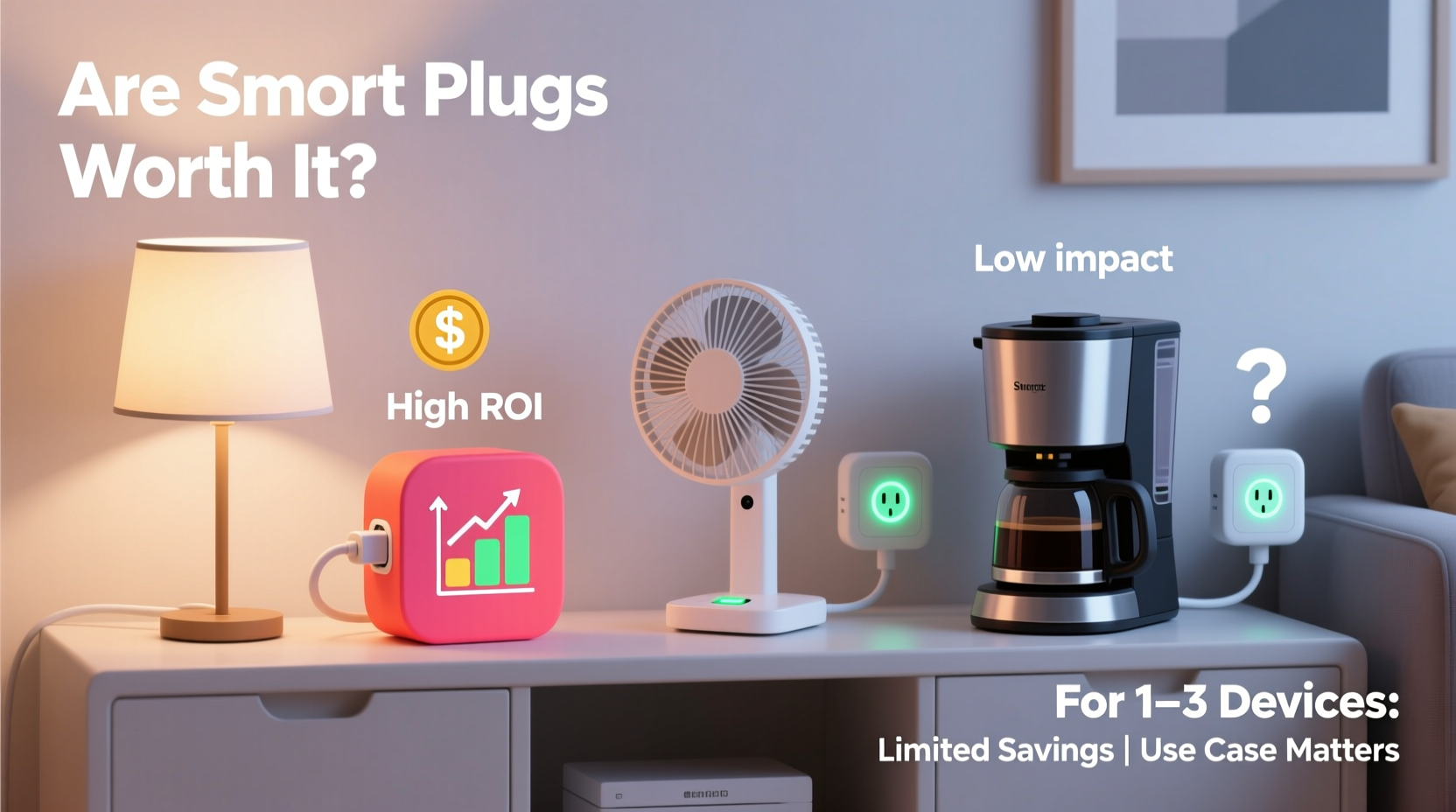
A smart plug is a small device that fits between a wall outlet and any standard appliance. Once connected, it allows you to control that appliance remotely via a smartphone app, voice assistant (like Alexa or Google Assistant), or through automation routines. Most models support scheduling, remote on/off commands, and energy monitoring — features that go far beyond simple convenience.
For example, you can turn off a forgotten coffee maker from your office, schedule a space heater to warm up your bedroom before you wake up, or cut power to a lamp during a thunderstorm without leaving your couch. These actions may seem minor individually, but over time, they add up in terms of efficiency, safety, and comfort.
Unlike full-scale smart home systems, smart plugs require no rewiring, professional installation, or compatibility checks with existing infrastructure. They’re plug-and-play — literally. This makes them ideal entry points into home automation, especially for people who only want to upgrade a few key devices.
Cost vs. Value: Is the Investment Justified?
One of the biggest concerns when considering smart plugs with only a few devices is cost. A single reliable smart plug typically ranges from $15 to $30. If you're only targeting two devices, that’s a $30–$60 upfront investment. Is that justified?
To assess value, consider both tangible and intangible returns:
- Energy savings: Some smart plugs track energy usage. By identifying \"energy vampires\" — devices that draw power even when off — you can eliminate unnecessary consumption. Over a year, cutting phantom loads on two devices could save $20–$50 depending on local electricity rates.
- Safety improvements: Remotely turning off a forgotten iron or space heater prevents fire risks. That alone may justify the cost for cautious homeowners.
- Convenience: The ability to control devices from bed, while commuting, or during vacations adds measurable quality-of-life improvements.
- Future-proofing: Installing one or two smart plugs builds familiarity with automation. When you’re ready to expand, you’ll already understand setup, app navigation, and integration basics.
From this perspective, even a modest two-plug setup delivers more than novelty. It offers functional upgrades with measurable payoffs.
Real-World Use Cases: When Few Devices Make a Big Difference
Not all devices benefit equally from being \"smart.\" The real value lies in choosing the right ones. Here are three realistic scenarios where just one or two smart plugs create meaningful impact.
Case Study: The Forgetful Homeowner
Mark, a 38-year-old accountant, often works late and travels for business. He once left his living room space heater running for 14 hours after forgetting to turn it off. After that scare, he installed a single smart plug on the heater. Now, he uses geofencing (location-based automation) so the heater turns off automatically when his phone leaves a 5-mile radius around his house.
He also added a second smart plug to his porch light, scheduling it to turn on at dusk and off at 11 PM. Since then, his winter electric bill dropped by 12%, and he feels safer knowing he can't accidentally leave high-draw devices running unattended.
“Even one smart plug gave me control I didn’t know I needed. It’s not about having a ‘smart home’ — it’s about eliminating stress.” — Mark R., homeowner and early smart tech adopter
Case Study: The Parent Managing a Nursery
Jessica, a new mother, wanted better control over her baby’s sleep environment. She used a smart plug on a white noise machine and a nightlight. With voice commands, she can now turn both devices on or off without entering the nursery and disturbing her sleeping child.
She also set up a routine: every night at 7 PM, the nightlight dims and the white noise starts. In the morning, both shut off at 7 AM. These small automations saved her hundreds of trips across the house and helped establish consistent sleep cues for her infant.
In both examples, only two devices were upgraded — yet the outcomes were significant. The key wasn’t scale; it was strategic selection.
Choosing the Right Devices to Plug In
Not every appliance benefits from smart control. To get the most out of a limited number of smart plugs, focus on devices that meet one or more of these criteria:
- High energy consumption — such as space heaters, older refrigerators, or aquarium pumps.
- Frequently forgotten — like lamps, irons, or coffee makers.
- Used on a schedule — think humidifiers, fans, or holiday lights.
- Enhance safety or comfort — air purifiers, sump pumps, or essential oil diffusers.
- Used remotely — devices you’d want to turn on before arriving home (e.g., a crockpot or electric blanket).
Avoid plugging in devices with built-in timers or digital displays, as sudden power cuts from a smart plug can reset clocks or damage sensitive electronics. Also, avoid high-wattage appliances like air conditioners or microwaves unless the smart plug explicitly supports their load.
| Device Type | Good for Smart Plug? | Why or Why Not |
|---|---|---|
| Lamp | ✅ Yes | Easy to automate lighting schedules or control via voice. |
| Coffee Maker | ✅ Yes | Start brewing before you wake up; prevent overflow by turning off remotely. |
| Space Heater | ✅ Yes (with caution) | Great for scheduling, but ensure plug supports wattage and includes safety cutoffs. |
| Refrigerator | ❌ No | Power interruptions spoil food and strain compressor. |
| TV/Entertainment System | ⚠️ Limited | Can turn off completely (saving standby power), but may require rebooting. |
| Fan | ✅ Yes | Ideal for seasonal automation — e.g., turn on when temperature exceeds 75°F. |
Step-by-Step Guide: Getting Started with One or Two Smart Plugs
If you're convinced but unsure how to begin, follow this practical timeline to deploy your first smart plugs effectively.
- Week 1: Identify target devices
Walk through your home and list appliances that are either forgotten, manually controlled, or used on a regular schedule. Narrow it down to one or two top candidates. - Week 2: Purchase compatible smart plugs
Choose models that work with your preferred ecosystem (Alexa, Google Home, Apple HomeKit). Look for features like energy monitoring, scheduling, and surge protection. Recommended brands include TP-Link Kasa, Wemo, and Eve (for Apple users). - Day of Setup: Install and connect
Plug the smart plug into the outlet, then plug in your device. Follow the app instructions to connect via Wi-Fi. Test remote control from your phone. - Day 2: Create automations
Set up at least one schedule (e.g., “Turn off lamp at 11 PM”) and one voice command (“Hey Google, turn on the fan”). - Week 3: Monitor and adjust
Check energy reports (if available), observe usage patterns, and refine timing. Consider adding geofencing if you frequently forget devices when leaving home.
Common Misconceptions About Smart Plugs
Several myths deter people from trying smart plugs, especially when starting small:
- Myth: They’re only useful in large smart homes.
Reality: Their standalone functionality is powerful. You don’t need other smart devices to benefit. - Myth: They increase electricity bills.
Reality: While they draw minimal standby power (~0.5W), the energy they help you save by cutting phantom loads far outweighs this. - Myth: They’re complicated to set up.
Reality: Most take under 10 minutes to install using a smartphone app. No technical skills required. - Myth: All smart plugs are the same.
Reality: Differences in app reliability, response speed, energy tracking, and voice assistant compatibility matter. Read reviews before buying.
FAQ: Common Questions About Using Smart Plugs Sparingly
Can I use smart plugs with just one device?
Absolutely. Many people start with a single plug on a bedside lamp or coffee maker. The value comes from solving specific problems, not quantity.
Do smart plugs work during a Wi-Fi outage?
No. Without internet, remote access and automation fail. However, the plug still functions as a manual outlet — you can turn the device on/off physically at the plug itself.
Are there privacy risks with smart plugs?
Like any internet-connected device, smart plugs collect data. Choose reputable brands with strong privacy policies, enable two-factor authentication, and keep firmware updated to minimize risk.
- ☐ Identify 1–2 high-impact devices to control
- ☐ Research and purchase compatible smart plugs
- ☐ Download the companion app and create an account
- ☐ Connect the plug to Wi-Fi and test remote control
- ☐ Set up at least one automation or schedule
- ☐ Test voice commands (if applicable)
- ☐ Monitor energy usage or behavior changes over 7 days
Conclusion: Small Steps, Lasting Benefits
Smart plugs don’t require a full smart home to be worthwhile. For people with just a few devices, the return on investment comes in the form of convenience, energy awareness, and enhanced safety. Whether you're managing a nursery, reducing fire hazards, or simply tired of walking back to turn off a lamp, even one smart plug can solve real problems.
The beauty of smart plugs lies in their scalability. Starting small lowers the barrier to entry and lets you experience the benefits firsthand. From there, expansion feels natural — not forced. And if you discover you don’t want more, you’ve still gained control over something that mattered.
Technology should serve life, not complicate it. In that spirit, a single smart plug isn’t a gadget — it’s a tool. And tools, no matter how small, earn their place by making daily tasks easier, safer, or more efficient.




 浙公网安备
33010002000092号
浙公网安备
33010002000092号 浙B2-20120091-4
Comments
No comments yet. Why don't you start the discussion?