
In an era where nearly everything is going smart — from thermostats to toothbrushes — smart plugs have quietly entered homes as one of the most accessible entry points into home automation. They promise convenience, energy savings, and remote control over ordinary appliances. But with growing skepticism about the necessity of connected gadgets, many consumers are asking: are smart plugs truly useful, or are they just another piece of tech clutter collecting dust behind your coffee maker?
The answer isn't a simple yes or no. Like any technology, the value of a smart plug depends on how you use it. For some, they’re indispensable tools for efficiency and peace of mind. For others, they offer little beyond novelty. To cut through the noise, let’s examine their real-world applications, limitations, cost-benefit dynamics, and long-term reliability.
How Smart Plugs Work: The Basics
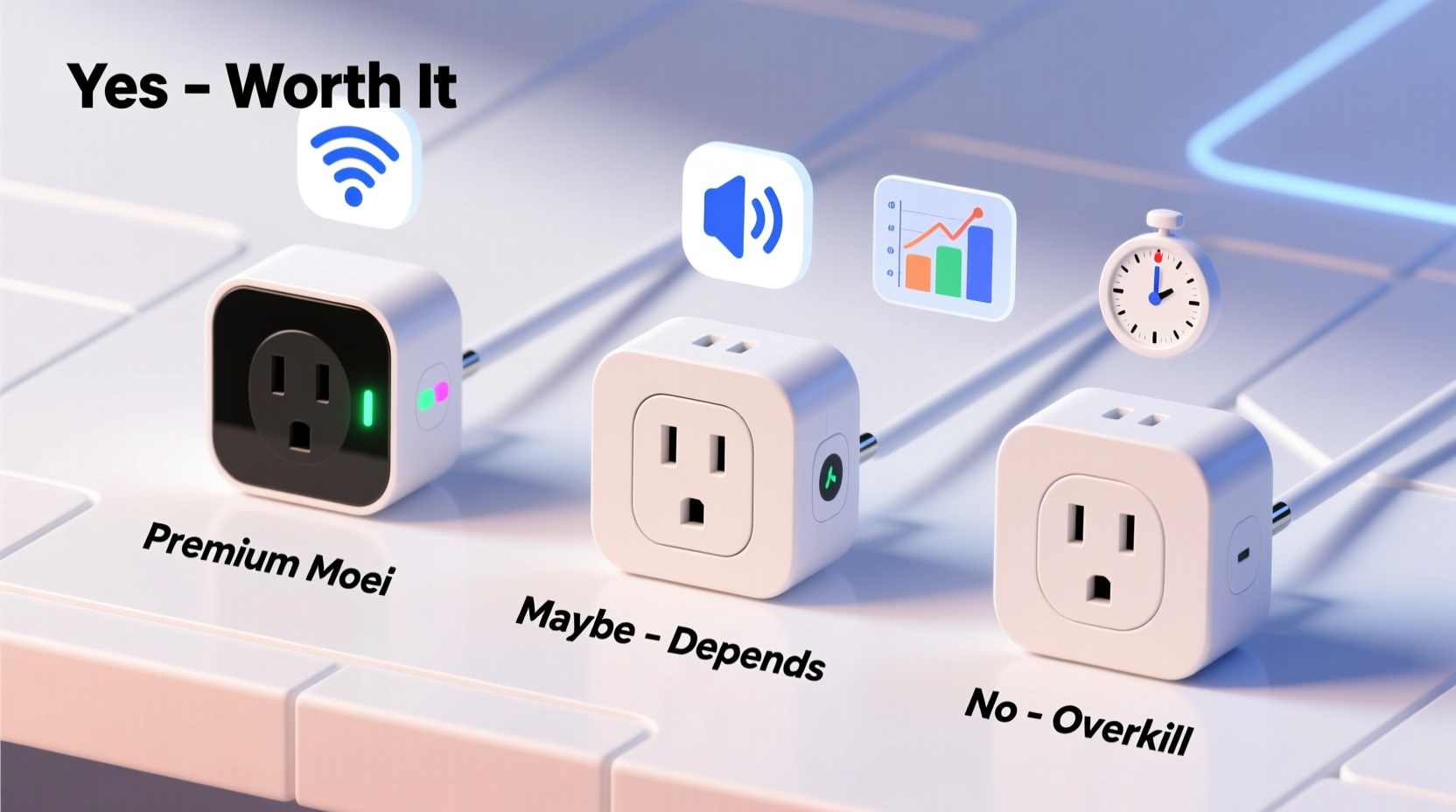
A smart plug is a small device that fits between a wall outlet and an appliance. Once connected, it allows you to control power to that appliance remotely via a smartphone app, voice assistant (like Alexa or Google Assistant), or automated routines. Most models connect to your home Wi-Fi network, enabling control from anywhere with internet access.
Basic functions include:
- Turning devices on/off remotely
- Scheduling power cycles (e.g., turning lights on at sunset)
- Monitoring energy usage (on more advanced models)
- Integration with smart home ecosystems for automation
Some smart plugs even support voice commands — “Alexa, turn off the fan” — making them ideal for users seeking hands-free control without replacing existing appliances.
Real-World Benefits: When Smart Plugs Add Value
Smart plugs shine in specific scenarios where automation, timing, or remote access enhances safety, comfort, or efficiency. Here are several practical applications where they deliver measurable benefits:
Energy Management and Cost Savings
Many households waste electricity by leaving devices plugged in and drawing standby power — also known as \"vampire load.\" According to the U.S. Department of Energy, these phantom loads can account for up to 10% of residential electricity use.
Smart plugs help combat this by allowing precise scheduling. For example:
- Turn off entertainment systems after bedtime
- Cut power to office equipment during weekends
- Limit operation time of aquariums or dehumidifiers
Advanced models with energy monitoring provide detailed reports on kilowatt-hour consumption, helping identify inefficient devices.
Security and Peace of Mind
Using smart plugs to control lamps or radios on random schedules can simulate occupancy while traveling — a proven deterrent against break-ins. Unlike traditional timers, smart plugs can be adjusted remotely if travel plans change unexpectedly.
“We’ve seen a noticeable drop in attempted break-ins among clients who use randomized lighting patterns via smart plugs.” — Mark Delaney, Home Security Consultant at SafeHaven Systems
Accessibility and Convenience
For individuals with mobility challenges or chronic pain, voice-activated control over lamps, fans, or electric blankets offers meaningful independence. A person recovering from surgery, for instance, might appreciate turning on a bedside lamp without reaching for a switch.
Similarly, parents can preheat bottle warmers or activate humidifiers from bed using voice commands — small conveniences that add up over time.
When Smart Plugs Fall Short
Despite their appeal, smart plugs aren’t universally beneficial. Several factors limit their usefulness or make them feel like unnecessary gadgets:
Dependence on Internet and Ecosystem Stability
If your Wi-Fi goes down, so does remote access to your smart plug. While local control may still work via Bluetooth on some models, full functionality requires stable connectivity. Frequent outages or weak signals render smart plugs unreliable.
Additionally, reliance on proprietary apps creates risk. If a manufacturer discontinues support (as Belkin did with early Wemo firmware updates), devices may become obsolete.
Limited Use Case for Always-On Devices
Appliances that need constant power — refrigerators, modems, medical equipment — gain little from being on a smart plug. Cutting power accidentally could lead to food spoilage or service interruption. In such cases, automation adds risk without benefit.
Overkill for Simple Tasks
Using a $25 smart plug to control a $10 desk lamp on a nightly schedule may not justify the investment. Traditional mechanical timers or built-in appliance features often accomplish the same goal more reliably and cheaply.
Cost-Benefit Analysis: Are They Worth the Investment?
To assess whether smart plugs are worth buying, consider both upfront and long-term factors. The table below compares typical costs and potential returns:
| Factor | Typical Range | Assessment |
|---|---|---|
| Unit Price | $15–$35 per plug | Higher for energy-monitoring or outdoor-rated models |
| Energy Savings | $5–$15/year per plug | Varies by device and usage; best with high-standby-load electronics |
| Lifespan | 3–7 years | Dependent on brand quality and electrical load |
| Maintenance | Firmware updates, app access | Ongoing effort required; risk of obsolescence |
| Convenience Value | Subjective | High for accessibility users, moderate for general consumers |
Based on this data, breakeven on energy savings alone may take 3–6 years — assuming optimal usage. However, non-financial benefits like security, automation, and lifestyle improvements often tip the scale in favor of adoption.
Mini Case Study: The Remote Worker’s Office Setup
Sarah, a freelance graphic designer in Portland, uses three smart plugs in her home office:
- One for her monitor and speakers — set to turn off at midnight
- One for her space heater — activated via voice command each morning
- One for a salt lamp — scheduled to turn on at dusk
She estimates saving about $20 annually on electricity and values the automatic shutdown feature, which prevents overnight energy drain. More importantly, she appreciates the ability to preheat her office before waking up, especially during winter months.
“It’s not about the money,” Sarah says. “It’s about creating a seamless workflow. I don’t have to remember anything — the system handles routine tasks for me.”
For Sarah, the smart plugs paid for themselves in reduced mental load and improved daily rhythm — intangible but significant gains.
Choosing the Right Smart Plug: A Buyer’s Checklist
Not all smart plugs are created equal. Before purchasing, ask yourself the following questions:
- ✅ Does my router support 2.4 GHz Wi-Fi? (Most smart plugs don’t work on 5 GHz networks)
- ✅ Do I already use a voice assistant? (Choose Alexa/Google/Apple-compatible models accordingly)
- ✅ Will I use energy monitoring? (Look for models like TP-Link Kasa KP125 or Eve Energy)
- ✅ Is the device outdoors or in a garage? (Select weather-resistant models rated for external use)
- ✅ Am I concerned about privacy? (Check if data is encrypted and stored locally vs. in the cloud)
- ✅ Does the brand have a history of long-term software support?
Also, consider multi-plug strips for setups requiring multiple controlled outlets, such as entertainment centers or home offices.
Step-by-Step Guide to Getting Started
If you're ready to try smart plugs, follow this practical setup process:
- Inventory Devices: List appliances you want to control — lamps, fans, coffee makers, etc.
- Check Power Requirements: Ensure wattage doesn’t exceed plug limits (typically 15A / 1800W).
- Select Compatible Models: Match with your ecosystem (e.g., Apple HomeKit, Amazon Alexa).
- Install & Connect: Plug in the smart plug, download the app, and follow pairing instructions via Wi-Fi.
- Test Manually: Turn the device on/off through the app to confirm connection.
- Create Schedules or Automations: Set rules like “Turn on porch light at sunset” or “Shut down PC peripherals at 11 PM.”
- Add Voice Control: Link to Alexa or Google Assistant for hands-free operation.
- Monitor Usage: Review energy reports weekly to adjust habits and maximize savings.
This process typically takes under an hour and scales easily across multiple rooms.
Frequently Asked Questions
Can smart plugs damage my appliances?
No, smart plugs simply act as switches. As long as they’re within the appliance’s power rating, they pose no risk. However, frequent on/off cycling may reduce lifespan for motors or compressors (e.g., fridges), so avoid using smart plugs with such devices.
Do smart plugs work without Wi-Fi?
Basic power control may work locally via Bluetooth on certain models (like some Philips Hue or Eve plugs), but full remote access, scheduling, and voice commands require a stable Wi-Fi connection.
Are smart plugs secure?
Reputable brands use encryption and regular firmware updates to protect against hacking. Avoid unknown brands with poor reviews, and ensure your home network uses strong passwords and WPA3 encryption.
Final Verdict: Practical Tool or Gimmick?
Smart plugs are neither universally essential nor entirely frivolous. Their worth hinges on thoughtful application. For users seeking greater control over energy use, enhanced home security, or increased accessibility, they offer tangible advantages. When integrated into a broader smart home strategy, they become quiet enablers of efficiency and comfort.
However, treating them as magic solutions for every outlet leads to disappointment. They won’t transform your life overnight, nor should they replace well-designed manual habits. Used selectively — on devices with intermittent use, high standby consumption, or location-based convenience needs — they deliver real value.
The key is intentionality. Buy them not because they’re trendy, but because they solve a specific problem in your daily routine. Whether it’s ensuring your iron is off while on vacation or automating your morning coffee lamp, the best smart home tech works invisibly, reducing friction rather than adding complexity.




 浙公网安备
33010002000092号
浙公网安备
33010002000092号 浙B2-20120091-4
Comments
No comments yet. Why don't you start the discussion?