
Smart glasses have evolved from futuristic novelties into practical tools for navigation, communication, and hands-free computing. As manufacturers refine the design, one key debate persists: Are touch controls truly superior to traditional physical buttons? While sleek, minimalist designs favor touch-sensitive frames, real-world usage reveals trade-offs in responsiveness, accessibility, and environmental resilience. Drawing from user testimonials, product testing, and ergonomic research, this article examines the strengths and weaknesses of both input methods — and what actual users are saying about their daily experiences.
The Rise of Touch Controls in Wearable Design
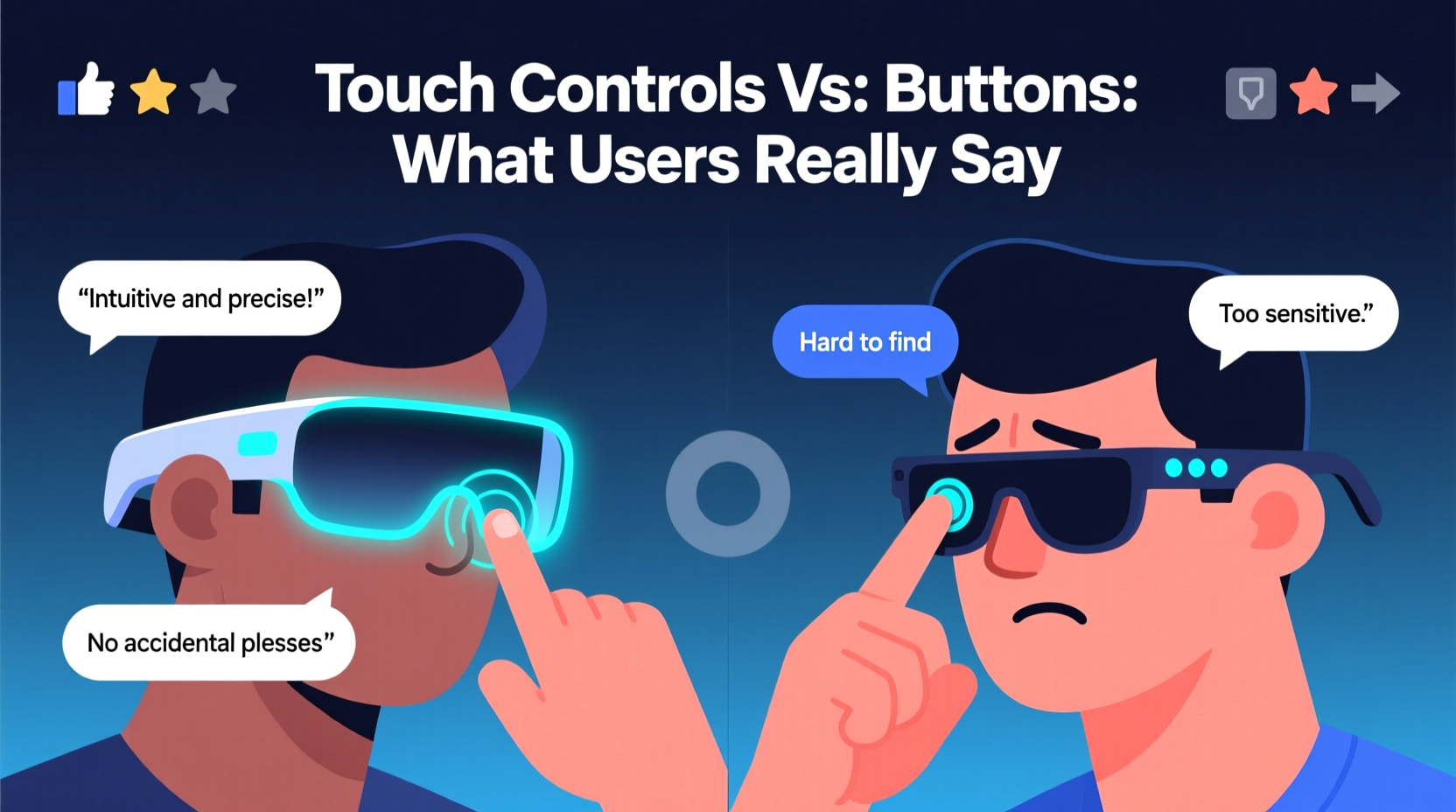
Touch interfaces have become standard across smartphones, watches, and now smart glasses. Companies like Ray-Ban (Meta), XREAL, and Viture emphasize seamless integration, embedding capacitive touch zones along the temples or near the hinges. These allow users to swipe, tap, or hold to adjust volume, skip tracks, answer calls, or activate voice assistants.
The appeal is clear: fewer moving parts mean less risk of mechanical failure and a cleaner aesthetic. Without protruding buttons, glasses maintain a lightweight profile and resist dust and moisture ingress. For designers, touch controls offer flexibility — gestures can be reprogrammed via software updates, enabling new functions without hardware changes.
Yet, despite these advantages, widespread user feedback suggests that convenience doesn’t always translate to reliability.
User Experiences: What People Are Actually Saying
Online forums, Reddit threads, and verified customer reviews reveal a consistent pattern: while touch controls impress at first, long-term satisfaction varies significantly based on environment and use case.
In a 2023 survey of over 1,200 smart glass owners conducted by Wearable Tech Digest, 58% reported accidental inputs when adjusting their glasses. Nearly half said they struggled with responsiveness while wearing gloves or in cold weather. One user commented: “I love the look of the touch strip, but I end up tapping five times just to pause music — especially if my fingers are damp.”
Conversely, those using smart glasses for outdoor activities praised the lack of buttons. A cyclist from Colorado noted: “No buttons means no snagging on helmet straps or winter scarves. The swipe gesture works fine once you get used to it — just not in the rain.”
Meanwhile, users relying on accessibility features expressed frustration. Those with limited dexterity found precise swiping difficult. “I have mild arthritis,” shared a reviewer on Amazon. “The touch panel requires too much finesse. I’d trade the sleek design for a simple click any day.”
Physical Buttons: Underrated But Reliable
Despite being labeled “old-school,” physical buttons remain prevalent in enterprise-grade smart glasses like those from Google Glass Enterprise Edition 2 and Microsoft HoloLens. Their persistence speaks to functional superiority in high-stakes environments.
Buttons provide tactile feedback, reducing reliance on visual confirmation. In loud settings — construction sites, airports, or busy streets — users can operate devices without looking. They’re also more reliable in extreme conditions: wet hands, gloves, or rapid temperature shifts don’t hinder button presses like they do capacitive sensors.
“Tactile input is non-negotiable in industrial applications. Workers need certainty with every command. Touch panels introduce ambiguity that buttons eliminate.” — Dr. Lena Torres, Human-Computer Interaction Researcher at MIT Media Lab
Moreover, physical buttons typically consume less power. Unlike always-on touch circuits, mechanical switches only draw energy when pressed, contributing to longer battery life — a critical factor in all-day wearable use.
Comparative Analysis: Touch vs. Buttons
| Feature | Touch Controls | Physical Buttons |
|---|---|---|
| Responsiveness | Fast in ideal conditions; degrades with moisture, gloves, or dirt | Consistent regardless of environment |
| Durability | High — no moving parts, sealed design | Moderate — potential for wear, but field-repairable |
| Accessibility | Poor for users with motor impairments | Excellent — clear tactile feedback |
| Aesthetic Integration | Superior — enables slimmer, modern designs | Limited — may disrupt frame symmetry |
| Power Consumption | Moderate to high (constant sensor monitoring) | Low (only active during press) |
| Customizability | High — supports multi-gesture programming | Low to moderate — usually fixed function per button |
Real-World Case: Field Technician Using Smart Glasses
Carlos Mendez, a field service technician for a telecommunications company in Texas, uses smart glasses daily to access schematics, receive remote assistance, and log work orders. His employer recently upgraded from button-operated Epson Moverio devices to a newer model with touch controls.
“At first, it felt futuristic,” Carlos said. “But within a week, I was frustrated. When I’m climbing a tower or working under a truck, I can’t afford misinputs. I wear work gloves most of the time, so the touch panel is useless. And even when I take them off, grease or sweat messes up the sensitivity.”
After three months, his team petitioned for a return to button-based models. Management agreed, citing reduced error rates and faster task completion. “We realized innovation shouldn’t sacrifice reliability,” he added.
Best Practices for Choosing the Right Control Method
There’s no universal answer — the best input method depends on how and where you use your smart glasses. Consider these factors before deciding:
- Environment: Outdoor, wet, or dusty conditions favor physical buttons.
- Usage Frequency: Frequent interactions benefit from customizable touch gestures.
- Accessibility Needs: Users with limited hand mobility should prioritize tactile feedback.
- Style vs. Function: Fashion-focused models lean toward touch; productivity tools often retain buttons.
- Evaluate your typical setting — urban commuting, industrial work, or casual use?
- Test the device with gloves or in simulated conditions (e.g., after washing hands).
- Check if firmware allows remapping of gestures or button functions.
- Read user reviews specifically mentioning input reliability, not just battery or display.
- Consider hybrid models that offer both touch and voice or button options.
Frequently Asked Questions
Can I disable touch controls if I prefer buttons?
Most smart glasses do not allow complete disabling of touch sensors, though some let you reduce sensitivity or reassign gestures. True button-only operation isn’t possible unless the device has physical buttons as a secondary option.
Do touch controls drain the battery faster?
Yes. Capacitive touch systems require continuous power to detect input, which can reduce overall battery life by 10–15% compared to devices using only mechanical switches.
Are there smart glasses with both touch and buttons?
Yes. Some premium models, like the Viture One and certain enterprise AR headsets, combine a touchpad with one or two physical buttons for critical functions like power or emergency stop. This hybrid approach offers flexibility without sacrificing reliability.
Tips for Maximizing Input Efficiency
- Use voice commands in tandem with touch or buttons to reduce finger fatigue.
- Enable haptic feedback if available — subtle vibrations confirm input registration.
- Store glasses in a protective case to avoid accidental touches in bags or pockets.
- Update firmware regularly; manufacturers often improve touch algorithms over time.
Final Thoughts: Balancing Innovation With Usability
The push toward touch controls reflects broader trends in consumer electronics: minimalism, seamless integration, and software-driven adaptability. However, user feedback consistently highlights that functionality often trumps form. While touch interfaces offer elegance and versatility, they fall short in real-world robustness and accessibility.
Manufacturers would do well to adopt a hybrid philosophy — preserving physical buttons for essential functions while using touch for secondary, customizable actions. As smart glasses move beyond early adopters into mainstream and professional use, reliability must remain paramount.




 浙公网安备
33010002000092号
浙公网安备
33010002000092号 浙B2-20120091-4
Comments
No comments yet. Why don't you start the discussion?