
Setting up a home recording studio can be exciting — and overwhelming. One of the first decisions beginners face is whether to invest in an audio interface or a mixer. Both are central to capturing sound, but they serve different purposes and suit different workflows. For someone just starting out, the choice isn’t always obvious. The good news? You don’t need both. The better news? Understanding the difference can save you time, money, and frustration.
The core question isn’t just about hardware — it’s about your goals. Are you recording vocals and instruments one at a time into a computer? Or do you plan to capture multiple musicians simultaneously while managing levels manually? Your answer shapes everything from budget to learning curve. Let’s clarify what each device does, when you need one over the other, and how to make the smartest move as a beginner.
Understanding the Basics: What Is an Audio Interface?
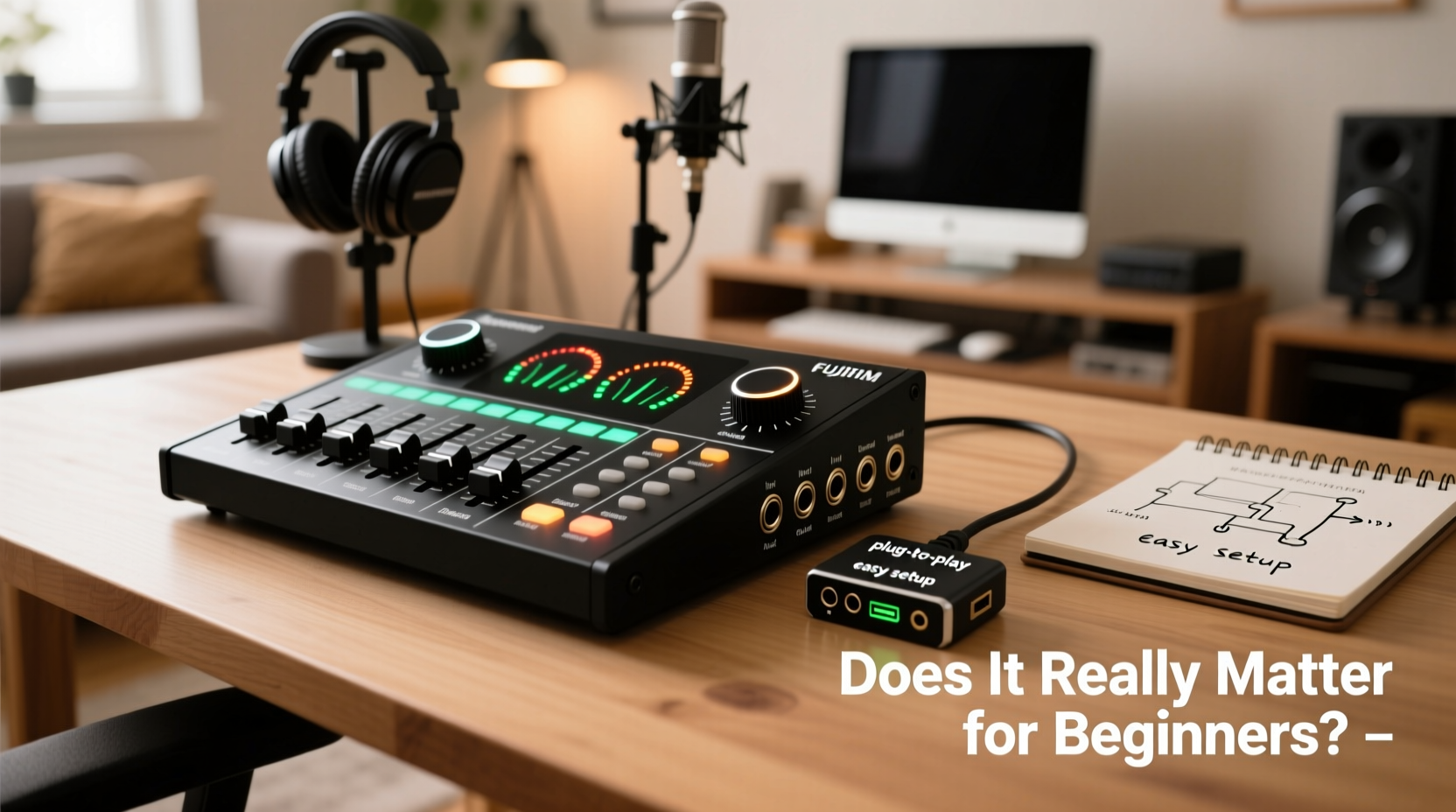
An audio interface acts as a bridge between your analog sound sources (like microphones, guitars, or keyboards) and your computer. It converts analog signals into digital data that your recording software (DAW) can process. Most interfaces include preamps, gain controls, input/output ports (XLR, 1/4\"), headphone jacks, and sometimes MIDI connectivity.
For solo creators — podcasters, singer-songwriters, voiceover artists — an audio interface is usually the best starting point. It’s plug-and-play simple: connect your mic, plug into your laptop, open your DAW, and start recording. Many models under $200 offer high-quality preamps and low-latency performance suitable for professional-sounding results.
What About Mixers? When Do They Make Sense?
A mixer combines multiple audio signals, allows real-time level adjustments, and often includes onboard effects and routing options. Traditional mixers output a final stereo mix, which can then be sent to a recorder or computer. Some modern “digital mixers” double as audio interfaces, blurring the line between the two.
Mixers shine in live situations or when recording bands in a room. If you’re tracking drums, bass, and vocals all at once and want hands-on control over each channel during take, a mixer offers immediate tactile feedback. However, for most beginners working alone, this level of control is overkill — and adds complexity.
As producer and educator Mark Edward, who teaches home studio fundamentals at Berklee Online, explains:
“Beginners often think more knobs mean more control, but in reality, it means more decisions before they even press record. An audio interface keeps the signal path clean and focused.” — Mark Edward, Music Production Instructor
Key Differences: Audio Interface vs. Mixer
| Feature | Audio Interface | Mixer |
|---|---|---|
| Purpose | Digital conversion for computer recording | Combine and balance multiple audio sources |
| Best For | Solo recording, voiceovers, podcasting | Live sound, group sessions, analog workflow |
| Latency | Low (with direct monitoring) | Higher (unless using USB/DAW integration) |
| Learning Curve | Minimal | Moderate to steep |
| DAW Integration | Direct and seamless | Limited unless digital-enabled |
| Cost Efficiency | High for basic needs | Can be wasteful for single users |
The table shows that while mixers offer versatility, they come with trade-offs in simplicity and directness — two qualities essential for beginners building confidence.
Real-World Example: Sarah’s Home Studio Journey
Sarah, a college student and aspiring podcaster, wanted to record interviews and narration from her bedroom. She initially considered a 12-channel mixer because she saw one in a YouTube video. After researching, she realized the mixer would require extra cables, power supplies, and external recording gear just to get started.
Instead, she bought a Focusrite Scarlett Solo — a compact audio interface with one XLR input — for under $120. She connected her dynamic microphone, installed free DAW software, and recorded her first episode within an hour. As her needs grew, she upgraded to a 2-input model to bring on co-hosts. By starting simple, Sarah avoided confusion and built skills progressively.
Her experience reflects a common pattern: beginners benefit more from focused tools than multifunctional ones.
Step-by-Step: Choosing Your First Setup
Follow this decision path to determine what’s right for your situation:
- Define your primary use: Will you record vocals, acoustic guitar, podcasts, or full band sessions?
- Assess how many inputs you need: One mic? Two? More? Most beginners only need 1–2 channels.
- Determine your workflow: Do you prefer adjusting levels in software (DAW), or do you want physical faders during recording?
- Check your computer compatibility: USB-C or USB-A? Do you have enough ports?
- Set a realistic budget: Spend between $100–$250 on an interface; mixers in this range often sacrifice quality for features.
- Buy and test: Start with the simplest solution that meets your current needs.
This approach prevents overspending on unused capabilities and keeps your focus on creating, not configuring.
Checklist: What to Look for in a Beginner-Friendly Audio Interface
- At least one XLR input with phantom power (for condenser mics)
- Direct monitoring switch (to hear yourself without delay)
- Low latency drivers (ASIO or Core Audio compatible)
- Built-in preamp quality (read user reviews)
- Compatibility with your DAW (GarageBand, Reaper, Audacity, etc.)
- Compact size and bus-powered design (no extra power adapter)
Frequently Asked Questions
Can I use a mixer as an audio interface?
Yes, but only if it has USB audio interface functionality. Many modern digital mixers (like the Behringer XR18 or Zoom LiveTrak L-12) can send multitrack or stereo audio directly to a computer. Analog-only mixers require a separate interface to digitize the signal, adding cost and potential quality loss.
Do I need a mixer if I’m using an audio interface?
Not unless you’re recording multiple live sources and want analog blending before hitting the computer. In most cases, mixing inside your DAW is more flexible, reversible, and precise. Software mixing gives you unlimited undo options — something hardware doesn’t offer.
Is an audio interface necessary for home recording?
If you’re using a microphone or instrument that requires line-level conversion, yes. While some USB mics bypass the need for an interface, they limit expandability. A dedicated interface future-proofs your setup and typically offers superior sound quality.
Final Thoughts: Simplicity Wins for Beginners
The truth is, most beginners don’t need a mixer. What they need is a reliable way to get clear audio into their computer with minimal hassle. An audio interface delivers exactly that. It’s purpose-built for modern digital workflows, integrates seamlessly with free and paid software, and scales naturally as your skills grow.
Mixers have their place — especially in collaborative environments or hybrid setups — but they introduce complexity that can slow down early progress. Starting with an audio interface lets you master the fundamentals: mic technique, gain staging, and editing — without drowning in cables and settings.
Technology should serve creativity, not complicate it. By choosing the right tool for your stage, you reduce friction and increase the chances of sticking with your project long enough to see real improvement.




 浙公网安备
33010002000092号
浙公网安备
33010002000092号 浙B2-20120091-4
Comments
No comments yet. Why don't you start the discussion?