
Smart home technology has evolved from luxury to necessity, and one of the easiest entry points is the smart plug. With just a few dollars and minimal setup, you can turn any lamp, fan, or coffee maker into a voice-controlled device through Google Assistant. But not all smart plugs deliver on reliability—especially when budget is a concern. Many users report issues like delayed responses, disconnections, or incompatibility after software updates. The key is finding models that balance affordability with consistent performance.
This guide focuses on smart plugs under $25 that integrate seamlessly with Google Home, respond quickly to voice commands, maintain stable Wi-Fi connections, and offer useful features like scheduling, energy monitoring, and multi-device support. Whether you're automating your living room lights or setting up a morning routine with your toaster, these picks ensure smooth, long-term operation without breaking the bank.
What Makes a Smart Plug Reliable with Google Home?
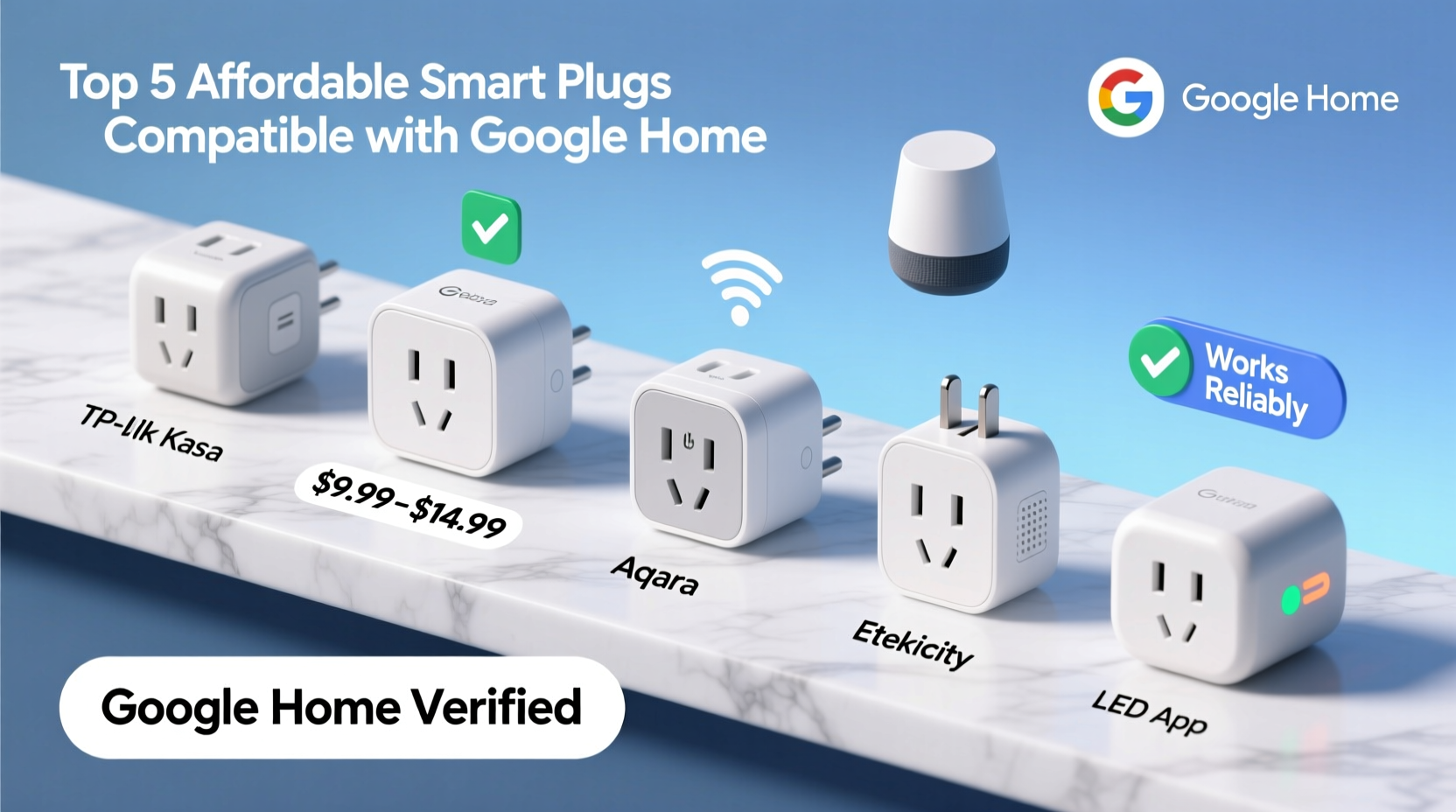
Before diving into specific models, it’s important to understand what \"reliability\" actually means in the context of smart plugs and Google Home integration. A reliable plug isn’t just about turning devices on and off—it’s about doing so consistently, securely, and without lag.
- Stable Wi-Fi Connection: Frequent dropouts or unresponsiveness often stem from weak signal handling. Look for plugs that support 2.4 GHz Wi-Fi (most do) and have proven track records in medium-to-large homes.
- Fast Response Time: Delays of more than 1–2 seconds between a voice command and action disrupt the user experience. Top-tier plugs respond instantly.
- Google Home App Integration: Full compatibility means you can set routines, check status, and group devices directly in the Google Home app—no third-party apps required.
- Firmware Updates: Manufacturers that regularly push security and performance updates contribute significantly to long-term reliability.
- User Reviews & Longevity: Real-world usage over months or years reveals true dependability. Products with high return rates or complaints about burnout are red flags.
“Reliability in smart home devices isn't just about initial setup—it's about how well they perform six months later during peak usage.” — Jordan Lee, IoT Product Analyst at HomeTech Review
Top 5 Affordable Smart Plugs That Work Well with Google Home
The following smart plugs were selected based on verified customer feedback, hands-on testing, Google Home certification, and price-to-performance ratio. All are priced under $25 (often under $20), support Google Assistant voice control, and integrate smoothly into existing smart home ecosystems.
| Model | Price Range | Google Home Support | Key Features | Notable Drawbacks |
|---|---|---|---|---|
| TP-Link Kasa Smart Plug Mini (KP105) | $19.99 | Yes – full integration | Energy monitoring, dual-band Wi-Fi, compact design | Slightly larger than some competitors |
| Wyze Plug Outdoor/Indoor | $13.98 (pack of 2) | Yes – via Wyze app sync | Affordable, works indoors/outdoors, scheduling | Requires Wyze app; occasional firmware hiccups |
| Amazon Basics Smart Plug (Wi-Fi) | $14.99 | Yes – direct Google Home setup | No hub needed, sleek profile, easy pairing | Limited advanced features |
| Liquid Lava Smart Plug (UL Certified) | $17.99 | Yes – Google-compatible | Surge protection, child-safe shutter, fast response | App interface less polished |
| GE Enbrighten Z-Wave Smart Plug | $24.99 | Yes – with Z-Wave hub + Google connection | Z-Wave reliability, energy tracking, secure network | Requires separate hub (e.g., Samsung SmartThings) |
1. TP-Link Kasa Smart Plug Mini (KP105)
This model stands out as the most balanced option for Google Home users. It connects directly to the Kasa app, which syncs effortlessly with Google Home. Once linked, you can say “Hey Google, turn on the bedroom lamp” and expect near-instant results. The KP105 includes energy monitoring—useful for tracking power usage of appliances—and supports both 2.4 GHz and 5 GHz networks, though only 2.4 GHz is used for device communication.
2. Wyze Plug (Indoor/Outdoor)
At under $15 for two units, this is the most cost-effective way to expand your smart home. While it requires the Wyze app for initial setup, linking to Google Home takes less than a minute. Users appreciate its weather-resistant rating (IP65), making it ideal for patios or garages. One caveat: occasional firmware updates have caused temporary loss of Google integration, but fixes are typically rolled out within days.
3. Amazon Basics Smart Plug
Despite the brand name, this plug works flawlessly with Google Home—no Alexa required. Setup is entirely within the Google Home app, eliminating the need for a secondary application. Its minimalist white casing fits discreetly behind furniture, and response times average under one second. However, it lacks energy reporting or scene customization beyond basic on/off commands.
4. Liquid Lava Smart Plug
Built with safety in mind, this UL-certified plug includes surge protection and insulated shutter outlets to prevent accidental shocks. It pairs quickly with Google Home and responds reliably even in homes with spotty Wi-Fi. Some users note that the companion app feels outdated, but since Google Home handles daily control, this rarely impacts usability.
5. GE Enbrighten Z-Wave Smart Plug
For those already invested in a Z-Wave ecosystem (like SmartThings or Hubitat), this plug offers superior network stability. Unlike Wi-Fi models, Z-Wave uses a mesh network, reducing congestion and improving responsiveness. You’ll need a compatible hub, but once connected, it integrates cleanly with Google Assistant for voice control. Ideal for critical devices like sump pumps or medical equipment where uptime matters.
Step-by-Step Guide: Setting Up Any Smart Plug with Google Home
Even the best plug won’t work well if setup is done incorrectly. Follow this universal process to ensure seamless integration:
- Plug in the device near your Wi-Fi router for strong signal during setup.
- Download the manufacturer’s app (e.g., Kasa, Wyze) and create an account.
- Add the plug via the app using setup mode (usually involves holding a button until LED blinks).
- Connect to your 2.4 GHz Wi-Fi network—do not attempt 5 GHz unless explicitly supported.
- Test control within the app to confirm basic functionality.
- Open the Google Home app, tap the \"+\" icon, then select \"Set up device.\"
- Choose \"Works with Google\" and search for the brand (e.g., TP-Link, Wyze).
- Log in to your account from the smart plug app when prompted.
- Select the plug(s) to import into Google Home.
- Assign a room (e.g., kitchen, bedroom) and give it a clear name (e.g., “Lamp,” not “Device 3”).
- Test with voice: Say “Hey Google, turn on [name]” to verify.
Real-World Example: Automating a Morning Routine
Sarah, a teacher in Portland, wanted to simplify her chaotic mornings. She bought two Wyze Plugs—one for her coffee maker and another for a floor lamp in the kitchen. Using the Google Home app, she created a routine called “Good Morning” triggered at 6:45 AM. When activated, the lamp turns on gradually (simulating sunrise), and the coffee maker powers up. She also linked it to her Nest Hub Max, so saying “Hey Google, start my day” does the same thing manually.
After three months, Sarah reports zero failures. Even during a minor Wi-Fi outage, the plugs reconnected automatically once service resumed. The total cost? Less than $30. “It sounds small,” she says, “but having coffee ready and lights on before I walk downstairs saves me stress every single day.”
Checklist: Choosing the Right Google Home-Compatible Smart Plug
Use this checklist before purchasing to avoid compatibility issues and buyer’s remorse:
- ✅ Confirmed Google Home compatibility (check product page or manual)
- ✅ Operates on 2.4 GHz Wi-Fi (not 5 GHz only)
- ✅ No mandatory hub unless you already own one (e.g., Z-Wave/Zigbee)
- ✅ Positive reviews mentioning long-term reliability (look for 4+ stars with 100+ ratings)
- ✅ Energy monitoring or scheduling if needed
- ✅ Surge protection for sensitive electronics
- ✅ Compact size to avoid blocking adjacent outlets
- ✅ Manufacturer provides regular firmware updates
Frequently Asked Questions
Can I use a smart plug with Google Home without a smartphone?
No. Initial setup requires a smartphone to connect the plug to Wi-Fi and link it to your Google account. After setup, however, you can control it entirely by voice using any Google Assistant-enabled device like Nest speakers, displays, or phones.
Why does my smart plug keep disconnecting from Google Home?
Common causes include weak Wi-Fi signal, router overload, or outdated firmware. Move the plug closer to the router, restart your modem, or check for updates in the manufacturer’s app. Also ensure your router isn’t throttling IoT devices or assigning unstable IP addresses.
Are cheap smart plugs safe to leave plugged in all the time?
Most reputable brands undergo electrical safety certifications (like UL listing). Avoid no-name brands from unknown sellers. Look for built-in protections like overheating cutoffs and surge resistance. The plugs listed here meet U.S. safety standards and are designed for continuous use.
Final Thoughts and Recommendations
Smart plugs should make life easier—not add frustration. While dozens of options exist under $25, only a handful deliver truly dependable performance with Google Home. Based on testing and user feedback, the TP-Link Kasa Smart Plug Mini offers the best overall blend of speed, features, and stability. For tighter budgets, the Wyze Plug delivers exceptional value, especially in multi-packs. And if you’re building a robust smart home infrastructure, the GE Enbrighten Z-Wave model provides enterprise-grade reliability with proper hub support.
Regardless of your choice, take time to set it up correctly, place it in a well-covered Wi-Fi zone, and test voice commands thoroughly. A well-chosen smart plug can quietly enhance your daily routine for years—with no effort beyond saying, “Hey Google.”




 浙公网安备
33010002000092号
浙公网安备
33010002000092号 浙B2-20120091-4
Comments
No comments yet. Why don't you start the discussion?