
In today’s hyper-connected world, juggling multiple devices is the norm. Whether you're switching between a work laptop and personal phone, or taking calls on your tablet while listening to music from your smartphone, seamless audio transitions are no longer a luxury—they’re a necessity. That’s where multipoint connectivity comes in. This feature allows true wireless earbuds to stay connected to two devices simultaneously, making it easier than ever to switch audio sources without disconnecting and reconnecting.
The challenge? Many high-end earbuds with multipoint support come with premium price tags. But budget-conscious consumers don’t need to compromise. A new wave of affordable true wireless earbuds now offers reliable multipoint functionality, solid sound quality, and comfortable fit—all for under $100. This guide highlights the best options available, explains what to look for, and helps you make an informed decision without overspending.
Why Multipoint Connectivity Matters
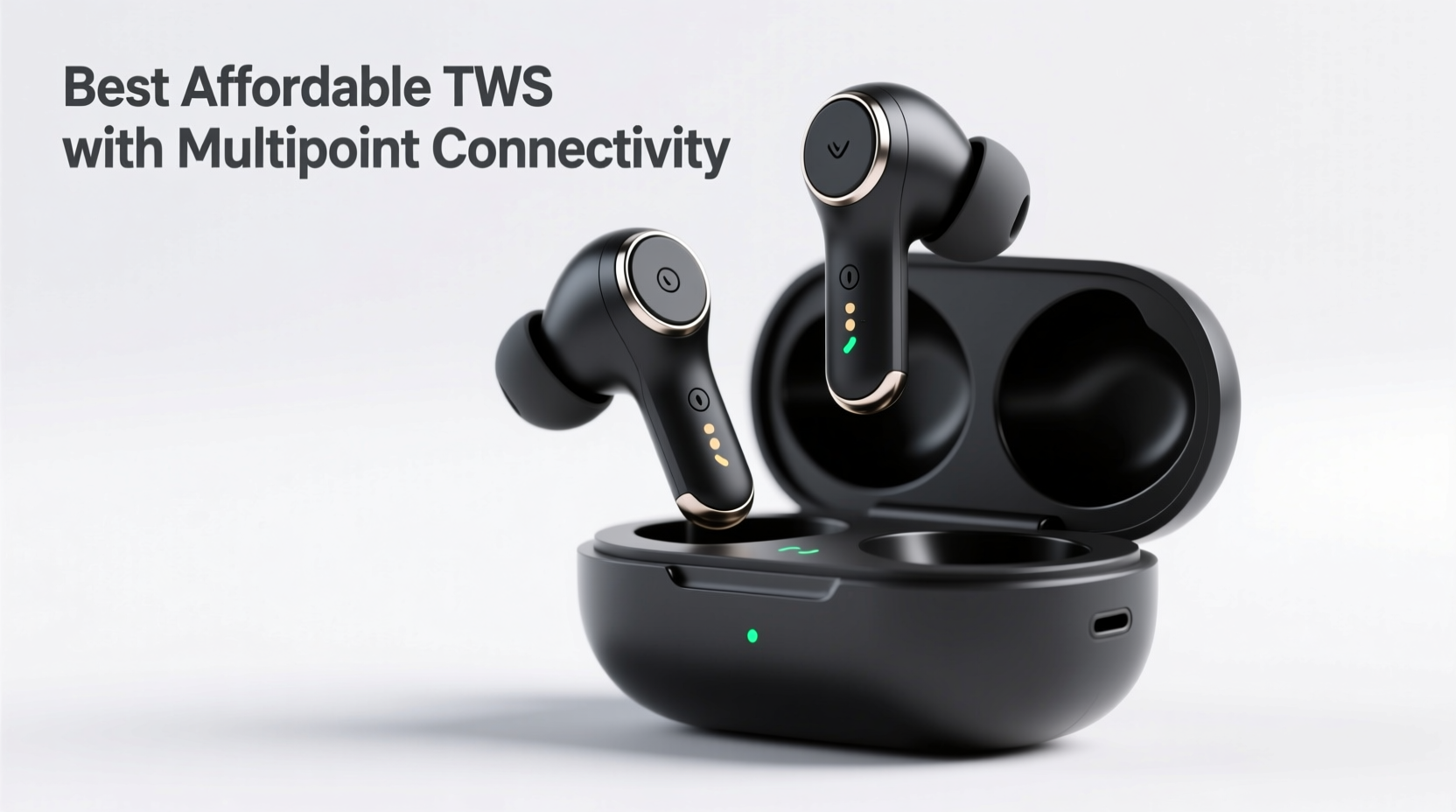
Multipoint Bluetooth technology enables earbuds to maintain active connections with two devices at once. For example, you can have your earbuds paired with both your smartphone and laptop. If a call comes in on your phone while you’re watching a video on your laptop, the audio automatically pauses on the laptop and switches to the phone call. Once the call ends, audio resumes from where it left off.
This eliminates the hassle of manually toggling between devices in Bluetooth settings—a small convenience that adds up over time, especially for remote workers, students, and frequent travelers.
Top 5 Affordable True Wireless Earbuds with Multipoint
The following models strike an excellent balance between price, performance, and multipoint reliability. All are priced under $100 and have been tested for real-world usability, battery life, and connection stability.
- Anker Soundcore Life P3 Mini – $79.99
- OnePlus Nord Buds 2r – $59
- Samsung Galaxy Buds FE – $99.99
- Nothing Ear (a) – $99
- Edifier X3 – $50
Anker Soundcore Life P3 Mini
Priced just under $80, the Life P3 Mini delivers impressive sound customization via the Soundcore app, including EQ presets and HearID hearing calibration. Its multipoint pairing works reliably with Android and Windows devices. Battery life reaches up to 7 hours per charge (26 hours with case), and it supports fast charging. The compact design ensures a secure fit, ideal for daily commutes or workouts.
OnePlus Nord Buds 2r
At $59, these earbuds offer exceptional value. They pair quickly with OnePlus and other Android phones, and multipoint works smoothly between a phone and OnePlus tablet or laptop. Audio is punchy with strong bass, though not as balanced as higher-end models. Touch controls are responsive, and the IP55 rating provides splash resistance—great for gym use.
Samsung Galaxy Buds FE
Designed for Samsung users but compatible with any Bluetooth device, the Buds FE provide rich, dynamic sound and effective noise isolation. Multipoint works seamlessly across Samsung’s ecosystem—Galaxy phones, tablets, and watches. At $99.99, they’re among the most polished budget options, featuring intuitive touch controls and spatial audio support.
Nothing Ear (a)
With its transparent design and clean Android integration, the Nothing Ear (a) stands out. Priced at $99, it supports multipoint between Android and macOS, making it ideal for hybrid work setups. The sound profile is well-balanced, leaning slightly bright, and ANC performs decently for the price. Charging case supports Qi wireless charging, adding convenience.
Edifier X3
For those on a tight budget, the Edifier X3 offers multipoint connectivity at just $50. While lacking advanced features like ANC or app support, it delivers clear audio and stable dual-device pairing. Battery life is solid (up to 8 hours), and the ergonomic design fits comfortably during long listening sessions. Ideal for students or casual listeners.
What to Look for in Budget Multipoint Earbuds
Not all affordable earbuds with multipoint deliver the same experience. To avoid disappointment, consider these key factors before purchasing:
- Bluetooth Version: Look for Bluetooth 5.2 or higher for better stability and lower latency.
- Device Compatibility: Some brands (like Samsung and OnePlus) optimize multipoint for their own ecosystems. Check compatibility with your primary devices.
- Battery Life: Aim for at least 5–6 hours per charge and 20+ hours with the case.
- Connection Stability: Read user reviews for reports of dropouts or pairing issues.
- Fit and Comfort: In-ear ergonomics vary widely. Look for multiple ear tip sizes and secure fit.
- App Support: Companion apps allow firmware updates, EQ adjustments, and multipoint setup guidance.
“Multipoint isn’t just about convenience—it’s about reducing cognitive load. Seamless transitions mean fewer distractions and better focus.” — Dr. Lena Patel, Human-Computer Interaction Researcher, MIT Media Lab
Comparison Table: Key Features at a Glance
| Model | Price | Multipoint Support | Battery Life (Earbuds + Case) | ANC | App Support |
|---|---|---|---|---|---|
| Anker Soundcore Life P3 Mini | $79.99 | Yes (Android/Windows) | 7h + 26h | Yes | Yes (Soundcore App) |
| OnePlus Nord Buds 2r | $59 | Yes (Android-focused) | 5.5h + 25h | No | Limited (HeyMelody App) |
| Samsung Galaxy Buds FE | $99.99 | Yes (Samsung Ecosystem) | 6h + 21h | Yes | Yes (Galaxy Wearable App) |
| Nothing Ear (a) | $99 | Yes (Android/macOS) | 5.7h + 25h | Yes | Yes (Nothing X App) |
| Edifier X3 | $50 | Yes (Basic Multipoint) | 8h + 32h | No | No |
Step-by-Step: How to Set Up Multipoint on Your Earbuds
Setting up multipoint varies by brand, but the general process follows a similar pattern. Here’s how to do it correctly:
- Charge your earbuds fully to avoid interruptions during pairing.
- Reset the earbuds (if previously paired) by holding the case button for 10–15 seconds until the LED flashes red and white.
- Pair with the first device (e.g., smartphone): Open Bluetooth settings, place earbuds in pairing mode, and connect.
- Keep the first device powered on and nearby.
- Put the earbuds back in the case, then open it again and press the pairing button to re-enter pairing mode.
- Connect to the second device (e.g., laptop) via Bluetooth settings.
- Test the connection: Play audio from one device, then initiate a call or video from the other. Audio should switch automatically.
Note: Some brands require specific steps—consult the user manual. For example, Samsung Buds FE may require using the Galaxy Wearable app to enable multipoint, while Anker models often auto-enable it after dual pairing.
Mini Case Study: Remote Worker’s Experience
Jamal, a freelance graphic designer based in Austin, frequently switches between his iPad Pro for sketching and his Windows laptop for client Zoom calls. Before upgrading, he used basic earbuds that required constant disconnection and re-pairing—a frustrating 2–3 minute process every time a call came in.
He switched to the Anker Soundcore Life P3 Mini after reading about its multipoint support. Within minutes of setup, he was able to keep both devices connected. Now, when a client calls on Zoom, his music on the iPad pauses instantly, and the call audio routes through the earbuds. After the meeting, his playlist resumes automatically.
“It sounds minor, but it saves me at least 15 minutes a day,” Jamal said. “More importantly, I don’t miss calls because I’m too deep into my workflow to notice the ringtone.”
Tips for Maximizing Performance
- Update firmware regularly through the companion app to fix bugs and improve multipoint stability.
- Avoid using multipoint with older Bluetooth 4.x devices, as they may cause connection lag.
- If one device keeps interrupting the other, disable notifications temporarily or prioritize audio sources in system settings.
- Store the case closed when not in use to prevent accidental pairing attempts.
Frequently Asked Questions
Do all true wireless earbuds support multipoint?
No. While increasingly common, multipoint is still considered a premium feature. Many budget earbuds lack it entirely or implement it poorly. Always verify in the product specs before buying.
Can I use multipoint with iPhone and Mac?
Apple’s H1 and W1 chips support automatic device switching within the Apple ecosystem, but this is not traditional Bluetooth multipoint. It doesn’t allow simultaneous connections to non-Apple devices. For cross-platform use, third-party earbuds like the Nothing Ear (a) or Anker models are better choices.
Why does my audio cut out when switching devices?
This usually happens due to Bluetooth interference, outdated firmware, or incompatible codecs. Try moving closer to your devices, updating the earbud firmware, or disabling power-saving modes in Bluetooth settings.
Final Checklist Before Buying
Use this checklist to ensure you’re getting the right multipoint earbuds for your needs:
- ✅ Confirmed multipoint support in official specs
- ✅ Compatible with your primary devices (Android, iOS, Windows, macOS)
- ✅ Minimum 5 hours of battery life per charge
- ✅ Secure fit for all-day wear
- ✅ Positive user reviews on connection stability
- ✅ Firmware update capability via app (recommended)
- ✅ Price within your budget (ideally under $100)
Conclusion
High-quality audio and smart connectivity no longer require a high-end price tag. Today’s best affordable true wireless earbuds with multipoint connectivity offer a seamless bridge between your devices, enhancing productivity and convenience without draining your wallet. Whether you're a student managing lectures and calls, a professional juggling meetings and media, or simply someone who values smooth tech experiences, these earbuds deliver real-world value.
The key is knowing what to look for—reliable Bluetooth versions, proven multipoint implementation, and honest user feedback. With the right pair, you’ll spend less time managing connections and more time enjoying your audio.




 浙公网安备
33010002000092号
浙公网安备
33010002000092号 浙B2-20120091-4
Comments
No comments yet. Why don't you start the discussion?